
Lingogo
AtEase Technology Co., Ltd · Leaning · Business
Lingogo is an AI English tutor that helps working professionals practice business English and IELTS or TOEFL speaking through realistic workplace conversations with 3D avatars.
About Lingogo
What Is Lingogo
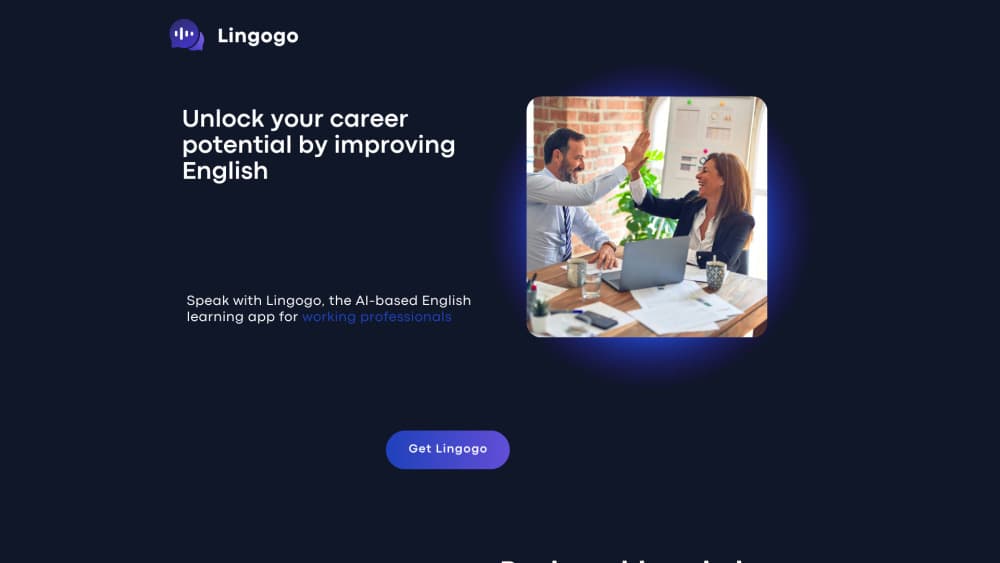
Lingogo is an AI English tutor built for working adults who read and write English fine but freeze up when they have to speak it. The business English app drops you into workplace situations such as job interviews, project meetings, client pitches and presentations, then has a 3D avatar talk with you in real time. When you stumble or reach for a clumsy phrase, the tutor suggests a more natural one, so practice feels closer to a conversation than to a textbook drill.
The training loop follows three steps the company calls learning, memorizing and practicing. You talk, you get instant feedback on wording and grammar, and after each session the app builds a personal word list from the sentences you actually used, so review stays tied to your own mistakes. There are more than twenty business scenarios, plus exam simulations for IELTS, TOEFL and TOEIC speaking sections.
The obvious limits are scope and depth. Lingogo leans on English only, so anyone wanting a second language will need something else, and the tool is best at speaking and listening rather than reading and writing skills. The app itself is new and the company says it is still fixing rough edges, so expect occasional glitches. You also need an internet connection and enough quiet to speak out loud, which rules out some commutes.
Getting Started
- Download Lingogo from the App Store and create an account with your email.
- Pick a goal, such as business English or exam prep, and choose a scenario that matches what you need.
- Start a conversation by voice call or keyboard, and let the avatar respond in real time.
- Read the feedback on your wording and pronunciation, then review the personal word list the app generates.
- Repeat scenes that gave you trouble until the phrases come out without thinking.
Product Information
A quick look at Lingogo's pricing, supported platforms, and performance.
Best for
The users, tasks, and scenarios where this tool fits best.
Users
- Non-native professionals who read and write English well but avoid speaking
- Job seekers preparing for English interviews
- Exam takers working on IELTS, TOEFL or TOEIC speaking
Tasks
- Rehearsing a work conversation
- Fixing recurring grammar and word-choice slips
- Warm-up speaking practice
Scenarios
- Preparing for an English job interview
- Getting ready for a client meeting or presentation
- Practicing on a commute or before bed
Key features
Real-world workplace scenarios
Lingogo covers more than twenty business settings, from interviews and project management to cross-department coordination and product presentations. Each scene mirrors a situation you would actually face at work, which makes the vocabulary worth memorizing. You can also pick exam simulations for IELTS, TOEFL and TOEIC when the goal is a test score rather than a meeting.
Conversations with 3D avatars
The tutor shows up as an animated 3D avatar with mouth movement and body language instead of a plain text box. That small touch makes a practice call feel more like talking to a person, which lowers the awkwardness of speaking alone. The avatar responds in real time, so the exchange keeps its rhythm.
Real-time feedback on your English
While you talk, Lingogo flags wording that sounds off and suggests a more native or professional way to say it. The English pronunciation feedback plus wording corrections cover both encouragement and fixes, so you learn which phrases already work and which need rephrasing. The aim is to correct habits as they happen, not weeks later.
Personalized vocabulary review
After each session the app turns your own dialogue into a review list of vocabulary, expressions and full sentences. Because the material comes from your mistakes, review feels relevant rather than generic. You can revisit it before the next session or ahead of an important meeting.
Flexible input and anytime practice
You can hold a voice call, type a reply on the keyboard or mix both, which suits different comfort levels and places. Sessions can run for two minutes or two hours. The company frames this as stress-free practice, since mistakes with an AI tutor carry no social cost.
Pros and cons
Pros
- Focuses on speaking and listening for real workplace situations, which is where many fluent readers actually struggle.
- Real-time feedback and a personal word list keep review tied to your own mistakes.
- Works with voice or keyboard, so you can practice in quiet and noisy settings alike.
- The animated avatar makes solo practice feel less like studying and more like a conversation, which sets this AI language learning app apart from plain flashcard tools.
Cons
- English only. Anyone hoping to learn a second language has to look elsewhere.
- No Android app, so the tool is limited to iPhone and iPad, which excludes a large share of users.
- The app is young and the company admits it may have flaws, so occasional bugs are likely.
- Speaking practice needs a moderately quiet place and a connection, so some commutes will not work.
Frequently asked questions
Lingogo is used to practice spoken English through AI-powered conversations. You rehearse workplace situations such as interviews and client calls, or prepare for the speaking sections of IELTS, TOEFL and TOEIC, and get feedback on your phrasing along the way.
Related content
Explore related tools, skills, and articles for Lingogo.
Lingogo Alternatives
Coddy
Coddy · Coding · LeaningCoddy is a gamified platform to learn to code through short interactive lessons in 20+ languages, with a browser editor, an AI tutor and free certificates.

Marv
Cameron (independent developer) · Coding · Productivity · LeaningMarv is an AI cursor companion for Windows and Mac. It sees your screen, answers out loud, and draws arrows and highlights that show you the next click.

Teachoo
iAsk AI · Leaning · ChatbotTeachoo is a free AI homework helper that walks students through math, science, writing and coding problems one step at a time, with photo input, hints and flashcards.