

Lip Sync AI
Lip Sync AI · Video
Lip Sync AI is a web-based AI lip sync generator that lines up mouth movements with any audio track you feed it. It handles up to six faces in one frame, works from awkward head angles, and supports dozens of languages, which makes it a practical pick for video translation, dubbing, and short-form content. The lip sync animation quality holds up in most talking-head clips. You upload a clip, pick your mode, and download the synced result without touching a timeline.
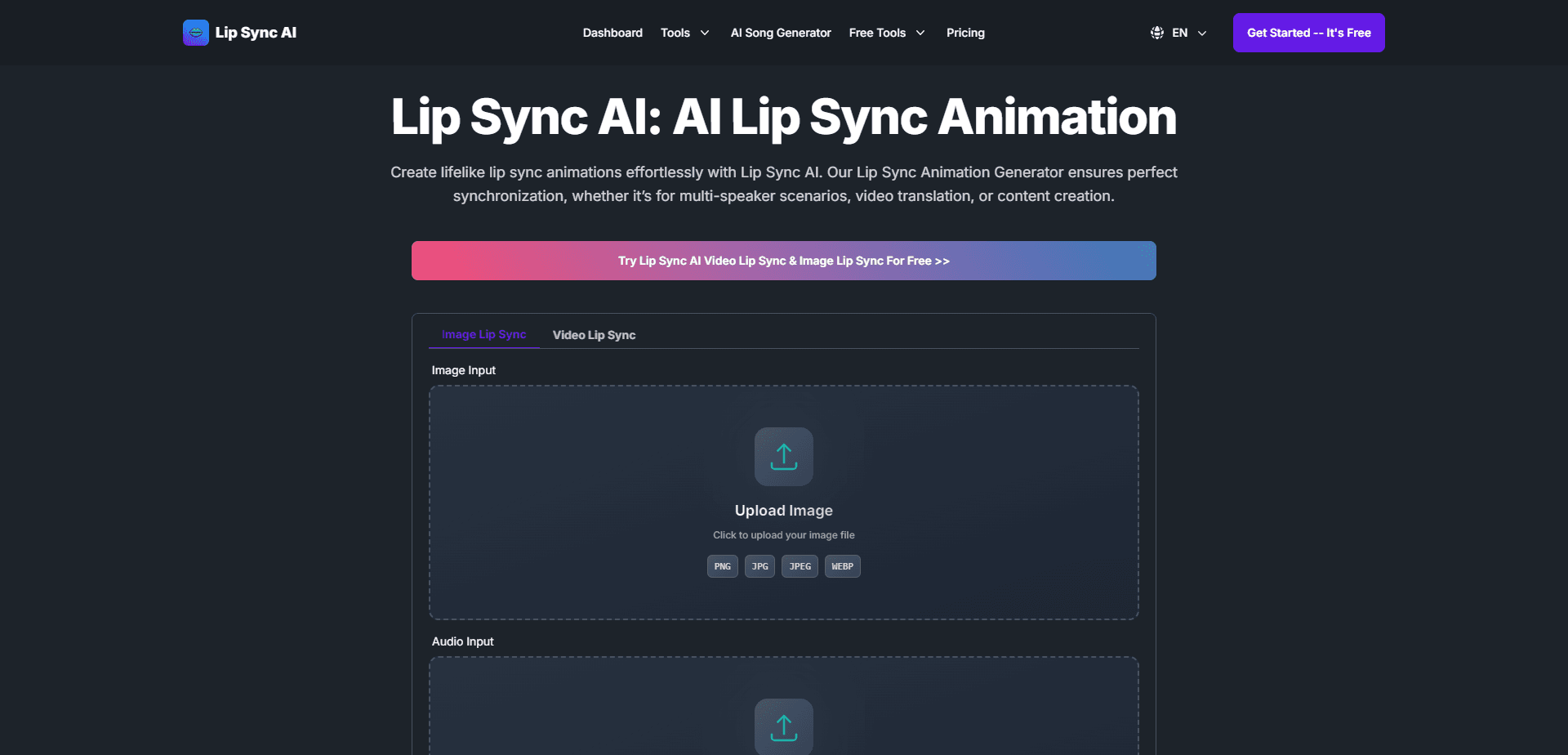
About Lip Sync AI
What Is Lip Sync AI
Lip Sync AI is an online tool that takes a video and an audio source, then redraws the speaker's mouth so the lips match the sound. No editing software. No green screen. No studio. Anyone translating a clip, dubbing an interview, or dressing up a song cover can get a believable result in a few minutes.
It's built around a browser workflow, so there's nothing to install. The trade-off is that heavy work happens on their servers, and the free tier keeps a tight leash on length and resolution, which means the version you can try for free won't look like the version you'd actually ship to a client. Long videos and 4K output sit behind paid plans.
The people who get the most out of it are creators working with talking-head footage and multiple speakers. If your source is a wide shot where faces are tiny, results get shakier, since the model needs a visible mouth to work from. Why does that matter? Because with a crowd shot, you're paying credits for a result you can't use.
Getting Started
- Open the site and sign in, then head to the generator.
- Upload a video file or paste a video link, and pick your audio source, either a fresh audio file or the clip's own track.
- Choose Standard Mode for speed or Precision Mode for tighter quality, and tell the tool how many faces it should sync.
- Preview the synced video, nudge the alignment if the lips drift, then download the finished file.
Product Information
A quick look at Lip Sync AI's pricing, supported platforms, and performance.
Best for
The users, tasks, and scenarios where this tool fits best.
Users
- Content creators
- Video translators and dubbing teams
- Educators and marketers
Tasks
- Video translation
- Multi-speaker dubbing
- Music and rap videos
Scenarios
- Localizing a product demo for several markets
- Reviving old interviews
- Quick social clips
Key features
Multi-Face Sync
Lip Sync AI can handle up to six faces in a single video, which covers panel discussions, group scenes, and mini-dramas. You can also select specific faces for syncing when you don't want every person touched. For anyone editing a conversation, that cuts out a lot of manual track work. It's the feature that separates this tool from simpler single-face options.
Angle and Expression Handling
The tool keeps lip sync accurate whether a face is frontal, in profile, or tilted, and it adjusts facial expressions alongside the mouth. It holds up under tough conditions too, like minimal mouth movement or a full beard. Simple tools often smear the result there. That gap is where the extra quality shows.
Multi-Language Support
Lip Sync AI syncs to any language or dialect, including English, Spanish, Mandarin, and Arabic. That flexibility matters for localization work, since you can dub the same clip into different markets without hunting for a language-specific tool. Music videos and rap, with their dense delivery, are handled as a supported case too.
Two Sync Modes
You pick between Standard Mode for fast turnaround and Precision Mode when quality matters more than speed. Having that dial means you can test an idea cheaply, then re-run the keeper at higher fidelity. It's a small feature. But it saves credits, and credits are the whole budget here.
Credit-Based Workflow
Every generation burns credits measured in frames, and each plan bundles a set allowance that resets on a monthly or yearly cycle depending on tier. If you only sync occasionally, the free 10-credit monthly pool is enough to try things. Heavy use needs a paid plan.
Cloud Storage and Private Generation
Paid plans keep your videos in cloud storage for a set window, and private generation keeps projects out of any shared space, which matters when the footage is client work you can't afford to leak. Storage ranges from 30 days on the free tier to unlimited on the top plans. For client work, that privacy switch is the difference between usable and not.
Pros and cons
Pros
- Handles up to six faces at once, which most single-face lip sync tools can't do.
- Works across many languages and dialects, so you don't need separate tools per market.
- Two modes let you balance speed against quality depending on the job.
- No install needed: the whole thing runs in a browser.
- Free tier with 10 monthly credits is enough to test the workflow before paying.
Cons
- The free tier caps video length at 10 seconds and resolution at 512x512, so real projects need a paid plan.
- Pricing runs from $15.99 to $119.99 a month, which is steep for casual users.
- Results get unreliable when faces are small or the source footage is low quality. Not ideal for wide crowd shots.
- The site doesn't publicly document an API, so you can't easily wire it into an automated pipeline yet.
Frequently asked questions
It takes a video and an audio track, then redraws the speaker's mouth so the lips match the sound. You use it to translate videos, dub interviews, or make someone look like they're singing a different track.
Related content
Explore related tools, skills, and articles for Lip Sync AI.
Lip Sync AI Alternatives

ngram 2.0
ngram · Video · Marketingngram 2.0 is an AI video generator for teams. It turns a prompt, a screen recording, or a product URL into a narrated explainer, product demo, or AI avatar video, and every scene stays editable.

OpenScreen 2
OpenScreen (open-source project) · Video · ProductivityOpenScreen 2 is a free, open-source screen recorder and demo video editor for Windows, macOS, and Linux, with automatic zooms, styled frames, local captions, and agent edits.

Skreno
Skreno · Video · ProductivitySkreno is a browser screen recorder that captures a tab, a window or your whole display, then attaches AI transcripts, summaries and console logs to one share link.