

Lip Sync AI
Lip Sync AI · Video
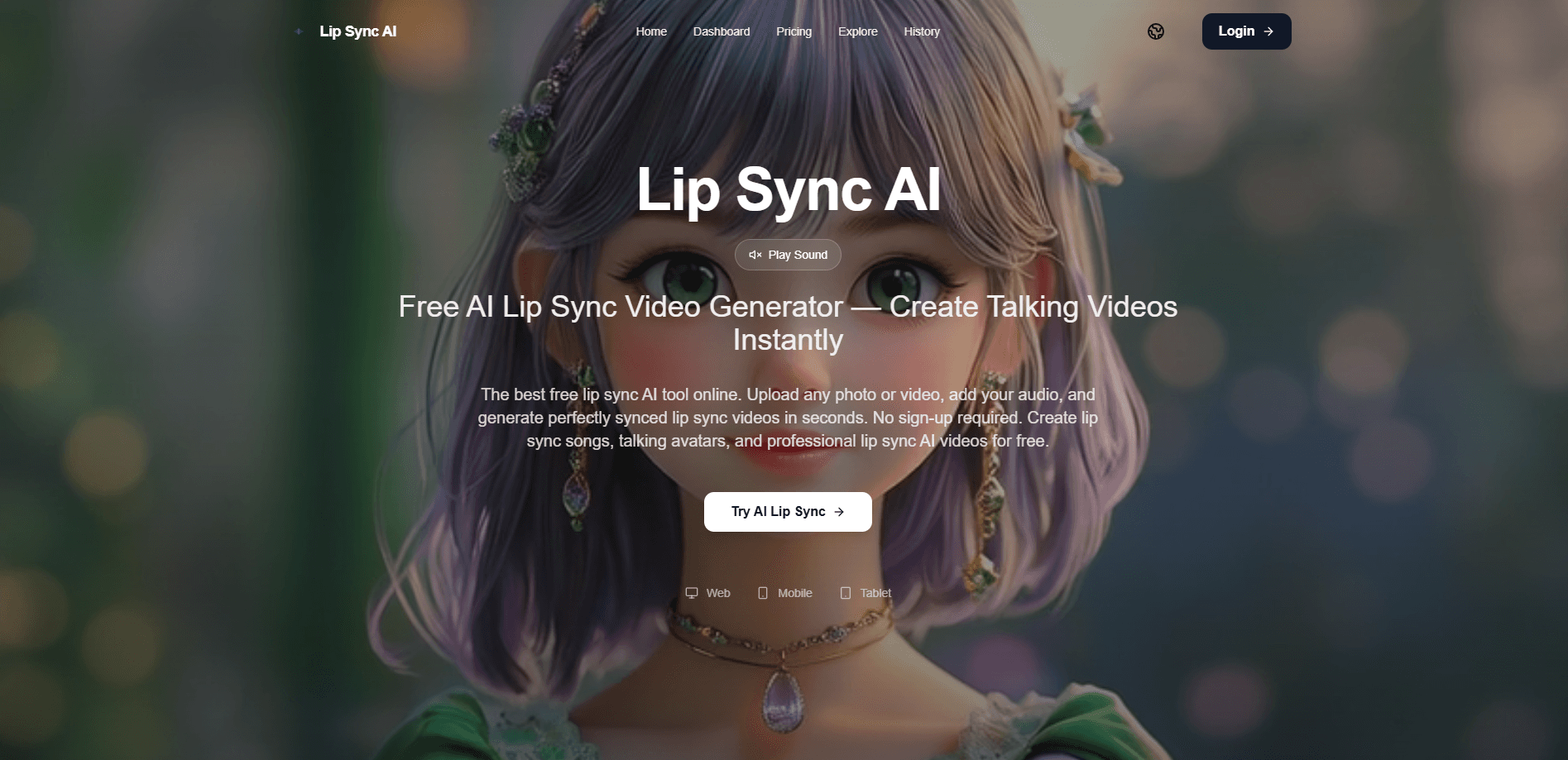
Lip Sync AI is a browser-based AI lip sync video generator that turns a still photo or an existing clip into a talking head video within seconds. You upload an image, drop in an audio track, and the tool maps mouth shapes to every sound so the face moves in step with the voice. It works in any language. No sign-up for your first run, and you get a handful of free credits to start. Call it a free lip sync AI tool you can test before you pay a cent.
About Lip Sync AI
What Is Lip Sync AI
Lip Sync AI is a web tool for anyone who needs a face to say something on camera without actually filming it. You give it a portrait or a video, add the audio you want spoken, and it produces a clip where the mouth matches the words. That covers a lot of ground: dubbing a clip into another language, building a talking avatar for a product demo, or turning a static photo of a character into a short performance.
The appeal is speed and access. Traditional lip sync work means frame-by-frame editing in professional software, and it can eat a whole afternoon. This tool pushes that job to a browser tab and finishes most clips in seconds. It also handles both photos and existing video, so you don't need any footage to get a result. A single clear portrait is enough. That's the photo to talking video trick in one step.
The limits matter too. Resolution tops out at 480p on the standard model, and the service runs on a credit system. Heavy users pay as they go. It's a web product with no dedicated desktop or mobile app, meaning you work from a browser on whatever device you have. There's no public API, so teams that want to wire generation into their own pipeline are out of luck for now.
Getting Started
- Open lipsyncai.co and land on the generator. No account is needed to try your first clip.
- Upload a clear photo (a front-facing portrait works best) or an existing video clip.
- Add the audio file you want the face to speak, then optionally type a short prompt to guide the result.
- Pick your resolution, hit generate, and wait a few seconds for the lip sync render.
- Review the result, download it, and create an account only if you want to keep history or buy more credits.
Product Information
A quick look at Lip Sync AI's pricing, supported platforms, and performance.
Best for
The users, tasks, and scenarios where this tool fits best.
Users
- Content creators
- Marketers and small teams
- Hobbyists and meme makers
Tasks
- Dubbing video into another language
- Making talking avatars
- Animating still photos
Scenarios
- Quick social clips
- Localization on a budget
- Prototyping a concept
Key features
Photo and Video Lip Sync
The tool accepts both a still image and an existing video as input, which sets it apart from generators locked to one format. Give it a portrait and it produces a talking head from scratch. Give it footage and it re-animates the mouth to match new audio. Either way you end up with a face that moves with the voice.
Multilingual Mouth Movement
Lip Sync AI re-animates the mouth for whatever language or accent is on the audio track. A clip shot in English can speak Portuguese or Korean with matching mouth shapes. Why does that matter? Dubbing usually means sourcing a new voice and matching frames by hand. This tool skips both. It's the feature that makes it useful for international content.
Fast Generation
Most clips finish in seconds rather than the hours you'd spend in traditional editing software. That speed changes how you work. You can test several audio takes on the same face and keep the best one. No guarding a single expensive render.
Character Consistency
The AI keeps the same facial identity across the whole clip, so the person in the output still looks like the person in the input. No drifting features. No sudden morphing between frames. For brand or character content, that stability is what makes the result usable.
Credit-Based Access
The service runs on credits. One clip costs a set number of credits, new users get a few for free, and paid tiers top you up. The model fits occasional users, since you pay for output rather than an idle monthly seat. Heavy creators on the Pro tier get 24,000 credits a year.
No Sign-Up to Start
Your first generation doesn't require an account, a credit card, or an email. New visitors get five free credits, enough to test a clip end to end before deciding whether the output is good enough for their workflow. Registration only becomes necessary when you want saved history or more credits.
Pros and cons
Pros
- Works from a browser on desktop, tablet, or mobile with nothing to install.
- Handles both photos and videos, so you can start without any footage.
- Renders most clips in seconds, which makes quick experimentation practical.
- Dubs across languages with matched mouth movements, useful for localization.
- Free credits and no sign-up let you judge output quality before paying.
Cons
- Output is capped at 480p on the standard model, so it won't fit high-resolution broadcast work.
- No public API means you can't automate generation inside your own tooling or pipeline.
- Web-only, with no dedicated desktop or mobile app for offline or app-based editing.
Frequently asked questions
It takes a photo or video plus an audio track and produces a video where the face's mouth moves in sync with the spoken audio. You can dub into other languages, build talking avatars, or animate a still portrait.
Related content
Explore related tools, skills, and articles for Lip Sync AI.
Lip Sync AI Alternatives

ngram 2.0
ngram · Video · Marketingngram 2.0 is an AI video generator for teams. It turns a prompt, a screen recording, or a product URL into a narrated explainer, product demo, or AI avatar video, and every scene stays editable.

OpenScreen 2
OpenScreen (open-source project) · Video · ProductivityOpenScreen 2 is a free, open-source screen recorder and demo video editor for Windows, macOS, and Linux, with automatic zooms, styled frames, local captions, and agent edits.

Skreno
Skreno · Video · ProductivitySkreno is a browser screen recorder that captures a tab, a window or your whole display, then attaches AI transcripts, summaries and console logs to one share link.