

Littlebird
Littlebird · Productivity · AI Assistant
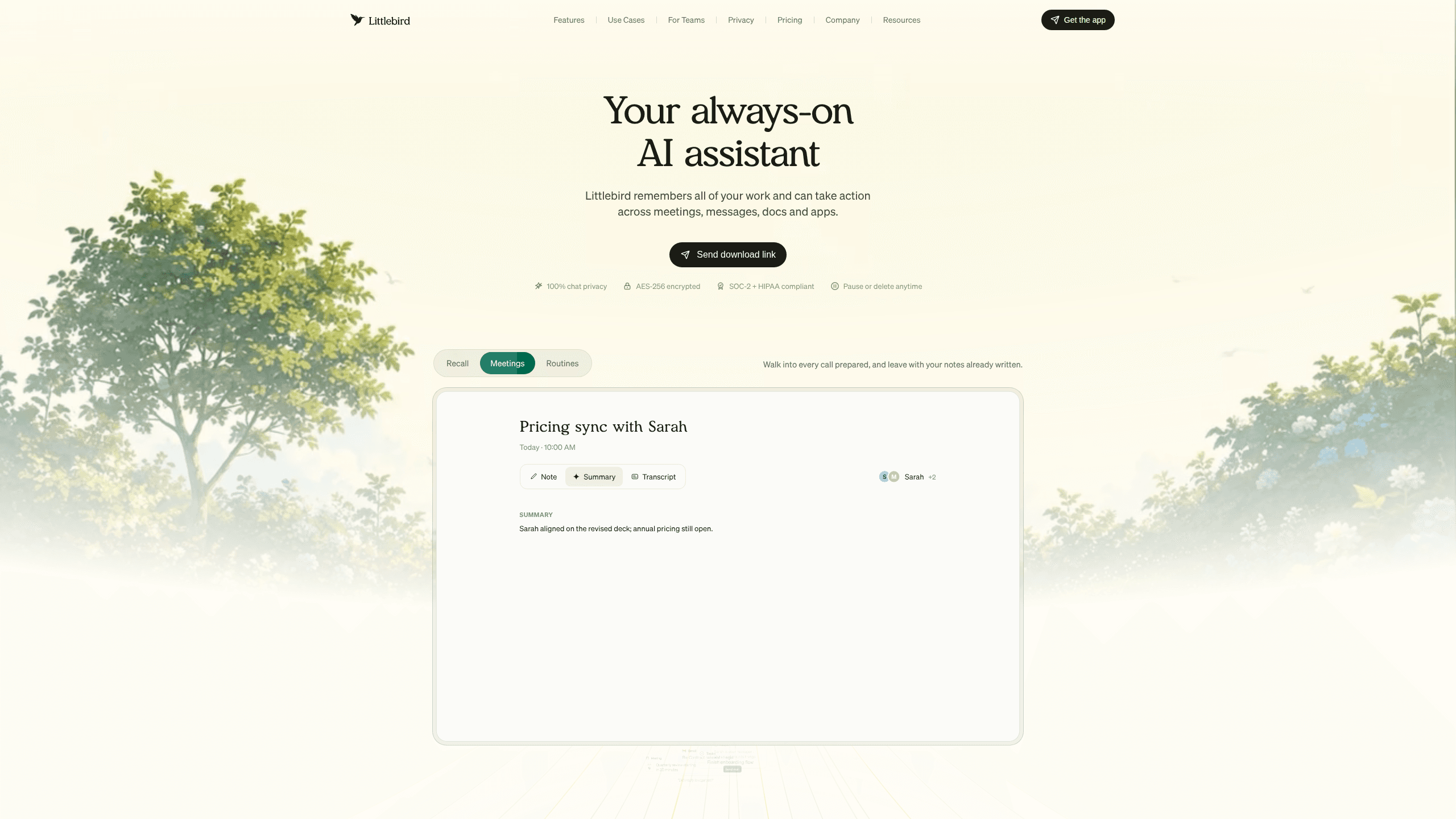
Littlebird is an AI assistant with memory of your work. It watches your screen, joins your meetings, and connects to the apps you already use, so it can recall any past detail and then act on it. Instead of you digging through old docs or trying to remember what a client said three weeks ago, you ask Littlebird and it answers with context. It runs on desktop and mobile, and it's built as an AI productivity tool for people who juggle a lot of information across many tools.
About Littlebird
What Is Littlebird
Littlebird is a personal AI assistant built around memory. Most chatbots forget everything the moment you close the tab. Littlebird does the opposite. It builds a running record of your work, from meetings to messages to documents, and keeps that context available whenever you need it.
The product solves a problem anyone with a busy calendar knows well: context lives scattered across a dozen apps, and your brain has to hold it together. Littlebird pulls that context into one place and lets you ask questions in plain language. It also goes a step further and takes action, drafting emails, summarizing meetings, or running a daily briefing on a schedule you set.
The catch is access. Littlebird learns from what it can see, so you have to trust it with a fair amount of your digital life. That's a real trade-off, and the team knows it. They lean hard on privacy controls to make it palatable. Littlebird is available on desktop and mobile, and its MCP support lets you plug its memory into other AI tools like Claude and Cursor.
Getting Started
- Create your account on the Littlebird website and start on the free Basic plan.
- Install the desktop app so Littlebird can observe your screen and meetings.
- Decide what it can see. Passwords, credit cards, and financial sites are blocked by default, and you can add your own blocks.
- Connect the tools you want deeper access to, like Gmail, Google Calendar, Notion, or Slack.
- Ask your first question in chat, or set up a routine such as a morning briefing.
Product Information
A quick look at Littlebird's pricing, supported platforms, and performance.
Best for
The users, tasks, and scenarios where this tool fits best.
Users
- Founders and executives
- Consultants and sales teams
- Writers and marketers
- Researchers and students
Tasks
- Taking meeting notes
- Drafting emails and docs
- Recalling past details
- Running daily routines
Scenarios
- Back-to-back meeting days
- Starting a new project
- Managing personal admin
- Picking up after time off
Key features
Work Memory
This is the core of the product, and it's the reason Littlebird works as a personal AI assistant instead of a generic chatbot. It builds context from your screen, apps, and meetings, then keeps that context available for later, across every tool you touch, without asking you to file anything by hand. You can search across everything instantly, so a detail from a call two months ago is a single question away. The memory is personal, and you control what goes into it.
Meeting Notes and Prep
Littlebird takes notes for every meeting you attend, in more than ten languages on paid tiers. It also prepares a briefing for meetings you haven't had yet, pulling in relevant history and open items. If you spend your day jumping between calls, this one feature changes how your week feels.
Chat That Knows Your Work
The chat isn't a blank chatbot. Because Littlebird understands your projects and writing style, it generates summaries, emails, reports, and documents based on your existing work, using the same reference material you'd pull up yourself if you had the time. You get a polished first draft instead of starting from an empty page.
Routines and Automations
You set a schedule and Littlebird runs it: a morning briefing, a weekly project update, whatever fits your week. It's a small feature that quietly removes a recurring chore. Not flashy. Just gone.
Littlebird MCP
On Plus and above, MCP support connects your Littlebird memory to other AI tools like Claude and Cursor. That means you can ask about your meetings and past decisions from inside another app that supports MCP, without copying context over by hand. It's the feature that turns Littlebird from a standalone tool into a memory layer for your whole AI stack.
Hover and Cross-App Action
Littlebird appears wherever you're working with a single tap, so you don't have to switch windows just to ask something. It also acts across your apps without you leaving the chat, which is where the word "assistant" earns its keep.
Integration Library
Littlebird connects to hundreds of tools, including Notion, Linear, Jira, Google Drive, Gmail, Outlook, Stripe, and Calendly. Integrations are optional because Littlebird can also learn by watching your screen. Connect tools and it gets deeper access. Skip them and it still works. You can browse the full list in Settings.
Privacy Controls
You decide what Littlebird sees, keeps, and forgets. That's rare in this category. It uses AES-256 encryption, is HIPAA and SOC-2 compliant, and the company says it doesn't sell your data or train AI on it, which matters when the whole point is handing over your inbox and calendar. You can pause context collection anytime or delete context from the servers in two clicks, so a change of mind isn't a permanent decision.
Pros and cons
Pros
- Genuine memory across meetings, messages, and docs, not just a per-chat context window.
- Strong privacy setup with app blocking by default and a two-click delete for stored context.
- Free Basic plan covers full context, daily credits, and chat, so you can test it properly before paying.
- MCP support on paid tiers lets you reuse its memory inside Claude, Cursor, and similar tools.
- Runs on desktop and mobile, so the assistant follows you across devices.
Cons
- It only works as well as the access you give it, so you have to accept fairly broad screen and meeting visibility.
- Paid tiers start at $17/mo on annual billing, which adds up if you only want occasional help.
- Available credits limit how much you can chat and run routines each month, and heavy users need the pricier Pro tier.
- The most advanced features, like MCP and max intelligence, sit behind Plus or higher.
Frequently asked questions
It's an AI assistant that remembers your work and can act on it. It works as a meeting notes app, recalls past details across your apps, and drafts emails, docs, and reports based on your own context. Ever finished a call and forgotten the one action item that mattered? That's the gap it fills.
Related content
Explore related tools, skills, and articles for Littlebird.
Littlebird Alternatives

Swms
Swms AI · Writing · Productivity · BusinessSwms is an AI safety compliance tool that turns a plain description of a job into ready-to-use safety documents. Describe your project, trade, and known hazards, and it writes a safe work method statement, job hazard analysis, safe work procedure, RAMS, or safety data sheet in seconds. It also ships with Oscar, a chat assistant that answers workplace safety questions in any language. Teams in construction, mining, transport, and warehousing use it to cut the paperwork that usually eats into a workday.

Wordly AI Translation
Wordly · Voice & Language · ProductivityWordly AI Translation is a real-time AI translation and captioning platform built for meetings, conferences, and events. It delivers live translation, captions, transcripts, and summaries in more than 60 languages, and attendees join by scanning a QR code or opening a link instead of using dedicated headsets. The platform works with Zoom, Microsoft Teams, Google Meet, and Webex, and it's designed for organizations that want multilingual access without hiring human interpreters for every session. Simple as that.

Rows
Rows (Superhuman) · Productivity · BusinessRows is an AI spreadsheet and data analysis tool that imports live data from more than 50 sources, then lets you work with it using plain language instead of SQL queries or nested formulas. You can pull numbers out of PDFs, connect ad platforms, databases, and bank accounts, and ask the AI to build reports, merge datasets, or set up models that recalculate themselves. It runs in the browser, works like a spreadsheet, and now sits under the Superhuman umbrella.