

Loova Agents
Loova AI · Video
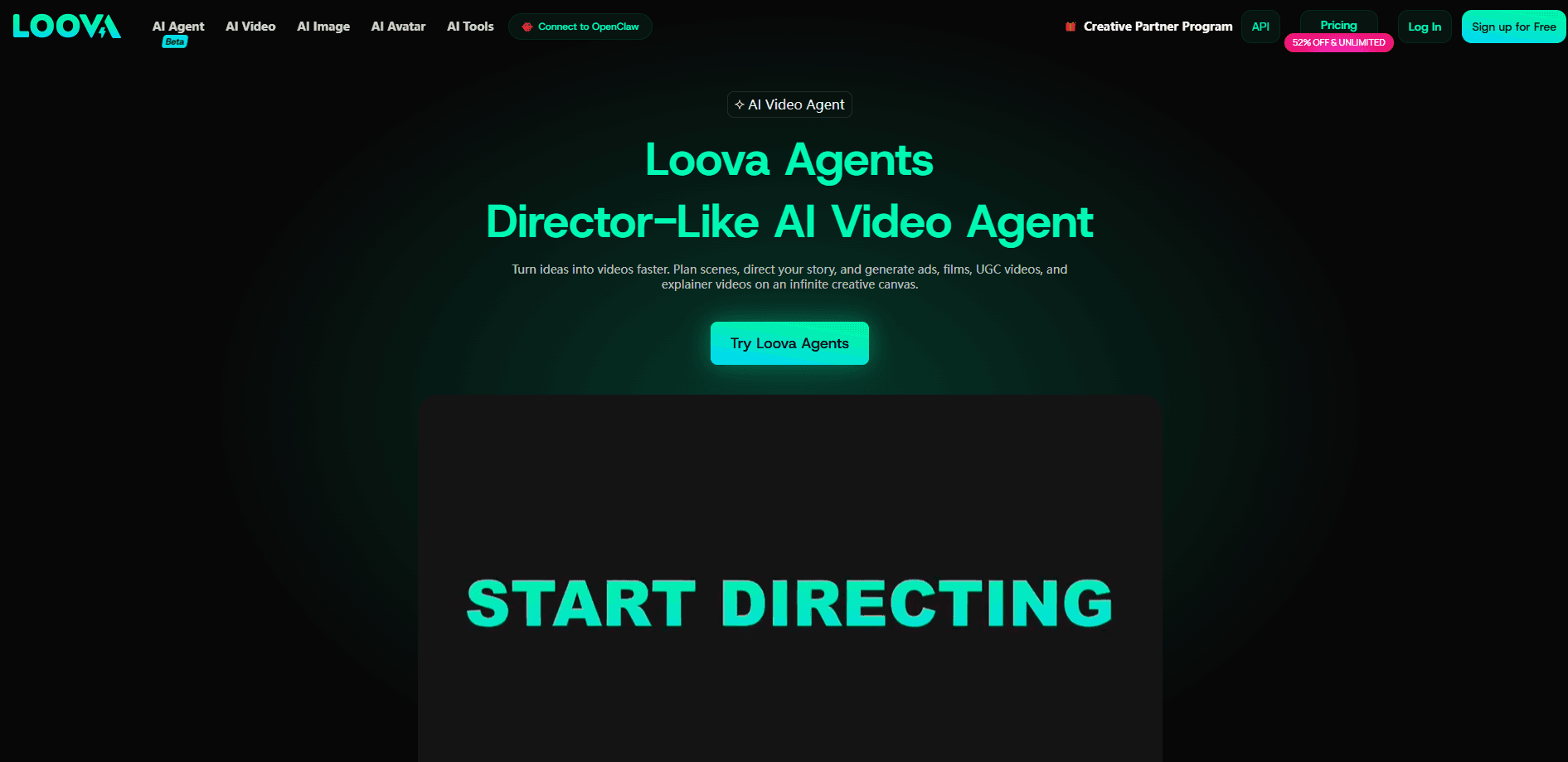
Loova Agents is a director-like AI video agent that turns a plain-language idea into a finished cinematic video. Rather than booking scenes, cutting clips, and lining up shots by hand, you describe what you want and the agent plans the scenes, sets the pacing, and generates the footage. It runs on an infinite canvas inside the wider Loova platform, so you can storyboard, restyle, and export video in one place. Think of it as an AI video generator that acts like a director, not an editor. You stay the creative lead. The agent does the boring part.
About Loova Agents
What Is Loova Agents
Loova Agents is an AI video agent built for people who have a video in mind but not the production skills to make it. It works less like an editor and more like a creative director: you hand it a concept in natural language, and it breaks that concept into scenes, decides how the story flows, and generates the visuals to match. The pitch is simple. You stay the creative lead, and the agent handles the sequence planning and rendering.
The infinite canvas is what separates it from a plain text-to-video box. Ideas live as a spatial board you can rearrange, so scenes, styles, and alternate directions sit side by side while you refine the narrative. That makes it workable for marketing clips, social media videos, music videos, talking-avatar content, and short AI filmmaking projects without juggling separate timeline software.
Want a cinematic video generator that plans the shots for you? That's the promise here. What you should know before jumping in: Loova Agents is one product inside the larger Loova studio, and the strongest image, video, and editing models sit behind paid plans. The free tier is limited, so anyone past casual use ends up on a subscription. It's also a web-only tool. No mobile app. No desktop install to fall back on. If you want to try it, the official site is the only place to create an account.
Getting Started
- Sign up at loova.ai and open the AI Agent workspace from the main navigation.
- Start a new project and write your idea in plain language, covering the topic, mood, and roughly how long the video should run.
- Let the agent plan the scenes, then review the storyboard on the infinite canvas and adjust, reorder, or restyle any shot you don't like.
- Generate the video and refine specific shots with the editing models until the pacing and visuals fit.
- Export the finished clip and, if you need more renders later, top up credits or move to a higher plan.
Product Information
A quick look at Loova Agents's pricing, supported platforms, and performance.
Best for
The users, tasks, and scenarios where this tool fits best.
Users
- Marketers and small brand teams
- Solo content creators and YouTubers
- Filmmakers testing ideas
Tasks
- Turning a written concept into a multi-scene video
- Building talking-avatar and UGC-style ad clips
- Music video visuals
Scenarios
- A campaign deadline with no footage ready
- Exploring several visual directions for one idea
- Refining a scene that came out wrong
Key features
Director-Like Scene Planning
The agent reads your idea and turns it into a structured sequence of scenes instead of a single flat clip. It decides the order, the pacing, and how one shot hands off to the next, which is the part most text-to-video tools leave you to figure out yourself. You get a plan you can edit rather than a single clip you can't take apart.
Infinite Canvas Workspace
Your project lives on an open board where scenes, styles, and drafts sit next to each other. You can drag ideas around, compare alternate versions, and grow the story without hitting the edge of a fixed timeline, which matters most when a project runs long or splits into several creative branches. It's the feature that makes long or branching projects manageable.
Multi-Model Generation
Loova Agents pulls from a set of integrated AI video and image models rather than locking you to one. That means you can match the model to the shot, using stronger cinematic models for hero frames and lighter ones for quick drafts before you commit credits to a final render. Access depends on your plan, so the best models are on the paid tiers.
Real-Time Visual Iteration
You can generate and refine visuals while you're still shaping the narrative, so the look and the story develop together. Swapping a style or regenerating a scene doesn't force you to rebuild the project. Deadlines don't wait. For creators working against one, that back-and-forth is where the time savings come from.
Adapts to Different Video Formats
The agent covers marketing content, social media clips, music videos, and talking-avatar videos from the same workspace. It adjusts pacing and visual tone to fit the format you're aiming for. That range means one tool can handle a client ad and a personal project. No separate app for each.
All-in-One Studio Context
Agents sits inside the wider Loova platform alongside image models, editing tools, and AI creative features. You can generate a visual, refine it, and export the final video without leaving the studio. Keeping the whole workflow in one place cuts down on exporting between tools.
Pros and cons
Pros
- Turns a written idea into a planned, multi-scene video rather than a single clip.
- The infinite canvas makes it easy to compare styles and rebuild scenes without starting over.
- Draws on multiple video and image models, so you can match the model to the shot.
- Covers several formats, from social clips to talking avatars, in one workspace.
- Web-based. Nothing to install, and projects are reachable from any browser.
Cons
- No mobile app or desktop client. You're tied to a browser to work.
- The better image and video models are locked behind paid plans, and the free tier is limited.
- It's an AI video generator, so output still needs a human pass before it's client-ready.
Frequently asked questions
It's an AI video agent for turning a written idea into a finished video. You describe a concept and it plans the scenes, sets the pacing, and generates the visuals. That suits marketing clips, social media videos, music videos, and short AI filmmaking projects.
Related content
Explore related tools, skills, and articles for Loova Agents.
Loova Agents Alternatives

OpenScreen 2
OpenScreen (open-source project) · Video · ProductivityOpenScreen 2 is a free, open-source screen recorder and demo video editor for Windows, macOS, and Linux, with automatic zooms, styled frames, local captions, and agent edits.

Skreno
Skreno · Video · ProductivitySkreno is a browser screen recorder that captures a tab, a window or your whole display, then attaches AI transcripts, summaries and console logs to one share link.

Onepin
Podonos · Voice & Language · VideoOnepin is an AI voice production agent that sends each line of a script to the best TTS model, scores every take, and repairs mispronunciations before export.