

LottieFiles
Design Barn Inc. · Video
LottieFiles is an end-to-end motion platform for creating, editing, and shipping lightweight vector animations. It centers on the Lottie format, a JSON-based animation file that plays natively on web, iOS, Android, and React Native, and on dotLottie, a newer packaged format that adds interactivity and theming. Designers export from tools like After Effects and Figma, then teams preview, adjust, and hand off animations through a shared workspace. It fits product and marketing teams that need motion that loads fast and looks consistent across platforms. Think of it as a motion design tool with a built-in asset library and handoff workflow. Need animation for apps? This is where most teams start.
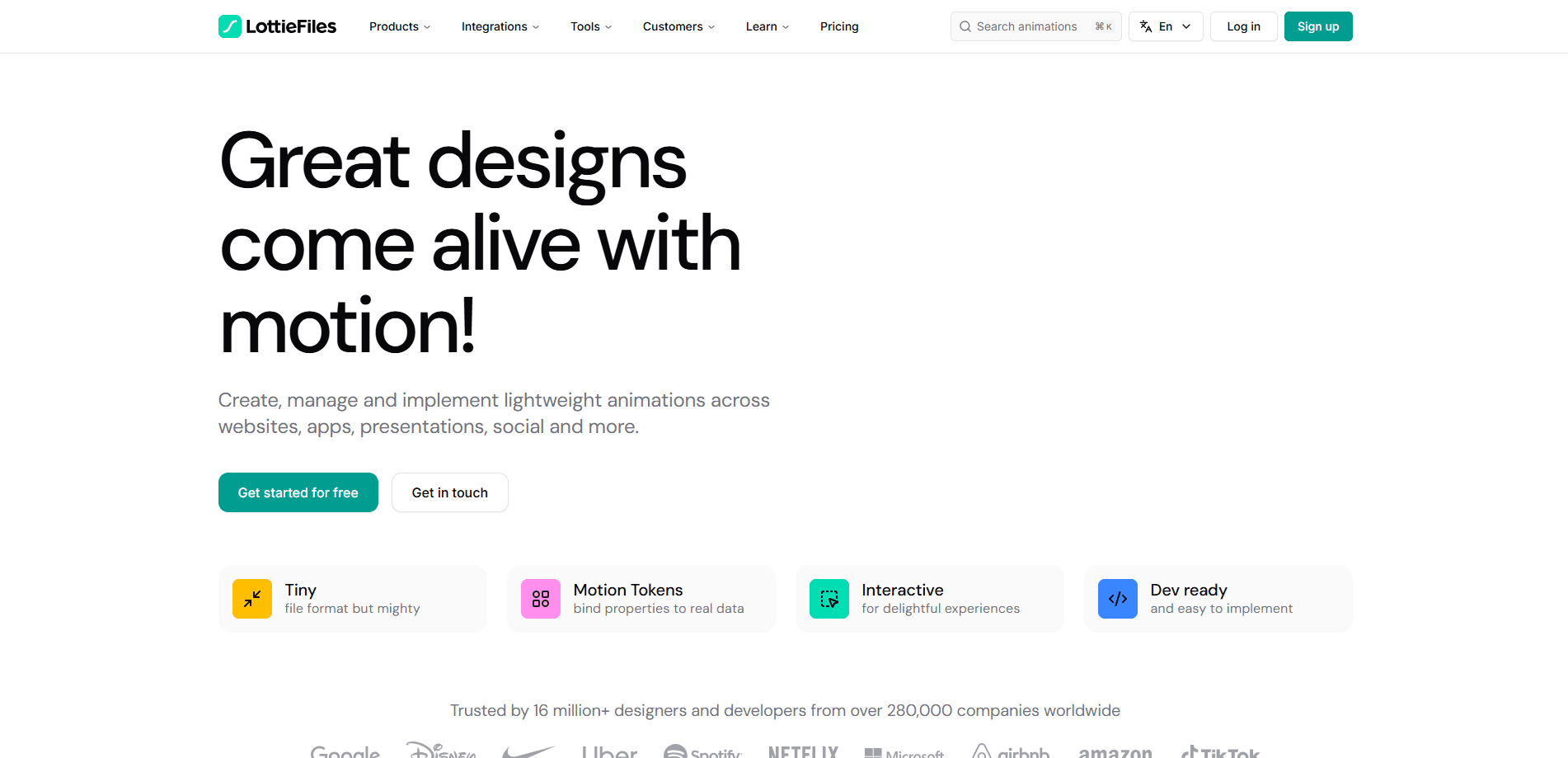
About LottieFiles
What Is LottieFiles
LottieFiles is a platform built around Lottie, an open animation format that Airbnb released in 2017. Instead of baking animations into large GIFs or videos, Lottie stores vector motion as compact JSON data that apps and websites render natively. LottieFiles turns that format into a working environment: a library of ready-made animations, a web editor, plugins for design tools, and collaboration features for teams.
The main problem it solves is the gap between how designers make motion and how developers ship it. A designer creates an animation once, exports it, and the same file plays across Android, iOS, and the web without separate rebuilds per platform. That cuts file size and keeps sharpness at any resolution. It also trims the back-and-forth that usually slows motion work. Less rework means faster releases.
The most important limits are practical ones. Lottie handles vector shapes, transforms, and UI-style motion well. It doesn't reproduce every After Effects effect. Heavy particle or raster-based work often falls outside it. Very complex scenes can also raise file size or playback cost, so teams often check an animation's weight before shipping it. Free accounts carry usage limits. Team workspaces and higher limits sit behind paid plans.
Getting Started
- Create a free account on the LottieFiles website, or start from the mobile app if you only need to browse and preview animations.
- Search the animation library by keyword, or generate a starting point with the AI-assisted creation tools, then open the one you want.
- Edit the animation in the web-based Lottie Creator, or install the plugin for After Effects or Figma and export your own work as Lottie or dotLottie.
- Adjust colors, speed, and playback settings, then grab the embed code, CDN link, or source file.
- Move the file into your app or site, and use the workspace to keep versions organized and review changes with teammates.
Product Information
A quick look at LottieFiles's pricing, supported platforms, and performance.
Best for
The users, tasks, and scenarios where this tool fits best.
Users
- Product and UI designers
- Frontend and mobile developers
- Marketing and brand teams
Tasks
- Finding a ready animation to drop into a prototype
- Exporting an After Effects composition to ship in an app
- Building themed or interactive animations
- Keeping a team's animations consistent
Scenarios
- Shipping an app onboarding flow with smooth vector motion that stays sharp on every screen size, the classic case for animation for apps.
- Checking LottieFiles pricing before a team roll-out to see which tier covers your seats and usage.
- Replacing a heavy GIF or video on a landing page to cut load time without losing visual polish.
- Iterating on micro-interactions like loaders, toggles, and success states during a design sprint.
- Localizing or re-theming an animation across markets by adjusting tokens rather than rebuilding the file.
Key features
The Lottie and dotLottie Format
The core of the platform is the Lottie format itself, a JSON-based way to describe vector animation that renders natively rather than as a sequence of images. That means files stay small. They also scale to any resolution without blurring. dotLottie is the newer packaged format. It adds support for interactivity and theming in a single file, so one asset can carry multiple color themes or react to a click, hover, or press. One file. Many uses. For teams that ship the same product across platforms, this is what makes one animation usable everywhere.
Animation Library and Search
LottieFiles hosts a large library of free and premium animations covering icons, loaders, illustrations, and themed motion. You can search by keyword, filter by style or color, and preview each animation before you commit to it. The practical value is speed. Instead of animating a loading spinner or empty state yourself, you find one that fits. Then you drop in the embed code and move on. An image-based visual search helps when you have a reference look in mind but not the right words for it.
Web Editor and Design Plugins
The browser-based Lottie Creator lets you build and adjust motion without installing heavy software, and AI-assisted tools can generate a starting point from a text prompt or convert a raster image into editable vectors. Official plugins connect to After Effects, Figma, and other design tools. That way you export from the environment you already work in. No imports. No guesswork. For designers, this means the file you hand off stays close to what you designed. For developers, it means no separate rebuild per platform.
Collaboration and Dev Handoff
Animations live in a shared workspace with version control, so a team can review, comment on, and approve motion the way they'd handle other design assets. When an animation is ready, the platform produces embed codes, CDN links, and player controls. There's also a VS Code integration. It pulls assets straight into a project. One approved file. Zero manual copying. The result is a shorter path from approved design to shipped animation. Fewer manual steps sit in between.
Performance and Compatibility Checks
Because Lottie files can vary a lot in complexity, the platform helps you check how an animation performs and whether it's safe to use across target platforms. You can review file size and playback behavior before shipping. That step matters. A scene can look fine on a powerful desktop but stutter on a mid-range phone. Catching those issues up front avoids surprises after release.
Cross-Platform Renderers and API
LottieFiles provides renderers and libraries for web, iOS, Android, React Native, and Flutter, plus an API for pulling animations and assets into your own tools and pipelines. That combination matters for teams that want to automate parts of their motion workflow, such as syncing approved animations into a build or a design system. It's the difference between treating animations as one-off files and treating them as part of the product's infrastructure.
Theming and Interactive Motion
With dotLottie, a single file can hold multiple color themes and respond to user input, which is harder to do with a plain video or GIF. Light, dark, and brand variants can live in one asset. They switch with a small code change, and interactions like click or hover states are built into the file. Product teams use this to keep motion consistent across themes while still reacting to the interface around it.
Pros and cons
Pros
- File format stays small and sharp, so animations load fast on web and mobile.
- One export plays across iOS, Android, and the web, which cuts per-platform rebuilds.
- Free tier and a large ready-made library let you test the workflow before paying.
- Official plugins for After Effects and Figma fit existing design pipelines.
- Theming and interactivity in dotLottie reduce duplicate assets across themes.
Cons
- Not every After Effects effect is supported, so complex motion may need rework.
- Free plan has usage and feature limits that push active teams toward paid tiers.
- Very heavy scenes can still hurt performance, so file size needs checking.
- Full value depends on adoption across both design and development teams.
Frequently asked questions
LottieFiles is used to create, edit, and ship lightweight vector animations for apps, websites, and products. It combines a ready-made animation library, a web editor, design-tool plugins, and team collaboration, all centered on the Lottie and dotLottie file formats.
Related content
Explore related tools, skills, and articles for LottieFiles.
LottieFiles Alternatives

ngram 2.0
ngram · Video · Marketingngram 2.0 is an AI video generator for teams. It turns a prompt, a screen recording, or a product URL into a narrated explainer, product demo, or AI avatar video, and every scene stays editable.

OpenScreen 2
OpenScreen (open-source project) · Video · ProductivityOpenScreen 2 is a free, open-source screen recorder and demo video editor for Windows, macOS, and Linux, with automatic zooms, styled frames, local captions, and agent edits.

Skreno
Skreno · Video · ProductivitySkreno is a browser screen recorder that captures a tab, a window or your whole display, then attaches AI transcripts, summaries and console logs to one share link.