
Luma Ray3
Luma AI · Video
Luma Ray3 is a video generation model from Luma AI that pairs reasoning with native HDR output. It reads text prompts or images, plans a scene in steps, and checks its own drafts before rendering a final clip up to 10 seconds long. Creators get a cinematic tool for trailers, ads, and concept shots, and it runs through Luma's Dream Machine app.
About Luma Ray3
What Is Luma Ray3
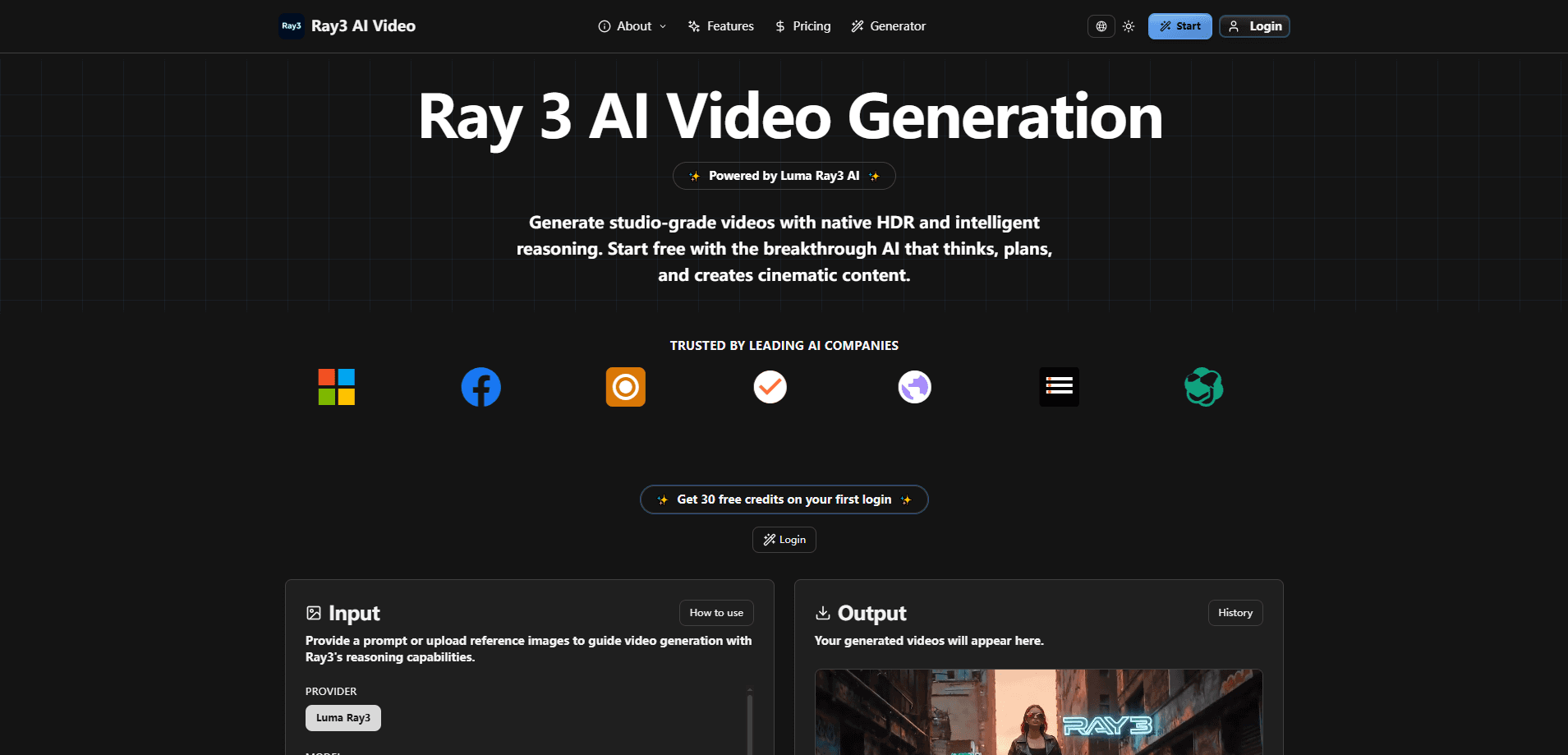
Luma Ray3 is an AI video generator built for people who want more than a one-shot roll of the dice. Most video models take a prompt, produce a clip, and leave you to sort out whatever came back. Ray3 adds a reasoning layer on top. It breaks a scene into steps, follows multi-part instructions, and critiques its own output before showing you the final take.
The headline feature is HDR. Ray3 generates native 16-bit HDR video in the ACES2065-1 color space and exports 16-bit EXR frames, which is the same format high-end cameras spit out. That matters if your footage will end up in a color grading or compositing pipeline, because AI output can sit next to real camera material without falling apart.
The limits are worth knowing up front. Ray3 doesn't generate audio. That's on you. Clips run to about 10 seconds, which is longer than a lot of rivals but still short. And the pro-grade output has a catch: HDR costs more than standard SDR, and HDR plus EXR costs more again.
Getting Started
- Open Dream Machine at lumalabs.ai and sign in, or create a Luma AI account if you're new.
- Type a text prompt, or upload a still image to use as the starting frame.
- Pick Ray3 as your model, then choose a resolution and a clip length of 5 or 10 seconds.
- Annotate the frame directly if you want tighter control, marking the motion, objects, or camera moves you care about.
- Run a Draft Mode render first to check the idea, then upgrade the take to full 4K HDR when it looks right.
Product Information
A quick look at Luma Ray3's pricing, supported platforms, and performance.
Best for
The users, tasks, and scenarios where this tool fits best.
Users
- Filmmakers and editors
- Ad and brand teams
- Concept artists and storyboarders
Tasks
- Text to video
- Image to video
- SDR to HDR conversion
- Draft iteration
Scenarios
- Pitching a short film or ad concept to a client who needs to see motion, not static frames.
- Filling a gap shot when a reshoot isn't in the budget.
- Building a mood reel for a music video or brand campaign.
- Testing camera moves on a storyboard before the shoot day.
Key features
Reasoning-Driven Generation
Ray3 plans a scene before it renders one. It reads complex, multi-step prompts and works through them in order, then reviews its own draft and adjusts before the final pass. For anyone who's fought a video model to keep a character or object in place across a clip, that self-checking is the real draw. It behaves less like a slot machine and more like an animator who sketches a board first. Big difference.
Native 16-Bit HDR Output
Ray3 generates HDR video natively rather than faking it in post. It supports 10, 12, and 16-bit output and writes EXR frames in the ACES2065-1 color space, so the result slots into compositing and color tools without a conversion headache. If you've ever darkened a washed-out AI clip to make it usable, this is the fix. The trade-off is cost. HDR renders bill higher than SDR.
Draft Mode
Draft Mode renders previews around five times faster and cheaper than a full pass, which makes it the natural first stop on any idea. You sketch, preview, and discard a dozen versions in the time a single final render would take, then push only the keeper up to 4K HDR. Why commit blind when a preview costs so little? It's the feature that turns video generation into an actual back-and-forth instead of a slow gamble.
Visual Annotation Control
You can draw directly on an image or frame to guide the model. Mark an arrow for camera movement, circle the object you want to move, or sketch a path for a character. Ray3 reads those marks as instructions instead of relying on text alone. It's a small thing that solves a big problem: some spatial directions are far easier to point at than to describe. Worth trying.
Text and Image to Video
Ray3 handles both text to video and image to video, with clips up to 10 seconds. Starting from an image keeps the composition and subject you already like, while a text prompt gives you a scene from nothing. Mixing the two lets you lock a look with a reference frame and then direct the action on top of it. That combo is where it gets useful.
Modify Video and Reframe
Beyond straight generation, Ray3 can rewrite footage you already have. Modify Video swaps environments, wardrobe, and set dressing while keeping the performance and lighting intact, up to 20 seconds in later versions. Reframe re-cuts a clip to a new aspect ratio, and motion transfer lets you pull movement from one source onto another. Both target the reality of production. Reshooting is expensive. Fixing in the edit is cheaper.
Professional Export Pipeline
Ray3 outputs frames in 16-bit EXR so the results move cleanly into standard post workflows. For commercials, film, and agency work, that means the AI clip isn't a dead end you can only watch, it's a source you can grade, composite, and cut like anything else on the timeline.
Pros and cons
Pros
- Reasoning and self-review cut down on the mismatched details that plague multi-shot clips.
- Native 16-bit HDR and EXR export fit straight into professional color and compositing pipelines.
- Draft Mode makes cheap, fast iteration realistic before you spend on a final render.
- Visual annotation gives precise control over motion and framing that text prompts can't match.
- Free access through Dream Machine means you can test the model before paying.
Cons
- No audio generation, so every clip needs sound added in post.
- HDR renders cost up to several times the SDR price, which adds up fast on projects with many takes.
- Clips cap around 10 seconds, so anything longer needs stitching in an editor.
- The deeper controls reward practice, and newcomers may find the feature set heavier than a simple prompt box.
Frequently asked questions
Ray3 generates short video clips from text prompts or still images. It's aimed at filmmakers, ad teams, and creators who need cinematic output they can push into a real editing and color pipeline rather than a throwaway social clip.
Related content
Explore related tools, skills, and articles for Luma Ray3.
Luma Ray3 Alternatives

Vadu AI
Vadu AI · Image · VideoVadu AI is a web-based AI video generator that turns written prompts or still images into short clips, and it can also generate images on its own. You type what you want, pick a model and style, and the platform renders the result in minutes. A free plan covers light testing, while paid tiers run from $9 to $77.40 per month based on how many credits you burn.

Mykaraoke Video
MyKaraoke Video · VideoMykaraoke Video is an online karaoke video maker and lyric video maker that turns any song into a finished, lyrics-synced video right in your browser. It handles the slow part for you. The AI pulls vocals out of the mix and locks the lyrics to the beat, then lets you customize background, fonts, and colors before exporting in 1080p MP4. If you make lyric videos for social media, party nights, or music promotion, it skips the software installs and manual timing work entirely. Want a karaoke video generator that doesn't eat your whole evening? That's the pitch here.

Finalframe
Finalframe · VideoFinalframe is a set of free, browser-based tools for grabbing exact frames out of a video clip. Its best-known feature, the Final Frame Extractor, lets you extract the last frame of any video so you can use it as the starting image for AI video tools like Luma Dream Machine, Runway, or Kling. Want to keep a clip going? That last frame is your starting point. The tool runs locally in your browser, needs no sign-up, and costs nothing. A separate paid AI video-generation app from the same team is currently offline while it's rebuilt.