

Lumical
RayLabs · Productivity
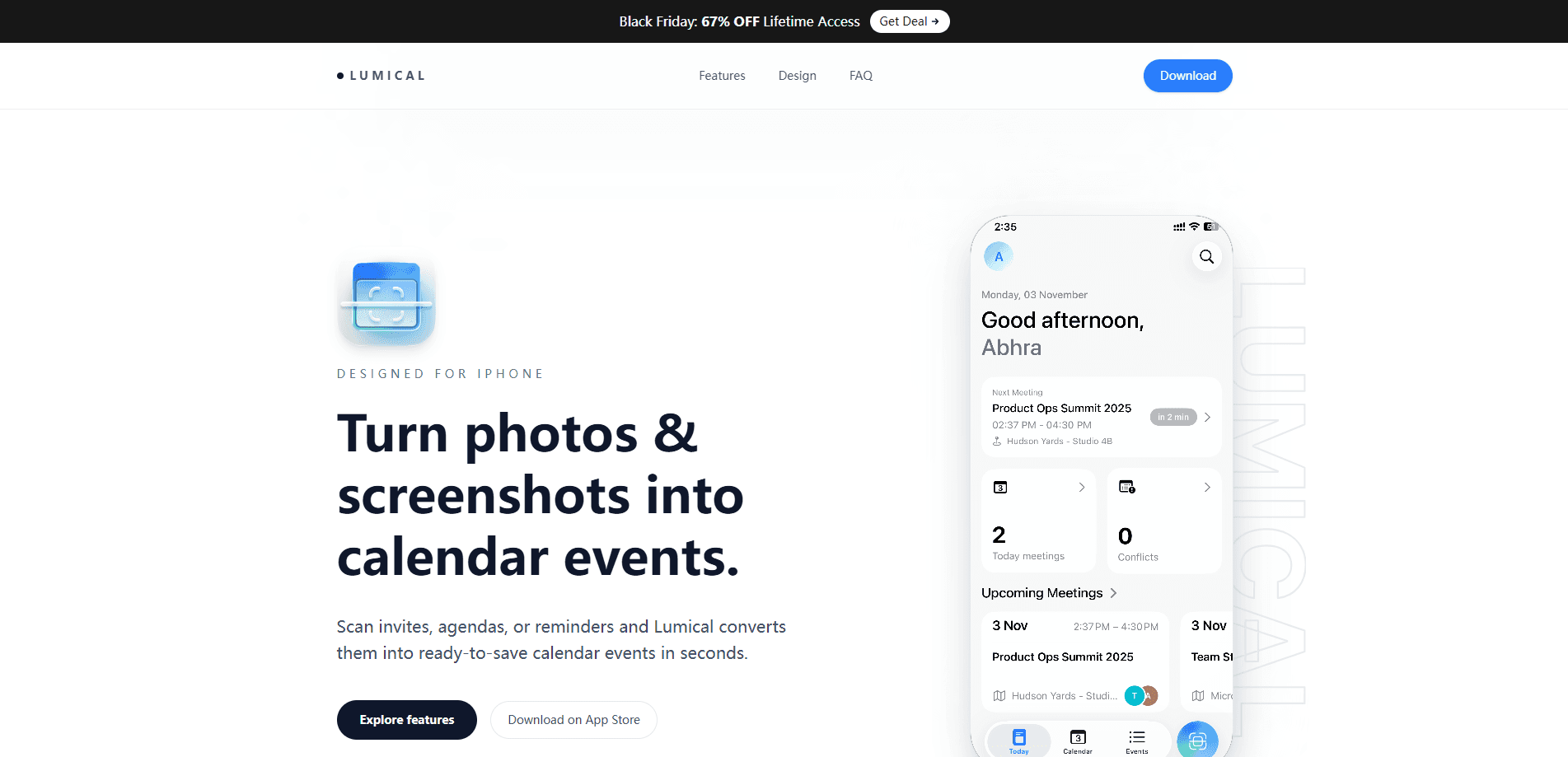
Lumical is a scan-to-calendar app for iPhone that turns one photo into a full set of calendar events. Point your camera at a shift roster, class timetable, school schedule, or event flyer, and the app reads every date, time, and detail with OCR, groups the results by day, and saves them to Apple Calendar in a single tap. It's built for anyone who still types dates by hand from images, and it keeps the flow tight: scan, review, save.
About Lumical
What Is Lumical
Lumical is an AI-powered calendar app made by RayLabs. Its job is narrow and clear: it removes the copy-by-hand step between an image full of dates and your actual calendar. This iOS calendar scanner photographs a weekly roster, an invitation on the fridge, or a poster on a wall, then extracts each event as a separate, editable entry.
The product solves a small but constant annoyance. Dates arrive as images all the time, and the manual path of reading, switching apps, typing, and repeating is slow and easy to botch. Lumical handles the reading and the data entry instead, which means a schedule that used to eat ten minutes of typing can be captured before your coffee goes cold. The whole design keeps momentum. One photo, a quick review, then save.
The main limit is platform. Lumical is an iOS app, so it fits iPhone and iPad users tied to Apple Calendar. If you live on Android or Google Calendar, this one isn't for you yet. The accuracy of the scan also depends on photo quality, so a clean, well-lit shot reads better than a blurry one.
Getting Started
- Download Lumical from the App Store and open it.
- Grant camera access so the app can capture rosters, timetables, and flyers.
- Point the camera at the schedule or image you want to convert, and take one photo.
- Review the detected events, grouped by day, and fix anything the scan misread.
- Tap to save everything into Apple Calendar at once.
Product Information
A quick look at Lumical's pricing, supported platforms, and performance.
Best for
The users, tasks, and scenarios where this tool fits best.
Users
- Shift workers
- Students
- Parents
Tasks
- Converting a roster photo into individual shift events
- Saving event details from a poster or invitation
- Building a week from a timetable screenshot
Scenarios
- A new work schedule lands in a group chat as a photo
- A paper flyer for a local event sits on the fridge
- Exam or term dates arrive on a printed sheet
Key features
Whole Schedules in One Scan
Most event scanner apps handle one event at a time. Lumical reads an entire schedule from a single photo. A weekly roster with sixteen shifts becomes sixteen separate events in one pass. That batch behavior is the whole point of this schedule scanner: no repeated framing, no scanning each line on its own.
Conflict Detection on the Home Screen
The home screen shows what's next and flags events that overlap. If two entries claim the same time slot, the app surfaces it before you've committed to the week, which is the kind of double-booking you'd normally catch only after it's too late.
Photo to Calendar Event Conversion
The scanner accepts more than rosters. Invitations, posters, flyers, and screenshots all qualify, because the app reads text rather than requiring a fixed format, so a messy poster and a neat timetable get treated the same way. Whatever the layout, dates and times get pulled out and mapped to calendar fields. You review and edit before anything saves.
A Clean Week View With Search
Beyond scanning, Lumical offers a calendar view of your week and a search tool. Need to find one specific shift in a month of scanned schedules? Search gets you there in seconds instead of endless scrolling, which starts to matter once you've captured a lot of dates.
Fast Reviews Before Saving
Every scan passes through a review step organized by day. You confirm what the app extracted and correct anything that's off before it hits your calendar. It's a small safeguard that keeps a bad photo from polluting your schedule.
Pros and cons
Pros
- Scans a whole schedule in one photo instead of one event at a time, which saves real time on weekly rosters and timetables.
- Flags overlapping events on the home screen, so scheduling conflicts surface early.
- Saves straight to Apple Calendar, so events live where iOS users already look.
- Search and a clean week view make it usable as a lightweight calendar on its own.
Cons
- iOS only, which rules it out for Android users and anyone committed to Google Calendar.
- Scan accuracy depends on photo quality, so blurry or low-light shots may need manual fixes during review.
Frequently asked questions
Lumical converts photos into calendar events. You take one picture of a roster, timetable, or flyer, and the app reads the dates and times with OCR, then saves them as separate events in Apple Calendar.
Related content
Explore related tools, skills, and articles for Lumical.
Lumical Alternatives

Swms
Swms AI · Writing · Productivity · BusinessSwms is an AI safety compliance tool that turns a plain description of a job into ready-to-use safety documents. Describe your project, trade, and known hazards, and it writes a safe work method statement, job hazard analysis, safe work procedure, RAMS, or safety data sheet in seconds. It also ships with Oscar, a chat assistant that answers workplace safety questions in any language. Teams in construction, mining, transport, and warehousing use it to cut the paperwork that usually eats into a workday.

Wordly AI Translation
Wordly · Voice & Language · ProductivityWordly AI Translation is a real-time AI translation and captioning platform built for meetings, conferences, and events. It delivers live translation, captions, transcripts, and summaries in more than 60 languages, and attendees join by scanning a QR code or opening a link instead of using dedicated headsets. The platform works with Zoom, Microsoft Teams, Google Meet, and Webex, and it's designed for organizations that want multilingual access without hiring human interpreters for every session. Simple as that.

Rows
Rows (Superhuman) · Productivity · BusinessRows is an AI spreadsheet and data analysis tool that imports live data from more than 50 sources, then lets you work with it using plain language instead of SQL queries or nested formulas. You can pull numbers out of PDFs, connect ad platforms, databases, and bank accounts, and ask the AI to build reports, merge datasets, or set up models that recalculate themselves. It runs in the browser, works like a spreadsheet, and now sits under the Superhuman umbrella.