

Lunair
Lunair · Video
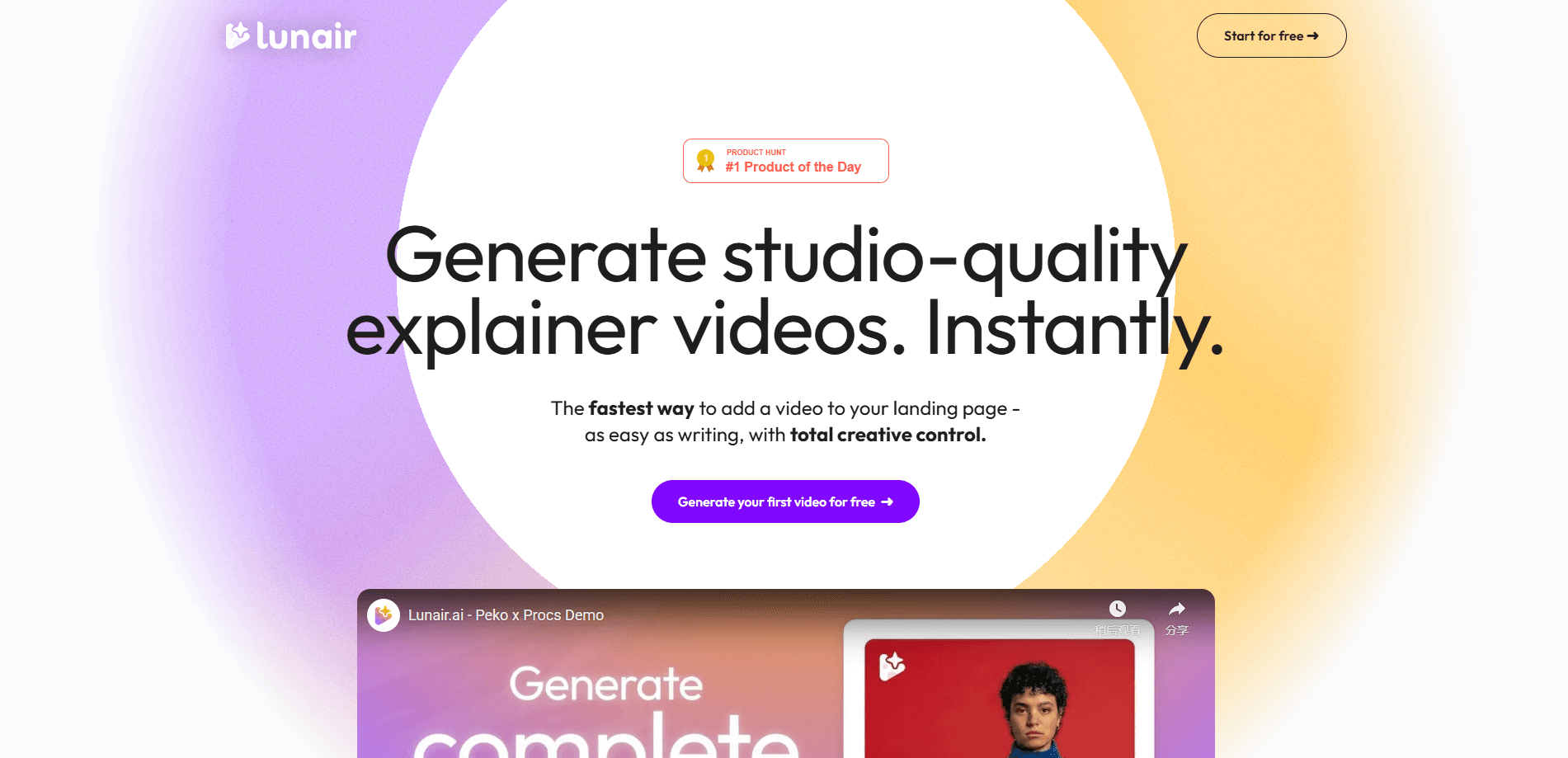
Lunair is an AI explainer video generator that turns a text prompt into a finished, branded animated video. It writes the script, builds a scene-by-scene storyboard, applies your colors and logo, then renders the whole thing with voiceover and music. Think of it as a brand video maker that runs on plain language. If you need a product demo or a pitch clip for a landing page and don't have an editor or a production budget, that's the gap it aims to fill.
About Lunair
What Is Lunair
Lunair is a web-based AI video generator built around one idea: you describe what you want, and it handles the rest of the production. Instead of juggling a scriptwriter, a designer, and a video editor, you type a prompt and Lunair returns a complete animated explainer video with narration and a soundtrack. This text to video approach means your words drive the output, not a timeline.
The pitch is speed without losing control. You can revise any part of the video by describing the change in plain language, so swapping an object, adjusting a color, or rewriting a line doesn't mean starting over. Why does that matter? Because brand consistency is baked in from the start: your palette and logo carry through every scene, which matters if you're producing several clips that need to look like they belong together.
The main limitation is that this is a young product with an explainer-video focus. It's built for marketing, training, and pitch content, not for cinematic editing or long-form video. Pricing isn't published publicly yet, and there's no dedicated mobile app, so you work in the browser. You'll also want to write a clear prompt, since the quality of the output tracks the quality of your input.
Getting Started
- Create an account on the Lunair website and claim the free credit pack offered to early users.
- Describe your video in a prompt: what the product does, who it's for, and the tone you want.
- Review the generated script and storyboard, then adjust scenes by typing requests like swapping an object or changing a layout.
- Confirm your brand colors and logo so each scene matches your identity.
- Pick a voice for the voiceover, then generate the final video with animation, voice, and music, and export or share it.
Product Information
A quick look at Lunair's pricing, supported platforms, and performance.
Best for
The users, tasks, and scenarios where this tool fits best.
Users
- Startup founders
- Marketers
- Small teams without editors
Tasks
- Writing a video script
- Building a storyboard
- Adding voiceover and music
- Revising scenes through chat
Scenarios
- Launching a product and needing a clip for the homepage
- Explaining a business to investors or partners
- Training staff on a new tool
- Refreshing an outdated marketing video
Key features
Prompt to Full Video
You type a description and Lunair produces the whole video, not just a clip or an image. The workflow runs script first, then storyboard, then graphics, then the animated render with voice and music. That single-prompt path is the core draw here. One prompt. One video. For anyone used to assembling a video from separate tools, it collapses most of the pipeline into one step.
Automatic Storyboard Generation
The storyboard is where you see the video before it costs you time. Lunair lays out each scene in sequence, and your logo, palette, and style stay consistent from the first panel to the last. You get unlimited design iterations without hitting a template limit, which is useful when a scene needs three attempts before it lands. No template ceiling. That's the point.
Edit Through Chat
Every adjustment happens in natural language. Swap an object, shift a color, or change a layout by describing it, and the scene updates. That's a real difference from timeline editing, where the same change means clicking through layers. It won't replace a full editor for precise work. For rapid revisions, it's faster than dragging clips around. What a relief.
Brand-Consistent Graphics
Lunair applies your brand's colors and logo to each scene automatically. If you're producing several videos, this keeps them visually unified without a designer checking every frame. It's the feature that makes the output look like it came from one studio rather than a handful of AI generations stapled together. Consistency sells. Always has.
Voiceover and Music, Synced
The final render includes a voiceover and a soundtrack that are synced without extra setup. You choose a voice to match your message and brand tone, and the audio lands in place. No mixing skills required. For teams that usually hire a voice actor and license music separately, that's the part that saves the most coordination.
Web-Based, No Install
Lunair runs in the browser, so there's nothing to install and no mobile app to wait for. You sign in, work on your video, and export or share it from the same place. Any machine with a browser works. The trade-off is no offline mode and no native desktop workflow.
Pros and cons
Pros
- Generates a full animated explainer video from one prompt, including script, storyboard, voiceover, and music
- Brand colors and logo apply automatically, keeping multiple videos visually consistent
- Chat-based editing makes revisions fast if you'd rather describe a change than hunt through a timeline
- Runs in the browser, so there's no installation and no platform lock-in
- Free credit pack for early users lets you test the output before paying
Cons
- Pricing isn't published on the site, so budgeting needs a look at the app or a direct question to the team
- No mobile app, which rules out editing on a phone or tablet
- It's built for marketing and explainer content, so long-form or cinematic projects aren't the target
- Output quality depends heavily on your prompt, so vague input will show up in the video
Frequently asked questions
It turns a text prompt into a finished animated explainer video. The platform writes a script, generates a storyboard, applies your branding, and renders the final clip with voiceover and music.
Related content
Explore related tools, skills, and articles for Lunair.
Lunair Alternatives

ngram 2.0
ngram · Video · Marketingngram 2.0 is an AI video generator for teams. It turns a prompt, a screen recording, or a product URL into a narrated explainer, product demo, or AI avatar video, and every scene stays editable.

OpenScreen 2
OpenScreen (open-source project) · Video · ProductivityOpenScreen 2 is a free, open-source screen recorder and demo video editor for Windows, macOS, and Linux, with automatic zooms, styled frames, local captions, and agent edits.

Skreno
Skreno · Video · ProductivitySkreno is a browser screen recorder that captures a tab, a window or your whole display, then attaches AI transcripts, summaries and console logs to one share link.