
Macgpt
Jordi Bruin · Productivity · Chatbot
MacGPT is a menu bar app that puts ChatGPT on your Mac, so you don't have to open a browser tab every time you want an answer. It sits in the menu bar, opens with a keyboard shortcut, and lets you drop the clipboard into the prompt, which makes it handy for writing, coding, and quick lookups. Then it's gone. A separate iPhone companion called GeePeeTee covers the same idea on mobile. It works with your own OpenAI API key rather than a ChatGPT account, so the setup is a little more hands-on.
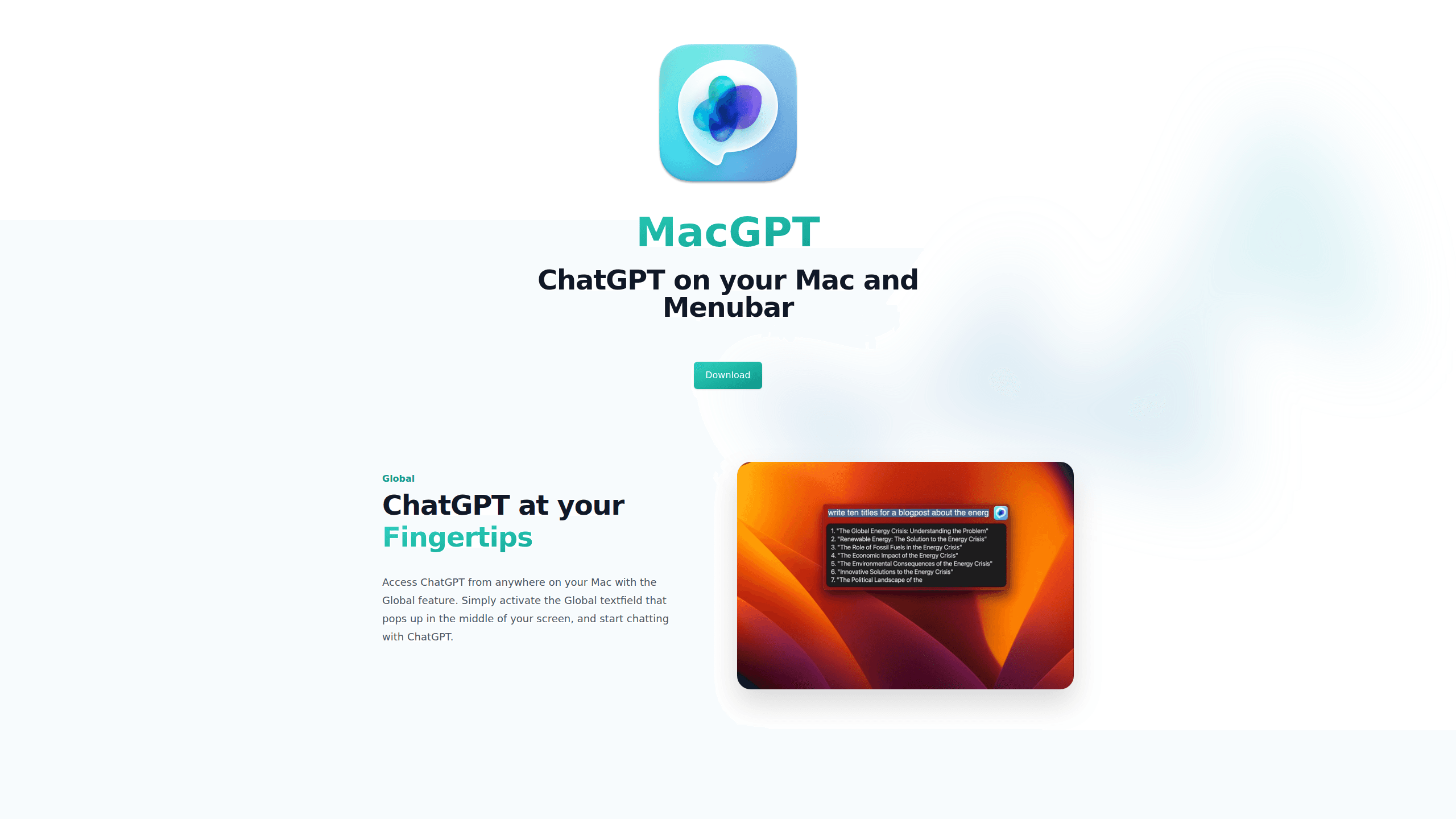
About Macgpt
What Is MacGPT
MacGPT is a lightweight Mac app built by indie developer Jordi Bruin, and its whole point is speed. Instead of switching to Safari or Chrome to reach ChatGPT, you trigger MacGPT from the menu bar and start typing. The app is a client, not a new AI model, so the answers you get still come from OpenAI's models through your account or key.
The main problem it solves is friction, because looking something up usually means finding the right tab, waiting for the page to load, and then typing into a box that sits inside a browser full of distractions. Sounds exhausting. MacGPT cuts that down to a single keystroke and a small floating input, which feels minor until you do it thirty times a day.
There's an important limit to know before you buy, and it's easy to miss: MacGPT ties into your own OpenAI account or API key, so any usage limits or costs on that side still apply. It's also a Mac-only desktop app, and the mobile companion, GeePeeTee, runs on iPhone. If you're on Windows, this isn't the tool for you.
Getting Started
- Buy MacGPT from the official site and download the app to your Mac.
- Move it into your Applications folder and launch it, then grant any permissions it asks for.
- Open the settings and paste in your OpenAI API key, or sign in with your ChatGPT account.
- Set a global keyboard shortcut if you want to summon it from any app.
- Copy some text, trigger the shortcut, and paste it straight into a prompt to try it out.
Product Information
A quick look at Macgpt's pricing, supported platforms, and performance.
Best for
The users, tasks, and scenarios where this tool fits best.
Users
- Writers and editors who draft in other apps and want ChatGPT beside them, as long as they have an OpenAI account or key.
- Developers who copy error messages and snippets and need a fast way to ask about them, ideally with a shortcut they can trigger mid-keystroke.
- People already paying for ChatGPT who want it out of the browser and living in the menu bar.
Tasks
- Quick rewriting and tone checks
- Explaining code or errors
- Summarizing pasted text
Scenarios
- Working across many apps where leaving the current window to open a browser breaks your flow.
- Late-night questions when you want a one-line answer without a full chat session setup.
- Using the iPhone companion, GeePeeTee, for the same fast-prompt habit away from your desk.
Key features
Menu Bar Access
MacGPT lives in the Mac menu bar, so it's always one click away. Open it, type, close it. No browser tab, no bookmarks, no hunting. That's the core of what a ChatGPT menubar app does, and it's the main reason people want ChatGPT for Mac instead of the web version.
Global Keyboard Shortcut
A configurable shortcut lets you summon the input box from any app. Clashes with another shortcut? Change it in settings. For anyone who types fast and hates reaching for the mouse, this one earns its place on day one.
Clipboard-Friendly Prompting
Because it's built for quick use, MacGPT makes it easy to paste whatever you just copied into the prompt. Copy an error. Copy a paragraph. Trigger the shortcut, send it. No select-all, no dragging text between windows, no cleanup.
Custom Prompts and Conversations
You aren't stuck with a blank prompt each time. MacGPT supports saved prompts and separate conversations, so you can keep a rewrite instruction or a review template on hand and reuse it. That turns a casual chat tool into something closer to a small shortcut library. Reuse beats retyping.
Transparent Pricing
MacGPT pricing is simple: one payment up front, no monthly bill for the client itself. If you've been burned by subscriptions that quietly renew, that matters. You still pay OpenAI for whatever subscription or API usage you use, so budget for both sides.
Your Own API Key
On the mobile companion, GeePeeTee, you supply your own OpenAI API key, which means you control the model and the usage and you aren't tied to a separate subscription just for the app. It's a fair trade if you already have a key, and a bit of setup if you don't.
Pros and cons
Pros
- Keeps ChatGPT out of a browser tab and inside your normal workflow.
- The keyboard shortcut makes quick lookups genuinely faster than the web.
- Clipboard handling is smooth, so pasting into a prompt takes one step.
- A one-time price beats a recurring subscription for people who just want the client.
- A matching iPhone app, GeePeeTee, covers the same habit on mobile.
Cons
- It's a Mac (and iPhone) product, so Windows and Android users are out.
- You need your own OpenAI account or API key, which adds setup and possible usage costs.
- It depends on OpenAI's service, so if that side slows down or changes, MacGPT feels it too.
Frequently asked questions
Yes, MacGPT needs access to OpenAI's models, so you sign in with a ChatGPT account or paste in your own API key. Without one of those, the app has nothing to send your prompts to. If you use the iPhone companion, GeePeeTee, it works with your own API key.
Related content
Explore related tools, skills, and articles for Macgpt.
Macgpt Alternatives

Swms
Swms AI · Writing · Productivity · BusinessSwms is an AI safety compliance tool that turns a plain description of a job into ready-to-use safety documents. Describe your project, trade, and known hazards, and it writes a safe work method statement, job hazard analysis, safe work procedure, RAMS, or safety data sheet in seconds. It also ships with Oscar, a chat assistant that answers workplace safety questions in any language. Teams in construction, mining, transport, and warehousing use it to cut the paperwork that usually eats into a workday.

Wordly AI Translation
Wordly · Voice & Language · ProductivityWordly AI Translation is a real-time AI translation and captioning platform built for meetings, conferences, and events. It delivers live translation, captions, transcripts, and summaries in more than 60 languages, and attendees join by scanning a QR code or opening a link instead of using dedicated headsets. The platform works with Zoom, Microsoft Teams, Google Meet, and Webex, and it's designed for organizations that want multilingual access without hiring human interpreters for every session. Simple as that.

Rows
Rows (Superhuman) · Productivity · BusinessRows is an AI spreadsheet and data analysis tool that imports live data from more than 50 sources, then lets you work with it using plain language instead of SQL queries or nested formulas. You can pull numbers out of PDFs, connect ad platforms, databases, and bank accounts, and ask the AI to build reports, merge datasets, or set up models that recalculate themselves. It runs in the browser, works like a spreadsheet, and now sits under the Superhuman umbrella.