
Maestri
Maestri · Coding
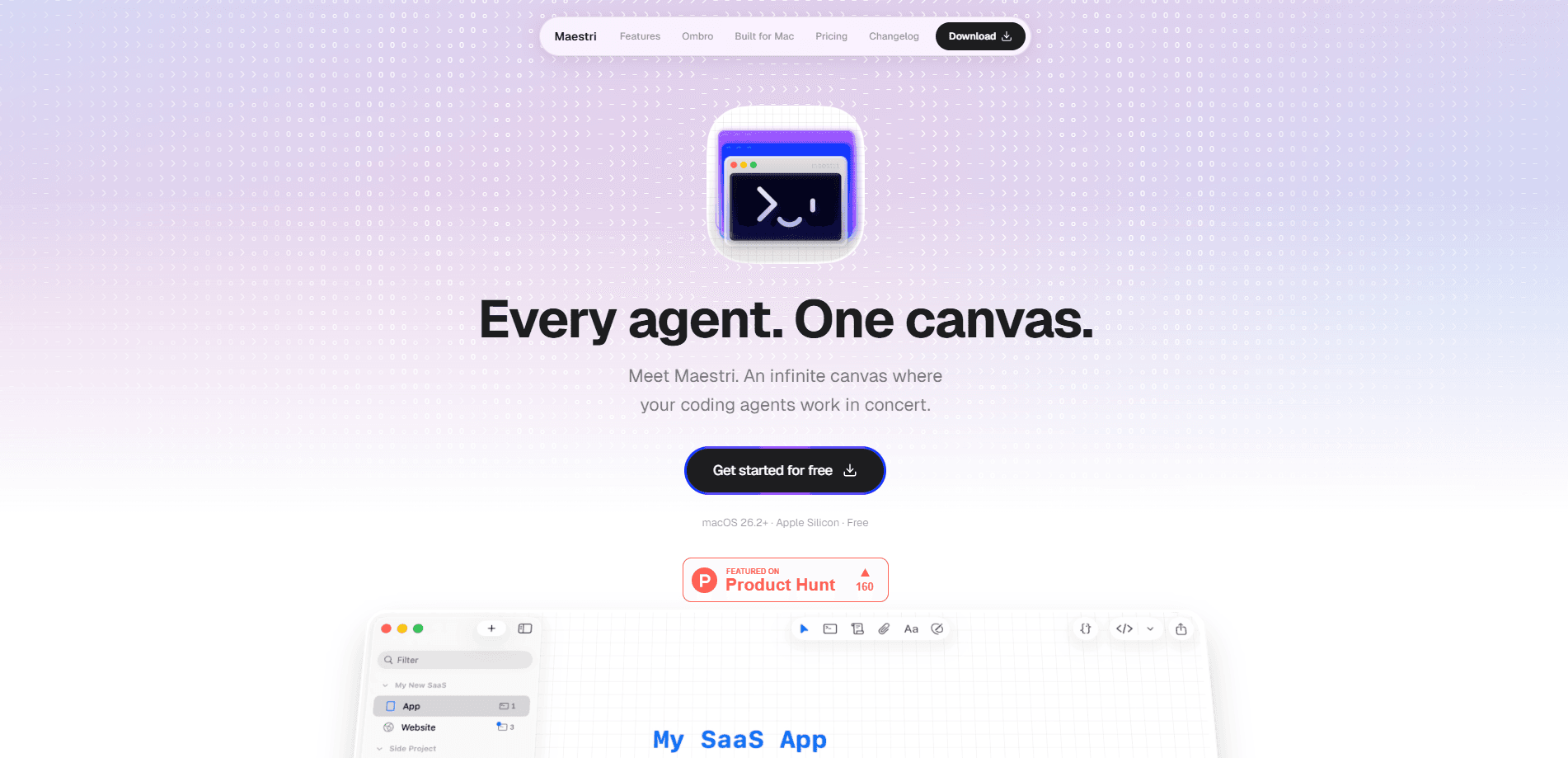
Maestri is a desktop canvas for orchestrating AI agents. It puts every terminal you run onto one surface, so you can watch them work and keep the whole project in view. Instead of juggling separate terminal windows and carrying context between them in your head, you drop terminals, notes, sketches, and browser portals wherever you want and link them together. It's a workspace for people running several agents at once, and it's free to start.
About Maestri
What Is Maestri
Maestri is an AI agent orchestration canvas. Think of it as a multi-agent workspace where each agent gets a role you define. Terminals connect to one another so agents hand off work directly, and the state of a project lives on the screen rather than in your memory. It runs natively on macOS, Windows, and Linux.
The problem it solves is coordination. Run two or three coding agents and the project picks up a state none of them can see: which path each one took, what was already ruled out, where two are about to collide. Maestri keeps that map visible so you don't rebuild it from scratch every time you return. That part matters.
The main limit is scope. Agents talk to each other and touch connected elements through a Maestri skill, so they can only do what that skill supports. You also can't create a sticky note from inside an agent or link agents to every canvas element type. It's a coordinator, not a full automation layer.
Getting Started
- Download Maestri for your platform from the official site and install it. The macOS build needs macOS 15.4 or newer on Apple Silicon; Windows needs Windows 11 on x64.
- Open the canvas and add a terminal element. Choose which agent to run inside it: Claude Code, Codex, Gemini CLI, OpenCode, or a plain shell.
- Create one or more roles with custom instructions, then assign a role to each agent so each one knows whether it leads, codes, reviews, or tests.
- Drag a connection between two terminals so the agents can prompt each other directly, and attach notes or browser portals where an agent needs to read them.
- Type your prompt in the floating composer, using @ to point an agent at a connected terminal, note, or portal, then watch the run unfold on the canvas.
Product Information
A quick look at Maestri's pricing, supported platforms, and performance.
Best for
The users, tasks, and scenarios where this tool fits best.
Users
- Developers running several coding agents at once
- Solo builders and indie hackers
- Teams doing research or prototyping
Tasks
- Coordinating parallel coding agents
- Running an agent against a live app
- Keeping project context in one place
Scenarios
- A research or due-diligence project where you want agents to gather and cross-check findings while you watch.
- Testing a web or mobile app where an agent needs to drive the interface and read the real element tree.
- Returning to a multi-step project after a break
Key features
Infinite canvas for multi-agent work
The core of Maestri is a canvas you can pan and zoom freely. Zoom in on the one agent that needs attention, zoom out to see the whole operation, and group related work spatially the way you already think about a project. Terminals, notes, file trees, and portals all live on the same surface, which means the state of a project stays on screen instead of in your head.
Terminal connections and agent handoffs
You can link terminals together so agents prompt each other directly. One agent delegates a task, asks a question, or hands off work without you stepping in. No relay needed. Pointing a note or portal at a terminal lets the connected agent read and edit what's in it, so context moves between elements as well as between agents.
Reusable agent roles
You define roles with custom instructions and assign them to agents. One leads, one codes, one reviews, one tests. Roles are reusable across projects, so a working setup carries over to the next job. No rebuilding. Each agent then starts with a clear sense of what it's responsible for.
Chat face for every terminal
Every terminal gets a conversational view. You ask in a message and get an answer back as formatted text, with diagrams, tables, and files you can drag straight onto the canvas. You can hold several threads with the same agent at once. Nothing gets lost.
Portals: browser and device access for agents
Portals are embedded windows on the canvas. They can show a website, an iOS Simulator, an Android emulator, or a real phone plugged into your Mac. Connect one to an agent and it clicks, types, taps, and swipes. It reads the app's actual element tree rather than guessing from pixels. That makes automated UI testing and app walkthroughs far more reliable.
Rich prompt composer
A composer floats over any terminal so you can write a prompt without leaving the canvas. Typing @ points the agent at a connected terminal, note, or portal, and you can paste screenshots directly into the text. Each terminal keeps its own composer state. So what happens when you switch between agents? Nothing you typed disappears.
Pros and cons
Pros
- The free download and cross-platform builds (macOS, Windows, Linux) make it easy to test a multi-agent workflow before committing.
- Agent connections and reusable roles turn a pile of separate sessions into a coordinated team.
- Portals let agents drive real websites and devices by reading the element tree, not by guessing at pixels.
- The infinite canvas keeps roles, notes, and outputs visible, which cuts down on context you'd otherwise hold in your head.
Cons
- Agents only do what the Maestri skill exposes. You can't have an agent create a sticky note or link to every canvas element type, so some coordination has to stay manual.
- The macOS build requires 15.4 or newer on Apple Silicon, which locks out older Macs and Intel machines entirely.
- Pricing beyond the free tier isn't published on the site. If you're planning for a team, you'll need to ask the developer directly.
Frequently asked questions
Maestri is a desktop canvas that lets you run and coordinate multiple AI coding agents in one place, rather than in separate terminal windows. You place terminals, notes, and browser portals on an infinite canvas, connect them, and watch the agents work and hand off tasks to each other.
Related content
Explore related tools, skills, and articles for Maestri.
Maestri Alternatives
Forefront
Forefront · CodingForefront is a web platform for building with open-source AI. It lets you fine-tune leading open-source language models on your own data, evaluate how they perform, and run them through an API or export them to host yourself. Developers who want the convenience of a closed-source platform but insist on owning their models and data are the target audience here.

Startkit
StartKit.AI · CodingStartkit is a boilerplate for building AI SaaS and AI wrapper products. Think of it as an AI startup boilerplate with the boring parts already wired up: authentication, Stripe and Lemon Squeezy payments, usage limits, transactional email, and an AI API starter that talks to OpenAI, Anthropic, Groq, or Llama. You clone the repo, set your price, and start on the part of your product that people actually pay for. It's Next.js under React and Tailwind, so most of the boilerplate code already feels familiar.
Testim
Tricentis · CodingTestim is an AI-powered test automation platform for building and running end-to-end tests across web, mobile, and Salesforce applications. It leans on machine learning to keep tests stable when an interface changes, so teams spend less time fixing broken selectors. Not bad for an automated testing tool you can start using today. You create tests by recording actions in a browser, then optionally add JavaScript when you need more control. It's a solid pick for busy QA teams.