

Magicroll.ai
Bigbuddy Technology Solutions Pvt Ltd · Video
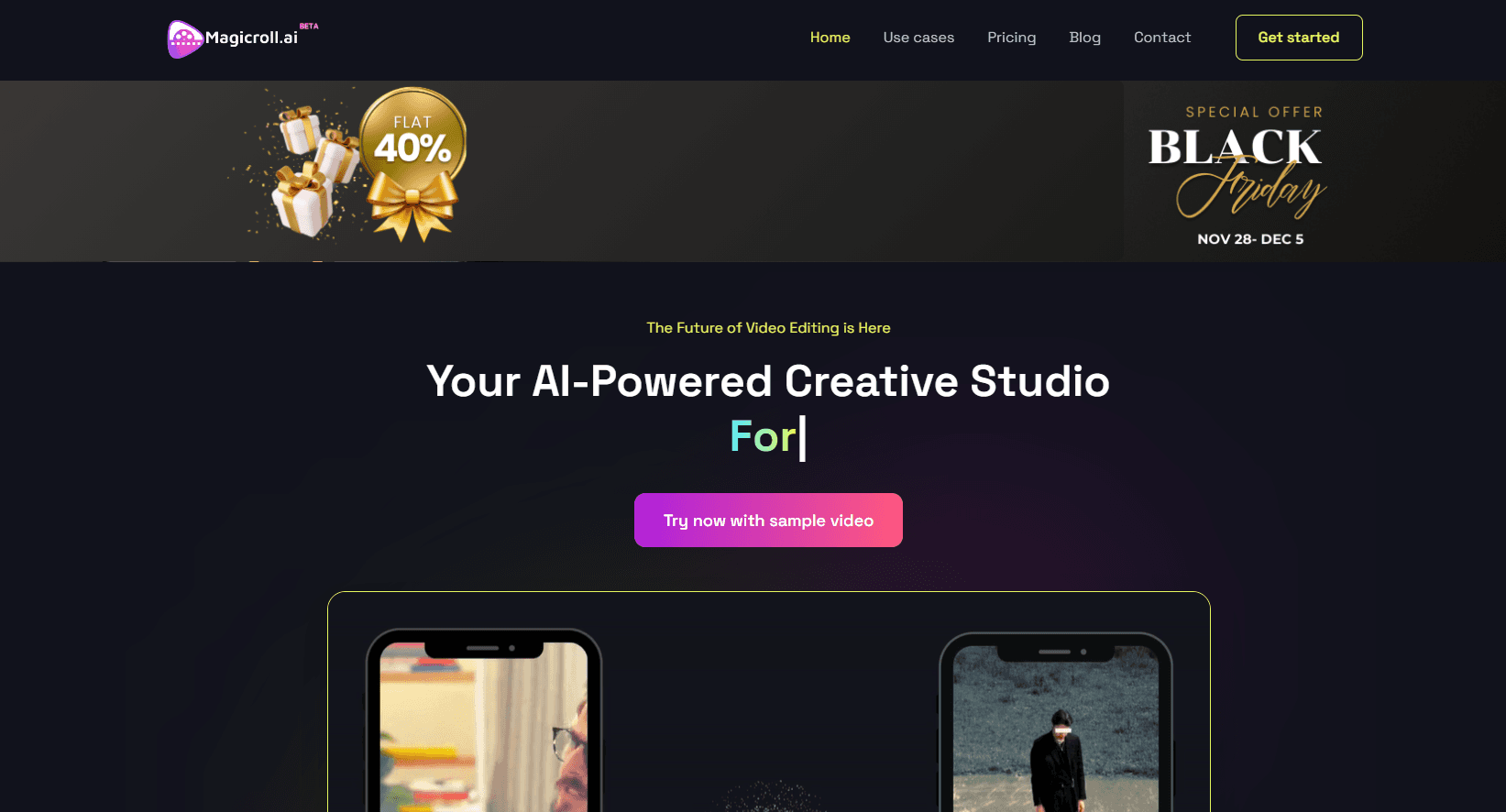
Magicroll.ai is an AI video generator that turns raw footage and scripts into edited videos for media teams, brands, and creators.
About Magicroll.ai
What Is Magicroll.ai
Magicroll.ai is an AI video platform that handles the parts of editing most people hate. You feed it a script, a recording, or a long video. It handles the B-roll, the captions, and the cutting on its own. The pitch is straightforward: no cameras, no crew, no timeline to babysit.
It's built in Bengaluru by Bigbuddy Technology Solutions and aimed squarely at Indian media houses, EdTech platforms, and D2C brands. Nothing stops a solo creator from using it as a general AI video editor. The company says it's recognized by NVIDIA Inception and Microsoft for Startups, and co-developed with IIT Delhi.
So who should actually pay for it?
The catch is that it's a web platform, not a phone app. There's no Android or iOS build, so everything runs in the browser at edit.magicroll.ai. It also prices on coins rather than flat seats, which is fine once you learn the system but confusing at first glance.
Getting Started
- Go to edit.magicroll.ai and sign up with an email address or Google account.
- Pick a workflow: AI video editing, AI avatar video, or text to video.
- Upload your footage or paste a script and choose a visual style.
- Let the engine generate the B-roll, captions, and cuts, then review the draft.
- Export in 1080p and top up coins if you run out.
Product Information
A quick look at Magicroll.ai's pricing, supported platforms, and performance.
Best for
The users, tasks, and scenarios where this tool fits best.
Users
- News and media teams
- D2C brand marketers
- Solo YouTube creators
- EdTech course builders
Tasks
- Turning a recorded bulletin into a week of social clips
- Adding captions across multiple languages
- Making an AI news anchor
- Generating B-roll from a script
Scenarios
- You shot a 40-minute webinar and need promo clips by morning
- You're launching a product but have no budget for a shoot
- You run a course library and can't afford editors for every module
Key features
Autonomous B-Roll
The engine reads your script and generates contextual B-roll on its own, so you're not hunting through stock libraries. For news bulletins it pulls location and event visuals; for explainers it matches diagrams and interface shots. It's the feature that saves the most time. Judge the product by this one.
AI Avatar Video
You can build a photorealistic digital presenter from text, or animate a still photo into a talking head. Media houses use this to put out bulletins without a studio or an on-camera anchor. The output is convincing enough for social use. Up close, it still looks like an avatar.
Text to Video
Paste a script and Magicroll turns it into a finished video with matching visuals. Static images fill in where live footage is missing. It's the fastest route from an idea to something watchable. No footage? No problem.
AI Clipping
Upload a long video and the tool outputs dozens of vertical clips built for shorts and reels. This is the workflow that turns one recording into a month of content. You'll want to review the picks. The tool can't tell your best moment from your filler.
Auto Captions in 10+ Languages
Animated captions render automatically in more than ten languages, which matters if you publish for multilingual audiences. The styling is built to stop the scroll, not just transcribe. A misheard word is easy to fix. You don't have to redo the whole clip.
Photo Avatar and Magic Agent
Two extras round out the toolkit. Photo Avatar turns a single still image into a presenter, handy for memorials, archives, or faceless channels. Magic Agent takes a plain-language description of any scene and renders it, so you're not writing prompt syntax.
Pricing Built on Coins
Magicroll charges in coins, and the tiers differ mostly in queue priority and how long coins roll over. Spark suits hobbyists, Flow adds a priority render queue and early access to new models, and Enterprise opens custom coin volume along with priority API access for teams that push out video at scale. One-minute videos cost about 7 coins. New users get 200 to test with.
Pros and cons
Pros
- Auto B-roll and captions remove the two slowest manual editing tasks
- Free trial with 200 coins lets you test the workflow before paying
- AI clipping turns one long recording into many short clips
- Captions support 10+ languages, useful for regional and global audiences
- Enterprise tier offers priority API access for high-volume teams
Cons
- No mobile app. Everything runs in the browser, so you can't edit from a phone
- Coin pricing is confusing at first. You'll need a minute to work out what a video costs
- Auto-generated clips and B-roll still need review. Bad picks mean rework
- Some core pricing isn't published on the public page, so you may have to contact sales for exact numbers
Frequently asked questions
Magicroll.ai makes and edits videos with AI. It generates B-roll from scripts, adds captions, builds AI avatar presenters, and cuts long videos into short clips for social media.
Related content
Explore related tools, skills, and articles for Magicroll.ai.
Magicroll.ai Alternatives

ngram 2.0
ngram · Video · Marketingngram 2.0 is an AI video generator for teams. It turns a prompt, a screen recording, or a product URL into a narrated explainer, product demo, or AI avatar video, and every scene stays editable.

OpenScreen 2
OpenScreen (open-source project) · Video · ProductivityOpenScreen 2 is a free, open-source screen recorder and demo video editor for Windows, macOS, and Linux, with automatic zooms, styled frames, local captions, and agent edits.

Skreno
Skreno · Video · ProductivitySkreno is a browser screen recorder that captures a tab, a window or your whole display, then attaches AI transcripts, summaries and console logs to one share link.