

Make
Make (formerly Integromat) · Coding · Productivity
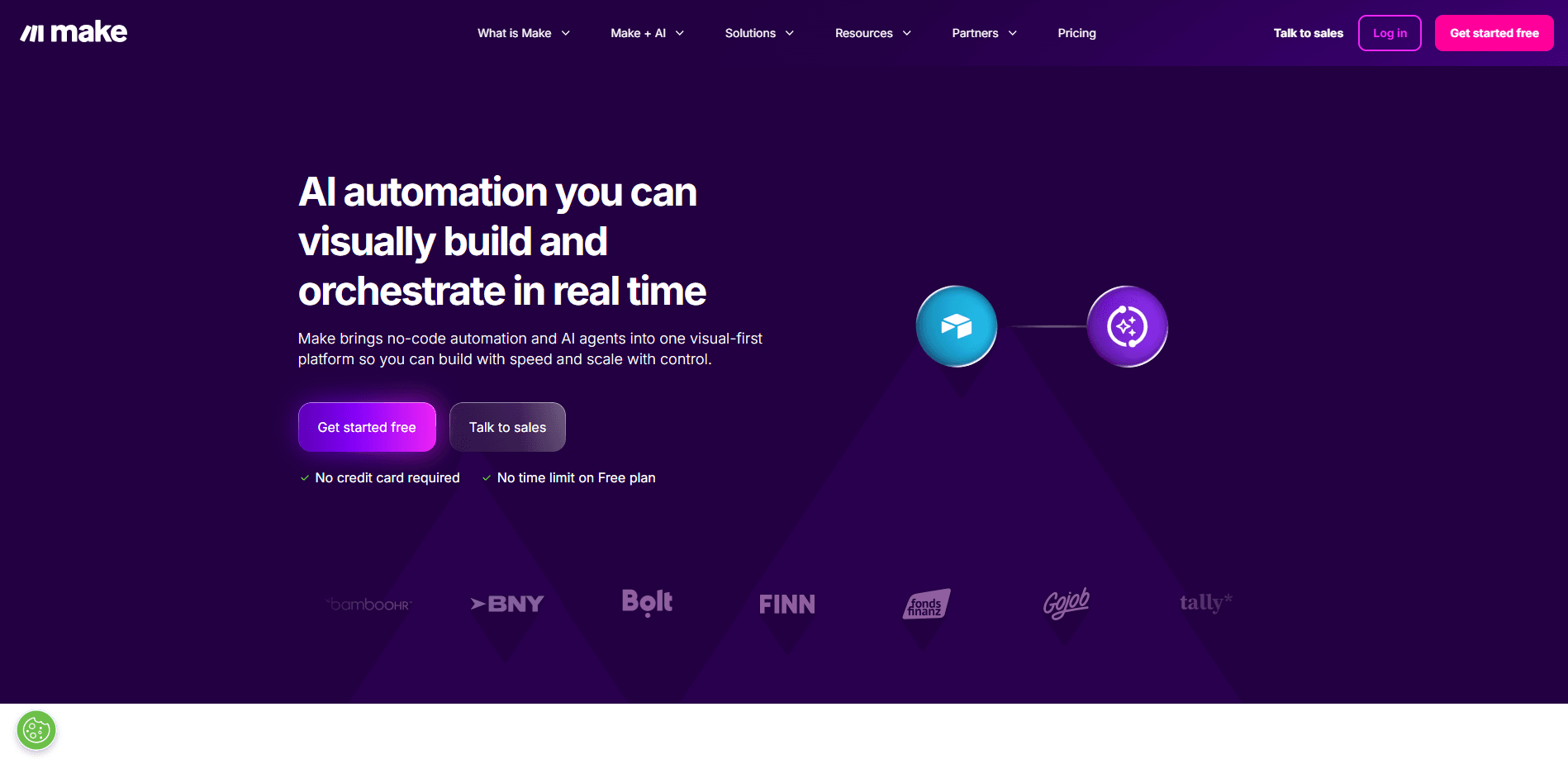
Make is a visual workflow automation platform that lets you connect apps and run tasks automatically without writing code. You drag modules onto a canvas, wire them together into a scenario, and the platform handles the data flowing between them. Over 3,000 apps are supported, from Google Sheets and Gmail to OpenAI and Anthropic Claude, so you can build everything from a simple email alert to a multi-step AI pipeline. A free tier gives you 1,000 operations a month, and paid automation plans start at $9/mo.
About Make
What Is Make
Make is a no-code automation platform built around a visual canvas. Instead of writing scripts, you place modules (each one an app action) and connect them. Make moves data down the chain. Step one hands its output to step two, then three, and so on. The company behind it, Make (formerly Integromat), positions the tool for people who want automation power without hiring a developer. It launched in 2016 out of Prague and has since grown into one of the better-known automation software options alongside Zapier.
The core problem Make solves is repetitive manual work. Copying form responses into a spreadsheet, syncing CRM contacts, posting to social accounts on a schedule, or summarizing incoming tickets with an AI model. Any task that follows the same steps every time is a candidate. You build it once and let it run on a schedule or trigger.
The biggest limitation is the pricing model. Make charges by operations. Each module action in a run counts as one, and complex scenarios burn through them fast. A scenario with ten modules that runs 200 times a day uses 2,000 operations daily. That adds up. The free tier caps you at 1,000 operations a month with a 15-minute minimum interval between runs, so heavy users hit the paid tiers quickly.
Getting Started
- Create a free Make account at make.com using email or a Google sign-in.
- Connect your first app by authorizing it, for example signing into Google Sheets or Gmail.
- Build a scenario: pick a trigger module, then add the action modules it should run.
- Map data between modules by clicking fields and selecting what each step should pass on.
- Turn the scenario on and let it run on schedule or when the trigger fires.
Product Information
A quick look at Make's pricing, supported platforms, and performance.
Best for
The users, tasks, and scenarios where this tool fits best.
Users
- Small business owners
- Marketing teams
- Operations staff
- Developers and technical founders
Tasks
- Auto-logging form responses
- AI content pipelines
- Social scheduling
- Lead routing
- File and data sync
Scenarios
- Running a small online store
- Weekly reporting
- Inbox triage
Key features
Visual Scenario Builder
The canvas is what sets Make apart from script-based tools. You see every step as a module and every connection as a line, so the workflow reads like a diagram rather than code. When something breaks, you can trace exactly which module failed instead of digging through logs. New users pick it up in an afternoon. It just clicks.
3,000+ App Integrations
Make connects to more than 3,000 apps, covering the usual suspects (Google Workspace, Slack, HubSpot, Airtable) plus AI services like OpenAI and Anthropic Claude. If an app isn't in the library, you can often reach it through a generic HTTP module or webhook. That route means more setup and some trial and error before the data lines up correctly. This breadth matters when your stack isn't made of the biggest names.
AI Modules and Automation
Make AI is available to all users and adds model-powered steps to any scenario. You can classify text, draft replies, extract data from documents, or summarize threads without leaving the builder. Because the AI module sits in the same flow as your other apps, the output feeds straight into the next action instead of being copied by hand.
Routers, Filters, and Error Handling
Real automations branch. A router splits one flow into several paths, and filters decide which data continues. Error handlers catch failed steps before they stop a run. You can retry, skip, or alert on failure. That's the difference between a demo and something you trust to run unattended, and it's why teams move past single trigger-action tools once their workflows grow past two or three steps.
Scheduling and Triggers
Scenarios run on a schedule or in response to an event. Free and lower tiers check at set intervals, while paid plans allow minute-level scheduling and unlimited active scenarios. For time-sensitive work like order confirmations, tighter intervals matter more than raw operation counts.
Templates and Make API
A template library gives you a head start on common flows, and the community shares thousands more. On paid tiers, the Make API lets you create and manage scenarios programmatically, useful when you're running automations on behalf of clients or repeating a pattern across accounts.
Pros and cons
Pros
- The visual canvas makes complex, multi-branch workflows easier to read and debug than code or text-based builders.
- Over 3,000 app connectors plus generic HTTP and webhook modules cover most stacks, including AI services.
- AI modules are built in, so summarizing, classifying, and generating text sit in the same flow as your other steps.
- Templates and a large community shorten the time to a working automation.
- A free tier and a $9/mo entry plan let you test the tool before committing.
Cons
- Pricing is operation-based, so scenarios with many modules running often can hit limits faster than you expect.
- The free plan's 15-minute minimum interval between runs rules out near-real-time automation until you upgrade.
- The canvas has a real learning curve for people who have never built an automation, with a lot of concepts to absorb at once.
Frequently asked questions
Make is used to automate repetitive work across apps. You build a scenario that triggers on an event or schedule and then runs a series of actions, like adding form entries to a database, sending Slack alerts, or passing text through an AI model and posting the result elsewhere.
Related content
Explore related tools, skills, and articles for Make.
Make Alternatives
Forefront
Forefront · CodingForefront is a web platform for building with open-source AI. It lets you fine-tune leading open-source language models on your own data, evaluate how they perform, and run them through an API or export them to host yourself. Developers who want the convenience of a closed-source platform but insist on owning their models and data are the target audience here.

Startkit
StartKit.AI · CodingStartkit is a boilerplate for building AI SaaS and AI wrapper products. Think of it as an AI startup boilerplate with the boring parts already wired up: authentication, Stripe and Lemon Squeezy payments, usage limits, transactional email, and an AI API starter that talks to OpenAI, Anthropic, Groq, or Llama. You clone the repo, set your price, and start on the part of your product that people actually pay for. It's Next.js under React and Tailwind, so most of the boilerplate code already feels familiar.
Testim
Tricentis · CodingTestim is an AI-powered test automation platform for building and running end-to-end tests across web, mobile, and Salesforce applications. It leans on machine learning to keep tests stable when an interface changes, so teams spend less time fixing broken selectors. Not bad for an automated testing tool you can start using today. You create tests by recording actions in a browser, then optionally add JavaScript when you need more control. It's a solid pick for busy QA teams.