

MaxClaw
MiniMax · Coding
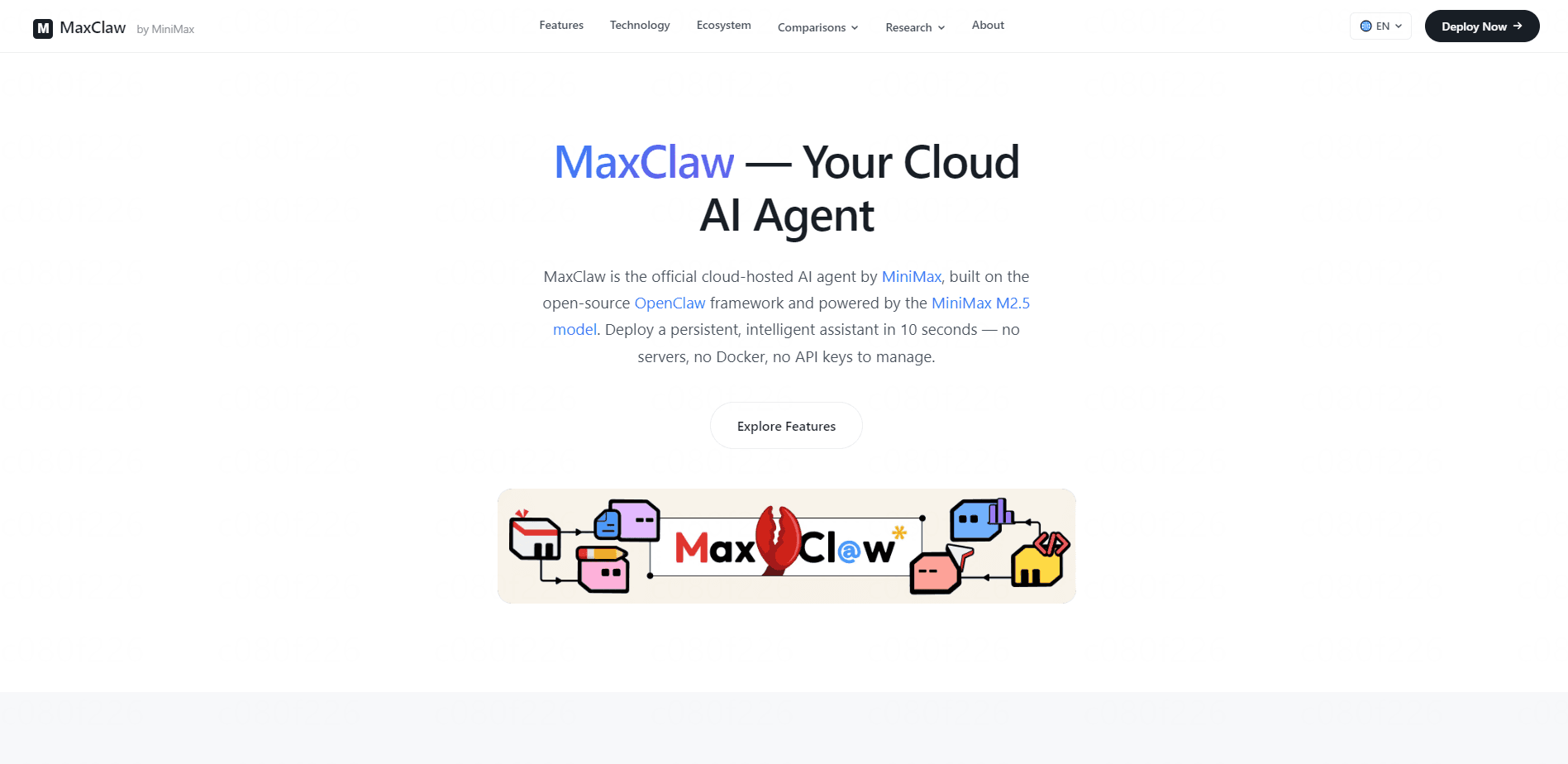
MaxClaw is a cloud-hosted AI agent from MiniMax that runs on the OpenClaw framework and the MiniMax M2.5 model. Need an AI agent for Telegram, Discord, or Slack without touching a server? That's the whole pitch. It spins up in about 10 seconds with no Docker and no API keys to babysit, then connects to your chat apps so it can work where you already talk. Treat it as a no-code AI assistant for people who want persistent memory across sessions and multi-step task handling without owning any infrastructure.
About MaxClaw
What Is MaxClaw
MaxClaw is a managed cloud service that gives you a personal AI agent without the setup headache. You click deploy, and MiniMax provisions the whole environment for you. No server to rent. No container to configure. No key rotation to track. That matters if you've ever spent a weekend wiring up a self-hosted agent and given up halfway.
The agent is powered by MiniMax's M2.5 model, a 229-billion-parameter mixture-of-experts system that activates roughly 10 billion parameters per token. In plain terms, it reasons well while staying cheap to run. MiniMax positions it as frontier-level intelligence at a fraction of Claude 3.5 Sonnet's cost. That's the vendor's own comparison, so treat it as a claim rather than a benchmark result.
What sets MaxClaw apart from a plain chatbot is memory and tools. It keeps long-term context across sessions, up to around 200,000 tokens, and inherits the OpenClaw tool library for browsing, code execution, and scheduling. The catch? It lives in the cloud, so you're trusting MiniMax with your conversations and any data you feed it. If that trade-off bothers you, a local setup may suit you better.
Getting Started
- Sign up for a MaxClaw account on the official site and open the deploy page.
- Click Deploy Now and wait roughly 10 seconds while the cloud environment spins up.
- Give your agent a name, personality, and role so it matches the tasks you have in mind.
- Link a chat platform such as Telegram, Discord, or Slack with a single click.
- Start sending tasks in that channel and let the agent build up memory over time.
Product Information
A quick look at MaxClaw's pricing, supported platforms, and performance.
Best for
The users, tasks, and scenarios where this tool fits best.
Users
- Solo founders juggling research and admin
- Content creators who live in Discord
- Small teams without an ops person
Tasks
- Continuous monitoring and recurring reports
- Code analysis and file review
- Research summaries
Scenarios
- Automating repetitive daily work
- Early project research
- Personal knowledge assistant
Key features
One-Click Cloud Deployment
MaxClaw's Deploy Now button stands up your entire environment in under 10 seconds, which means you can go from a blank account to a working agent before your coffee finishes brewing. There's no server provisioning, no Docker configuration, and no manual API key rotation to worry about. For anyone who's been burned by a half-finished self-hosted setup, that's the main draw.
Persistent Long-Term Memory
As a persistent memory AI agent, MaxClaw remembers more than 200,000 tokens of prior conversation. It picks up your preferences and working style over repeated sessions. No re-explaining context. That's the difference between a tool and something that feels like it knows you. It also sets MaxClaw apart from a plain chatbot you reset every morning.
Multi-Platform Integration
You can connect MaxClaw to Telegram, Discord, and Slack with a single click. Instead of visiting a separate dashboard, you talk to the agent inside a channel you already use. It keeps the whole workflow in one place. That's a bigger deal than it sounds once you're hopping between apps all day. No tab juggling. No copy-paste.
Customizable Persona
Set the agent's name, tone, and behavioral traits before you start. A research assistant, a writing coach, and a coding partner need very different voices, and MaxClaw lets you pick which one you get by defining the role up front and holding the agent to it over time. You define the role, and the agent sticks to it.
OpenClaw Tool Library
MaxClaw inherits the tools built for the open-source OpenClaw framework, covering web browsing, running code, reading files, automation scripts, and managing schedules so the agent can finish multi-step workflows on its own rather than handing you a list of things to do. It means less back-and-forth and more finished work.
MiniMax M2.5 Under the Hood
The M2.5 model uses a mixture-of-experts design with 229 billion total parameters but only about 10 billion active per token, so it keeps quality high while burning far less compute than a dense model of the same size. According to MiniMax, it handles code generation, multi-step tool calling, and logical reasoning while costing far less than comparable models. For high-frequency tasks, that cost gap is what makes automation practical.
Always-On, Fully Managed
MiniMax runs the infrastructure, so the agent stays online without you watching it. Nothing to patch. Nothing to restart. Nothing to scale by hand. You get the upside of a persistent assistant with none of the upkeep, which is the trade you're paying for when you hand the hosting to someone else and stop thinking about servers, uptime, and version upgrades entirely.
Pros and cons
Pros
- Deploy takes about 10 seconds with no servers, Docker, or key management involved.
- Persistent memory across 200,000+ tokens keeps context alive between sessions.
- Single-click connections to Telegram, Discord, and Slack fit it into existing habits.
- The M2.5 model's low cost makes frequent automated tasks affordable.
- Persona and tool settings let you shape the agent around a specific job.
Cons
- Everything runs in MiniMax's cloud, so your conversations and data leave your machine.
- Pricing and plan details aren't clearly published, which makes budgeting harder.
- Vendor comparisons to Claude 3.5 Sonnet come from MiniMax itself and need outside confirmation.
- Customization is limited compared to self-hosted setups where you control every component.
Frequently asked questions
MaxClaw is a cloud-hosted AI agent that handles research, code execution, file analysis, and scheduled tasks inside your chat apps, so you assign work through Telegram, Discord, or Slack instead of a separate dashboard. You deploy it once, then let it run. It's closer to a managed assistant than a standalone chatbot you open in a browser.
Related content
Explore related tools, skills, and articles for MaxClaw.
MaxClaw Alternatives
Forefront
Forefront · CodingForefront is a web platform for building with open-source AI. It lets you fine-tune leading open-source language models on your own data, evaluate how they perform, and run them through an API or export them to host yourself. Developers who want the convenience of a closed-source platform but insist on owning their models and data are the target audience here.

Startkit
StartKit.AI · CodingStartkit is a boilerplate for building AI SaaS and AI wrapper products. Think of it as an AI startup boilerplate with the boring parts already wired up: authentication, Stripe and Lemon Squeezy payments, usage limits, transactional email, and an AI API starter that talks to OpenAI, Anthropic, Groq, or Llama. You clone the repo, set your price, and start on the part of your product that people actually pay for. It's Next.js under React and Tailwind, so most of the boilerplate code already feels familiar.
Testim
Tricentis · CodingTestim is an AI-powered test automation platform for building and running end-to-end tests across web, mobile, and Salesforce applications. It leans on machine learning to keep tests stable when an interface changes, so teams spend less time fixing broken selectors. Not bad for an automated testing tool you can start using today. You create tests by recording actions in a browser, then optionally add JavaScript when you need more control. It's a solid pick for busy QA teams.