

MBit Music Video Status Maker
MBit Music Inc · Video
MBit Music Video Status Maker turns photos and a song into short beat-synced particle videos for WhatsApp status, reels, and birthday or festival greetings.
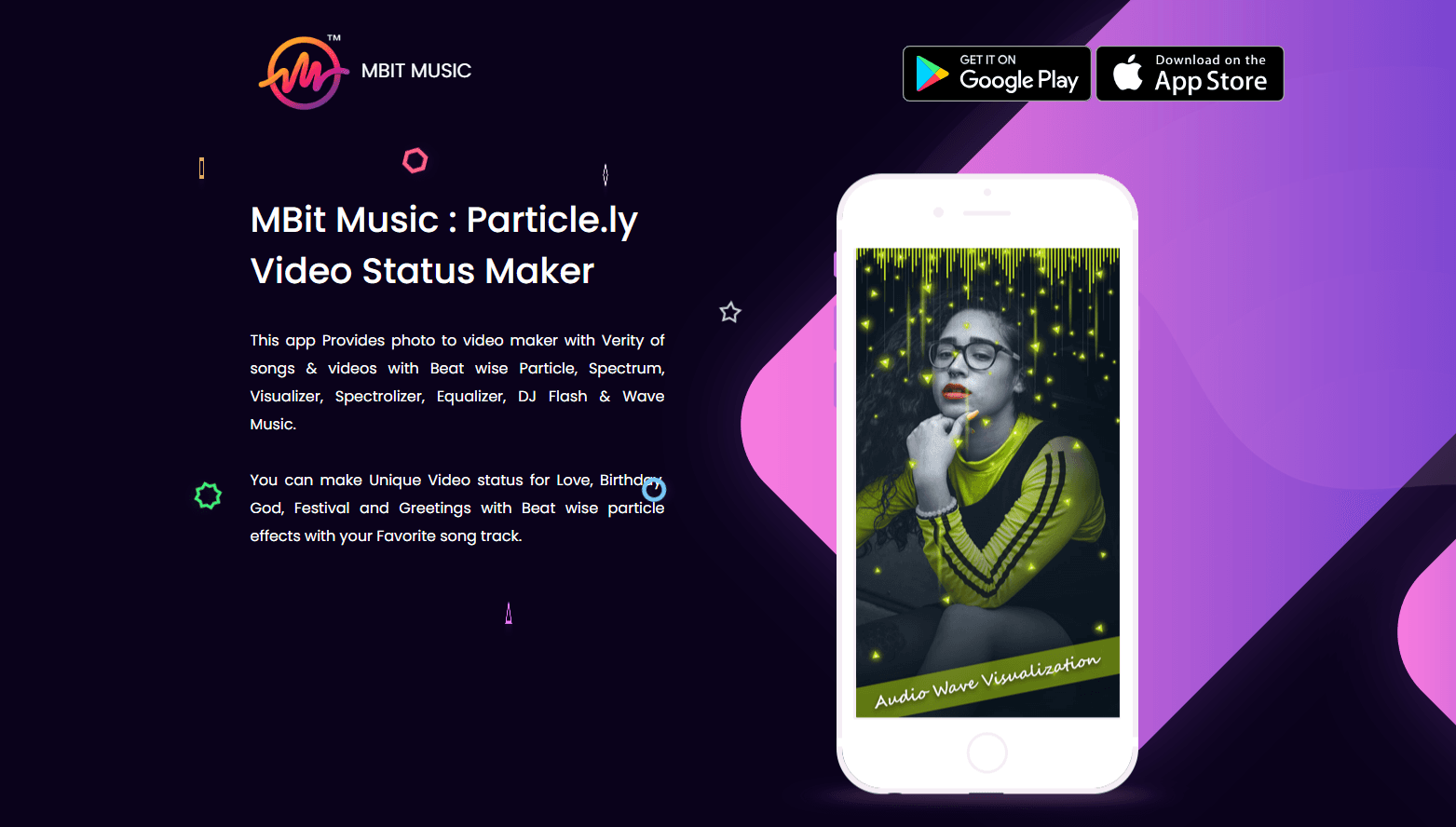
About MBit Music Video Status Maker
What Is MBit Music Video Status Maker
MBit Music Video Status Maker is a mobile app from MBit Music Inc that converts still photos into short vertical videos. You pick a template, drop in one or more pictures, choose a song, and the app animates the images with particle, spectrum, and equalizer effects that pulse on the beat.
The app targets a specific habit: posting a 15 to 30 second clip to WhatsApp status, Instagram reels, or a story without opening a full editor. There's no timeline to learn. Themes cover love, birthdays, anniversaries, festivals, and greetings, and each theme arrives with matching motion graphics already built in.
The limits show up once you want control. Everything runs through templates, so you can swap photos, music, and text but you can't keyframe an element or stack several video tracks. The free version carries ads and stamps a watermark on exports. Removing both takes an in-app purchase, which the app sells as a premium upgrade.
Getting Started
- Install the app from Google Play or the App Store and open it without creating an account.
- Browse the theme list and tap one that matches the occasion, or start from the photo to video maker entry.
- Add photos from your gallery, pick a track from the built-in library or your own files, then adjust text and effect intensity.
- Preview the render, then export and share straight to WhatsApp status, Instagram, or your camera roll.
Product Information
A quick look at MBit Music Video Status Maker's pricing, supported platforms, and performance.
Best for
The users, tasks, and scenarios where this tool fits best.
Users
- Casual social posters
- Music fans making fan edits
- Small sellers and event organizers
Tasks
- Turning a photo dump into a 20 second clip
- Making a birthday or anniversary greeting
- Building WhatsApp status updates fast
- Testing a song and image pairing before a bigger edit
Scenarios
- Posting daily status clips during a festival week
- Preparing a reel for a small business page
- Making a memorial or greeting video for family groups
Key features
Beat-Synced Particle Effects
Particles, sparks, and light streaks fire in time with the track you selected. The app reads the song and maps motion to the beat, so clips feel edited rather than randomly animated. This is the core of the product and the reason most people install it.
Photo to Video Templates
Each theme ships with a fixed layout, transition set, and color treatment. You supply photos and the app handles timing, which keeps output consistent across several clips made in one sitting. Themes are grouped by occasion, so browsing takes less time than building from scratch.
Built-In Music Library
A catalog of songs and sound bites comes with the app, sorted by mood and language. You can also pull a track from your own storage when the built-in list doesn't fit. Licensing for commercial posts stays your responsibility, since the app doesn't clear rights for you.
Spectrum, Visualizer, and DJ Flash Styles
Beyond particles, the app offers audio spectrum bars, circular visualizers, and strobing DJ flash looks. These suit music-focused clips where the waveform should be part of the frame. Each style adjusts to the beat without manual timing work.
Text, Sticker, and Name Overlays
You can add a name, a short greeting, or stickers over the animation. Text sits in preset slots, which keeps layouts tidy but caps how far you can push typography. For a birthday card or a quick greeting, the presets cover the usual cases.
Vertical Export and One-Tap Sharing
Renders come out in vertical format ready for status and reels, with a share sheet for WhatsApp, Instagram, and other installed apps. Export length follows the template, usually between 15 and 30 seconds. Longer cuts need a separate editor, since this app isn't built for long-form work.
Pros and cons
Pros
- Finished clips in a few minutes, with no timeline or layering to learn.
- Particle and spectrum effects sync to the beat without manual keyframes.
- Theme library covers birthdays, festivals, love, and greetings, so there's usually a fit.
- Vertical exports match WhatsApp status and reels without cropping.
- Free tier is usable for occasional posts, and the premium upgrade costs little.
Cons
- Free exports carry a watermark, so anything public either shows the branding or needs the paid upgrade.
- Ads interrupt the workflow between theme selection and export.
- Template lock-in means no keyframes, no multi-track editing, and little control over timing.
- It isn't a lyric video maker: there's no word-by-word text sync to a vocal track.
Frequently asked questions
It builds short vertical videos from your photos and a song, adding particle, spectrum, or DJ-style animations that move with the beat. You pick a theme, add images, and export.
Related content
Explore related tools, skills, and articles for MBit Music Video Status Maker.
MBit Music Video Status Maker Alternatives

ngram 2.0
ngram · Video · Marketingngram 2.0 is an AI video generator for teams. It turns a prompt, a screen recording, or a product URL into a narrated explainer, product demo, or AI avatar video, and every scene stays editable.

OpenScreen 2
OpenScreen (open-source project) · Video · ProductivityOpenScreen 2 is a free, open-source screen recorder and demo video editor for Windows, macOS, and Linux, with automatic zooms, styled frames, local captions, and agent edits.

Skreno
Skreno · Video · ProductivitySkreno is a browser screen recorder that captures a tab, a window or your whole display, then attaches AI transcripts, summaries and console logs to one share link.