

Mediagpt AI
Mediagpt AI · Video
Mediagpt AI is an online AI video generator that turns text prompts and photos into short, shareable videos without editing software. You describe a scene or upload an image, pick a style, and the tool renders a clip you can post or download. It suits creators, marketers, and small teams who need quick video content rather than a full production suite.
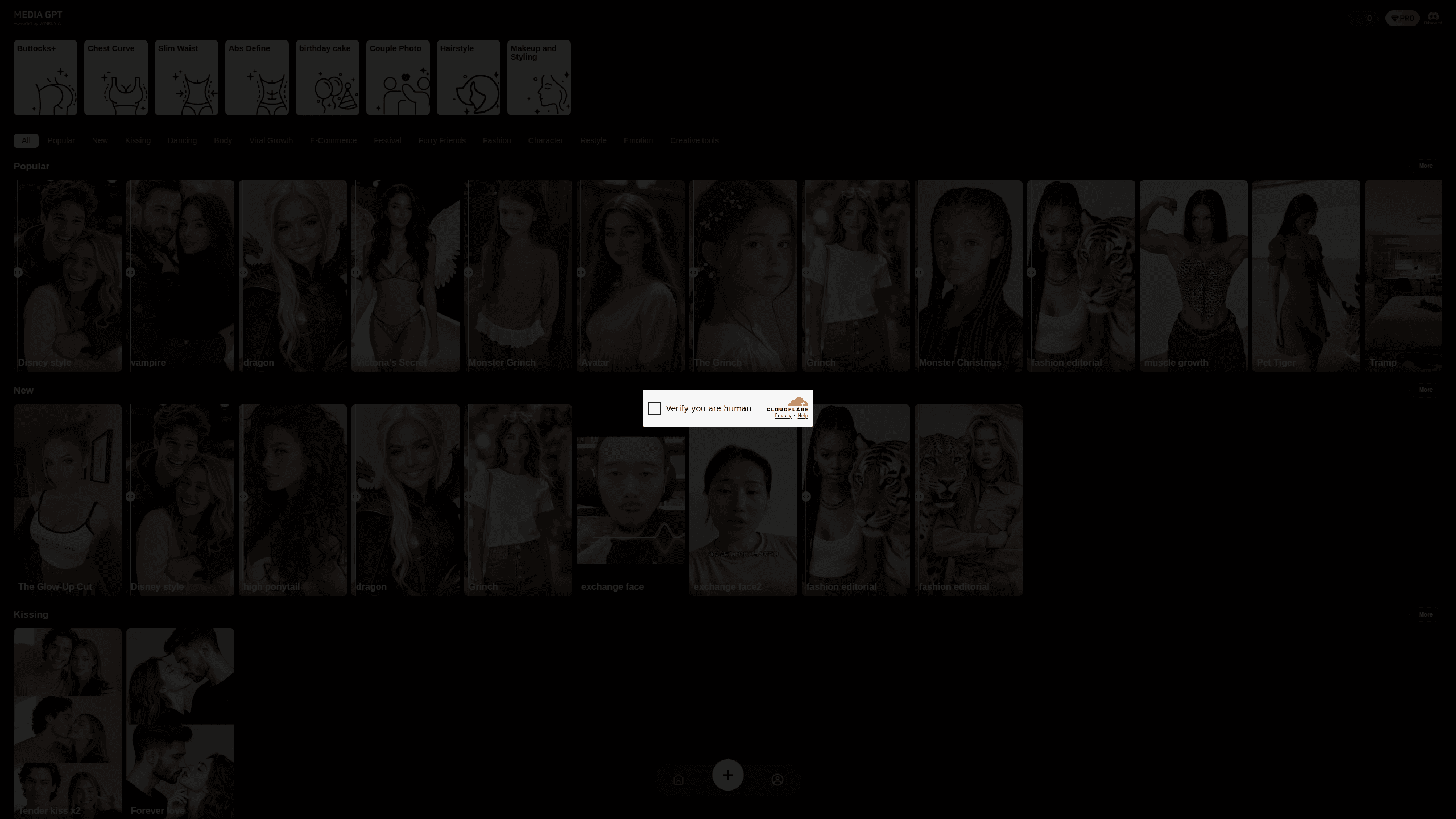
About Mediagpt AI
What Is Mediagpt AI
Mediagpt AI is a web-based AI video maker built around one job: getting from a line of text or a single photo to a finished video clip in a few minutes. You work in the browser, so there's nothing to install and no timeline to learn.
The appeal is speed. Traditional editing means importing footage, cutting shots, syncing audio, and exporting. Mediagpt AI skips all of that. So what do you actually type to get something usable? Describe the subject, the setting, and the movement you want, then let it render.
The catch is control. AI video generation is still unpredictable, and short clips work far better than long ones, so a ten-second shot that looks great on the first try can be followed immediately by one where the subject grows a second head halfway through. If you need frame-accurate edits or multi-minute narratives, this isn't the tool for that. Treat it as fast content generation, not a replacement for a real editor.
Getting Started
- Open the Mediagpt AI site in your browser and create a free account with an email address or a social login.
- Choose a mode. Text to video starts from a written prompt; image to video starts from a photo you upload.
- Describe the scene you want. Mention the subject, the setting, and the motion, then pick an aspect ratio and style.
- Generate the clip and review the result. If a shot looks off, tweak the prompt and run it again.
- Download the video or share it to the social platform you're targeting.
Product Information
A quick look at Mediagpt AI's pricing, supported platforms, and performance.
Best for
The users, tasks, and scenarios where this tool fits best.
Users
- Social media creators
- Small business owners
- Marketers testing concepts
- Hobbyists learning AI video
Tasks
- Turning a blog post or product blurb into a short promotional clip
- Animating a product photo for an online store
- Making teasers for events or launches
- Producing filler visuals for a video edit
Scenarios
- Filling a daily posting schedule on TikTok, Reels, or Shorts when you've run out of filmed footage.
- Mocking up a campaign concept for a client meeting the same afternoon.
- Adding movement to a static image for a presentation or landing page hero.
- Exploring AI video on a laptop before deciding whether to pay for a heavier tool.
Key features
Text to Video Generation
You write a prompt describing the scene, and Mediagpt AI renders a short video from it. The more specific you're about the subject, the setting, and the camera movement, the closer the output lands to the picture already sitting in your head, which is why a single detailed sentence usually beats three vague ones. Vague prompts produce generic results, so detail pays off. It's the fastest path from an idea to a moving clip.
Image to Video Animation
Upload a photo and the tool animates it, adding motion to a still frame. This works well for product shots, portraits, and simple scenes where you want subtle movement rather than an entirely new composition built from scratch by the model. It's a practical route for online sellers who already have good photos and want video versions without a reshoot.
Prompt-Driven Style Control
Aspect ratio, visual style, and clip length are set before you generate, so you can match the output to the platform. Vertical for Shorts and Reels, horizontal for YouTube, square for feed posts. Locking these choices up front saves you from re-rendering just because the shape was wrong.
Fast Cloud Rendering
Everything runs in the browser on the company's servers, so your own machine's specs matter far less than they would with a desktop render farm sitting under your desk. A laptop or even a phone browser can start a render. That also means you don't manage GPU drivers or local model files, which keeps the setup trivial.
Clip Download and Sharing
Finished videos export as downloadable files you can post straight to social platforms or drop into a larger edit. There's no lock-in to a single destination, which matters if you publish across several channels and want one asset to work in more than one place, though you'll still be re-exporting whenever a platform has its own odd aspect ratio in mind.
Pros and cons
Pros
- No editing skills needed. You write or upload, then generate, and the tool handles the parts that would otherwise take an afternoon of timeline work.
- Runs in the browser, so there's nothing to install and no hardware requirements.
- Handles both text-to-video and image-to-video, covering two common starting points.
- A free plan lets you test the output quality before paying.
- Fast turnaround. Fine for a daily schedule.
Cons
- Clip length is limited, so it won't produce long narrative videos.
- AI results vary between runs, and you may need several attempts for a usable shot.
- No public API means you can't wire it into an automated content pipeline.
- Fine-grained editing is limited. If you need frame-level control, you'll export and finish in another editor.
Frequently asked questions
It's an online AI video generator. You give it a text prompt or a photo, and it produces a short video clip you can download and share. Think of it as a way to make quick video content without editing software.
Related content
Explore related tools, skills, and articles for Mediagpt AI.
Mediagpt AI Alternatives

Vadu AI
Vadu AI · Image · VideoVadu AI is a web-based AI video generator that turns written prompts or still images into short clips, and it can also generate images on its own. You type what you want, pick a model and style, and the platform renders the result in minutes. A free plan covers light testing, while paid tiers run from $9 to $77.40 per month based on how many credits you burn.

Mykaraoke Video
MyKaraoke Video · VideoMykaraoke Video is an online karaoke video maker and lyric video maker that turns any song into a finished, lyrics-synced video right in your browser. It handles the slow part for you. The AI pulls vocals out of the mix and locks the lyrics to the beat, then lets you customize background, fonts, and colors before exporting in 1080p MP4. If you make lyric videos for social media, party nights, or music promotion, it skips the software installs and manual timing work entirely. Want a karaoke video generator that doesn't eat your whole evening? That's the pitch here.

Finalframe
Finalframe · VideoFinalframe is a set of free, browser-based tools for grabbing exact frames out of a video clip. Its best-known feature, the Final Frame Extractor, lets you extract the last frame of any video so you can use it as the starting image for AI video tools like Luma Dream Machine, Runway, or Kling. Want to keep a clip going? That last frame is your starting point. The tool runs locally in your browser, needs no sign-up, and costs nothing. A separate paid AI video-generation app from the same team is currently offline while it's rebuilt.