

Megaton Mask
Megaton Inc · Image · Video
Megaton Mask is an AI video masking and rotoscoping tool that extracts people, hair, and objects from any footage without a green screen. You draw a box, the AI builds the mask, then you export.
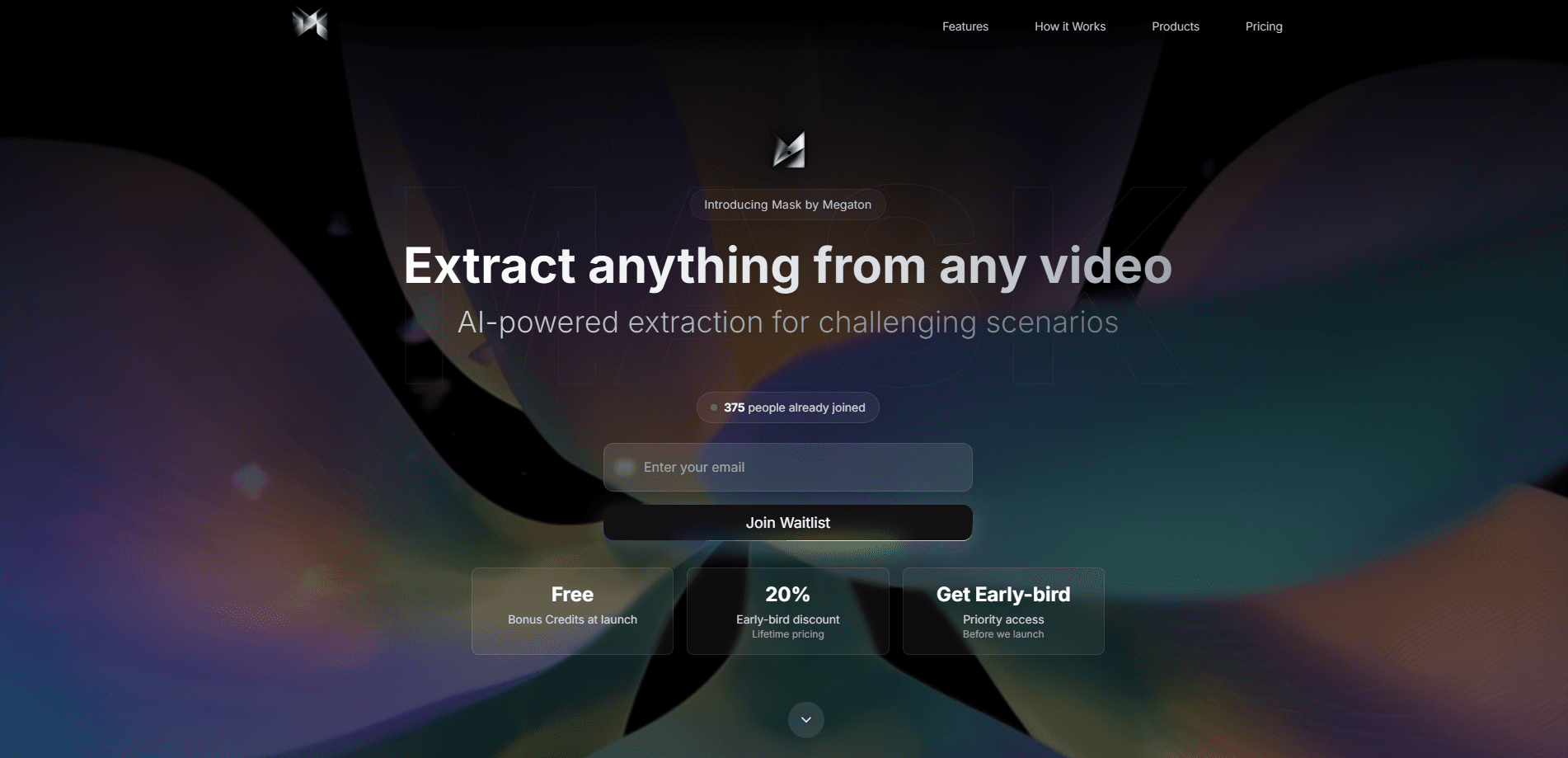
About Megaton Mask
What Is Megaton Mask
Megaton Mask is a browser-based video masking software from Megaton Inc that pulls subjects out of live-action video. Point at a person, an animal, or an object, and the software draws a clean mask around it frame by frame. The pitch is narrow: it handles the edges that break most auto-roto jobs, such as loose hair, fur, smoke, and glass.
Most editors reach for a green screen or a manual rotoscope when they need a cutout. Both cost time. A green screen needs the right lighting and wardrobe, and it never works on footage you already shot. Manual rotoscoping is frame-by-frame work that can eat an afternoon on a single shot. Megaton Mask aims at that gap, letting you mask footage that was never shot for compositing.
The catch is that Mask is a paid, credit-based tool with no free tier. It also leans hard on its AI models, so results on unusual footage still need a check. Megaton lists Nuke and After Effects export as coming soon, which means some finishing still happens by hand for now.
Getting Started
- Sign in at app.megaton.ai and buy a credit pack. The smallest one costs $5.
- Upload a clip and drag a box around the person or object you want to extract.
- Let the AI build the mask, then review the tricky edges such as hair or reflections.
- Refine with a short text prompt or an annotation if the first pass misses details.
- Export as a green screen composite, an alpha mask, or a PNG sequence.
Product Information
A quick look at Megaton Mask's pricing, supported platforms, and performance.
Best for
The users, tasks, and scenarios where this tool fits best.
Users
- Video editors
- Motion designers
- Small production teams
Tasks
- Replacing a background
- Isolating a subject with hard edges
- Automating a repeated mask job
Scenarios
- Fixing a shot after the fact
- Social clips on a tight turnaround
- Testing a concept before a full edit
Key features
AI-Powered Masking
You drag a box around your subject and the tool extracts a mask automatically, no manual tracing needed. Megaton says it runs on "the leading segmentation model," so the first pass often lands close enough to skip clean-up. It's the core of the product: point, click, export.
Magic Edge
Magic Edge is the feature that separates Mask from cheaper cutout tools. It rebuilds the fine details a normal mask loses, such as individual hair strands, fur, feathers, and smoke edges. On a talking-head clip, those strands are the difference between a believable cutout and a visible halo.
Background Removal to Green Screen
You can turn any clip into a green screen composite in a few clicks, ready for keying in a video editor. This works on footage that was never shot against green, which is the main draw for editors working with existing material.
Flexible Export Formats
Mask outputs in three shapes: a green screen composite, an alpha mask, or a PNG sequence with frame-by-frame transparency. Alpha masks suit advanced compositing, while PNG sequences fit motion graphics pipelines. The export adapts to the workflow you already have.
Text Prompt and Annotation Controls
If the automatic pass misses something, you can describe the fix in a short text prompt or hand-draw an annotation. Text prompts suit simple corrections, and annotations handle a subject the AI read wrong. Both keep you on one screen instead of bouncing into another app.
API and Agent Integration
Megaton ships a developer API with documented endpoints for masks, videos, and images. The company says Mask works with coding agents such as Claude Code and Codex, so they can act as a post-production helper. That path fits teams that want to run extraction at scale instead of clicking through the interface.
Credit-Based Pricing
You buy credits and spend them when you use them, with no subscription. Starter runs $5 for 500 credits, Builder is $25 for 3,000, and Scale is $100 for 15,000. Megaton says that covers roughly 100 to 3,000 background removals depending on the pack.
Pros and cons
Pros
- Handles hair, fur, smoke, and glass, the edges that break most auto-roto tools.
- No green screen required, so you can mask footage you already shot.
- Credit packs start at $5 with no subscription commitment.
- Three export formats cover most editing and motion graphics pipelines.
- A documented API supports batch and agent-driven workflows.
Cons
- No free plan, so you pay before you can test a clip on your own footage.
- Nuke and After Effects export isn't live yet, which adds a manual step for some finishing work.
- Credit costs scale with usage, so heavy masking on long clips burns through a pack fast.
- Automatic masks still need a review on unusual footage, so it's not fully hands-off.
Frequently asked questions
It's an AI video masking tool that extracts people, objects, or animals from video without a green screen. You select a subject, the AI builds a mask, and you export the cutout as a green screen clip, an alpha mask, or a PNG sequence.
Related content
Explore related tools, skills, and articles for Megaton Mask.
Megaton Mask Alternatives

Tractionwave
TractionWave · Image · MarketingTractionWave is an AI attention heatmap tool for static ads. Upload a PNG or JPG and it returns predicted attention, ranked hotspots, and fixes before you spend budget.

Imejis.io
Imejis.io · Image · MarketingImejis.io is an AI design studio for agents and marketing teams. Describe an image in plain words, and it writes the copy, builds the layout, reflows it to every size, then exports a finished file.

Layoutr
Van Dijk Ontwikkeling · Image · China AILayoutr is a browser floor plan tool that scales your own plan, places furniture at true size, shows the room in 3D and renders it with AI.