

Meilisearch
Meili · Coding
Meilisearch is an open-source search engine API that you install into your own app or website and get relevant, instant results with almost no setup. It blends full-text search with AI-powered hybrid search, so users find what they mean even when they misspell a word or type only part of it. Teams can self-host it for free or run it as a managed cloud service, which makes it a practical pick for developers who want fast search without running a large cluster.
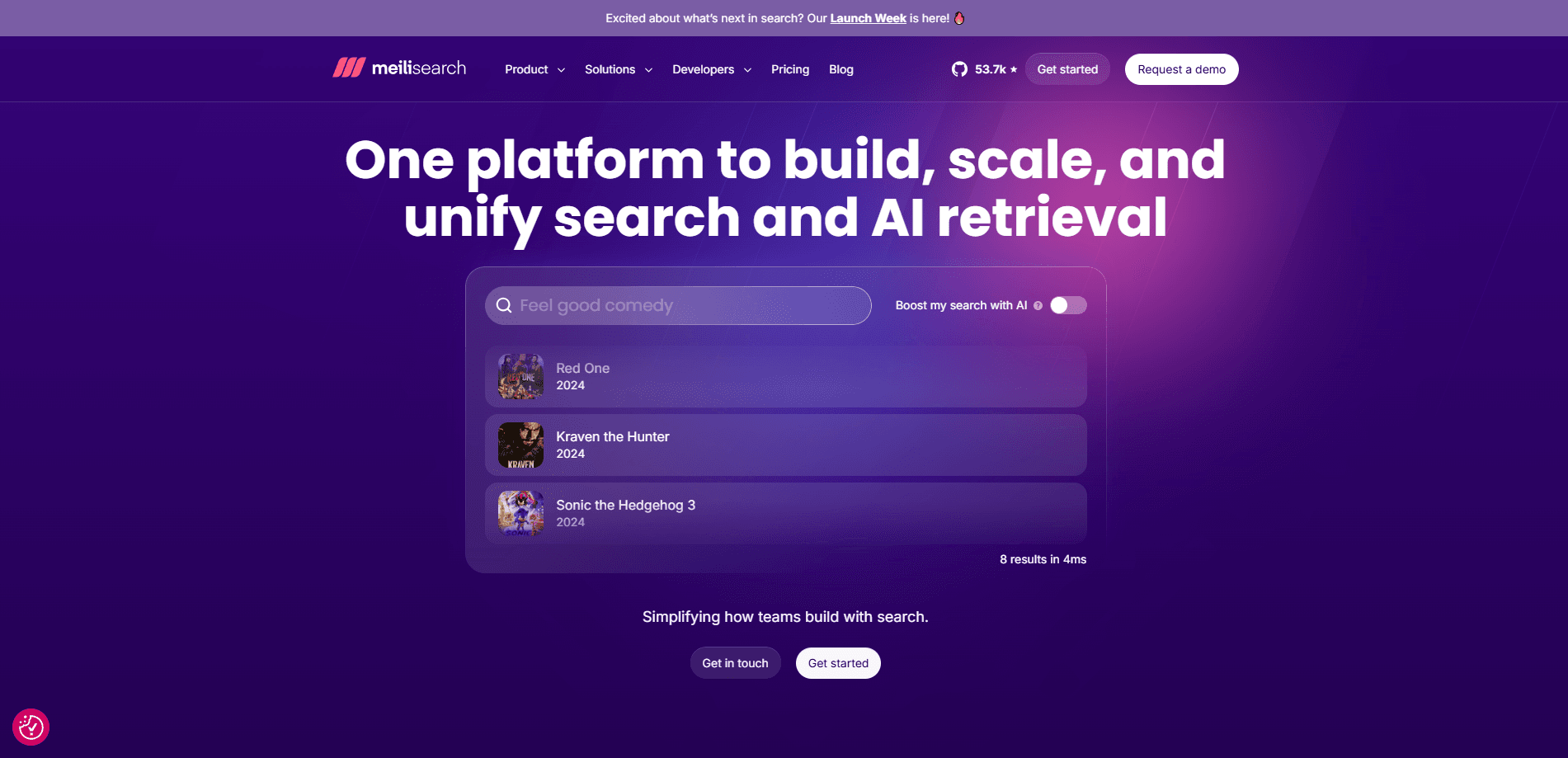
About Meilisearch
What Is Meilisearch
Meilisearch is a search engine built for people who need search inside an app, not a whole data platform. You feed it your documents, and it returns answers in milliseconds. Simple as that. The project is open source and written in Rust, so it stays light on resources and starts fast.
The main problem it solves is the gap between a basic database query and a real search experience. A plain SQL lookup misses typos, ignores word order, and feels slow once your data grows. So why does that matter? Users blame your app, not their typing. Meilisearch handles typo tolerance, prefix matching, and relevance ranking out of the box, so you don't have to tune a relevance model before your first search works.
Its biggest limit is scope. Don't expect a general analytics engine here. Meilisearch won't do heavy aggregation or complex reporting the way Elasticsearch can, and huge datasets eventually need sharding, which is part of the paid Enterprise tier. For product search, docs search, or in-app discovery, that trade-off rarely matters.
Getting Started
- Install Meilisearch either by downloading the binary, running the official Docker image, or creating a project on Meilisearch Cloud.
- Add your data as JSON documents through the REST API, one index per content type like products or articles.
- Set searchable and filterable attributes so the engine knows which fields to rank and which to filter on.
- Run a search request and adjust typo tolerance, synonyms, or custom ranking rules if the first results need tuning.
- Pick a language SDK, such as JavaScript, Python, Go, or Ruby, and wire the search box into your app or website.
Product Information
A quick look at Meilisearch's pricing, supported platforms, and performance.
Best for
The users, tasks, and scenarios where this tool fits best.
Users
- App and web developers
- Small product teams
- Technical founders shipping fast
Tasks
- Typo-tolerant product search
- Docs and knowledge base lookup
- Semantic and hybrid retrieval
Scenarios
- E-commerce catalogs where filtering and faceting drive browse behavior, and slow results cost sales.
- Internal tools and dashboards where employees look up records by partial names or codes.
- AI apps that need a retrieval layer for RAG, storing vectors alongside text in the same index.
Key features
Lightning-Fast Search-as-You-Type
Meilisearch returns results in under 50 milliseconds, according to Meili, which is fast enough to update the page on every keystroke. That speed is the difference between a search box users trust and one they abandon. The engine reaches it through a Rust core and an index built for low-latency queries rather than batch reporting. Fast, always.
AI-Powered Hybrid Search
Hybrid search blends full-text matching with semantic search, so a query finds results by meaning and not only by exact words. A user asking about "waterproof running headphones" can match a listing titled "sweat-resistant sport earbuds" even with no shared keywords. You bring your own embedding model, and Meilisearch handles the vector storage and the ranking that combines both signals into a single, ordered list of results. Not a keyword toy.
Typo Tolerance and Relevance Out of the Box
Misspellings, missing letters, and swapped characters don't break a search. Meilisearch ranks by relevance by default, weighs word importance, and treats prefixes as matches, so typing "app" surfaces "apple". You get usable results before you touch a single ranking rule.
Multilingual Support
The engine handles many languages with language-aware tokenization, so word boundaries and stemming behave correctly outside English. For a site serving several regions, that means one search setup covers more of your audience instead of a separate index per locale.
Filtering, Faceting, and Sorting
You can build the controls shoppers expect, such as brand filters, price ranges, and sort-by options, on top of the same index that powers text search. Filtering works together with semantic search rather than replacing it, so a hybrid query can still respect a category filter. Small detail, big payoff.
Federated Search Across Sources
Federated search lets a single request pull results from several indexes at once and merge them into one ranked list. If your app splits data across products, articles, and help docs, users get one answer instead of three separate search boxes. One box. One list.
Vector Storage for RAG
Meilisearch stores vectors and lets you run similarity queries, which makes it a lightweight retrieval layer for AI apps. You keep documents and embeddings in one place instead of stitching a search engine to a separate vector database. One store, two jobs.
Pros and cons
Pros
- Setup takes minutes, and smart presets mean you can search your data before writing any ranking config.
- Self-hosting is free and open source, so you control the data and avoid per-search billing.
- Search-as-you-type results under 50ms keep the interface responsive on every keystroke.
- Typo tolerance and prefix matching work without extra configuration.
- Hybrid and vector search cover both keyword and meaning-based queries in one index.
Cons
- It isn't built for heavy aggregation or analytics, so reporting-style queries belong in another tool.
- Large datasets need sharding, which sits behind the paid Enterprise plan rather than the free tier.
- Semantic search requires you to supply your own embedding model, which adds a setup step.
- Self-hosting means you own backups, upgrades, and monitoring, and there's no built-in hand-holding there.
Frequently asked questions
Yes. The core engine is open source and free to self-host, and you can use it in commercial projects. Meilisearch Cloud, the managed version, starts at $20/month with a 14-day free trial that doesn't require a credit card. No card needed.
Related content
Explore related tools, skills, and articles for Meilisearch.
Meilisearch Alternatives
Forefront
Forefront · CodingForefront is a web platform for building with open-source AI. It lets you fine-tune leading open-source language models on your own data, evaluate how they perform, and run them through an API or export them to host yourself. Developers who want the convenience of a closed-source platform but insist on owning their models and data are the target audience here.

Startkit
StartKit.AI · CodingStartkit is a boilerplate for building AI SaaS and AI wrapper products. Think of it as an AI startup boilerplate with the boring parts already wired up: authentication, Stripe and Lemon Squeezy payments, usage limits, transactional email, and an AI API starter that talks to OpenAI, Anthropic, Groq, or Llama. You clone the repo, set your price, and start on the part of your product that people actually pay for. It's Next.js under React and Tailwind, so most of the boilerplate code already feels familiar.
Testim
Tricentis · CodingTestim is an AI-powered test automation platform for building and running end-to-end tests across web, mobile, and Salesforce applications. It leans on machine learning to keep tests stable when an interface changes, so teams spend less time fixing broken selectors. Not bad for an automated testing tool you can start using today. You create tests by recording actions in a browser, then optionally add JavaScript when you need more control. It's a solid pick for busy QA teams.