

Memories.ai
Memories.ai · Video
Memories.ai is an AI video analysis platform that gives machines a persistent visual memory. Its Large Visual Memory Model (LVMM) turns raw footage into structured, searchable data by indexing every frame, face, scene and spoken word. Teams use it to analyze hours of video in seconds, run natural-language search across archives, and build agents that act on what a camera sees. It's infrastructure for developers and enterprises who need video understanding baked into a product rather than a one-off clip analysis.
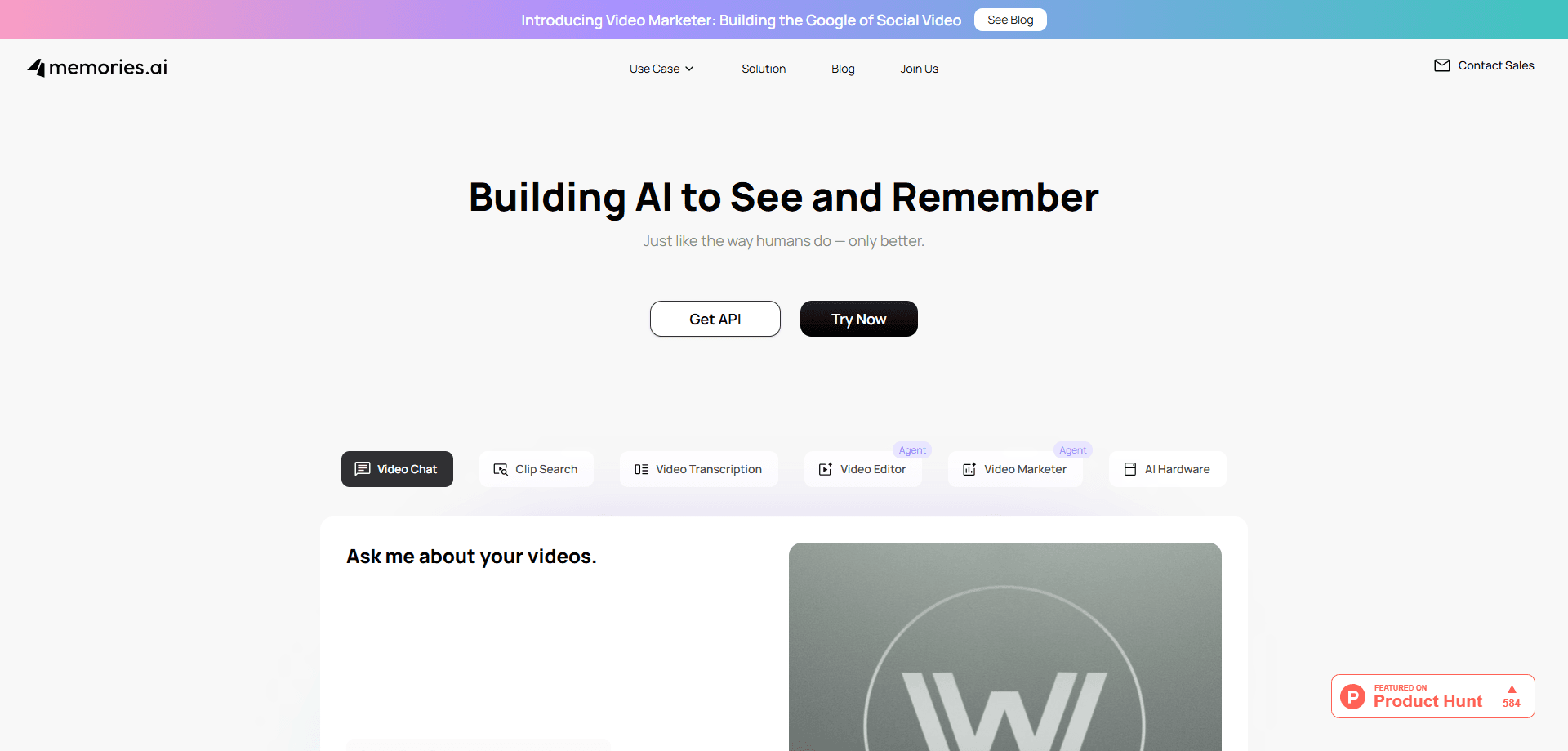
About Memories.ai
What Is Memories.ai
Memories.ai is a visual memory layer for AI. Founded in Silicon Valley in 2024 by former Meta Reality Labs researchers Shawn Shen and Enmin Zhou, it builds the one piece most multimodal models are still missing: the ability to remember what they have seen over time. A short clip is easy for those models. The hard part is holding onto context across hours, days or months of footage without losing it the second the clip ends.
The core product is the Large Visual Memory Model. It doesn't just analyze a video in one pass. It encodes, compresses and indexes footage so a model can later jump back to a specific moment through a plain language question, and the company describes LVMM as a system inspired by how human memory works rather than one single end-to-end model.
The biggest limitation is scope. This is a developer and enterprise platform, so there's no simple drag-and-drop video editor waiting for casual users. Pricing is quote-based and the API platform is where the real work happens, which means the barrier to entry is higher than a typical consumer app. So who is this actually for? If you want a consumer app that labels your home videos, look elsewhere. If you're building a product that needs video intelligence at scale, this is aimed at you.
Getting Started
- Go to memories.ai and read the API docs at docs.memories.ai to check the endpoints and SDKs.
- Sign in to the API platform or contact sales if you need a custom enterprise setup.
- Create an API key and pick the model you want to use for ingestion and search.
- Upload or point the system at your video source, then let it index and build the memory layer.
- Query the index with natural language, or wire the output into your own agent and workflow.
Product Information
A quick look at Memories.ai's pricing, supported platforms, and performance.
Best for
The users, tasks, and scenarios where this tool fits best.
Users
- Developers building video-aware apps
- Security and safety teams
- Media and entertainment teams
Tasks
- Asking a week of footage where something happened
- Summarizing long recordings
- Auto-tagging a video library
- Feeding visual context to an agent
Scenarios
- Reviewing warehouse or store camera footage after an incident
- Post-production on a large media archive
- Robotics and wearable devices
Key features
Large Visual Memory Model (LVMM)
The LVMM is the engine behind everything Memories.ai does. It processes video at scale and turns raw footage into structured visual data, indexing frames, faces, scenes and speech. Instead of analyzing a clip and dropping it the moment the request finishes, the model builds a memory that persists. That's the difference between a one-off analysis and a system that can answer questions about video from last month. Big gap.
Persistent Visual Memory
Memories.ai keeps structured memory across time, organizing people, events, actions and context into a searchable layer. The company's own framing is that it doesn't just store footage, it understands it. That's a bold claim. This matters for any workflow where the relevant answer is somewhere in a huge pile of recordings and nobody has time to watch it all back frame by frame. You ask a question in plain language, and the system pulls the matching moments.
Natural Language Video Search
Search is where the memory pays off. Video summarization and retrieval both live here. You describe what you're looking for, such as every time someone entered a storage room last week, and the system returns the exact timestamps. Sub-second retrieval is the goal, and it works across hours, days or months of footage. For anyone who has scrubbed through timelines by hand, this is the feature that saves real time.
Video Intelligence and Visual Search APIs
Two APIs carry the platform into your own product. The Video Intelligence API handles analysis and indexing, while the Visual Search API handles retrieval. Both are documented at docs.memories.ai with SDKs, so you can embed video understanding into an app without building the memory layer yourself. This is the option that matters if you're shipping a product rather than just testing. Skip it if you only need a demo.
On-Device and Edge Deployment
Memories.ai runs in the cloud, on-premises or at the edge. A partnership with Qualcomm points at local visual memory for AI hardware like smart glasses, where footage can't always leave the device, and where shipping every single frame to a remote server would be impractical for both cost and privacy. That means a wearable or robot can remember what it saw. Not every use case needs this, but privacy-sensitive ones do.
Agentic Video Actions
Beyond search, the platform supports agents that complete tasks end-to-end. Analyze hours of footage in seconds, flag a safety incident the moment it happens, or auto-organize an entire library. The company frames this as producing real value rather than just returning a list of search results for a human to sort through afterward. The idea is simple: memory is the input and action is the output.
Pros and cons
Pros
- Built specifically for visual memory, so it handles long-form and multi-hour video better than general-purpose multimodal models that were never designed to hold context that long. Short clips are easy. Long archives are another story.
- Natural language search over huge archives removes the manual scrubbing that eats hours in media and security work.
- Flexible deployment across cloud, on-prem and edge, which matters for privacy-sensitive footage.
- Two documented APIs plus SDKs make it practical to integrate rather than just demo.
- SOC 2 Type II certified, with a free tier to test before committing.
Cons
- Enterprise-focused pricing is quote-based, so you can't budget from the website alone. Annoying for planning.
- There's no consumer-friendly app for casual video editing, which limits who can use it day to day.
- Getting the most out of it means writing code against the API, so non-technical users will lean on a developer.
Frequently asked questions
It gives AI systems a persistent visual memory. The platform indexes video so software can search it, summarize it and act on it using natural language, rather than analyzing a short clip and forgetting it. That distinction is the whole point.
Related content
Explore related tools, skills, and articles for Memories.ai.
Memories.ai Alternatives

ngram 2.0
ngram · Video · Marketingngram 2.0 is an AI video generator for teams. It turns a prompt, a screen recording, or a product URL into a narrated explainer, product demo, or AI avatar video, and every scene stays editable.

OpenScreen 2
OpenScreen (open-source project) · Video · ProductivityOpenScreen 2 is a free, open-source screen recorder and demo video editor for Windows, macOS, and Linux, with automatic zooms, styled frames, local captions, and agent edits.

Skreno
Skreno · Video · ProductivitySkreno is a browser screen recorder that captures a tab, a window or your whole display, then attaches AI transcripts, summaries and console logs to one share link.