

Merra.ai
Merra.ai · Video · Business
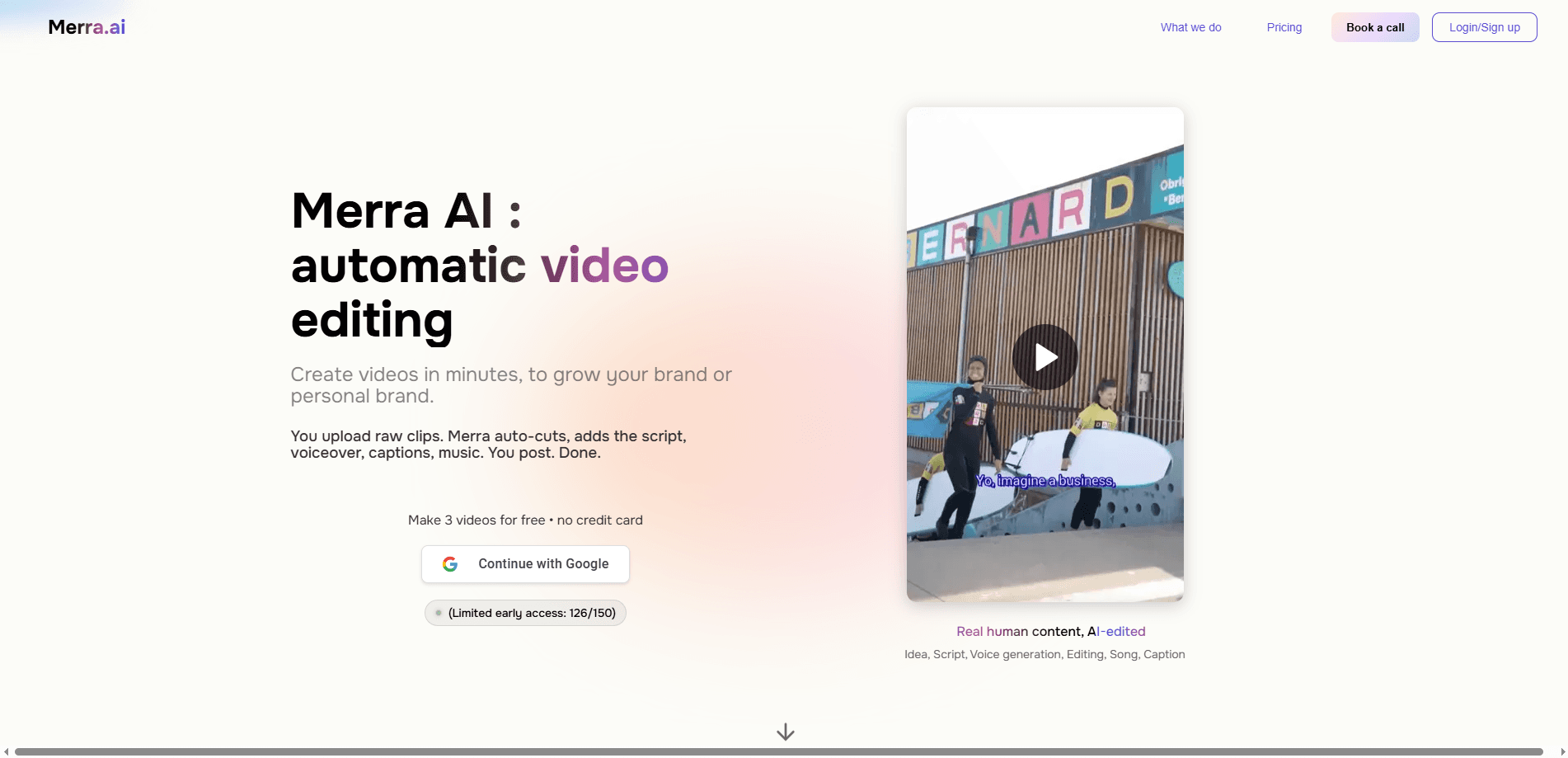
Merra.ai is an AI video editor that turns raw footage you already have into short-form social videos. Instead of building a timeline by hand, you upload clips, add an optional voice sample or short description, and the platform generates a script, picks and trims shots, then adds voiceover, captions, and music. It suits creators, founders, and small marketing teams who want steady TikTok, Instagram Reels, and YouTube Shorts output without learning a complex editor. That's the whole pitch. Feed it clips, get vertical videos back.
About Merra.ai
What Is Merra.ai
Merra.ai is a web-based platform built around one idea: your footage is the starting point, not a text prompt. That sets it apart from most AI video makers, which generate clips from a written description alone.
The product's main jobs are automatic video editing and batch video creation. You bring raw clips, and Merra.ai handles scripting, voiceover, captions, music, and cutting so a short-form video comes out the other end. Think of it as a short-form video generator that runs on your own footage. The company also pairs this with AI interviewing for recruitment, where it runs automated first-round candidate screening. The video tools are what most people come for.
The clearest limit is that it doesn't invent footage. If you have no raw clips to upload, Merra.ai isn't the tool for you. It's also tuned for short-form social content, so long-form or highly custom edits still belong in a traditional editor.
Getting Started
- Create an account on the Merra.ai website. The first 3 videos are free and no credit card is required.
- Upload your raw clips. You can also add a voice sample and a short description to steer the result.
- Let Merra.ai generate the edit. It writes a script, finds an angle, and selects and trims shots.
- Review the video, then regenerate another version if the first angle doesn't land.
- Download the finished file and post it to TikTok, Instagram Reels, or YouTube Shorts.
Product Information
A quick look at Merra.ai's pricing, supported platforms, and performance.
Best for
The users, tasks, and scenarios where this tool fits best.
Users
- Founders and coaches
- Content creators
- Small marketing teams
Tasks
- Turning a recording into several short videos
- Adding voiceover and captions quickly
- Producing vlogs and day-in-the-life videos
Scenarios
- Weekly social posting schedule
- Testing hooks for short-form ads
- Repurposing a podcast or webinar
Key features
Raw Clips to Video
The workflow starts with footage you upload, plus an optional voice sample and short description for direction. From there, Merra.ai writes a script, selects and trims shots, and assembles a finished short. It doesn't build a video from a text prompt alone, so the source material stays yours.
Automatic Editing
Behind the scenes, the platform handles script and angle generation, shot selection, trimming, voiceover, captions, and music as one connected step, which means you sit down with a pile of unedited clips and walk away with a video that's already cut, narrated, and captioned. You get a review-ready video rather than a pile of assets. Not bad. Need a different take? Regenerate and compare versions. No timeline skills required.
Batch Video Creation
One recording or clip set can feed many outputs, and that matters most if you post daily and don't want to open the editor for every single clip. Batch creation is the feature that turns a good session into a week of content. Plain, useful, and a real time-saver.
Voiceover and Captions
Merra.ai generates a voiceover and matching captions as part of the edit. That saves the fiddly step of recording narration and timing text by hand, and it keeps accessibility in the mix without extra work on your side.
Short-Form Format Templates
Dedicated pages cover AI video maker, vlog maker, minivlog maker, day-in-the-life maker, and get-ready-with-me maker. Each one targets a recognizable format, which helps you match the style your audience already watches instead of guessing at framing and pacing from scratch.
Social-Ready Output
Finished videos are aimed at TikTok, Instagram Reels, and YouTube Shorts. The vertical, short-form framing is baked into the workflow, so exporting for those platforms doesn't need extra resizing, and you can move from raw clips to a posted video without a second tool in the chain.
Pros and cons
Pros
- Works from footage you own, so the result sounds and looks like your content, not stock AI clips.
- Combines scripting, voiceover, captions, and music into a single pass.
- Batch creation makes it realistic to keep a daily posting cadence from one recording.
- Free tier covers 3 videos a month with no credit card, which is enough to judge the output.
- Format-specific tools for vlogs, minivlogs, DITL, and GRWM cut down setup time.
Cons
- No footage, no video. The tool can't generate a clip purely from a text prompt, so it's useless if you have nothing to upload.
- Storage is capped by plan, and the Free tier's 5GB fills up fast if you shoot in high resolution.
- Prices climb fast. The jump from $25 to $99 a month is steep for part-time creators.
- Built for short-form social, so it won't replace a full editor for long-form projects.
Frequently asked questions
Merra.ai is used to turn raw clips into short-form social videos. It writes scripts, adds voiceover, captions, and music, and edits the footage into something postable on TikTok, Instagram Reels, or YouTube Shorts.
Related content
Explore related tools, skills, and articles for Merra.ai.
Merra.ai Alternatives

ngram 2.0
ngram · Video · Marketingngram 2.0 is an AI video generator for teams. It turns a prompt, a screen recording, or a product URL into a narrated explainer, product demo, or AI avatar video, and every scene stays editable.

OpenScreen 2
OpenScreen (open-source project) · Video · ProductivityOpenScreen 2 is a free, open-source screen recorder and demo video editor for Windows, macOS, and Linux, with automatic zooms, styled frames, local captions, and agent edits.

Skreno
Skreno · Video · ProductivitySkreno is a browser screen recorder that captures a tab, a window or your whole display, then attaches AI transcripts, summaries and console logs to one share link.