

MAI
Microsoft · Coding
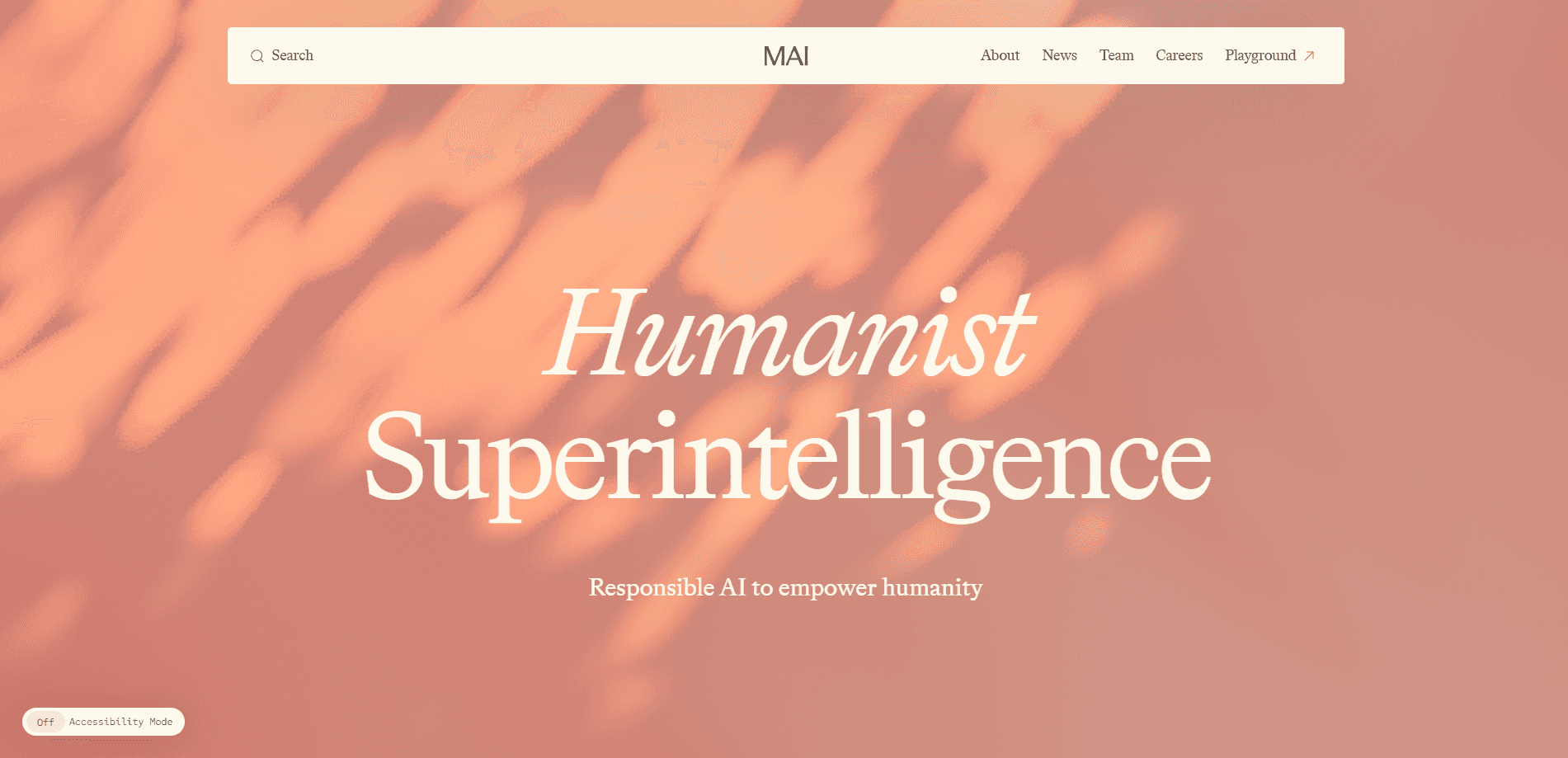
MAI is Microsoft's in-house family of artificial intelligence models, built by the company's Microsoft AI division under CEO Mustafa Suleyman. The lineup covers image generation, voice synthesis and speech transcription, with reasoning and coding models added through 2026. Developers reach the models through Microsoft Foundry, while regular users meet them inside Copilot, Bing, Teams and PowerPoint without ever touching an API key.
About MAI
What Is MAI
MAI started as Microsoft's answer to a simple problem: it leaned on OpenAI for too much, so it built its own foundation models. The company shipped its first two, MAI-1-preview and MAI-Voice-1, on August 29, 2025. Image generation followed that October with MAI-Image-1. By the 2026 Build conference the family covered seven-plus models, from image and voice to transcription, reasoning, and code.
The practical draw is cost and speed. Microsoft prices these models aggressively. Transcription runs as low as $0.10 per hour of audio, and the Flash image models cost a fraction of what the flagship versions charge for the same core capability. If you're building audio or visual features at scale, that gap adds up fast.
The catch is access. MAI isn't a consumer app you download. Most models live behind Microsoft Foundry and Azure, so you need a developer account and an API integration to use them directly. Regular users only see the results baked into Copilot and Bing, where the model choice isn't yours to make. Want the full picture? For an independent look at what each version does, the official Microsoft AI site is the only place with current details.
Getting Started
- Create a Microsoft Foundry or Azure account and pick a subscription.
- Open the model catalog and deploy an MAI model, such as MAI-Image-2.5 or MAI-Voice-2.
- Grab your API endpoint and key from the deployment page.
- Send a test request with a prompt, an image, or an audio file depending on the model.
- Review the output, then wire the endpoint into your app or workflow.
Product Information
A quick look at MAI's pricing, supported platforms, and performance.
Best for
The users, tasks, and scenarios where this tool fits best.
Users
- Developers who need image, voice or transcription APIs without paying flagship prices
- Product teams adding speech features to an app
- Copilot and Microsoft 365 users
Tasks
- Generating product shots and UI mockups
- Turning recordings into text
- Building voice agents
Scenarios
- High-volume media workflows that need cheap, fast batch processing rather than one-off quality.
- Enterprise document and meeting analysis where long context and data compliance matter.
- Prototyping a multimodal feature before committing to a larger cloud contract.
Key features
Image generation and editing
The MAI-Image line works as an AI image generation API and turns text prompts into images. It also edits existing ones, from object removal to inpainting to text updates. Microsoft splits the range into a flagship for high-fidelity work and Flash or Efficient variants aimed at bulk jobs, where the priority is throughput and tight cost control rather than squeezing out the absolute best quality on every single image. Several versions landed in the top three of public image-generation leaderboards, according to Microsoft.
Expressive voice synthesis
MAI-Voice generates natural speech and keeps a speaker's tone steady across long passages, which matters for audiobooks and narration. As a text to speech API it runs efficiently on a single GPU, producing up to a minute of audio in about a second, and it supports voice cloning from a few seconds of sample audio. Coverage spans 15-plus languages with emotion controls through SSML.
Speech transcription at scale
MAI-Transcribe-1 handles batch speech-to-text across more than 40 languages, with speaker separation, word-level timestamps and an auto language detector. As a speech to text API it supports mixed-language speech like Hinglish and Spanglish, and processes an hour of audio in roughly ten seconds. Microsoft prices it as low as $0.10 per audio hour.
Reasoning and coding models
MAI-Thinking-1 is the family's first dedicated reasoning model, built for long-context analysis and multi-step tasks, while MAI-Code-1 targets code generation inside GitHub Copilot. Both aim at enterprise workloads where data licensing and reliability matter more than raw benchmark scores, and where teams want a model they can actually ship without legal surprises.
Runs inside Microsoft's own products
These aren't lab experiments. The same models power Copilot, Bing image creation, Teams transcription and PowerPoint image features, which gives them a scale of real-world use most research models never reach. That matters. You get infrastructure tested by millions of users, not a demo, and that track record is often what convinces a skeptical team to trust a new provider with something as visible as customer-facing images or voice.
Pros and cons
Pros
- Competitive pricing, especially on transcription and the Flash image variants.
- Broad model range that spans image, voice, transcription, reasoning, and code in one place.
- Deep integration with Microsoft products you may already use daily.
- Strong multilingual support for both voice and transcription.
Cons
- No standalone consumer app, so casual users can't pick a model directly.
- Direct access requires a Foundry or Azure account and API work, which raises the barrier for solo creators.
- Some features, like real-time transcription and speaker separation in early versions, arrived later or stayed in preview, so you may wait on a roadmap for the exact capability you need.
- Flagship models still cost significantly more than the Flash options, so quality and budget often pull in opposite directions.
Frequently asked questions
MAI is Microsoft's family of self-developed AI models, built by its Microsoft AI division. It includes image, voice, transcription, reasoning, and code models rather than a single product.
Related content
Explore related tools, skills, and articles for MAI.
MAI Alternatives
Forefront
Forefront · CodingForefront is a web platform for building with open-source AI. It lets you fine-tune leading open-source language models on your own data, evaluate how they perform, and run them through an API or export them to host yourself. Developers who want the convenience of a closed-source platform but insist on owning their models and data are the target audience here.

Startkit
StartKit.AI · CodingStartkit is a boilerplate for building AI SaaS and AI wrapper products. Think of it as an AI startup boilerplate with the boring parts already wired up: authentication, Stripe and Lemon Squeezy payments, usage limits, transactional email, and an AI API starter that talks to OpenAI, Anthropic, Groq, or Llama. You clone the repo, set your price, and start on the part of your product that people actually pay for. It's Next.js under React and Tailwind, so most of the boilerplate code already feels familiar.
Testim
Tricentis · CodingTestim is an AI-powered test automation platform for building and running end-to-end tests across web, mobile, and Salesforce applications. It leans on machine learning to keep tests stable when an interface changes, so teams spend less time fixing broken selectors. Not bad for an automated testing tool you can start using today. You create tests by recording actions in a browser, then optionally add JavaScript when you need more control. It's a solid pick for busy QA teams.