

Mindly
Mindly · Productivity · Leaning
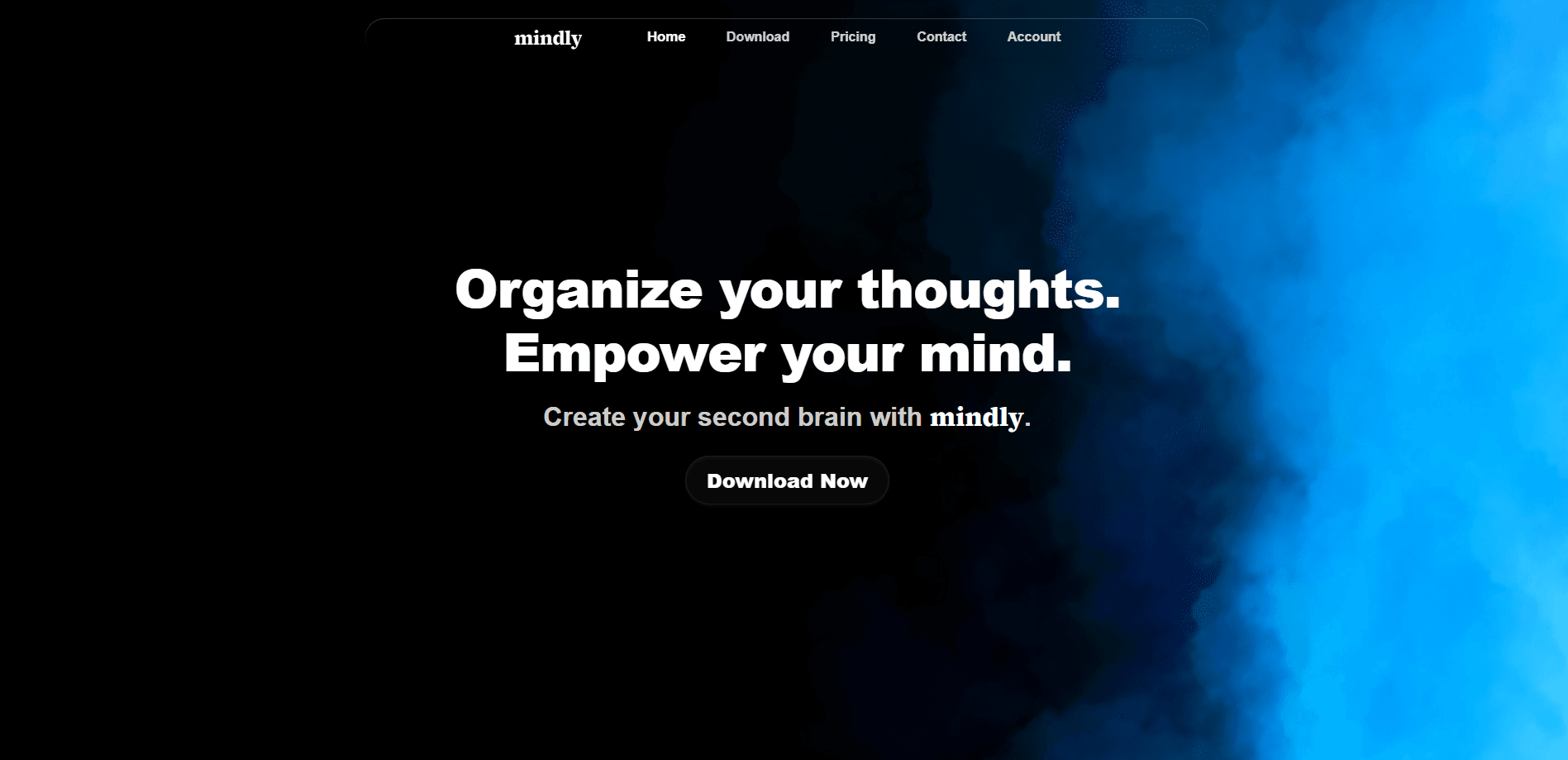
Mindly is an AI second brain app for Mac that captures notes, links, files and voice in one shortcut, then tags, summarizes and connects everything automatically.
About Mindly
What Is Mindly
Mindly is a second brain app for macOS and an AI note organizer for personal knowledge management. It gives you one place to dump everything you read, save and think, and it uses AI to keep that pile organized for you. Instead of building folders, tags and links by hand, you save something and Mindly figures out what it is and where it belongs.
The idea solves a familiar problem. People save links, screenshots, PDFs and voice memos faster than they can file them, and the filing never happens. Mindly bets that you will never do that work, so it does it at the moment you save. The company describes the product as a second brain rather than a note taking app, because it takes any format and organizes it on arrival.
Two limits matter. Mindly runs on macOS only, so Windows and mobile users are out. And your library lives on your Mac, so there is no cloud workspace or team wiki to share with a colleague. The free plan also caps your library at 25 items, which a busy research week can fill.
Getting Started
- Download Mindly for Mac and start the free plan, with no account or card required
- Press Command M from anywhere to open the capture overlay and paste a link, type a note, drop a file or record voice
- Let the AI tag, summarize and link each item the moment it lands, without setting up folders
- Open any saved item to chat with it and pull answers from your own material
- Upgrade to Pro when you outgrow the 25-item limit or want chat and unlimited storage
Product Information
A quick look at Mindly's pricing, supported platforms, and performance.
Best for
The users, tasks, and scenarios where this tool fits best.
Users
- Students and researchers
- Designers and creative people
- Founders and builders
- Writers and creatives
- People with ADHD
Tasks
- Capturing a thought fast
- Chatting with your documents
- Reconnecting related material
- Turning voice into notes
- Reviewing your knowledge visually
Scenarios
- A research session on your Mac
- Writing a report
- Prepping for a meeting
- Capturing on the move
- Uncluttering an overflowing bookmark list
Key features
One Shortcut Capture From Anywhere
Press Command M anywhere on your Mac and a small overlay opens. You can paste a link, type a note, drop a file or record voice without leaving what you were doing. It is the fastest way to save something before the thought goes.
AI Tagging and Auto Connections
Mindly works as an AI tagging app and links each save the moment it arrives. Related items get connected automatically, so you find material by following ideas rather than rebuilding folders. No tagging system to design and no links to add by hand.
Chat With Your Documents
Open any note, PDF or save and ask it questions in full context. Answers come from your own material instead of the open web, which keeps your research grounded in what you actually saved. Pro unlocks chat inside every item view.
AI Summaries on Every Save
Every save gets a summary, so a long PDF or a dense thread becomes a short read. Pro sharpens these summaries, making them longer and more contextual for when you return to a library weeks later.
Voice Notes With Transcription
Record from anywhere on your Mac and get a multilingual transcript with tags attached. Voice is the quickest input you have, and Mindly makes it as searchable as typed text.
Mind Map View
The mind map is a live view of how your saves connect. Follow links between ideas, zoom into a thread and rediscover related items without digging through folders. It turns a growing library into something you can actually explore.
Pros and cons
Pros
- Zero-setup organizing: the AI tags, summarizes and links saves so you never build or clean up folders
- Fast capture: one shortcut handles notes, links, files and voice from anywhere on your Mac
- Local-first storage: your library stays on your Mac unless a feature you choose needs the cloud
- Grounded document chat: answers come from your own saves instead of the open web
- Generous free tier: capture, AI organization, the mind map and 25 items, with no account or card to start
Cons
- macOS only: there is no Windows, Android or iOS version, so it cannot follow you across devices
- 25-item free cap: the free plan fills quickly, and chat with documents sits behind Pro
- No team features: the local library and lack of sharing make it a poor fit for shared wikis
- No public API: you cannot wire Mindly into other tools or build automations on top of it
Frequently asked questions
Mindly is a second brain app for Mac. It captures notes, links, files and voice in one shortcut, then uses AI to tag, summarize and connect each item so your library organizes itself.
Related content
Explore related tools, skills, and articles for Mindly.
Mindly Alternatives

Swms
Swms AI · Writing · Productivity · BusinessSwms is an AI safety compliance tool that turns a plain description of a job into ready-to-use safety documents. Describe your project, trade, and known hazards, and it writes a safe work method statement, job hazard analysis, safe work procedure, RAMS, or safety data sheet in seconds. It also ships with Oscar, a chat assistant that answers workplace safety questions in any language. Teams in construction, mining, transport, and warehousing use it to cut the paperwork that usually eats into a workday.

Wordly AI Translation
Wordly · Voice & Language · ProductivityWordly AI Translation is a real-time AI translation and captioning platform built for meetings, conferences, and events. It delivers live translation, captions, transcripts, and summaries in more than 60 languages, and attendees join by scanning a QR code or opening a link instead of using dedicated headsets. The platform works with Zoom, Microsoft Teams, Google Meet, and Webex, and it's designed for organizations that want multilingual access without hiring human interpreters for every session. Simple as that.

Rows
Rows (Superhuman) · Productivity · BusinessRows is an AI spreadsheet and data analysis tool that imports live data from more than 50 sources, then lets you work with it using plain language instead of SQL queries or nested formulas. You can pull numbers out of PDFs, connect ad platforms, databases, and bank accounts, and ask the AI to build reports, merge datasets, or set up models that recalculate themselves. It runs in the browser, works like a spreadsheet, and now sits under the Superhuman umbrella.