

Mini Course Generator
Mini Course Generator · Leaning
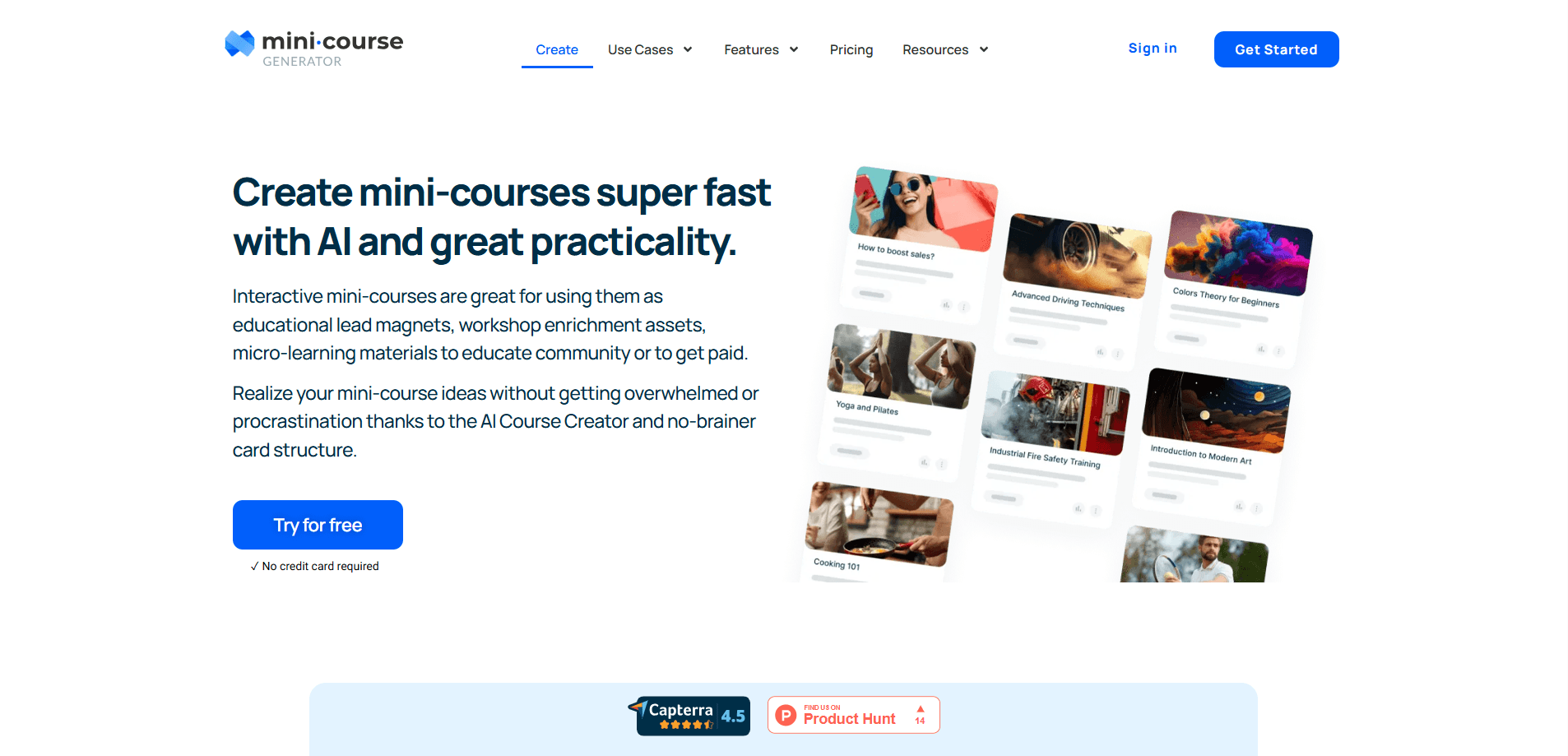
Mini Course Generator is an AI course creator for building interactive mini courses from outlines, documents or YouTube videos, then publishing them with a drag and drop editor.
About Mini Course Generator
What Is Mini Course Generator
Mini Course Generator is an eLearning authoring tool and mini course builder that turns ideas, documents and videos into short interactive courses. The company launched in late 2021 and built AI into course creation before ChatGPT made the term common, and it has kept that single focus since. It works as course creation software for people who want a finished product, not a blank canvas. You bring the subject matter, the platform handles structure, lesson pages, quizzes and interactions.
The pitch is simplicity. Most course builders assume you already think in modules, learning objectives and curricula, and they drown you in settings before you publish anything. Mini Course Generator works in the other direction. You drop in what you know, and the AI proposes the sections and the lesson content, which you then edit in a block editor. For a consultant, trainer or product manager who wants a course live this week, that gap matters more than a long feature list.
Two limits are worth knowing up front. The free plan marketing leans on a 14 day trial rather than a permanent free tier, so heavy use eventually means a paid plan. And the simplest authoring path still produces a real course, which means you need something worth teaching; the tool will structure your material but it will not invent expertise you don't have.
Getting Started
- Sign up at the admin site with no credit card, and the 14 day trial opens with full access to every feature
- Start a course from a prompt, paste in a document, or point the AI YouTube-to-Course builder at a video you already published
- Edit the generated sections and lesson pages in the drag and drop block editor, adding quizzes, flip cards, hotspot images and accordions
- Set access, from public links to email verification or payment, then share, embed or export the course as SCORM or PDF
Product Information
A quick look at Mini Course Generator's pricing, supported platforms, and performance.
Best for
The users, tasks, and scenarios where this tool fits best.
Users
- Course creators and coaches
- Corporate trainers and L&D teams
- Product managers and community owners
- Freelance instructional designers
Tasks
- Turning an outline into a course
- Repurposing existing content
- Building interactive lessons
- Selling courses online
- Creating courses from an AI chat
Scenarios
- An onboarding program
- A lead magnet
- A customer academy
- Partner and reseller training
- A knowledge product on a deadline
Key features
AI Course Creator
You describe the course you want, or paste source material, and the AI drafts the sections and lesson content. From there you edit every page in the block editor rather than accepting a fixed template. The tool builds a course, not just an outline, so each section arrives with content behind it and a quiz at the end.
AI Interaction Builder
This is the feature the company calls its industry first. It works as an interactive course builder that generates blocks like flip cards, hotspot images and accordions from a prompt, so a lesson page does not have to be text and a video. Those interactions are what keep a short course from reading like a slide deck.
MCP Server for AI Assistants
The MCG MCP server lets Claude, ChatGPT and other AI clients create and manage courses directly. Because the assistant already holds context about your product and your team, lessons come out closer to your own writing, and it can also review quiz performance or email learners who dropped off without leaving the chat. Permissions stay with you and can be revoked.
Drag and Drop Block Editor
Every page is built from blocks you can move. You choose one of four learner layouts, from a navigational view to card style, and customize landing pages with the same drag and drop controls. It is the layer that turns an AI draft into something you are happy to publish under your brand.
Central Hub for External Tools
Mini Course Generator pulls in media from the other tools you already use, including ThingLink 360 images, Spotify audio, Notebook LM videos, Gamma slides, Synthesia avatars and Canva visuals. You weave those elements into one course structure instead of sending learners to a scatter of links.
Access Control, Payments and Reporting
A course can open to everyone, sit behind a password or email check, or require payment, and access can also be granted by invitation or through in-app single sign on. Around that sit certifications, badges, collaborator invites, analytics, custom domains and reporting for account admins.
Automations and Exports
Zapier, Make and Pabbly integrations connect course activity to the rest of your stack, so a completed lesson can trigger a workflow or a follow-up email. Courses export to dynamic SCORM packages for your own LMS, to PDF, or live as embedded widgets on your site.
Pros and cons
Pros
- The AI creator plus block editor turns a rough idea into a publishable course in an afternoon rather than a week
- The MCP server builds and updates courses inside Claude or ChatGPT, which few course tools offer
- Treats a course as a real course, with quizzes and interactive blocks, not a wall of text to format yourself
- Pulls in media from ThingLink, Spotify, Notebook LM, Gamma and Synthesia so one course can mix sources
- SCORM export, payments, certifications and reporting keep it usable for training teams, not just solo creators
Cons
- There is no permanent free plan, so after the 14 day trial you pay to keep a course live
- Learner counts are capped per year on the lower tiers, which bites if a public course goes viral
- The monthly AI credit allowance limits how much generation you get, and heavy course building can run it down
- Advanced controls like REST API, SSO and account based reporting sit on the highest tiers, so scaling up costs more
Frequently asked questions
Mini Course Generator is an eLearning authoring tool that builds short interactive courses from a prompt, a document or a video. Its AI drafts the sections and lesson pages, and you refine them in a drag and drop block editor before publishing, embedding or exporting the course.
Related content
Explore related tools, skills, and articles for Mini Course Generator.
Mini Course Generator Alternatives
Coddy
Coddy · Coding · LeaningCoddy is a gamified platform to learn to code through short interactive lessons in 20+ languages, with a browser editor, an AI tutor and free certificates.

Marv
Cameron (independent developer) · Coding · Productivity · LeaningMarv is an AI cursor companion for Windows and Mac. It sees your screen, answers out loud, and draws arrows and highlights that show you the next click.

Teachoo
iAsk AI · Leaning · ChatbotTeachoo is a free AI homework helper that walks students through math, science, writing and coding problems one step at a time, with photo input, hints and flashcards.