

Minimax H3
MiniMax · Video
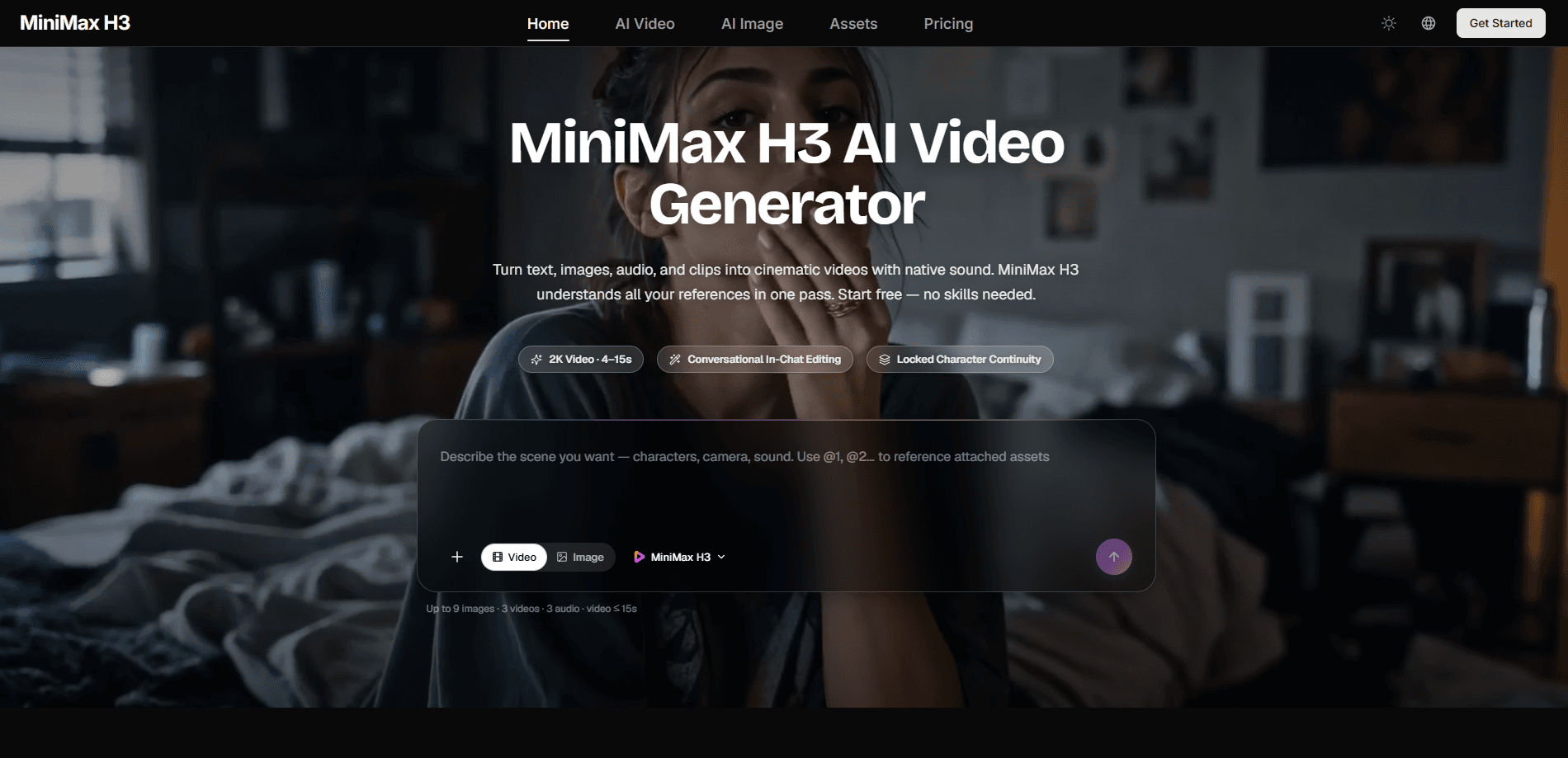
Minimax H3 is a multimodal AI video generator that turns text, images, video clips, and audio into finished footage with native stereo sound. You can mix up to nine images, three video clips, and three audio tracks in one request, and the model reads your characters, motion, camera moves, and style together before blending them into a single coherent shot. It targets short-form production work, game content, product demos, and cinematic films rather than throwaway test clips, and it runs in the browser with no editing skills required to start.
About Minimax H3
What Is Minimax H3
Minimax H3 is a generative video model built for real production work. Instead of juggling separate tools for animation, sound, and editing, you describe what you want and the model assembles the pieces. Drop in a face to lock an identity, a dance clip to copy its choreography, or a voice sample to clone a tone, and H3 holds those references together across the shot. That multimodal input is the core of what it does.
Clips run up to 15 seconds. Usually 4 to 15, at up to 2K resolution, with stereo audio generated alongside the picture. That length suits social cuts, ad beats, gameplay snippets, and title sequences. It isn't a tool for hour-long edits, and that ceiling matters if you need long-form output.
Its main limitation is scope. H3 is strong on short, reference-driven shots and honest about that boundary. If your project needs continuous multi-minute footage, you'll still stitch clips together. On-screen text, subtitles, brand marks, and UI motion stay stable across frames, which is where many generators fall apart.
Getting Started
- Sign up on the official site and open the generator workspace.
- Choose your input mode: text to video, image to video, or reference to video.
- Upload your references, such as a character image, a motion clip, or an audio sample.
- Write a prompt that assigns each reference a role, like "@Image 1 for the character and @Video 1 for camera language."
- Preview the credit cost, generate the clip, then download or keep iterating in chat.
Product Information
A quick look at Minimax H3's pricing, supported platforms, and performance.
Best for
The users, tasks, and scenarios where this tool fits best.
Users
- Content creators who need short ad cuts, explainers, or social clips without a full editing suite, as long as they work within the 4 to 15 second range.
- Indie game studios producing CG trailers, character PVs, and animated UI demos, provided they supply clear style references to keep looks consistent.
- Marketers turning product photos into ad creative, where accurate brand text and packaging rendering matter more than runtime.
Tasks
- Generating a clip from a written prompt with control over duration, resolution, and motion.
- Animating a still image by adding camera movement and subject motion without rebuilding the composition.
- Editing an existing shot, like swapping an outfit or relighting a scene, through a plain-language instruction.
- Cloning a voice or rewriting dialogue while keeping the rest of the footage stable.
Scenarios
- Building a first-pass scene for an ad concept or visual test before committing to a real shoot.
- Keeping a character on-model across several shots by reusing the same reference image.
- Producing a stylized animation short in anime, claymation, or pixel-art styles from a reference look.
Key features
True Multimodal Input
Minimax H3 accepts images, video, and audio in the same request, up to nine images, three clips, and three tracks. It reads identity, motion, timing, and style together. That's a lot of moving parts. A single prompt can tie a character to a face, a walk cycle to a clip, and music to a beat, which is why results hold together across a shot.
Conversational In-Chat Editing
You can change part of a video without reshooting it. Swap characters or objects, replace backgrounds, relight a scene, rewrite dialogue, and clone voices from a plain instruction. Untouched elements stay stable, so you can refine a shot by shot as a director would. That last part is the whole point.
Native Stereo Sound
H3 generates stereo audio as part of the same pass that produces the picture. Dialogue, sound effects, and music land in one output instead of needing a separate audio tool. For social clips, that cuts a whole step out of the workflow.
Locked Character Continuity
Reference a face once and H3 keeps it consistent across frames and shots. This matters most on stylized animation and character PVs, where a shifting design breaks the illusion. Bring a style reference and your characters stay on-model.
Instruction-Based Video Editing
Editing works through natural language rather than timelines. If you want day turned into night or a green screen replaced with a forest, you describe it and H3 rebuilds that region while leaving the rest alone. Fast iteration. That's the appeal.
Production-Grade Detail Rendering
The model handles on-screen text, subtitles, brand marks, UI motion, and product detail with enough accuracy for commercial use. Game HUDs, menus, and packaging stay readable. Many generators lose that fine detail. H3 keeps it.
Pros and cons
Pros
- Mixes images, video, and audio in one request, which removes the need to stitch separate tools together.
- Generates native stereo sound alongside the video, cutting a post-production step for social clips.
- Keeps characters and styles consistent across shots when you supply reference media.
- Edits through plain-language instructions, so you can revise one shot without reshooting it.
- Renders on-screen text and brand marks accurately, which suits product and game content.
Cons
- Clips cap at 15 seconds, so longer videos need to be assembled from multiple generations.
- It's a web-only tool with no mobile or desktop app, which limits offline and on-device work.
- Batch generation tasks are limited by plan, so heavier production may need a higher tier.
- The free tier comes with standard generation speed, which slows down rapid iteration.
Frequently asked questions
It generates short AI videos from text prompts, images, video clips, and audio. People use it for ad creatives, game content, product demos, and cinematic shorts, usually in the 4 to 15 second range.
Related content
Explore related tools, skills, and articles for Minimax H3.
Minimax H3 Alternatives

Vadu AI
Vadu AI · Image · VideoVadu AI is a web-based AI video generator that turns written prompts or still images into short clips, and it can also generate images on its own. You type what you want, pick a model and style, and the platform renders the result in minutes. A free plan covers light testing, while paid tiers run from $9 to $77.40 per month based on how many credits you burn.

Mykaraoke Video
MyKaraoke Video · VideoMykaraoke Video is an online karaoke video maker and lyric video maker that turns any song into a finished, lyrics-synced video right in your browser. It handles the slow part for you. The AI pulls vocals out of the mix and locks the lyrics to the beat, then lets you customize background, fonts, and colors before exporting in 1080p MP4. If you make lyric videos for social media, party nights, or music promotion, it skips the software installs and manual timing work entirely. Want a karaoke video generator that doesn't eat your whole evening? That's the pitch here.

Finalframe
Finalframe · VideoFinalframe is a set of free, browser-based tools for grabbing exact frames out of a video clip. Its best-known feature, the Final Frame Extractor, lets you extract the last frame of any video so you can use it as the starting image for AI video tools like Luma Dream Machine, Runway, or Kling. Want to keep a clip going? That last frame is your starting point. The tool runs locally in your browser, needs no sign-up, and costs nothing. A separate paid AI video-generation app from the same team is currently offline while it's rebuilt.