
moCode
Ordinity · Coding
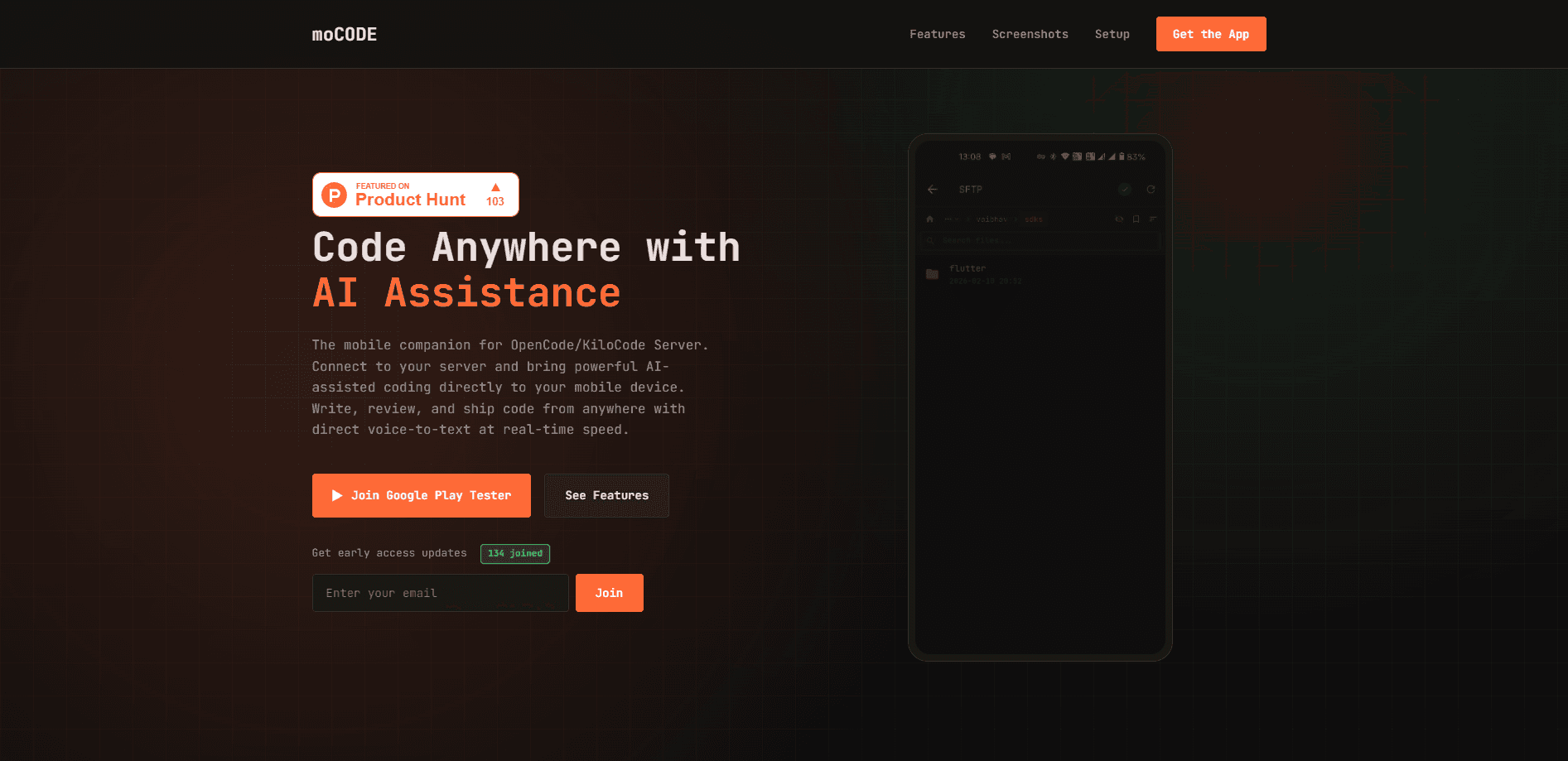
moCode is a mobile AI coding app that turns your phone into a remote terminal for an OpenCode or KiloCode server. It works as an OpenCode mobile client and a KiloCode client in one, talking to a server running on your laptop, desktop, or a remote machine, so the heavy lifting stays on that machine while you chat with the AI, browse files, do mobile code review, and push changes from a small screen. If you already run an OpenCode or KiloCode server, moCode is the mobile companion that puts that workflow in your pocket.
About moCode
What Is moCode
moCode comes from Ordinity, and it's built for one specific job: giving developers a way to work on their projects when they're away from a keyboard. Instead of running an AI model on the phone itself, it connects to an OpenCode or KiloCode server you control and streams the results back to your device.
That design choice matters more than it looks at first glance. Your code never has to leave the machine you already trust, and the model quality isn't limited by what a phone can run. What you lose is independence. Without a reachable server, moCode has nothing to talk to.
It's also a companion, not a replacement. You still set up and maintain the server side yourself. And you need network access to it from wherever you're working. Is that a dealbreaker? For a casual user, probably. For a developer who already runs a server, it's barely a thought. The payoff is a full AI-assisted coding workflow that fits in your hand.
Getting Started
- Set up an OpenCode Server on your local machine or a remote host, and make sure it's reachable over your network.
- Install moCode on your Android device and open the Settings screen.
- Enter your server address in the field provided.
- Sign in with your Google account to link the app to your setup.
- Start a session and chat with the AI, browse remote files, or review a diff.
Product Information
A quick look at moCode's pricing, supported platforms, and performance.
Best for
The users, tasks, and scenarios where this tool fits best.
Users
- Developers who already run an OpenCode or KiloCode server and want a mobile front end for it
- On-call engineers who need to check a failing build or answer a colleague without opening a laptop
- Solo coders who think better away from the desk
Tasks
- Asking an AI pair programmer to plan or implement a change while you review it from the couch.
- Reviewing syntax-highlighted diffs on the move, including additions and deletions at a glance.
- Looking up a remote file over SFTP and pinning it so you can find it again later.
- Capturing a bug note hands-free with voice to text when typing on glass is slow.
Scenarios
- A commute where you want to keep a project moving without a laptop.
- A quick check on a build or a branch while you're out of the house.
- Drafting implementation ideas by voice during a walk, then refining them at a desk.
Key features
AI Pair Programmer
Ask, plan, and implement in the same conversation, all from your phone. You can mention files with the @ symbol, fire off slash commands for quick actions, and read streamed answers with proper code formatting. It's the same back-and-forth you'd expect from a desktop AI coding tool, shrunk to a mobile layout.
Branch-Smart Sessions
Sessions tie to branch state, so context doesn't bleed between tasks. You can create, fork, archive, and share them, and then dig up old work later with search and filters. For anyone juggling more than one feature at a time, that separation is the difference between clean and chaotic.
Model Control
Browse the models your server has connected, star the ones you use most, and set a default per session or globally. That's the whole point. A cheaper model handles quick questions, and a stronger one takes the tricky refactor, all without digging through menus every time you switch.
Diffs, Debugging, and Terminal
Review changes in syntax-highlighted diffs, spot additions and deletions at a glance, and trace errors back to their source with clear error messages. A built-in SSH terminal rounds it out, so you can run a command without ever leaving the app or switching tools on your phone.
Remote Files Without Friction
Navigate remote projects over SFTP, pull down the files you need, and pin the paths you open most often so your most-used files stay within a tap of the project view. It's a small touch, but it saves a lot of tapping when you're bouncing between the same three or four files.
Direct Voice to Text
Speak and watch your words land in the prompt at real-time speed. Dictating is often twice as fast as thumb-typing a long bug report. It works hands-free, too.
Pros and cons
Pros
- Brings a full AI-assisted coding workflow to an Android device without running models on the phone.
- Keeps your code on the server you already control, which suits privacy-conscious setups.
- Session handling tied to branches keeps context clean and makes past work easy to find.
- Voice input and a built-in SSH terminal cut down on the worst parts of typing on a phone.
- Free to use, since the app itself doesn't charge for access.
Cons
- You have to set up and maintain an OpenCode or KiloCode server yourself, which rules out casual users.
- It only works when the server is reachable over the network, so an offline phone has no workflow.
- Android only for now, so iPhone users are left out.
- Serious editing on a phone screen is still slower than at a desk, so it suits review and planning better than long sessions.
Frequently asked questions
It's a mobile client for remote coding with AI. You connect it to an OpenCode or KiloCode server and then chat with the AI, browse files, review diffs, and run terminal commands from your Android phone.
Related content
Explore related tools, skills, and articles for moCode.
moCode Alternatives
Forefront
Forefront · CodingForefront is a web platform for building with open-source AI. It lets you fine-tune leading open-source language models on your own data, evaluate how they perform, and run them through an API or export them to host yourself. Developers who want the convenience of a closed-source platform but insist on owning their models and data are the target audience here.

Startkit
StartKit.AI · CodingStartkit is a boilerplate for building AI SaaS and AI wrapper products. Think of it as an AI startup boilerplate with the boring parts already wired up: authentication, Stripe and Lemon Squeezy payments, usage limits, transactional email, and an AI API starter that talks to OpenAI, Anthropic, Groq, or Llama. You clone the repo, set your price, and start on the part of your product that people actually pay for. It's Next.js under React and Tailwind, so most of the boilerplate code already feels familiar.
Testim
Tricentis · CodingTestim is an AI-powered test automation platform for building and running end-to-end tests across web, mobile, and Salesforce applications. It leans on machine learning to keep tests stable when an interface changes, so teams spend less time fixing broken selectors. Not bad for an automated testing tool you can start using today. You create tests by recording actions in a browser, then optionally add JavaScript when you need more control. It's a solid pick for busy QA teams.