

Modelence App Builder
Modelence · Coding
Modelence App Builder is an AI app builder that generates a working full-stack application from a written prompt. It runs as a full-stack TypeScript framework, so the frontend, backend, database, and built-in authentication come wired together from day one instead of being stitched from separate services. You describe what you want, get runnable code you actually own, refine it in plain English, then deploy to production with one click. It suits solo founders and small teams who want real code and real infrastructure without assembling a stack by hand. It's aimed at builders who don't want to babysit servers.
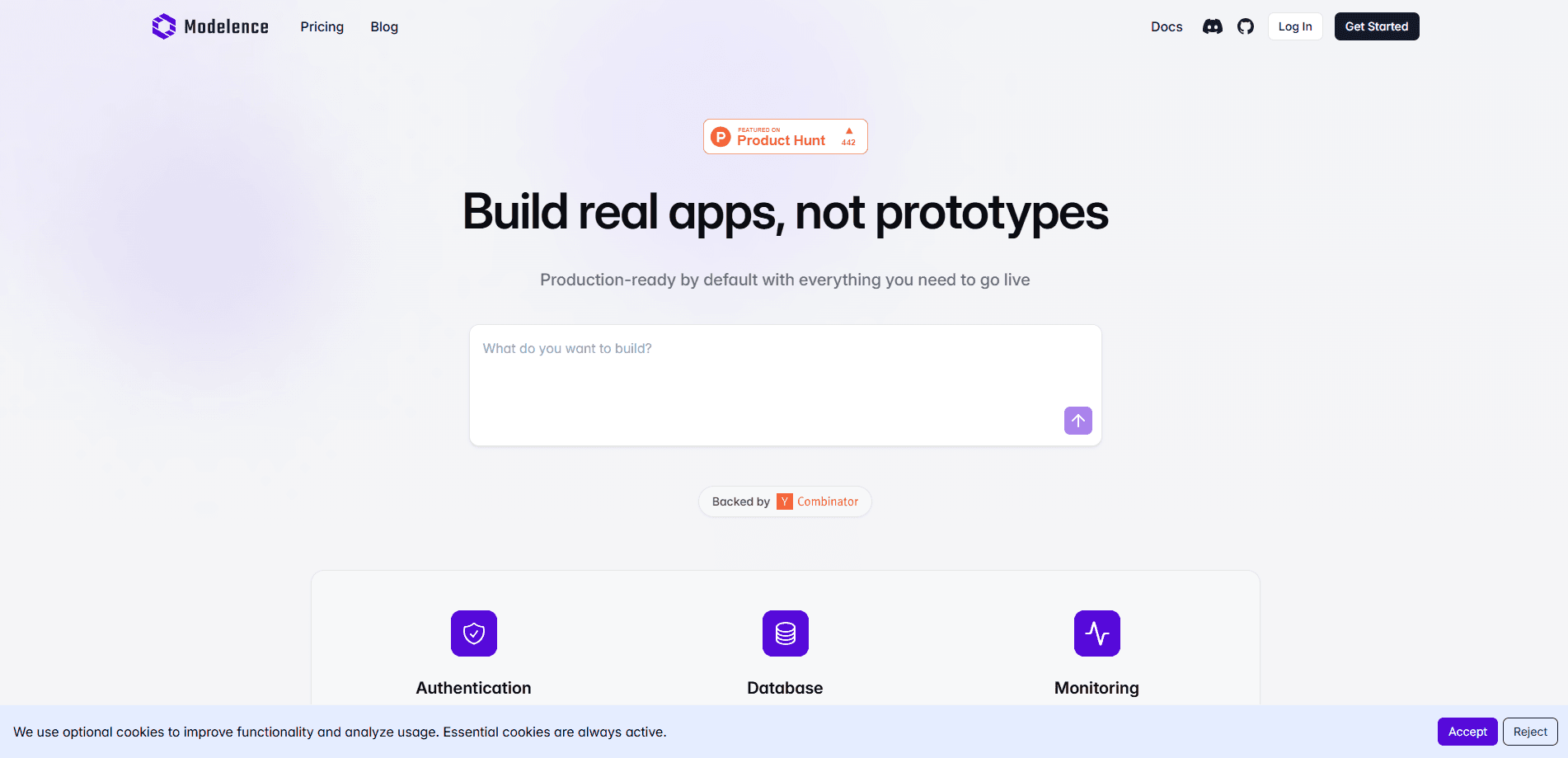
About Modelence App Builder
What Is Modelence App Builder
Modelence App Builder is the prompt-driven layer on top of Modelence, an open-source, TypeScript-first framework for building production web apps. The idea is simple: instead of starting from an empty repo, you tell it what you're building, and it produces a full-stack project with the frontend, backend, database, and authentication already connected.
What sets it apart is the framework underneath. Modelence ships with a built-in database, user management, and monitoring, and it's designed to be AI agent-friendly, so the generated code fits patterns the platform understands and keeps working as you add to it. You can read the code, edit it by hand, and keep ownership. The company says the platform is used by more than 15,000 builders, with apps running on the Modelence Cloud or anywhere else you host them, which suggests the framework holds up once a project leaves the prototype stage. The company says the platform is used by more than 15,000 builders, with apps running on the Modelence Cloud or anywhere else you host them.
The main limits are practical. Building with the AI features consumes App Builder credits, which are billed per plan and spent on the LLM calls behind every generation, so a heavy prompting habit quietly adds to your monthly cost. The framework is opinionated, which means deviating from its conventions takes more work. And while apps can run anywhere, the smoothest path is Modelence Cloud, since that's where the one-click deploys, scaling, and monitoring are wired in.
Getting Started
- Create a free account at cloud.modelence.com. The Free plan includes a one-time $5 App Builder credit so you can try generation without paying.
- Describe the app you want in your own words. The more specific the prompt, the closer the first result lands.
- Let the builder produce the full-stack project, then open the code to inspect the frontend, backend, database schema, and auth setup.
- Refine it by editing the code directly or by asking for changes in plain English across further prompts.
- Deploy with one click to Modelence Cloud for a production instance, or take the code to your own host.
Product Information
A quick look at Modelence App Builder's pricing, supported platforms, and performance.
Best for
The users, tasks, and scenarios where this tool fits best.
Users
- Solo founders
- Non-technical builders
- Developers who want speed
Tasks
- Turning an idea into a prototype
- Building internal business apps
- Shipping a production web app
Scenarios
- A solo founder validating a product idea before committing to a build.
- A small company replacing spreadsheets with a custom internal tool.
- A developer prototyping an MVP over a weekend instead of a month.
Key features
Prompt to Full-Stack App
The core feature turns a written description into a complete application. Modelence generates the frontend, backend, database, and authentication together, so the pieces already talk to each other when you first run the project. No database service to pick. No login library to bolt on. For a solo builder, that removes most of the setup that usually stalls a project before any real feature gets written.
Built-In Authentication and Database
Every generated app ships with user management and a managed database as framework primitives, not add-ons. Authentication handles the account flow and session handling, and the database is provisioned for you on the Free and paid plans. That means sign-up, login, and data storage work in the first version rather than being a later milestone. If your app is basically users plus data, you start most of the way there. What else do you really need on day one?
One-Click Production Deploys
Deploying is a single action that pushes your app to Modelence Cloud with production infrastructure included. Each deployment comes with automatic SSL certificates, load balancing, and built-in monitoring, and paid plans add custom domains and performance metrics. For someone who dreads server setup, this is the part that makes the tool feel finished rather than a toy. You get a live app on your own domain. No config file required.
You Own and Can Inspect the Code
No question there. Generated projects are real, readable TypeScript you can open, edit, and keep. Modelence states that the codebase stays yours, so you're not locked into a black box you can't debug or extend by hand. That matters if the AI output gets you 80% of the way and you want to finish the last 20% yourself. It also means the framework, not just the builder, is the thing you're betting on. That's a bigger commitment than it sounds.
AI App Builder Credits
The AI-assisted generation runs on App Builder credits, which are spent on the LLM calls behind each prompt. The Free plan includes a one-time $5 credit, Starter adds $20 per month, and Pro adds $100 per month, with extra credits available to buy at any time. Purchased credits don't expire and get used once included credits run out. It's a usage meter, so heavy prompting costs more, but you can top up whenever you need to.
Refine in Plain English
You can keep shaping the app after the first generation by describing changes in ordinary language. That keeps momentum going for people who don't code, and it doubles as a fast way for developers to scaffold repetitive parts. The framework's agent-first design is what makes this work, since generated edits follow patterns the platform can validate. Worth trying before you reach for the keyboard.
Managed Cloud Infrastructure
Beyond the first deploy, Modelence Cloud handles scaling, observability, and the operational side of running an app. Each production instance is billed by container count and tier, billed hourly, with no long-term commitment. You can stop or resize environments from the dashboard at any time. Support scales with the plan, from basic help on Starter to a dedicated channel on Enterprise.
Pros and cons
Pros
- Generates a full-stack app with auth, database, and backend already connected.
- You get readable TypeScript you own and can edit by hand.
- One-click deploys include SSL, load balancing, and monitoring.
- Free plan lets you prototype before paying, with a one-time $5 credit to test generation.
- Framework is designed for AI agents, so prompt-driven edits tend to fit the existing code.
Cons
- AI generation runs on App Builder credits, so heavy prompting adds to your bill beyond the base plan.
- The framework is opinionated, so fighting its conventions to fit a custom stack takes extra effort.
- The smoothest deploy path is Modelence Cloud, which means the easiest experience ties you to their infrastructure.
Frequently asked questions
It's an AI app builder built on the Modelence TypeScript framework. You describe an app in plain English, and it generates a full-stack project with frontend, backend, database, and authentication already wired together. You can inspect and edit the code, then deploy it to production from the same platform.
Related content
Explore related tools, skills, and articles for Modelence App Builder.
Modelence App Builder Alternatives
Forefront
Forefront · CodingForefront is a web platform for building with open-source AI. It lets you fine-tune leading open-source language models on your own data, evaluate how they perform, and run them through an API or export them to host yourself. Developers who want the convenience of a closed-source platform but insist on owning their models and data are the target audience here.

Startkit
StartKit.AI · CodingStartkit is a boilerplate for building AI SaaS and AI wrapper products. Think of it as an AI startup boilerplate with the boring parts already wired up: authentication, Stripe and Lemon Squeezy payments, usage limits, transactional email, and an AI API starter that talks to OpenAI, Anthropic, Groq, or Llama. You clone the repo, set your price, and start on the part of your product that people actually pay for. It's Next.js under React and Tailwind, so most of the boilerplate code already feels familiar.
Testim
Tricentis · CodingTestim is an AI-powered test automation platform for building and running end-to-end tests across web, mobile, and Salesforce applications. It leans on machine learning to keep tests stable when an interface changes, so teams spend less time fixing broken selectors. Not bad for an automated testing tool you can start using today. You create tests by recording actions in a browser, then optionally add JavaScript when you need more control. It's a solid pick for busy QA teams.