

Mosaic
Mosaic · Video
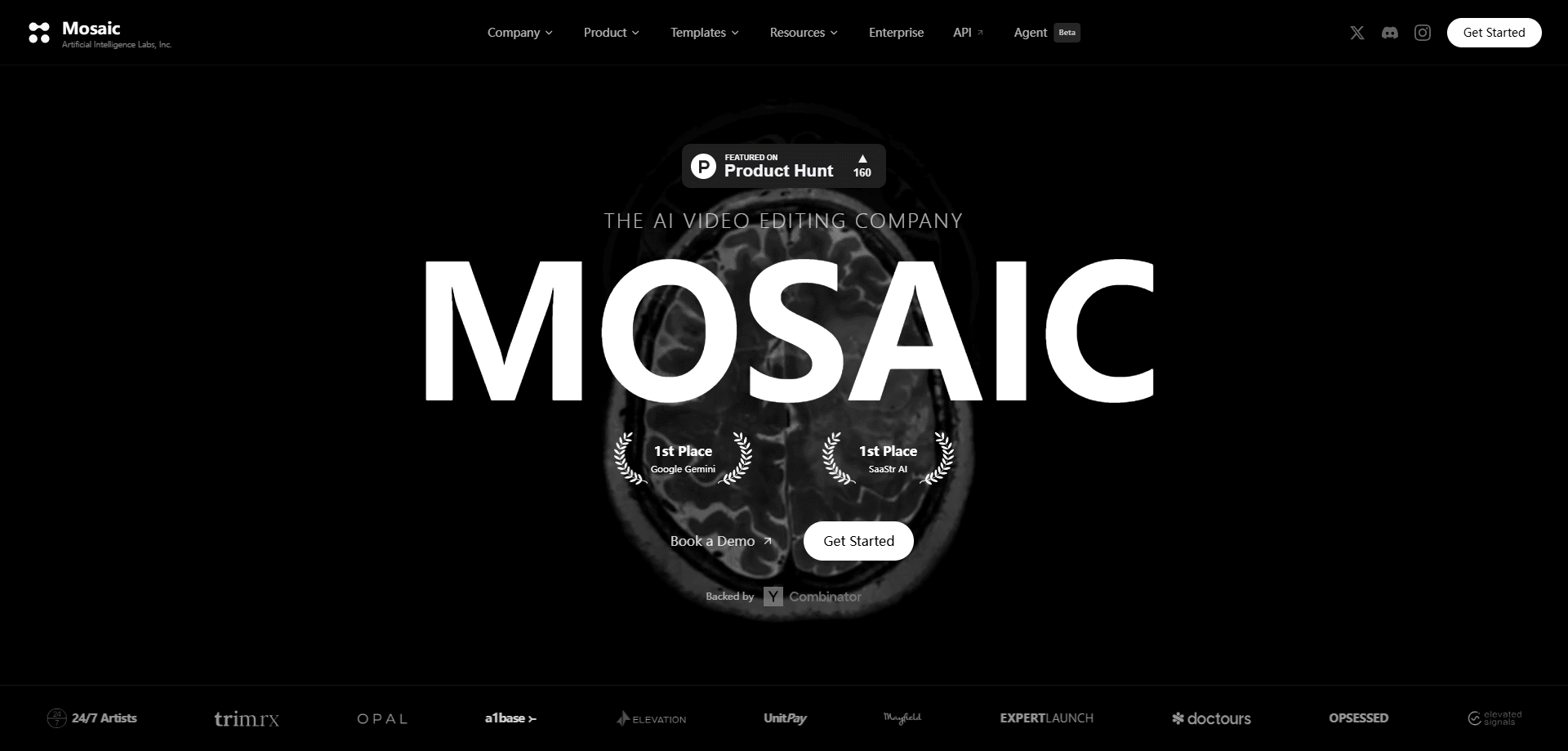
Mosaic is an agentic AI video editing platform that takes raw footage and turns it into finished clips, rough cuts, and multiple variants you can test against each other. As an agentic video editor, it splits the work into two halves: an AI layer that handles the tedious first pass, and a familiar timeline editor where you keep hands-on control. Teams use it to push the same source footage into vertical formats, localized edits, and ad variants without rebuilding each version by hand, which is the sort of busywork that usually eats a whole afternoon. It's built for volume. The company says more than 1,000 marketers, agencies, and creators now run their video automation workflow on it.
About Mosaic
What Is Mosaic
Mosaic is a video editing tool that behaves less like a button-filled editor and more like a production assistant. You feed it raw footage, you tell it what you want, and it assembles a rough cut, pulls clips, reframes shots for vertical screens, and generates variants. The automated video editing side does the heavy lifting, but nothing is locked away. You can drop into a timeline that works the way most editors do and fix anything the AI got wrong.
The problem it solves is volume. One piece of footage usually needs to become five edits: a square cut, a vertical cut, a 30-second version, a different hook, a version in another language. Doing that by hand is slow and repetitive. Mosaic's pitch is that you define the rules once and let the platform churn out the variants, then pick the winner. It also wires into the tools teams already use, including Mimir, Iconik, Premiere, Slack, and common media asset managers, with triggers from Google Drive, S3, Dropbox, and YouTube.
The main thing to understand before you commit is that Mosaic is a platform, not a one-off app. It leans on a node-based workflow model, so it rewards teams who can think in steps and templates. If you just want to trim a single clip on your laptop, this is heavier than you need. If you're producing video at scale and want the boring parts handled, it's aimed squarely at you.
Getting Started
- Create an account on the Mosaic site and open the workspace.
- Connect a source: link Google Drive, S3, Dropbox, or a YouTube channel, or upload footage directly.
- Pick or build a workflow in the node editor, choosing steps like rough cut, clip selection, reframe, AI avatar, or transcoding.
- Set your brand styles, formats, and guidelines so outputs match your templates.
- Run the workflow, then review the generated variants in the timeline editor and push the final cut out to your destination.
Product Information
A quick look at Mosaic's pricing, supported platforms, and performance.
Best for
The users, tasks, and scenarios where this tool fits best.
Users
- Social media teams
- Marketing agencies
- Content creators running high volume
- Media operations teams
Tasks
- Producing rough cuts from raw footage
- A/B testing video variants
- Reframing for vertical
- Localization at scale
- Automating routine edits
Scenarios
- A weekly batch of ad creatives that needs many variants from one base edit.
- A sports or news desk pushing the same highlight to multiple channels quickly.
- An agency onboarding a new client and reusing an existing workflow template.
- A creator studio processing hundreds of clips a week through one pipeline.
Key features
Agentic automated editing
The AI layer is the part that does the first pass for you. This agentic video editor builds rough cuts, selects clips, and applies edits based on the rules you set, which means you skip the slow assembly stage and land on a timeline with something usable. That head start matters. For teams handling lots of footage, it's the difference between shipping daily and shipping when you can.
Timeline editor with hands-on control
Automation doesn't lock you out. Mosaic pairs its AI with a timeline editor that works like the ones most editors already know, so you can trim, reorder, and fix anything the machine got wrong. This matters. AI rough cuts are a starting point, not a final product, and having a real editor underneath keeps you from fighting the tool.
A/B testing of video variants
Instead of guessing which edit works, Mosaic generates multiple variants from the same footage and lets you test them against each other. You can compare different hooks, lengths, or orders and see which one holds attention. It's a practical way to treat video like any other thing you improve by trying options and watching which one actually holds up.
Node-based workflows and automation
Workflows are built as connected steps, or nodes, covering tasks like rough cuts, clips, reframing, AI avatar, and transcoding. You can add custom nodes for tasks the defaults don't cover, which makes the platform extensible rather than fixed. Once a workflow works, you reuse it. That's where the time savings really show up.
Brand styles and formats
You define brand styles, guidelines, and output formats once, and the workflows apply them across every clip. For agencies and multi-brand teams, this keeps outputs consistent without a person checking fonts and colors on each file.
Deep tool and storage integrations
Mosaic connects to Mimir, Iconik, Premiere, Slack, and media asset managers, and it can pull from Google Drive, S3, Dropbox, and YouTube as triggers. That means the platform slots into an existing pipeline instead of forcing you to move every asset and every habit into a brand-new silo.
API, webhooks, and agent skills
Developers can invoke workflows through endpoints and webhooks, and there are agent skills that set up with one click for OpenClaw or Claude Code. If you want programmatic video editing driven by another system or an AI agent, this is the hook that makes it possible.
Built for high-volume automation
The whole design leans toward scale: many inputs, many variants, many outputs, all from rules you set once. It's less about editing one great clip really well and more about producing a steady, reliable stream of them week after week without adding headcount or hiring another editor to keep up.
Pros and cons
Pros
- Cuts the repetitive first-pass work out of editing, so teams start from a rough cut instead of raw footage.
- The AI rough cut sits on top of a normal timeline, so you're never stuck with what the machine produced.
- Variant generation and A/B testing turn editing decisions into something you can measure.
- Node workflows and custom nodes make it adaptable to unusual pipelines rather than a fixed set of presets.
- Broad integrations (Premiere, Slack, storage, media asset managers) mean it fits into tools teams already run.
Cons
- Pricing isn't published on the site, so you have to talk to sales before you know the cost, which slows down evaluation.
- The node-based, rules-first model has a learning curve. Teams that just want to cut one clip will find it heavier than a simple editor.
- Best results depend on setup. Brand styles, formats, and connections pay off only after you configure them.
Frequently asked questions
Mosaic is an AI video editing platform for turning raw footage into finished clips and variants at scale. Teams use it for rough cuts, reframing for vertical, localization, and testing multiple edits of the same source material.
Related content
Explore related tools, skills, and articles for Mosaic.
Mosaic Alternatives

ngram 2.0
ngram · Video · Marketingngram 2.0 is an AI video generator for teams. It turns a prompt, a screen recording, or a product URL into a narrated explainer, product demo, or AI avatar video, and every scene stays editable.

OpenScreen 2
OpenScreen (open-source project) · Video · ProductivityOpenScreen 2 is a free, open-source screen recorder and demo video editor for Windows, macOS, and Linux, with automatic zooms, styled frames, local captions, and agent edits.

Skreno
Skreno · Video · ProductivitySkreno is a browser screen recorder that captures a tab, a window or your whole display, then attaches AI transcripts, summaries and console logs to one share link.