

Motionvid.ai
Motionvid.ai · Video
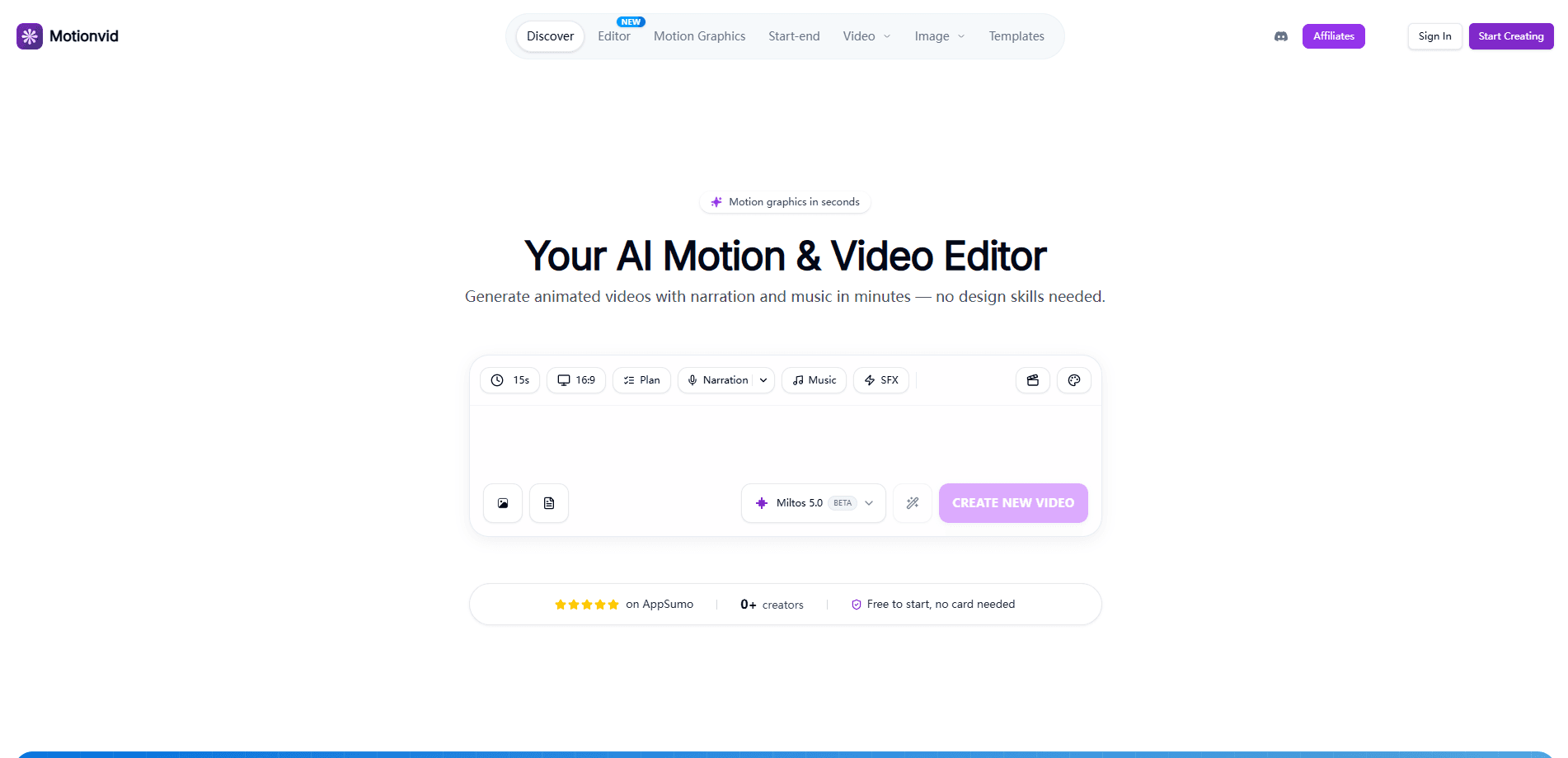
Motionvid.ai is an AI motion graphics and video generator built for text to video animation. Feed it a prompt, an image, or a rough script and it returns an editable animated video. Narration, music, and motion graphics all come out in one pass. That means explainers, charts, and social clips without touching After Effects. The browser editor ships with three working modes, a timeline you can edit scene by scene, and connectors that let Claude or Cursor run the same engine for you.
About Motionvid.ai
What Is Motionvid.ai
Motionvid.ai is a web-based AI video editor aimed at people who need motion graphics but don't have a motion designer. You describe what the video should say, pick a mode, and it returns a multi-scene animation with voiceover and music already assembled. Everything stays editable, so a wrong headline or a single awkward scene can be fixed without rebuilding the whole clip.
The product splits its work into three modes. Motion Graphics handles explainers, maps, and anything with text on screen. It keeps that text sharp and correctly spelled. AI Director pushes for cinematic, realistic footage. Edit My Video layers graphics, captions, and b-roll onto footage you already recorded. So which mode should you pick? Start with Motion Graphics unless you need realistic footage. As an animated infographic maker, the graphics mode carries most of the daily work.
The main limits are credit-based, not feature-based. Every generation, edit, and AI clip spends credits, so heavy users on cheap plans run dry fast. There's no free plan either. You start at $19/month, and the developer API only shows up on the higher tiers. Pay attention to that before you commit.
Getting Started
- Create an account on the Motionvid.ai site and pick a plan (Starter starts at $19/month).
- Choose a mode: Motion Graphics for text-heavy explainers, AI Director for cinematic footage, or Edit My Video to build on your own recording.
- Write a detailed first prompt, or paste your full script. Say how long you want the video and the aspect ratio.
- Review the estimate, generate the video, then edit individual scenes, headlines, or the voiceover in the timeline.
- Export in your chosen resolution, or connect Claude or Cursor to run the same engine from chat.
Product Information
A quick look at Motionvid.ai's pricing, supported platforms, and performance.
Best for
The users, tasks, and scenarios where this tool fits best.
Users
- YouTube and TikTok creators
- Marketers and small teams
- Developers and AI-tooling tinkerers
Tasks
- Building animated infographics and data charts
- Turning a written script into a narrated video
- Adding motion graphics and b-roll to recorded footage
Scenarios
- A weekly explainer series where a new script needs a fresh animated video each time.
- A product launch where the same core message has to become a 16
- An agent-driven workflow where you ask Claude for a video and review it before spending credits on AI footage.
Key features
Three generation modes for different jobs
Motion Graphics, AI Director, and Edit My Video cover separate needs rather than one catch-all setting. Motion Graphics is the safe pick for anything carrying text on screen, since the model keeps type sharp and spelled correctly. AI Director trades that text safety for cinematic, realistic footage that looks closer to live action. Edit My Video starts from a recording you already have and adds graphics, captions, and b-roll on top.
Editable timeline with scene-level control
Generated videos don't lock into a single blob. You get a timeline where you can fix a headline, redo one scene, or adjust timing, and the rest of the video stays exactly as it was. That's the difference between spending a couple of credits on a tweak and regenerating the entire clip. Small change, small cost.
Built-in narration, music, and sound effects
Narration is generated and voiced automatically, and the animation is timed to match it. If you'd rather use your own voiceover, upload it and the visuals sync to your audio. The AI can also write and voice a script in any of 74 languages, then add a music track, which covers most of the audio work in a single generation pass unless you want to bring your own recording.
Prompt-driven style and model engine
The underlying engine (miltos-5 by default) reads the shape of your prompt, so a phrase like "for Reels" pushes the build vertical while a vague prompt lands on 16:9. You can also set aspect ratio or exact pixel dimensions, pick a background color, and target a duration up to 120 seconds for the default multi-scene model.
MCP connector for Claude, Cursor, and Codex
Adding Motionvid.ai as a connector takes a couple of clicks and no code. Once it's in, your assistant can create, edit, preview, and render videos from the chat you already have open. It watches the render and can stop for your approval before spending on AI footage. As an MCP video generator, it turns the same engine into a tool your agent can call directly. The connector comes with every paid plan.
REST API for developers
The developer API runs the same multi-scene engine as the app, so a backend job produces the same kind of output you'd get from the browser editor. One POST to /v1/videos returns a job id, then a webhook or a poll gets you the finished MP4. It supports narration, music, sound effects, AI footage, and custom dimensions. API keys come with the Ultimate and Creator plans.
Long-form video and credit packs
There's no fixed length cap. Paste a full script or voiceover and Motionvid.ai builds the whole thing with narration, music, and sound effects. Videos of 10 to 15 minutes and longer work fine. They just cost more credits. On the video generator pricing side, extra credit packs are one-time top-ups that never expire and include bonus exports.
Pros and cons
Pros
- Editable, scene-level output means you fix one part instead of regenerating everything.
- One prompt covers scenes, narration, and music, cutting the usual back-and-forth.
- Text-heavy motion graphics stay sharp and correctly spelled on screen.
- MCP connector and REST API open the same engine to Claude, Cursor, and custom code.
- No fixed video length limit, and credit packs never expire.
Cons
- No free plan. The cheapest entry is $19/month, so you can't test properly without paying.
- Credits drive everything, and both generating and editing spend them, so cheap plans drain quickly on long or cinematic videos.
- The developer API is locked behind Ultimate and Creator, the two pricier tiers.
- Unused monthly credits don't roll over, so a quiet month wastes part of what you paid for.
Frequently asked questions
It builds animated videos with narration and music from a text prompt, an image, or a script. Common outputs are explainers, animated infographics, maps, chart-driven videos, and social clips in vertical or square formats.
Related content
Explore related tools, skills, and articles for Motionvid.ai.
Motionvid.ai Alternatives

ngram 2.0
ngram · Video · Marketingngram 2.0 is an AI video generator for teams. It turns a prompt, a screen recording, or a product URL into a narrated explainer, product demo, or AI avatar video, and every scene stays editable.

OpenScreen 2
OpenScreen (open-source project) · Video · ProductivityOpenScreen 2 is a free, open-source screen recorder and demo video editor for Windows, macOS, and Linux, with automatic zooms, styled frames, local captions, and agent edits.

Skreno
Skreno · Video · ProductivitySkreno is a browser screen recorder that captures a tab, a window or your whole display, then attaches AI transcripts, summaries and console logs to one share link.