

Moxt
Moxt (Motiff team) · Productivity · Business
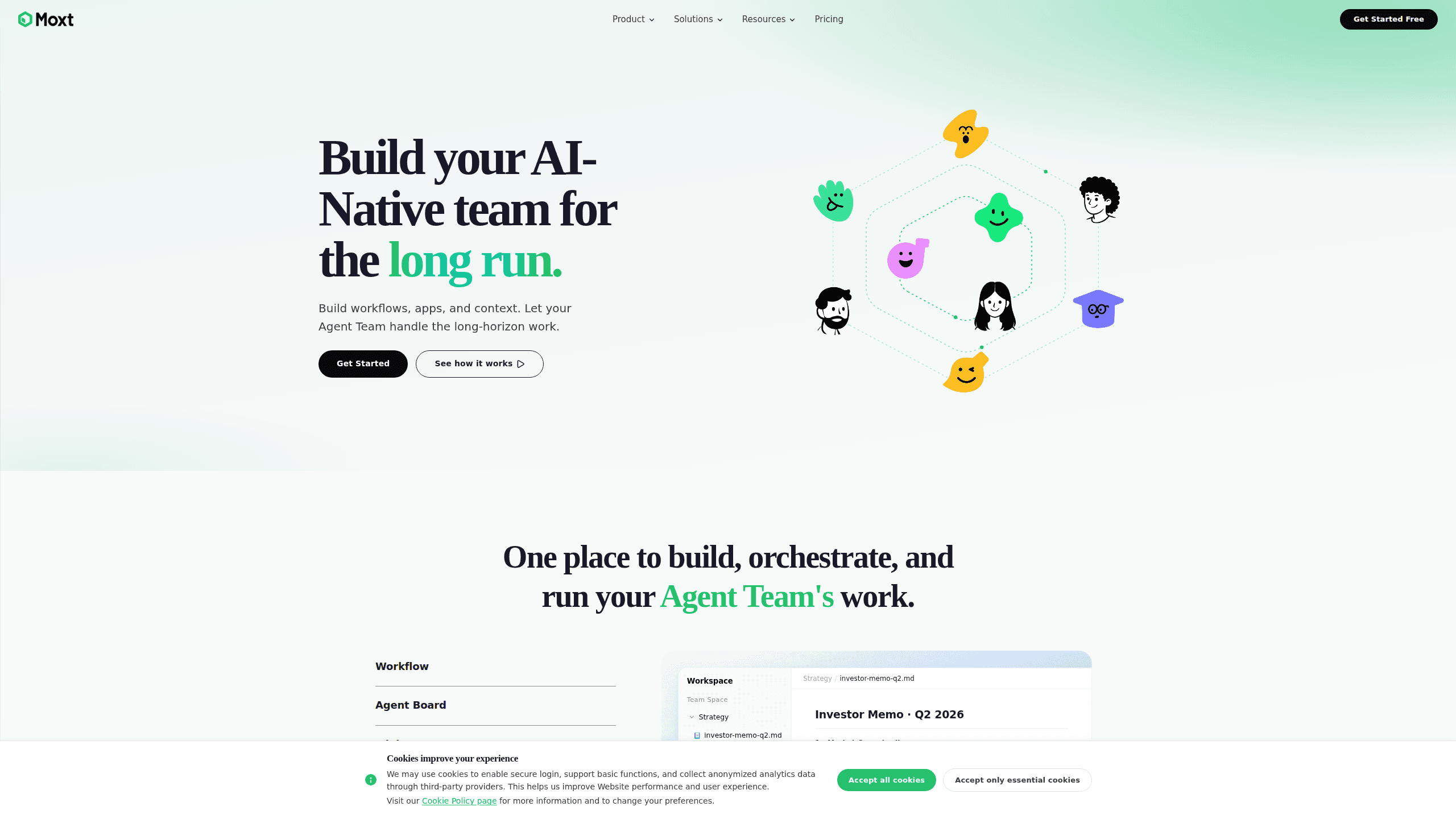
Moxt is an AI agent workspace where humans and AI agents work as one team. Instead of renting a chatbot by the month, you get a shared space with a file system, persistent memory, and AI teammates you can create, train, and put on real tasks. Each account also comes with a personal assistant called momo. It remembers your preferences across sessions. Seats are free. You only pay for the models your agents actually run.
About Moxt
What Is Moxt
Moxt is a collaboration platform built on a simple bet. Agents shouldn't work inside tools designed for humans. Word files, Notion pages, and PDFs carry layers of formatting that AI has to strip before it can read anything. Moxt stores everything as Markdown, CSV, and HTML instead, the formats models handle natively, and organizes them in a plain file system any agent can browse or search.
The product comes from the team behind the Motiff design tool, and it launched in early 2026. Every user gets a personal assistant named momo. Beyond that, you can spin up as many AI teammates as you need, give each one a role and a set of rules, and wire them into workflows that run while you sleep. Think of it as an agent collaboration platform rather than a single chatbot.
The main limit is that Moxt is young and moving fast. Some pieces, like running external agents inside the workspace, were still marked "coming soon" at the time of writing. The whole thing assumes you're comfortable describing tasks in plain language rather than clicking through menus.
Getting Started
- Sign up at moxt.ai and land in your workspace, where your personal assistant momo has already introduced itself.
- Tell momo how you work. It writes those details into files like MEMORY.md and AGENTS.md, so later sessions pick up where you left off.
- Create an AI teammate by picking a name, a role, and a few rules, or choose a preset from the teammate marketplace.
- Assign a task or a schedule, then watch progress in the shared space and adjust the output as it comes in.
Product Information
A quick look at Moxt's pricing, supported platforms, and performance.
Best for
The users, tasks, and scenarios where this tool fits best.
Users
- Founders and small teams who want to build an AI team for research, writing, and reporting without hiring
- Researchers and analysts juggling long-running projects
- Marketers and content ops people
Tasks
- Ongoing research loops
- Drafting and editing documents
- Building simple apps and dashboards
Scenarios
- Running a recurring weekly report
- Onboarding a new project
- Keeping context across many small tasks
Key features
Persistent Memory Across Sessions
Moxt gives every user a personal assistant named momo that records what it learns about you in plain files. Say once that you prefer concise reports in a table, and that preference carries into future conversations. Most tools forget everything the moment you close the tab. This one doesn't. That's what makes the workspace feel less like a search box and more like a colleague.
AI Teammates You Can Create and Train
Beyond momo, you can build additional AI teammates, each with a name, a role, and its own rules. A social-media brand builder, for example, might run a design lead, a researcher, and a contrarian reviewer side by side, each one responsible for a different slice of the work. You can also pull presets from a marketplace covering common roles. Every teammate is independent, which means one agent's finished work becomes context the next one can act on. That's what makes it a true multi-agent workspace. Nothing falls through the cracks.
A File System Built for Agents
Documents live in directories as Markdown, spreadsheets as CSV, and visual reports as HTML. Agents can browse, search, and read these files the way a person opens a folder, without decoding compressed Office formats first. Word, PDF, and Notion imports get converted in the background. It looks simple. It works. If you've built skills in Claude Code or similar tools, many of them drop into Moxt unchanged.
Scheduled Tasks and Automations
You can attach a timer to a teammate, so it runs on its own. A researcher set to scan the news each day at 13:00 will deliver a summary without anyone asking. This turns Moxt from a place you visit into a service that works in the background. Set it once. Forget it. Missed work is easier to catch too, since each agent's output stays visible in the shared space.
Integration with Slack and Feishu
AI teammates plug into Slack and Feishu, so you can call them from the chat window you already use. Instead of opening a separate app, you mention the agent and hand off the task in place. For teams that live in a chat tool, this removes a real chunk of copy-pasting between platforms.
Transparent Usage-Based Pricing
Moxt doesn't sell seats. Members are free, and you pay for the models your agents consume at the provider's published rate, with Moxt adding no markup of any kind on top of what the model vendor charges. A GPT-5.5 call is billed at OpenAI's price, for instance. Credits run at $1 per 100 and don't expire. It's a straightforward model if you like knowing exactly where the money goes.
Cloud Sandbox for Agent Compute
Agents need a place to run code, and Moxt offers an isolated cloud sandbox per agent, free for now and billed by active runtime only. There's also a local option in the works that lets agents use your own machine. For teams that don't want to manage infrastructure, the cloud path means an agent can start working with zero setup. No servers to spin up.
Pros and cons
Pros
- Seats and members are free, with no cap while the product is growing.
- Model usage is billed at vendor price and Moxt adds no fee, so costs stay legible.
- Persistent memory means you spend less time re-explaining context on every task.
- File-system design in Markdown, CSV, and HTML lets agents read and reuse your documents directly.
- Slack and Feishu integration lets you assign work from tools your team already opens daily.
Cons
- Some capabilities, including bringing your own agent and running agents locally, were listed as coming soon and weren't fully available yet.
- The platform assumes you can describe tasks and set rules in words, so teams that want rigid, click-based workflows may find the flexibility harder to use.
- Usage-based model pricing means heavy agent workloads can cost more than a flat subscription would, since there's no spend ceiling by default.
Frequently asked questions
Moxt is an AI-native workspace where people and AI agents share the same files, memory, and tasks. You create AI teammates, give them roles, and let them handle long-running work while you stay in the loop on decisions.
Related content
Explore related tools, skills, and articles for Moxt.
Moxt Alternatives

Swms
Swms AI · Writing · Productivity · BusinessSwms is an AI safety compliance tool that turns a plain description of a job into ready-to-use safety documents. Describe your project, trade, and known hazards, and it writes a safe work method statement, job hazard analysis, safe work procedure, RAMS, or safety data sheet in seconds. It also ships with Oscar, a chat assistant that answers workplace safety questions in any language. Teams in construction, mining, transport, and warehousing use it to cut the paperwork that usually eats into a workday.

Wordly AI Translation
Wordly · Voice & Language · ProductivityWordly AI Translation is a real-time AI translation and captioning platform built for meetings, conferences, and events. It delivers live translation, captions, transcripts, and summaries in more than 60 languages, and attendees join by scanning a QR code or opening a link instead of using dedicated headsets. The platform works with Zoom, Microsoft Teams, Google Meet, and Webex, and it's designed for organizations that want multilingual access without hiring human interpreters for every session. Simple as that.

Rows
Rows (Superhuman) · Productivity · BusinessRows is an AI spreadsheet and data analysis tool that imports live data from more than 50 sources, then lets you work with it using plain language instead of SQL queries or nested formulas. You can pull numbers out of PDFs, connect ad platforms, databases, and bank accounts, and ask the AI to build reports, merge datasets, or set up models that recalculate themselves. It runs in the browser, works like a spreadsheet, and now sits under the Superhuman umbrella.