

MyNextBrowser
MyNextBrowser · Coding
MyNextBrowser is an agentic browser extension that adds AI automation to the browser you already have. Skip the migration. Install it on Chrome, Edge, Brave, Opera, Arc, or Vivaldi and you get a set of agents that write, research, present, analyze data, and shop on your behalf. It leans local-first AI: everything runs on your machine, and the company says it doesn't track you, sell your data, or train models on your chats.
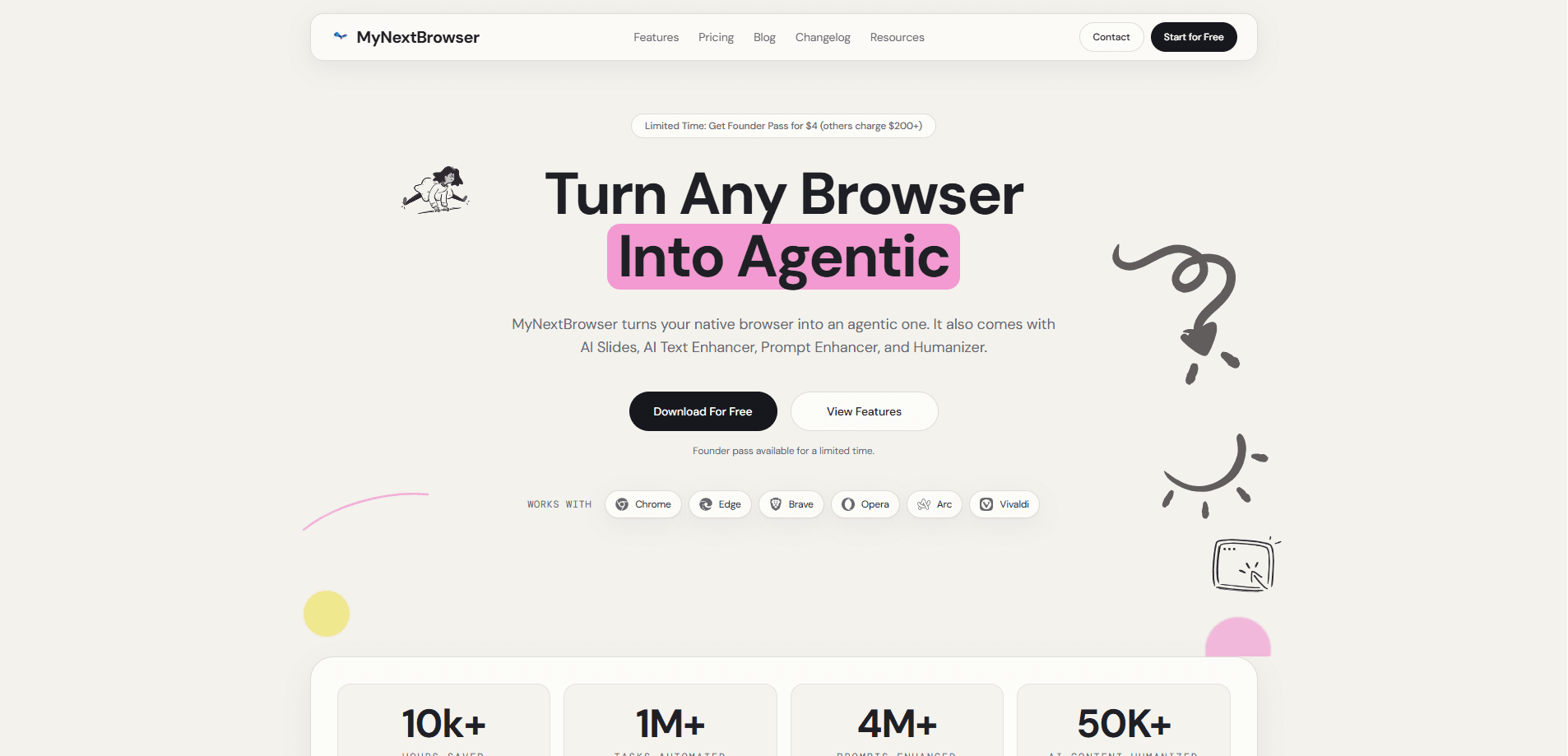
About MyNextBrowser
What Is MyNextBrowser
MyNextBrowser is an AI browser extension, not a standalone browser. Its pitch is simple: keep the extensions, bookmarks, and history you already have, then layer agentic actions on top. The extension runs on the Chromium engine, so anything built on Chromium can host it.
The core idea is turning the browser from a place where you read pages into a place where agents act. You give a plain-language instruction and a browser AI agent browses, cross-references sources, and hands back a report, a slide deck, or a dashboard.
That's the whole pitch. Fewer tabs, less copying, less switching.
The biggest limitation is that it's still a young product with a small, distributed team behind it. Feature depth varies by tool, and some agent actions depend on the pages you point them at, so results aren't always predictable. If you need guaranteed, repeatable enterprise workflows, this isn't that.
Getting Started
- Go to the MyNextBrowser website and install the extension for your Chromium-based browser.
- Pin the extension to your toolbar and sign in so your prompts and settings sync to your account.
- Open the AI panel and pick a tool: Text Enhancer for rewriting, Deep Research for reports, AI Slides for decks, or AI Dashboards for data.
- Type a plain-language request, watch the agent work in real time, and check its decision logs before you trust the output.
- Upgrade to a paid plan only if you hit the free tier's usage cap and want priority support.
Product Information
A quick look at MyNextBrowser's pricing, supported platforms, and performance.
Best for
The users, tasks, and scenarios where this tool fits best.
Users
- Researchers and analysts who pull facts from many sources and need them summarized, on the condition that they still verify the agent's output.
- Writers and marketers who want to rewrite emails, fix grammar, and adjust tone without leaving the page they're working on.
- Privacy-conscious users who want AI help but don't want their prompts and data sent to a third-party tracker.
Tasks
- Deep research
- Email and document rewriting
- Slide and dashboard creation
Scenarios
- Late-stage project research when you need a fast overview of a field and don't have hours to read 20 tabs.
- Client communication drafts where you need the right tone but don't want to rewrite from scratch.
- Quick price checks when you're comparing products across several stores and want the browsing done for you.
Key features
Agentic Task Execution
MyNextBrowser runs background agents that browse pages and complete multi-step tasks rather than just answering questions. You watch them work in real time and can inspect decision logs before the output reaches your workflow. The company markets this as "no black boxes." That matters. If you need to know how a number was found, the log shows you.
Deep Research
This tool crawls multiple sources, cross-references the facts it finds, and compresses them into a report you can act on. You can export it as a PDF. The company claims it handles 100+ sources per minute. Is that number real? Hard to verify. It's aimed at people who want a starting point for research, not a final, citation-perfect paper.
AI Text Enhancer
This AI writing extension rewrites messy drafts into polished prose without leaving your current page. It fixes grammar, shifts tone across styles, and can expand or trim ideas. There's a humanizer mode for text that reads too machine-generated.
AI Slides
Turn a topic into a formatted presentation in seconds, complete with relevant images and speaker notes. It generates template-ready decks. So the output is a starting structure you refine rather than a finished showpiece.
AI Dashboards
Connect your data and the agent builds interactive, real-time dashboards with charts and live metrics. It's built for people who want to spot trends quickly without setting up a BI tool. No setup wizard. Just ask.
Prompt Enhancer
Basic instructions get rewritten into engineered prompts that the company says work better across GPT-5, Claude, and Gemini. If you already know how to prompt well, this adds less value.
Pros and cons
Pros
- No browser switch required, so your extensions, bookmarks, and history stay put.
- Local-first processing, and the company states it doesn't track you or train on your data.
- A wide toolset in one extension means writing, research, slides, dashboards, and data chat all sit behind the same panel, so you stop juggling five separate AI tabs to finish one task.
- Transparent agent logs let you see how a result was produced.
- Low entry price compared with tools the company says charge $200+.
Cons
- No standalone mobile app, so the agentic features are desktop-browser only.
- Agent output still needs verification, and checking every claim the agent pulls from a page cuts into the time you saved on research-heavy tasks in the first place.
- Feature depth varies by tool, and the youngest tools feel less finished than the writing and research ones.
- No public API, so you can't wire the agents into your own scripts or pipelines.
Frequently asked questions
It runs on Chromium-based browsers, including Chrome, Edge, Brave, Opera, Arc, and Vivaldi, while Firefox and Safari aren't supported because they're built on different engines that the extension can't plug into.
Related content
Explore related tools, skills, and articles for MyNextBrowser.
MyNextBrowser Alternatives
Forefront
Forefront · CodingForefront is a web platform for building with open-source AI. It lets you fine-tune leading open-source language models on your own data, evaluate how they perform, and run them through an API or export them to host yourself. Developers who want the convenience of a closed-source platform but insist on owning their models and data are the target audience here.

Startkit
StartKit.AI · CodingStartkit is a boilerplate for building AI SaaS and AI wrapper products. Think of it as an AI startup boilerplate with the boring parts already wired up: authentication, Stripe and Lemon Squeezy payments, usage limits, transactional email, and an AI API starter that talks to OpenAI, Anthropic, Groq, or Llama. You clone the repo, set your price, and start on the part of your product that people actually pay for. It's Next.js under React and Tailwind, so most of the boilerplate code already feels familiar.
Testim
Tricentis · CodingTestim is an AI-powered test automation platform for building and running end-to-end tests across web, mobile, and Salesforce applications. It leans on machine learning to keep tests stable when an interface changes, so teams spend less time fixing broken selectors. Not bad for an automated testing tool you can start using today. You create tests by recording actions in a browser, then optionally add JavaScript when you need more control. It's a solid pick for busy QA teams.