

Nano Banana AI Image Editor
FamilyPro · Image
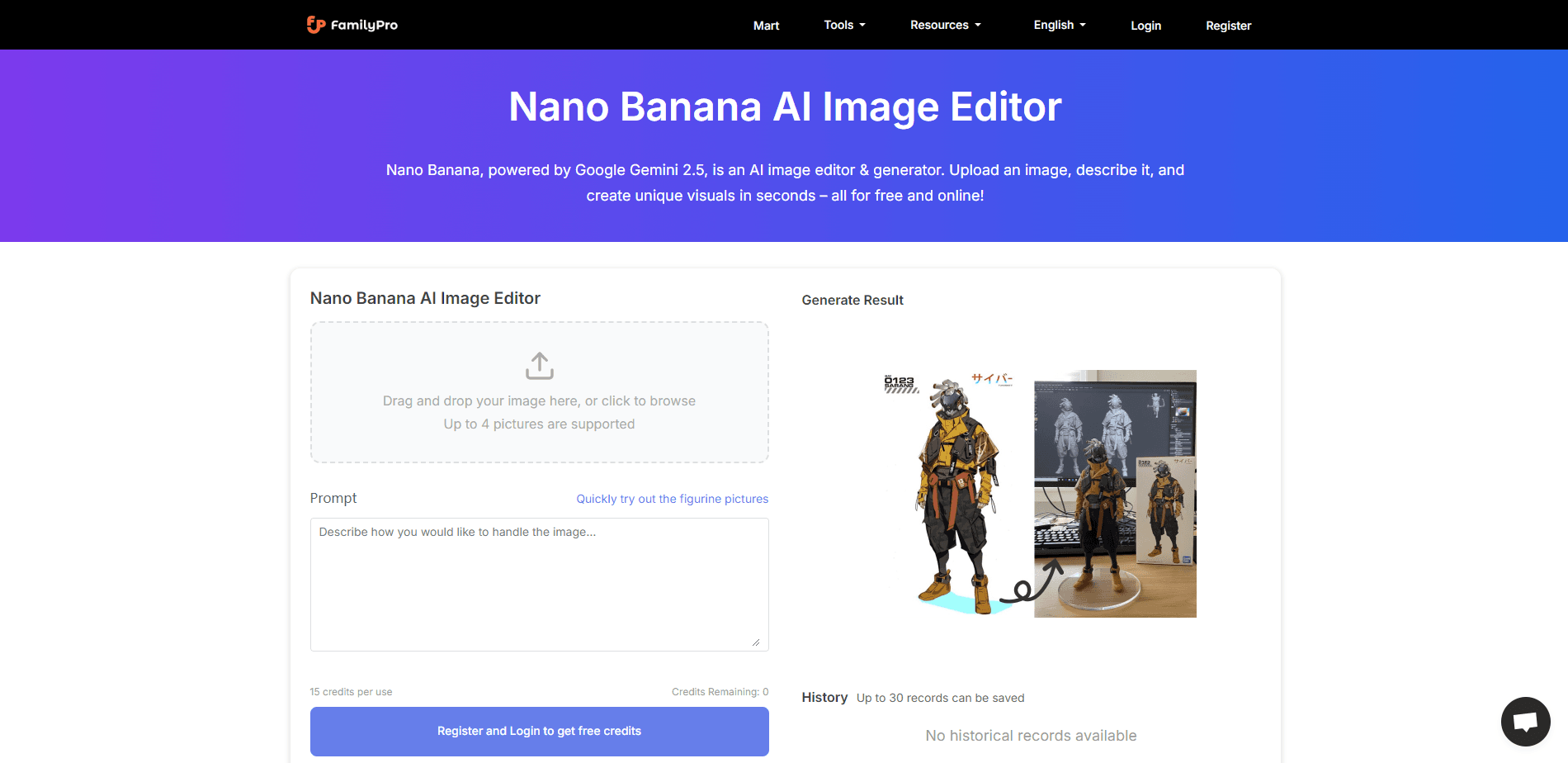
Nano Banana AI Image Editor is a free, browser-based AI image editor built on Google's Gemini image models. It works as a free AI image generator and an AI photo editor in one: you generate pictures from text prompts, edit photos with plain instructions, fuse multiple images, and use its built-in 2D to 3D converter to give flat shots real depth. There's no sign-up and no app to install, so anyone with a browser can start creating 4K visuals in seconds. If you've ever wanted a free AI image generator that doesn't demand an account first, that's the appeal here.
About Nano Banana AI Image Editor
What Is Nano Banana AI Image Editor
Nano Banana AI Image Editor is an online photo editing and generation tool from FamilyPro that runs on Google's Gemini image models, including the Nano Banana and Nano Banana Pro lines. You upload a photo or type a description, and the tool produces or reshapes an image to match. The pitch is simple: skip heavy desktop software and get studio-style results in a browser tab.
It leans on a mix of models rather than one. Alongside Nano Banana, the editor also routes through Seedream, Flux, Qwen, and Minimax, which gives you different styles and strengths without installing anything. Generation usually lands under eight seconds, and output tops out at 4K.
The catch is control. It's a cloud service, so you're dependent on their servers and their model choices. There's no manual layer-based editing like Photoshop, so fine, pixel-level tweaks aren't the point here. So what do you actually get? Fast transformations, not precision retouching.
Getting Started
- Open the Nano Banana AI Image Editor page in any browser. No account is needed.
- Upload an existing photo or type a text prompt describing the image you want.
- Pick a model and a style preset, such as 3D figurine, magazine style, or blockbuster photo.
- Run the edit and preview the result, then refine with another prompt if it's off.
- Download the finished image, up to 4K.
Product Information
A quick look at Nano Banana AI Image Editor's pricing, supported platforms, and performance.
Best for
The users, tasks, and scenarios where this tool fits best.
Users
- Content creators who need eye-catching visuals for social posts without hiring a designer
- Casual users who want to turn phone photos into 3D figures or magazine covers in minutes
- Small business owners producing quick product or promo shots on a zero budget
Tasks
- Generating images from text prompts for blogs, thumbnails, and ads
- Converting a plain 2D portrait into a dimensional 3D character
- Fusing several photos into a single blended scene, like combining faces, backgrounds, or themes
- Restyling snapshots into cinematic or editorial looks
Scenarios
- Brainstorming a visual concept when you only have a rough idea in words
- Making a scroll-stopping image for a feed the morning you need to post
- Testing what a product looks like in a styled setting before a real shoot
Key features
Prompt-Based Image Generation
Type what you want and the editor builds it. You can describe a subject, a mood, colors, and a composition in plain language, then generate a fresh image in one pass. It's the fastest way to go from a vague idea to something you can actually look at.
2D to 3D Conversion
Upload a flat photo and the tool adds depth so it reads like a 3D character or object. The output pops out of the screen, which is handy for avatars, thumbnails, and playful social content. You don't need modeling skills or special software.
Image Fusion
Blend multiple pictures into one. Mix faces, backgrounds, or themes and the editor stitches them into a single frame. This is the feature people reach for when they want a composite that looks intentional rather than pasted together.
Character Consistency
When you edit a person or character across several images, the editor keeps the face and key details recognizable. That consistency matters for anyone building a series of posts or a small story where the same subject has to stay the same.
Style Presets
Presets like 3D figurine, magazine style, and blockbuster photo apply a full look in one click. Each one bundles lighting, framing, and finish, so you get a polished result without tweaking sliders. The blockbuster preset, for instance, pushes a moody, high-grain cinematic feel.
Multiple Model Support
Beyond the Gemini-based Nano Banana models, the editor also connects to Seedream, Flux, Qwen, and Minimax, so if one model's style isn't landing you can swap to another and rerun the same prompt with a completely different look. Swapping models changes the style and character of the output, giving you room to experiment when one result isn't quite right.
Fast 4K Output
Generation typically finishes in under eight seconds, and images render up to 4K. That speed means you can iterate: run a prompt, look at it, adjust, and run it again while the idea is still fresh. Downloads come straight to your device.
Pros and cons
Pros
- Completely free and online, with no sign-up wall before you start
- Runs in a browser, so there's nothing to install and it works on most devices
- Multiple built-in models give real variety in style and output
- Fast generation, often under eight seconds, which keeps ideation moving
- 4K output is high enough for social, web, and light print use
Cons
- No manual, layer-based editing, so precise pixel-level retouching isn't possible
- Text can render awkwardly inside generated images, which limits poster and logo work
- Being a cloud service means you depend on their uptime and can't work offline
- Model and preset options, while varied, are fixed rather than fully customizable
Frequently asked questions
Yes. The editor is free and browser-based, with no sign-up required to start. You open the page, upload or describe an image, and generate. There's no paid tier listed at the moment.
Related content
Explore related tools, skills, and articles for Nano Banana AI Image Editor.
Nano Banana AI Image Editor Alternatives

X Ray Interpreter
X-ray Interpreter · ImageX Ray Interpreter is a web-based AI radiology tool that turns X-rays, CT scans, MRI, ultrasound, and PET images into plain-language reports. You upload a scan, get a preliminary X-ray interpretation in moments, then ask follow-up questions if something needs explaining. It works as a second opinion and a learning aid, not as a medical diagnosis.

Aieasypic
AIEasyPic · ImageAIEasyPic is an AI image generator that turns plain text prompts into finished artwork in seconds. You can also train custom models on your own photos, swap faces in existing images, and create short video clips from text, all from a browser. It suits casual creators who want quick visuals and hobbyists who want to build a personal model without touching any code.

Chargen
Chargen · ImageChargen is an AI character generator and worldbuilding toolkit built for Dungeons & Dragons and other tabletop RPGs. It turns a one-line idea into a painted character portrait, spins up NPCs, monsters, maps and encounters from the same session, and keeps every creature's details close at hand. The tabletop RPG art side runs on a credit system called Gold, while the text generators stay free for everyone.