
NeuroBlock
NeuroBlock · Coding
NeuroBlock is a private AI suite that lets you train custom models on your own data, chat with that data through RAG, and browse community datasets, all from one subscription. It bundles three products. DataLab builds datasets and trains 4B or 9B models. NeuroAI runs them safely. OpenData helps you find and share training data. The pitch is simple: your files stay under your control instead of becoming someone else's training material.
About NeuroBlock
What Is NeuroBlock
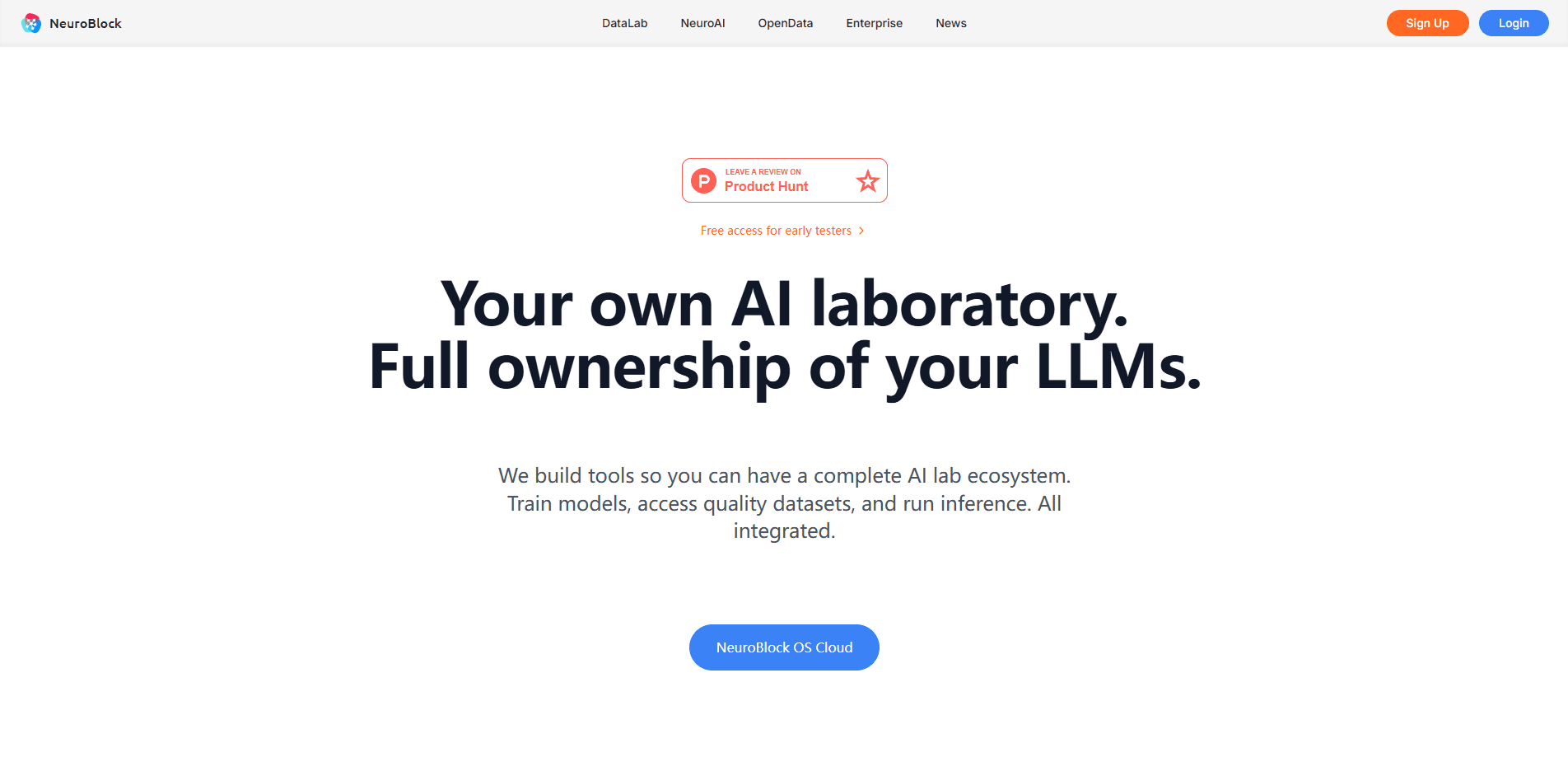
NeuroBlock is a private AI platform built around a single idea. You should be able to use AI on sensitive material without shipping that material to a third party that keeps a copy. Where mainstream assistants treat your uploads as fuel for their own systems, NeuroBlock runs the whole loop, data prep, training, and inference, inside an environment you own.
The suite targets teams and solo builders who have data they can't hand over. Think law firms with client files, clinics with patient notes, or a store that wants a support bot trained on its own catalog. Everything lives in NeuroBlock OS Cloud, a shared workspace where the three apps talk to each other. That setup is what people mean by AI data sovereignty: the model works for you, and the raw material stays yours.
The main limitation is scope. This isn't a general chatbot you open and forget. You bring the data. You define the model's job. Then you wait. If you want a ready-made assistant for casual questions, that's not what this is. If you want a model that knows your world and answers only from it, that's the point.
Getting Started
- Create an account on NeuroBlock OS Cloud and start the free 7-day trial.
- Upload your files to your private Library, or pull ready-made sets from OpenData.
- In DataLab, name the model, describe what you want it to do, and pick the datasets it should learn from.
- Training runs in the background while NeuroAI opens a Playground so you can preview answers.
- Once training finishes, deploy the model in NeuroAI and connect it to your product through the API.
Product Information
A quick look at NeuroBlock's pricing, supported platforms, and performance.
Best for
The users, tasks, and scenarios where this tool fits best.
Users
- Legal and medical teams
- Developers
- Small businesses
- Data curators
Tasks
- Turning a pile of PDFs into a clean question-answer training set.
- Building a private RAG chatbot that answers only from your documents.
- Training a small domain expert model (4B or 9B) on internal knowledge.
- Searching years of specs and manuals in plain language.
- Shipping an AI feature on flat monthly pricing instead of per-token bills.
Scenarios
- A support team that wants answers drawn from its own help center, not a generic model.
- A founder prototyping an AI feature and needing a model no competitor can access.
- A researcher organizing scattered documents into something a model can actually learn from.
- Publishing a dataset and getting it in front of other builders on the marketplace.
Key features
DataLab, Dataset Creation and Model Training
DataLab takes unstructured material like PDFs and documents and turns it into structured training data, generating question-answer pairs, instruction sets, and other formats. From there you can train a custom 4B or 9B model. It all happens inside one guided flow. You don't need an AI team to run it. That last part is the real draw for small companies.
NeuroAI, Private Chat and RAG
NeuroAI is where you actually use what you built. It runs your trained models and lets you chat with your own knowledge through RAG, so answers come from your documents rather than the open web. Conversations and data stay private. Deployment takes seconds to a couple of minutes.
NeuroBlock OS Cloud, the Shared Workspace
The three apps sit together in NeuroBlock OS Cloud. Datasets live in your Library, DataLab reads from it and writes trained models back, and NeuroAI runs them. Keeping everything in one place means you're not shuffling files between tools, and your data never leaves the environment.
OpenData, Community Dataset Marketplace
OpenData is a marketplace of datasets you can browse, preview, and add to your library for free. Some are already processed and quality-checked for training, while others ship raw in formats like PDF that you'll need to run through DataLab before they're useful. You can also publish your own sets and share or monetize them.
Run Models in the Cloud or Fully Offline
NeuroAI runs in two modes. Cloud inference gives you maximum performance and integrations, while the iOS app can run a model fully locally on your iPhone with no internet connection at all, which matters when even a private cloud feels like one hop too many.
API Access for Your Own Products
Every model you train can be connected to your own software through an API, which is how you'd wire a trained support model into a help widget or an internal tool your team already uses. Pricing is flat rather than per token, so traffic spikes don't turn into surprise bills.
Full Ownership, No Lock-In
NeuroBlock states that models you train are entirely yours, with no licensing restrictions or usage limits, and you can deploy them anywhere you like. That's a direct contrast to platforms that claim rights over models trained on their infrastructure.
Pros and cons
Pros
- Trains custom models on your own data with a guided, no-code flow.
- Flat $20/mo pricing covers dataset generation, training, and unlimited inference.
- Runs models either in the cloud or fully offline on iPhone.
- You keep full ownership of trained models and can deploy them anywhere.
- Built-in dataset marketplace saves time sourcing training material.
Cons
- No free tier beyond the 7-day trial, so cost testing is limited.
- Training takes real time and GPU hours, capped at roughly three models per month on the base plan.
- The workflow assumes you already have usable data; there's a learning curve before you get output.
- Features are spread across three separate apps, which takes some getting used to.
Frequently asked questions
It's a private AI suite that combines dataset preparation, custom model training, and private chat in one cloud workspace, so you use it to build AI that runs on your own data instead of sending that data to a public assistant.
Related content
Explore related tools, skills, and articles for NeuroBlock.
NeuroBlock Alternatives
Forefront
Forefront · CodingForefront is a web platform for building with open-source AI. It lets you fine-tune leading open-source language models on your own data, evaluate how they perform, and run them through an API or export them to host yourself. Developers who want the convenience of a closed-source platform but insist on owning their models and data are the target audience here.

Startkit
StartKit.AI · CodingStartkit is a boilerplate for building AI SaaS and AI wrapper products. Think of it as an AI startup boilerplate with the boring parts already wired up: authentication, Stripe and Lemon Squeezy payments, usage limits, transactional email, and an AI API starter that talks to OpenAI, Anthropic, Groq, or Llama. You clone the repo, set your price, and start on the part of your product that people actually pay for. It's Next.js under React and Tailwind, so most of the boilerplate code already feels familiar.
Testim
Tricentis · CodingTestim is an AI-powered test automation platform for building and running end-to-end tests across web, mobile, and Salesforce applications. It leans on machine learning to keep tests stable when an interface changes, so teams spend less time fixing broken selectors. Not bad for an automated testing tool you can start using today. You create tests by recording actions in a browser, then optionally add JavaScript when you need more control. It's a solid pick for busy QA teams.