

Neutron
Neutron · Productivity
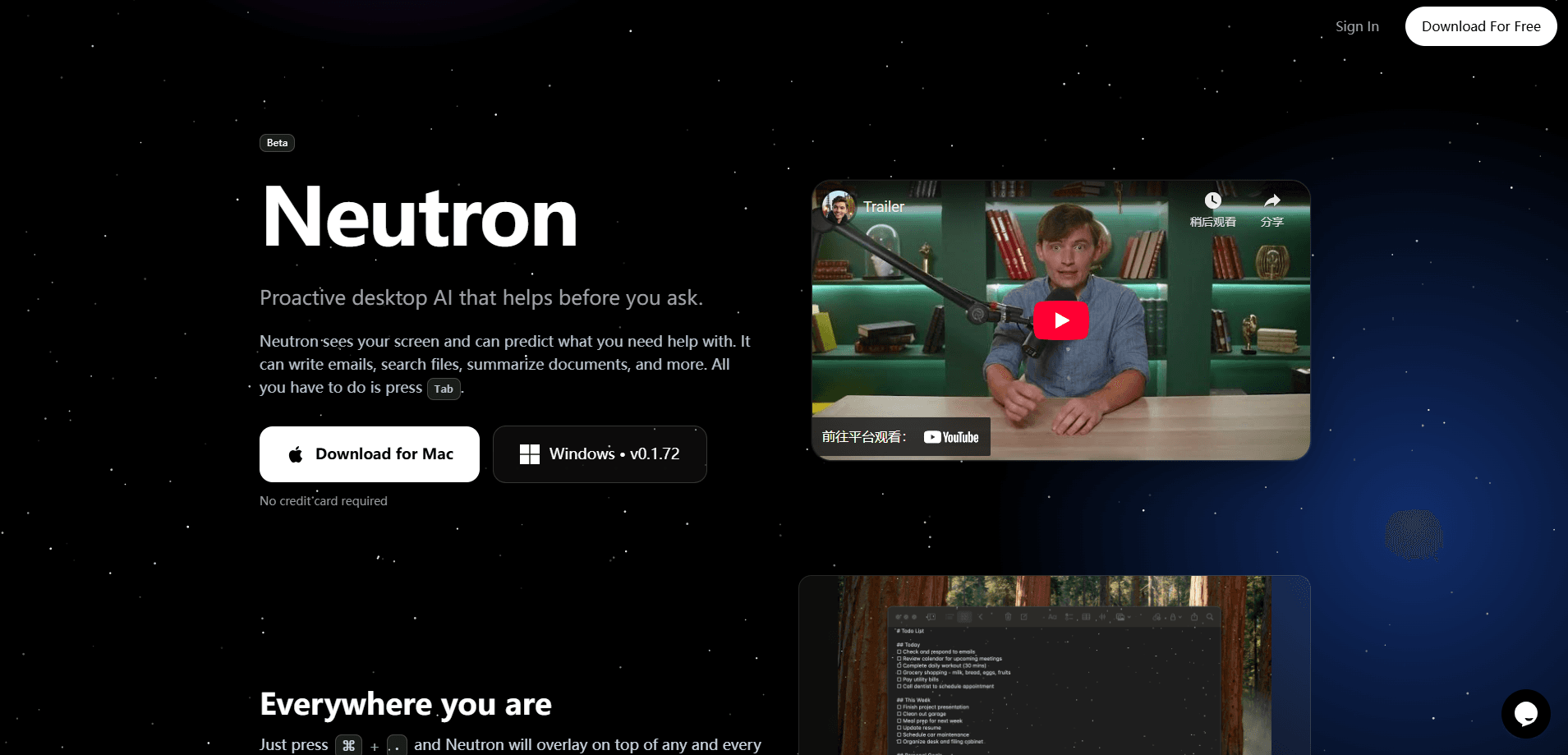
Neutron is a proactive desktop AI assistant that runs as an overlay on top of whatever app you're already using. Instead of switching to a separate chat window, you let it see your screen, predict what you're about to need, and take action, whether that's drafting an email, finding a file, or summarizing a document. It's aimed at people who want AI help where their work actually happens, not in another tab. The pitch is simple.
About Neutron
What Is Neutron
Neutron is a desktop AI assistant built around one idea: the assistant should come to your screen, not the other way around. It sits on top of any application as an overlay, watches what you're working on, and offers help before you ask for it. That's a meaningful difference from the browser tabs and standalone chat apps most people use for AI today.
The assistant reads your screen to build context, then predicts the next step. Think of it as a screen-aware assistant. If you're staring at an email thread, it can draft a reply. If you're hunting for a file, it acts as a file search tool. If you've got a long document open, it can summarize it. The tasks it covers are the small, repetitive ones that eat up a working day, and they show up again and again in almost any desk job.
The main limitation is scope. Neutron is a desktop product, so it's tied to a computer rather than your phone. We couldn't verify current pricing or a public API from the official site either, which is no longer serving product pages. Treat the specifics below as what's publicly described, not a live spec sheet.
Getting Started
- Visit the official site to check availability and whether a waitlist or download is open.
- Install the desktop client for your operating system, then grant screen-reading permissions so the overlay can see the active app.
- Work normally in any program, and watch for Neutron's proactive suggestions to appear on screen.
- Accept, edit, or dismiss a suggestion, and use the overlay for on-demand tasks like email drafts or document summaries.
Product Information
A quick look at Neutron's pricing, supported platforms, and performance.
Best for
The users, tasks, and scenarios where this tool fits best.
Users
- Knowledge workers who live in email and documents
- People overwhelmed by app switching
- Users who want help before they ask
Tasks
- Drafting and replying to emails
- Searching for files
- Summarizing documents
Scenarios
- A full workday of routine admin
- Research sessions with many open windows
- Catching up after time away
Key features
Screen-Aware Overlay
Neutron runs on top of any application rather than in its own window. It can see what's on screen, which is how it understands context without you pasting text into a chat box. So what does that look like day to day? Help appears next to the work instead of in a separate place you have to visit. That's the whole point of the overlay design, and it's why the assistant feels less like a tool you open and more like one that's already there.
Proactive Suggestions
The assistant predicts what you need and offers it, rather than waiting for a command. That's the core bet behind Neutron. Most people don't know how to prompt well, so an assistant that reads the situation and suggests a next step lowers the barrier. You still decide whether to accept the suggestion.
Email Writing
Writing and replying to email is one of the named tasks. Because the overlay can see the thread, Neutron can automate email writing that fits the conversation. It won't send anything on its own. The draft is yours to edit.
File Searching
Finding files by description is another built-in job. You describe what you're after, and Neutron looks for it. That beats digging through nested folders when you half-remember a name. It works best when your files live in predictable, indexed locations.
Document Summarization
Neutron can summarize the document in front of you, which is useful for long reports, articles, or notes you need to absorb fast. The value here is speed on material you have to read anyway. It won't replace a careful read when the details matter.
Pros and cons
Pros
- Lives on top of your existing apps, so there's no context-switching to a separate AI tool.
- Proactive suggestions reduce the need to learn prompting or write long instructions.
- Covers practical, high-frequency tasks: email drafts, file search, and document summaries.
- The overlay keeps help visible while you work, rather than burying it in another window.
Cons
- Desktop only, so you can't carry it to your phone or switch devices mid-task.
- Screen-reading means the assistant needs broad visibility into what's on your display. That's a real privacy consideration.
- We couldn't confirm pricing, system requirements, or a public API from the official site, so evaluating cost and integration ahead of time is hard.
- Proactive help can misfire if it misreads what you're doing. You'll end up dismissing suggestions you didn't want.
Frequently asked questions
Neutron is a desktop AI assistant that overlays on any application, sees your screen, and predicts what you need. It handles tasks like writing emails, searching for files, and summarizing documents. The help arrives in the moment, not after a prompt.
Related content
Explore related tools, skills, and articles for Neutron.
Neutron Alternatives

Swms
Swms AI · Writing · Productivity · BusinessSwms is an AI safety compliance tool that turns a plain description of a job into ready-to-use safety documents. Describe your project, trade, and known hazards, and it writes a safe work method statement, job hazard analysis, safe work procedure, RAMS, or safety data sheet in seconds. It also ships with Oscar, a chat assistant that answers workplace safety questions in any language. Teams in construction, mining, transport, and warehousing use it to cut the paperwork that usually eats into a workday.

Wordly AI Translation
Wordly · Voice & Language · ProductivityWordly AI Translation is a real-time AI translation and captioning platform built for meetings, conferences, and events. It delivers live translation, captions, transcripts, and summaries in more than 60 languages, and attendees join by scanning a QR code or opening a link instead of using dedicated headsets. The platform works with Zoom, Microsoft Teams, Google Meet, and Webex, and it's designed for organizations that want multilingual access without hiring human interpreters for every session. Simple as that.

Rows
Rows (Superhuman) · Productivity · BusinessRows is an AI spreadsheet and data analysis tool that imports live data from more than 50 sources, then lets you work with it using plain language instead of SQL queries or nested formulas. You can pull numbers out of PDFs, connect ad platforms, databases, and bank accounts, and ask the AI to build reports, merge datasets, or set up models that recalculate themselves. It runs in the browser, works like a spreadsheet, and now sits under the Superhuman umbrella.