

Nirixa AI
Nirixa · Coding · Marketing
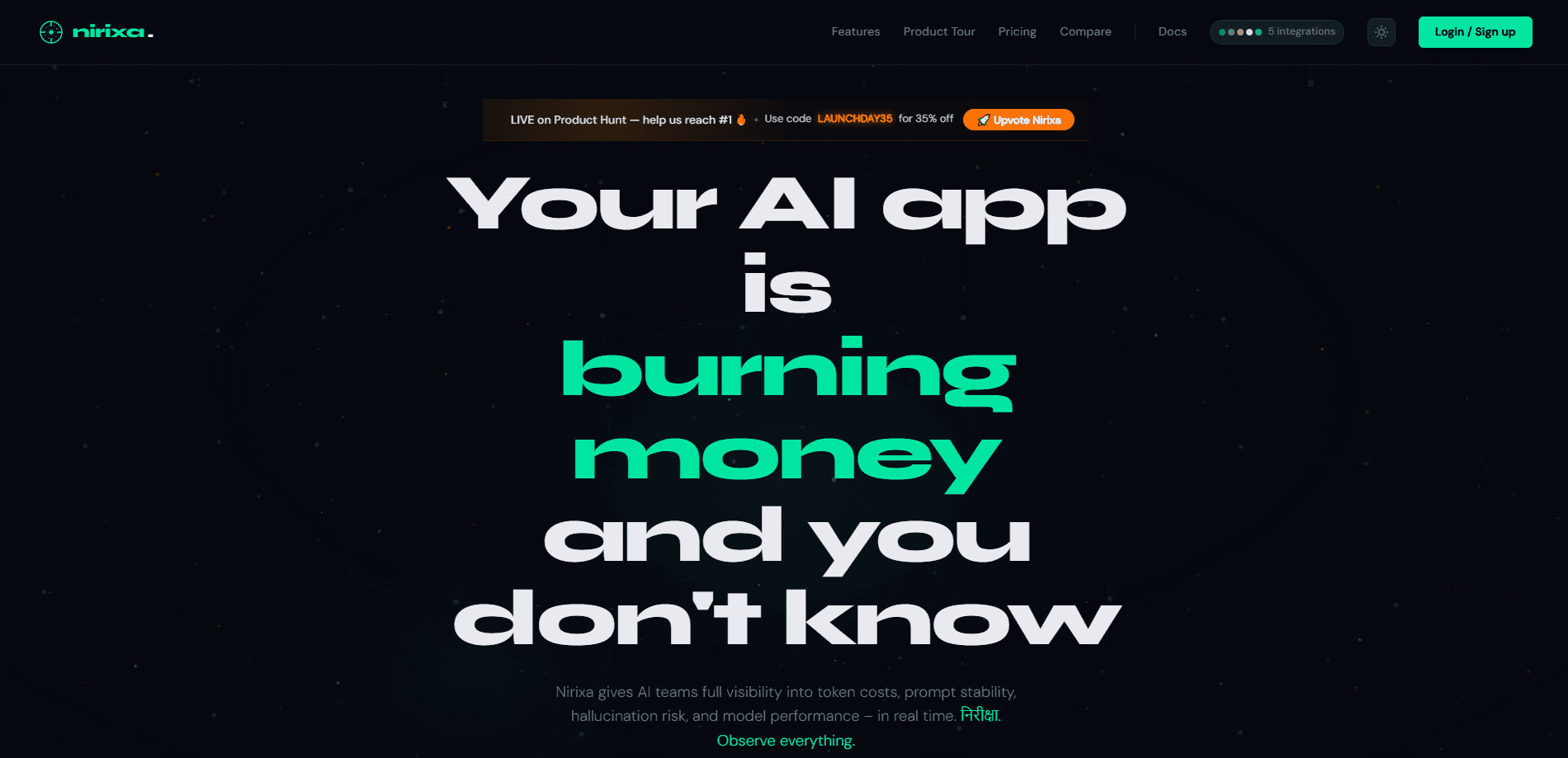
Nirixa AI is an observability and cost intelligence platform for teams that run AI applications in production. It gives you a live read on what your prompts cost in tokens, how stable those prompts stay across runs, and where model output drifts toward hallucination. Simple idea. Hard to pull off. If you ship LLM features and don't know your real spend or failure rate yet, this is the kind of tool that answers those questions before your users do.
About Nirixa AI
What Is Nirixa AI
Nirixa AI watches the AI side of your stack. It tracks how many tokens your prompts burn, how consistent your outputs are over time, and how often a model veers into made-up answers. Most teams learn these things from a monthly bill or a user complaint. Nirixa is built so you find out first.
The product sits between your AI application and the models it calls. You get real-time visibility instead of a postmortem, which matters once a prompt is shipped and quietly running thousands of times a day, burning tokens and drifting just enough to be wrong in ways nobody logs. Token costs and hallucination risks don't announce themselves. Ever.
One honest limit: this is a monitoring layer, not a model. It won't fix a weak prompt or a bad model choice. It tells you where the problem is, and the fixing is still on your team.
Getting Started
- Sign up on the Nirixa site and create a workspace for your AI application.
- Connect your app or model endpoints so Nirixa can observe traffic, typically through an API key or integration.
- Set the cost and stability thresholds that matter for your prompts, such as a monthly token budget or an acceptable drift range.
- Review the dashboards for token spend, prompt stability, and hallucination signals, then route alerts to the people on call.
Product Information
A quick look at Nirixa AI's pricing, supported platforms, and performance.
Best for
The users, tasks, and scenarios where this tool fits best.
Users
- AI engineers running LLM features in production
- Engineering managers watching AI spend
- Product teams shipping customer-facing AI
Tasks
- Tracking token cost per prompt
- Monitoring prompt stability
- Spotting hallucination risk
- Comparing model performance
Scenarios
- A chatbot that suddenly gets expensive after a prompt rewrite
- A support assistant that starts inventing policy details
- A small team without a dedicated observability stack
Key features
Token Cost Intelligence
Nirixa breaks token spend down to the prompt level, so you see which parts of your application drive the bill. Instead of reconciling a provider invoice at month end, you watch cost move as traffic changes. That's the difference between knowing you spent money and knowing why. Big difference.
Prompt Stability Monitoring
Prompts drift. A small edit, a model version bump, or a change in input distribution can shift outputs without any obvious error. Nirixa tracks how consistent a prompt stays across runs and flags the moment stability drops, which is usually well before users notice.
Hallucination Risk Detection
The platform watches for outputs that carry a high hallucination risk, which is the failure mode that costs the most trust. It won't rewrite the answer for you, but it points at the prompts and inputs most likely to produce invented content, so you can tighten them.
Real-Time Visibility
Everything here is built for live traffic, not batch reports. Cost, stability, and risk signals update as your application runs, which is what you want once a feature is in front of real users. A dashboard you check weekly is too slow for this problem.
Model Performance Tracking
Nirixa keeps tabs on how models perform on your actual workloads rather than a benchmark leaderboard. You can compare behavior across models and see which one holds up on your prompts, which is the only comparison that matters for your product.
Pros and cons
Pros
- Focuses on the AI-specific problems general monitoring tools ignore, like token cost and hallucination risk.
- Real-time view means you catch cost spikes and drift the same day, not at month end.
- Prompt-level cost data tells you exactly which part of your app is expensive.
- Covers both spend and quality, so you don't need two separate tools for cost and output risk.
Cons
- It's a monitoring layer, so it reports problems but doesn't fix prompts or model choices for you.
- Pricing and exact plan limits aren't easy to confirm from the public site, which makes budgeting harder upfront.
- Teams already deep in a mature observability stack may find some overlap.
- No Google Play app, so it's a browser-based tool only.
Frequently asked questions
It observes AI applications and reports on token costs, prompt stability, and hallucination risk. Think of it as monitoring built for LLM features rather than for servers.
Related content
Explore related tools, skills, and articles for Nirixa AI.
Nirixa AI Alternatives
Forefront
Forefront · CodingForefront is a web platform for building with open-source AI. It lets you fine-tune leading open-source language models on your own data, evaluate how they perform, and run them through an API or export them to host yourself. Developers who want the convenience of a closed-source platform but insist on owning their models and data are the target audience here.

Startkit
StartKit.AI · CodingStartkit is a boilerplate for building AI SaaS and AI wrapper products. Think of it as an AI startup boilerplate with the boring parts already wired up: authentication, Stripe and Lemon Squeezy payments, usage limits, transactional email, and an AI API starter that talks to OpenAI, Anthropic, Groq, or Llama. You clone the repo, set your price, and start on the part of your product that people actually pay for. It's Next.js under React and Tailwind, so most of the boilerplate code already feels familiar.
Testim
Tricentis · CodingTestim is an AI-powered test automation platform for building and running end-to-end tests across web, mobile, and Salesforce applications. It leans on machine learning to keep tests stable when an interface changes, so teams spend less time fixing broken selectors. Not bad for an automated testing tool you can start using today. You create tests by recording actions in a browser, then optionally add JavaScript when you need more control. It's a solid pick for busy QA teams.