

NoForm AI
NoForm.ai · Chatbot
NoForm AI is an AI chatbot you embed on a website to answer visitors, qualify leads, and forward them to your sales team. It trains on your own content and starts working in minutes.
About NoForm AI
What Is NoForm AI
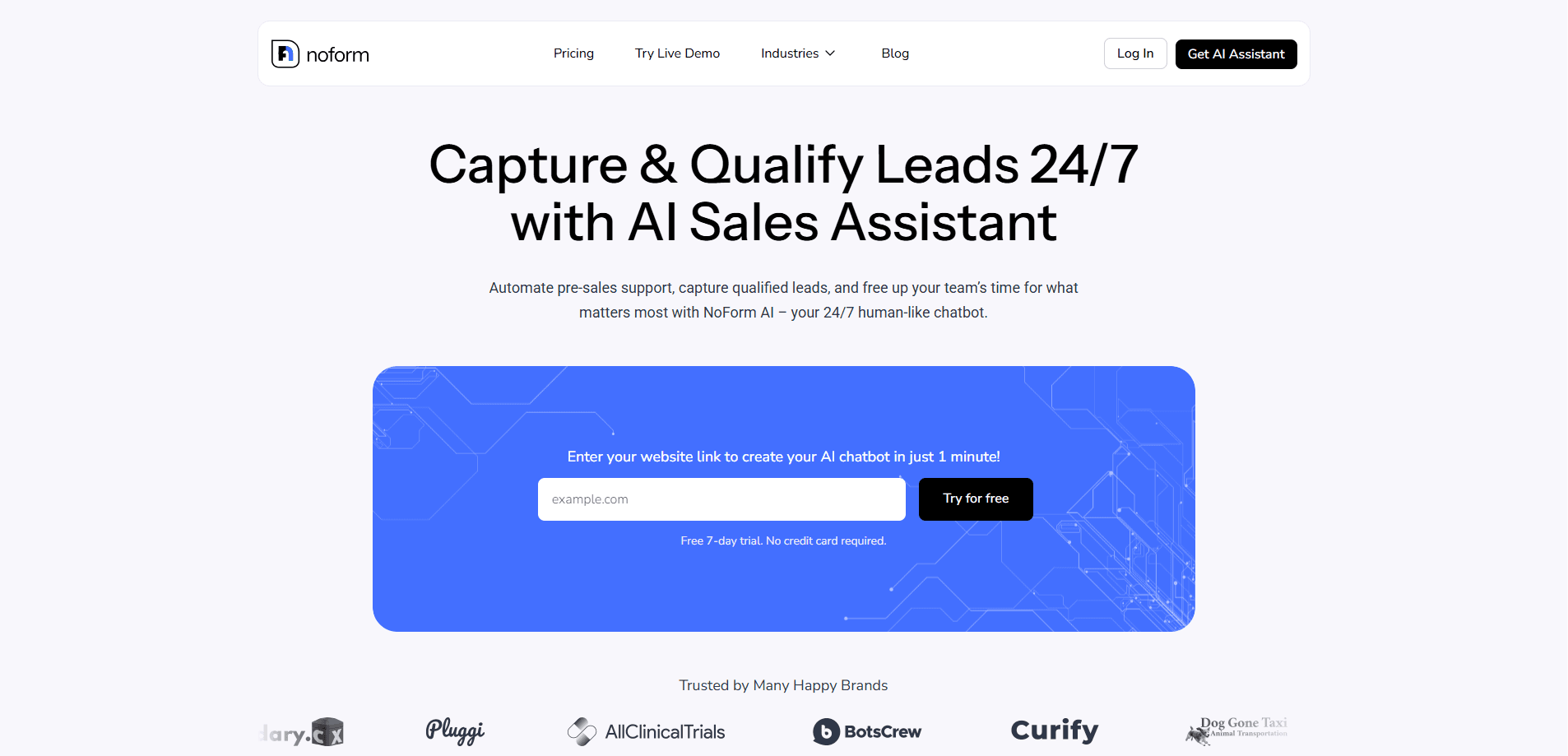
NoForm AI is an AI sales assistant that lives on your website as a chat widget. Instead of a static contact form, visitors get instant answers and a conversation that moves them toward a purchase. The tool trains on your website content, documents, and custom questions, so replies stay tied to your business rather than generic chatbot chatter.
The main problem it solves is speed. Most buyers go with the first company that responds, and a small team cannot sit on chat all day. NoForm AI covers that gap around the clock, captures contact details as people talk, and flags the ones worth a call.
The limit worth knowing up front is setup depth. You get a working assistant in minutes from a URL, but teams with complex sales rules will need time to tune qualifying questions and page-specific behavior. There's no free tier either. You pay from the first month.
Getting Started
- Sign up and paste your website link. NoForm AI crawls the site and drafts an assistant for you.
- Review the training sources and add documents, links, or custom Q&A where the draft misses details.
- Set qualifying questions, conversation starters, and a chat design that matches your brand.
- Copy the embed code into WordPress, Wix, Webflow, or any site that takes a script tag.
- Watch leads land in the dashboard, then connect Webhooks, Zapier, or Make to push them into your CRM.
Product Information
A quick look at NoForm AI's pricing, supported platforms, and performance.
Best for
The users, tasks, and scenarios where this tool fits best.
Users
- Small sales and marketing teams
- Agencies and resellers
- Multi-site businesses
Tasks
- Answering common pre-sales questions
- Qualifying website visitors
- Capturing leads after hours
Scenarios
- A clinic or dealership fielding the same questions all day
- A growing SaaS site with rising traffic
- An international business with scattered clients
Key features
Unlimited chat messages
Every plan drops per-message and per-conversation caps. You can run a lead generation chatbot as busy as your traffic demands without watching a counter or paying overages.
Multiple AI assistants per chatbot
One widget can hold several assistants, each with its own instructions, conversation starters, and qualifying rules. You might run a pricing assistant on one page and a support assistant on another, so replies stay relevant to where the visitor is.
Lead capture and qualification
The assistant asks for contact details inside the flow and reads intent from the conversation, sorting leads by readiness. That tells your team who to call first instead of working a flat list.
Train on your own content
Point it at your website, upload documents, or write custom Q&A. Training keeps answers grounded in your actual services, which cuts the made-up answers that hurt trust.
Analytics and conversation insights
Dashboards track leads, engagement, and conversion, while chat summaries pull out visitor intent. You can see which pages and traffic sources produce the most leads and spend your budget there.
Webhooks and integrations
Leads push out to your CRM, database, or internal tools through Webhooks, Zapier, or Make, with Google Analytics 4 on top. Manual data entry drops out of the AI customer support routine. The same wiring carries captured answers into whatever tool your team already opens each morning.
Customizable chat design
Pick colors, add your logo, and choose where the widget sits on the page. The chat can also run white-label on higher plans, so it carries your brand and not ours.
Pros and cons
Pros
- Setup takes minutes from a website URL, with no coding needed to launch.
- Unlimited messages and seats remove the per-conversation math that discourages scaling.
- Training on your own content keeps answers specific to your business.
- Lead qualification happens inside the chat, so your team gets sorted contacts.
- Integrations cover the common CRM and analytics stacks through Zapier and Make.
Cons
- There's no free plan. You pay starting in your first month, so testing means committing.
- Complex sales rules and page-specific behavior take real setup time past the one-minute draft.
- The assistant depends on your source content, so thin or outdated site copy leads to weaker answers.
- No public API is documented, which limits custom engineering beyond Webhooks and Zapier.
Frequently asked questions
No. Plans start at $99 per month after a discounted first month, and there's no permanent free tier. You can try the assistant through the live demo before paying.
Related content
Explore related tools, skills, and articles for NoForm AI.
NoForm AI Alternatives

Knocket
Knocket (Tencent RTC team) · Productivity · Business · ChatbotKnocket is a free live chat and contact page tool that lets visitors message you from your website, app, or a shareable link, with every reply handled from Telegram or one inbox.
Agibot
Agibot · Productivity · AI Assistant · ChatbotAgibot is a personal AI agent for Mac that keeps running after you close the window, runs routines on a schedule, and works from Telegram or Slack with your own API keys.

Melete
Melete · Productivity · AI Assistant · ChatbotMelete is an AI workspace for teams where agents research, draft, and act in Slack, Notion, Linear, and GitHub. Shared memory and approval gates keep people in control.