

Noloco
Noloco · Coding
Noloco is a no-code app builder and client portal builder. It turns existing data into client portals and internal tools, and its AI assistant Nola builds tables, pages, and workflows from prompts.
About Noloco
What Is Noloco
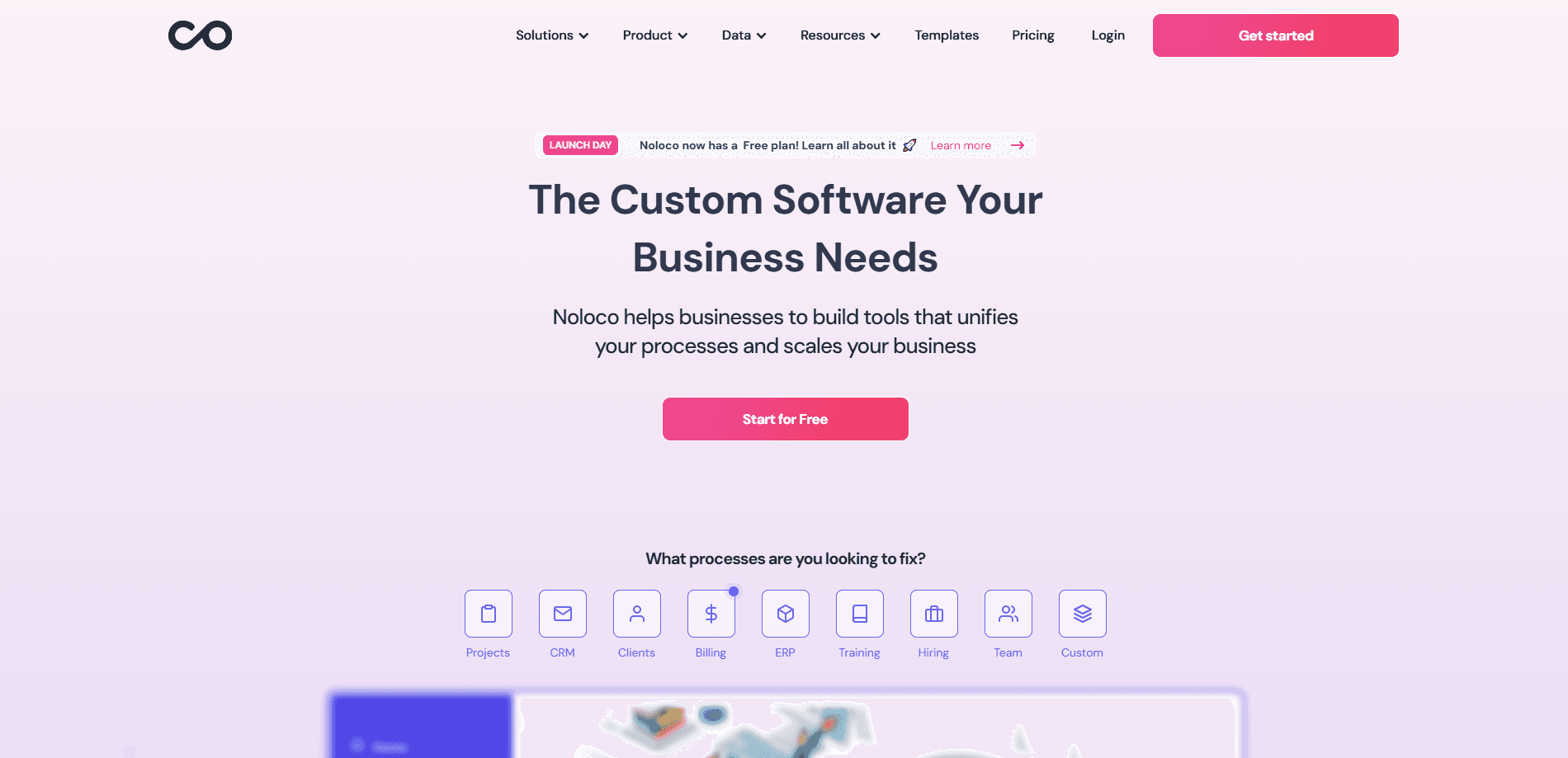
Noloco is a no-code platform for building the software a business actually runs on. You connect a data source such as Airtable, Google Sheets, Postgres, or a built-in system called Noloco Tables, and Noloco sits on top of it as a ready-made front end. As a client portal builder and business app builder in one, the pitch is simple: teams outgrow spreadsheets, but they do not want to hire engineers to build a client portal or an internal tool.
The main problem it solves is coordination. Agencies, law firms, accountants, and operations teams end up juggling projects across disconnected apps, and every new client adds manual work instead of revenue. Noloco puts projects, clients, permissions, and messaging in one branded place.
The biggest limit is the data ownership model. Noloco reads from your sources rather than replacing them, so your data still lives in Airtable, Postgres, or wherever you keep it. That cuts migration risk, but it also means Noloco is a layer on top of your stack, not a standalone database.
Getting Started
- Sign up for a free account. No credit card is needed, and the 14-day trial opens every feature.
- Connect a data source such as Airtable, Google Sheets, Postgres, MySQL, HubSpot, or SmartSuite.
- Tell Nola, the AI app builder, what you need. It creates tables, pages, and workflows from that prompt.
- Refine the layout, roles, and permissions in the visual builder, or stay in chat and let Nola make the edits.
- Invite your team and clients by link. Each person logs in to a view tailored to their role.
Product Information
A quick look at Noloco's pricing, supported platforms, and performance.
Best for
The users, tasks, and scenarios where this tool fits best.
Users
- Non-technical founders and ops leads
- Agencies and professional services
- Small to mid-size teams
Tasks
- Client portal building
- Internal tool creation
- Workflow automation
Scenarios
- Onboarding a new client
- Running a project dashboard
- Field or back-office work
Key features
Nola, the AI App Builder
Nola is a chat assistant that builds your app from a plain-language prompt. It creates tables, generates custom pages, sets up workflows, and edits your data directly. It runs on a credit system, so heavy building eats into your monthly allowance.
Connect Your Existing Data
Noloco reads from Airtable, Google Sheets, Postgres, MySQL, Supabase, Xano, SmartSuite, HubSpot, or Stripe, and it also ships its own Noloco Tables. Live sync keeps changes flowing both ways for supported sources, so you are not stuck migrating everything first.
Granular Permissions
Access controls work at the table, page, record, and field level, with user roles to group them. This matters for client work because you can let a client see their own records without exposing anyone else's data.
Views, Dashboards, and Charts
You get lists, tables, cards, Kanban, calendar, map, and timeline views, plus charts, dashboards, and pivot tables. The split view turns raw data into the kind of reporting a client or manager actually reads.
Visual Interface Builder
A point-and-click builder lets you lay out pages, forms, and navigation without code. You can also drop in custom code for styling or an analytics snippet when the built-in options run out.
Forms and Public Access
Build forms with validation, default values, hidden fields, e-signature, and address autocomplete. Public access lets you share parts of an app with people who are not logged in, useful for intake and lead capture.
Automations and Workflows
Action buttons, bulk actions, and premium workflows handle repeat tasks on live records. Noloco connects to Make, n8n, and Zapier, so it slots into automation you already run.
Pros and cons
Pros
- Connects to Airtable, Postgres, Google Sheets, and more instead of forcing a migration.
- Field-level permissions make it usable for client-facing portals, not just internal tools.
- The AI assistant Nola shortens the first build, so non-technical teams can start fast.
- Mobile apps let staff update records and scan barcodes away from a desk.
- ISO/IEC 27001 certification and EU data storage cover common compliance questions.
Cons
- The $79/month Build base price is entry-level for growing teams, and extra records and seats add cost.
- AI credits are metered, so heavy use of Nola can mean buying add-on credit packs.
- It is a front-end layer, not a database, so you still manage the source system, its sync, and its limits.
- Full white-labeling and SSO are reserved for the custom enterprise plan.
Frequently asked questions
Yes. There is a Free plan with 30 AI credits per month, unlimited team seats, and 2,000 records, and a 14-day trial unlocks every feature without a credit card.
Related content
Explore related tools, skills, and articles for Noloco.
Noloco Alternatives
Forefront
Forefront · CodingForefront is a web platform for building with open-source AI. It lets you fine-tune leading open-source language models on your own data, evaluate how they perform, and run them through an API or export them to host yourself. Developers who want the convenience of a closed-source platform but insist on owning their models and data are the target audience here.

Startkit
StartKit.AI · CodingStartkit is a boilerplate for building AI SaaS and AI wrapper products. Think of it as an AI startup boilerplate with the boring parts already wired up: authentication, Stripe and Lemon Squeezy payments, usage limits, transactional email, and an AI API starter that talks to OpenAI, Anthropic, Groq, or Llama. You clone the repo, set your price, and start on the part of your product that people actually pay for. It's Next.js under React and Tailwind, so most of the boilerplate code already feels familiar.
Testim
Tricentis · CodingTestim is an AI-powered test automation platform for building and running end-to-end tests across web, mobile, and Salesforce applications. It leans on machine learning to keep tests stable when an interface changes, so teams spend less time fixing broken selectors. Not bad for an automated testing tool you can start using today. You create tests by recording actions in a browser, then optionally add JavaScript when you need more control. It's a solid pick for busy QA teams.