

Noro ADHD Planner
Apurva Dongre · Productivity
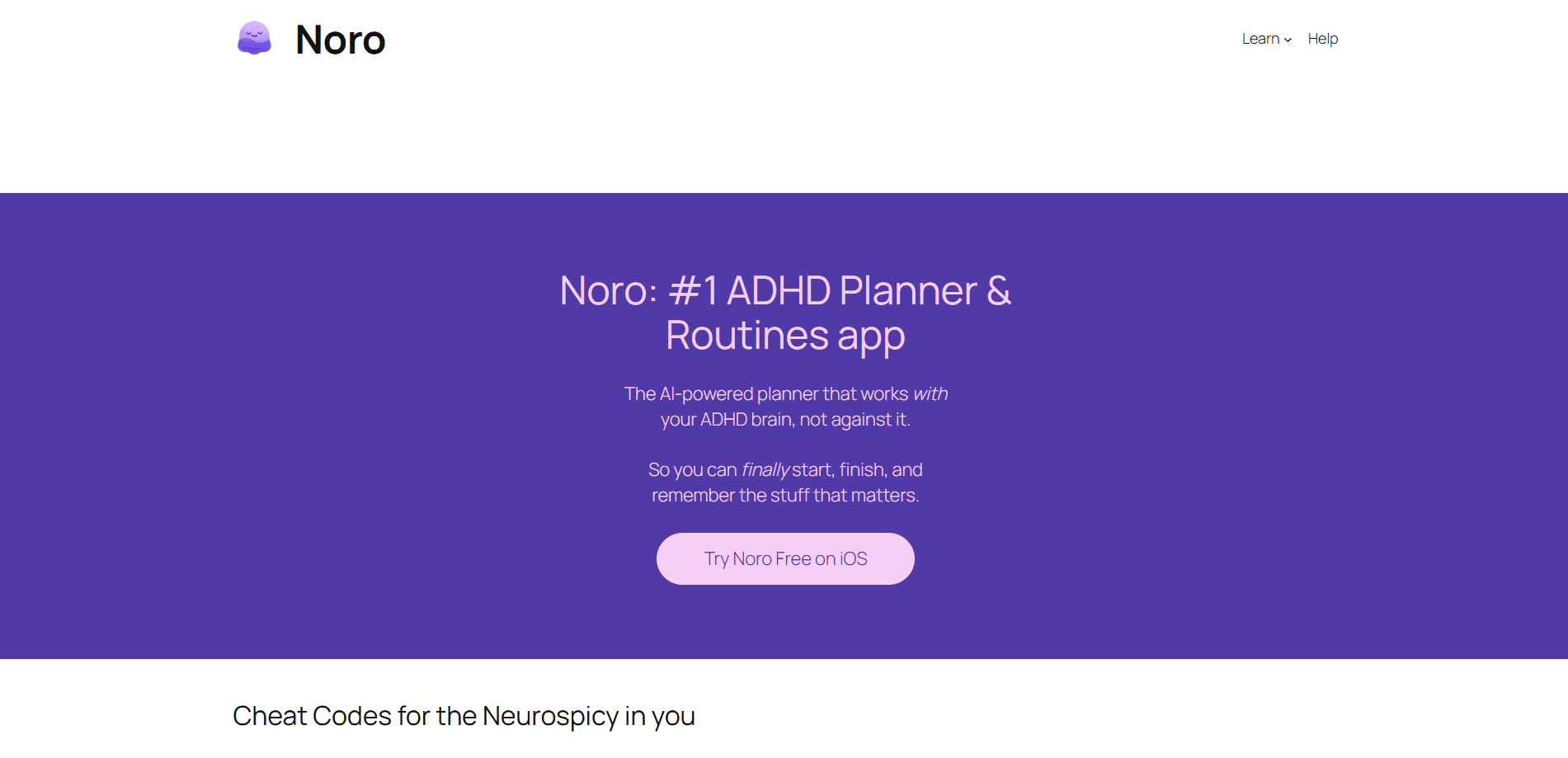
Noro ADHD Planner is an AI planner app built for people with ADHD who lose momentum the moment a to-do list gets long. You speak your mess of thoughts out loud, and the app turns them into an organized action plan with time estimates and step-by-step tasks. It targets the parts of planning that usually break down, like task initiation, time blindness, and procrastination, and it runs on iPhone only.
About Noro ADHD Planner
What Is Noro ADHD Planner
Noro ADHD Planner is a voice-first planning app aimed at people with ADHD and anyone dealing with executive dysfunction. Instead of asking you to type tasks into a form and pick a due date, it starts from how your brain actually works: you talk, and the app sorts the noise into something you can act on.
The core problems it targets are the ones standard planners ignore. Task paralysis, where a big goal feels too heavy to start. Time blindness, where a "quick email" swallows an afternoon. And the slow decay of motivation that hits when a list grows past a handful of items. Noro answers each of those with a specific feature rather than a general promise.
The main limitation is scope. Noro lives on iPhone only, and the full feature set sits behind a subscription after a free trial. If you plan on a laptop or want a free tool forever, it won't fit. If your planning falls apart on your phone, it might.
Getting Started
- Download Noro ADHD Planner and open the app on your iPhone.
- Start the free trial, which unlocks every feature so you can test the parts you care about.
- Dump your thoughts by voice, speaking tasks the way they pop into your head instead of sorting them first.
- Let the app break large tasks into smaller steps and review the time estimates it assigns.
- Run a focus session with the built-in timer, then subscribe if it earns a spot in your routine.
Product Information
A quick look at Noro ADHD Planner's pricing, supported platforms, and performance.
Best for
The users, tasks, and scenarios where this tool fits best.
Users
- Adults with ADHD
- Students
- Remote workers
Tasks
- Breaking down a vague goal
- Estimating how long something takes
- Voice-dumping a mental to-do list
Scenarios
- Starting on a day when motivation is low
- Switching between tasks without losing the thread
- Recovering from a blown-up schedule
Key features
Voice-First Planning
You hold the app open and talk. Noro takes a spoken stream like "email Sarah, clean the kitchen tomorrow evening, buy a gift for Mom this weekend" and turns it into a sorted plan with tasks and timing. Why does that matter? Because the gap between having a thought and capturing it kills most planning attempts.
Automatic Task Breakdown
Large tasks get split into smaller, workable steps. This is the AI task breakdown that turns an intimidating goal into a first move. Instead of staring at "clean the apartment" as one impossible item, you see it split into pieces small enough to start, and that first small step is usually all you need. Start there.
Time Estimation
The app assigns realistic time estimates to your tasks. Time blindness makes it easy to believe an email takes five minutes when it takes forty. Noro puts a number on the task so you can see where your hours actually go, which is the kind of feedback that slowly corrects a habit built on guesswork. Trust the numbers more than your gut.
Visual Focus Timers
Focus sessions run as short, visual sprints in the Pomodoro style. No penalty structure. No streak pressure. Just enough scaffolding to get started and stop at a clear point. That suits task switching and low-motivation days better than an open-ended timer.
Single-View Daily Plan
Everything for the day sits in one place. Not scattered across lists and calendars. You see the plan you built from your voice notes, with the steps and estimates attached, so deciding what to do next doesn't require a fresh round of sorting, which removes one more decision from a day that already has too many.
Pros and cons
Pros
- Voice input removes the typing and sorting that stop most planning sessions before they start.
- Automatic task breakdown makes large goals feel startable instead of intimidating.
- Time estimates give concrete numbers to people who routinely misjudge how long things take.
- Focus timers use short sprints with no streak or scoring pressure, which fits low-motivation days.
- Free trial unlocks all features, so you can judge the whole app before paying.
Cons
- It's iPhone only, so Android users can't use it at all.
- The full feature set needs a subscription once the trial ends, and there's no permanent free tier.
- Voice-first input means you need a private space to talk through your tasks, which doesn't suit shared offices or commutes.
Frequently asked questions
Noro ADHD Planner converts spoken voice notes into an organized plan with tasks, broken-down steps, and time estimates. It's built around the planning problems that hit people with ADHD hardest, such as task paralysis and time blindness.
Related content
Explore related tools, skills, and articles for Noro ADHD Planner.
Noro ADHD Planner Alternatives

Swms
Swms AI · Writing · Productivity · BusinessSwms is an AI safety compliance tool that turns a plain description of a job into ready-to-use safety documents. Describe your project, trade, and known hazards, and it writes a safe work method statement, job hazard analysis, safe work procedure, RAMS, or safety data sheet in seconds. It also ships with Oscar, a chat assistant that answers workplace safety questions in any language. Teams in construction, mining, transport, and warehousing use it to cut the paperwork that usually eats into a workday.

Wordly AI Translation
Wordly · Voice & Language · ProductivityWordly AI Translation is a real-time AI translation and captioning platform built for meetings, conferences, and events. It delivers live translation, captions, transcripts, and summaries in more than 60 languages, and attendees join by scanning a QR code or opening a link instead of using dedicated headsets. The platform works with Zoom, Microsoft Teams, Google Meet, and Webex, and it's designed for organizations that want multilingual access without hiring human interpreters for every session. Simple as that.

Rows
Rows (Superhuman) · Productivity · BusinessRows is an AI spreadsheet and data analysis tool that imports live data from more than 50 sources, then lets you work with it using plain language instead of SQL queries or nested formulas. You can pull numbers out of PDFs, connect ad platforms, databases, and bank accounts, and ask the AI to build reports, merge datasets, or set up models that recalculate themselves. It runs in the browser, works like a spreadsheet, and now sits under the Superhuman umbrella.