

NOVA
Bridgeye · Coding
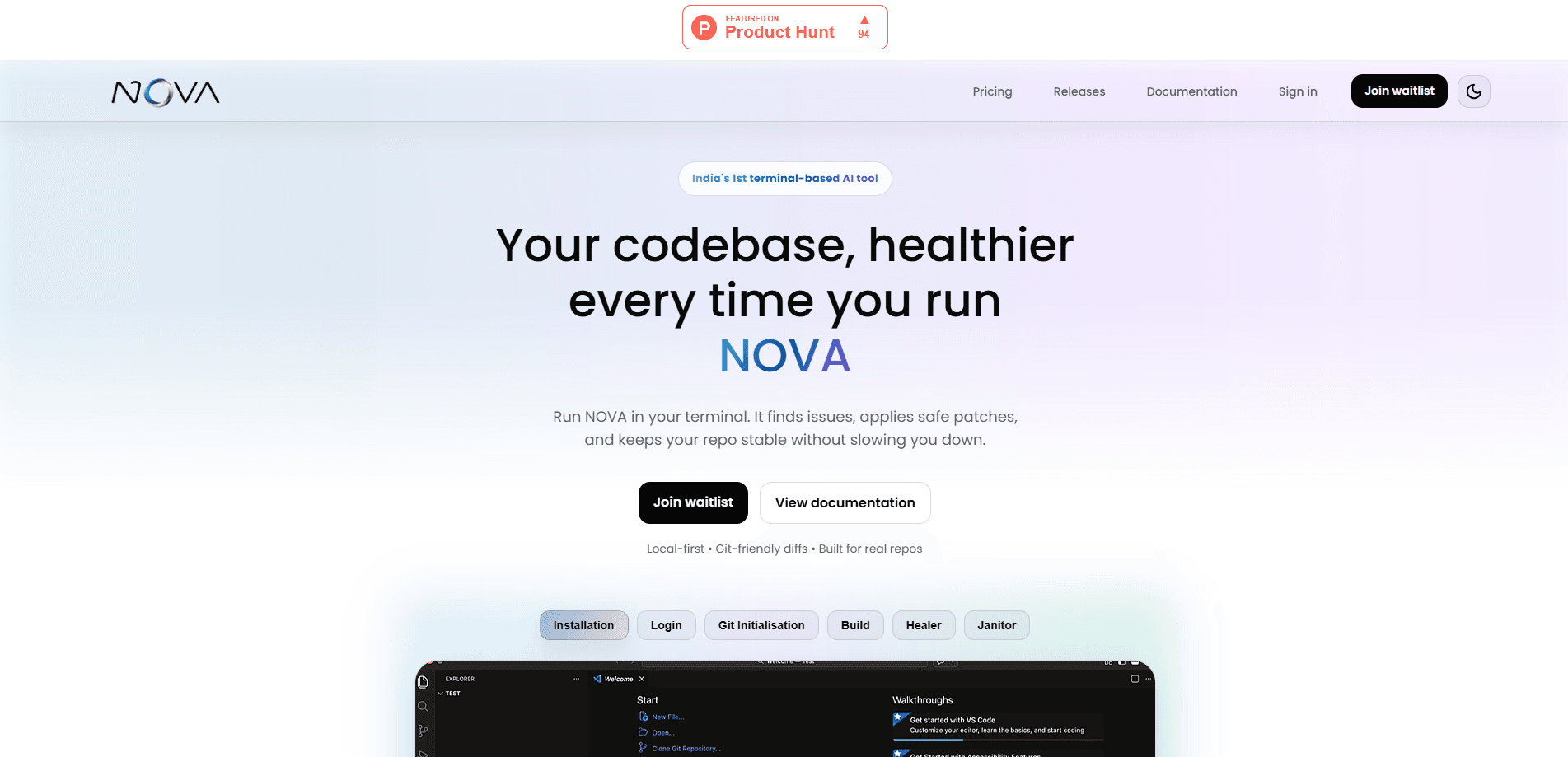
NOVA is a terminal AI coding assistant built by Bridgeye, an AI consultancy that designs its own tools. It runs from the command line, not inside a separate chat window or IDE panel. Type a prompt and it generates code, reads stack traces, fixes broken builds, and keeps track of how your project is wired together across sessions. It does all of this without making you leave the shell you're already working in, which is the entire reason the tool exists and the reason it feels different from the growing pile of AI helpers bolted onto editors and browsers. It's an AI CLI tool, not a browser tab. The install is a single Python package, `pip install nova-bridgeye`, and it sits at version 0.1.5 in public beta.
About NOVA
What Is NOVA
NOVA is an AI developer tool that works inside the terminal. That distinction matters because most AI coding helpers live in a browser tab or a sidebar, which means you copy code out, paste it back, and lose your place every time. NOVA skips that loop. It reads your files directly, runs commands, and edits your project in place.
Bridgeye built it for developers who already spend their day in a shell. Instead of bolting AI onto an editor, the team made the terminal itself the interface. Persistent context is the headline feature. NOVA remembers your project structure and coding history, so you don't re-explain your codebase in each new session. That saves real time on a large repo where a fresh AI session would otherwise start blind and force you to paste in context before it says anything useful, which is the tax every browser-based coding assistant quietly charges you on every new conversation.
The catch is the beta label. At 0.1.5, NOVA is early software, and the team hasn't published public pricing or a formal feature roadmap. If you need a support contract or a billing page before you commit, this isn't that yet. The upside is the low commitment. Install it, try it, and remove it if it doesn't fit. Nothing is locked in, and there's no annual contract waiting to trap you if the tool turns out to be a poor match for the way your team already works.
Getting Started
- Make sure you're on Python 3.10 or newer, then run
pip install nova-bridgeyein your terminal. - Launch NOVA from inside the project folder you want to work on so it can index the files.
- Run an initial command or prompt, such as asking it to explain a file or fix a failing build.
- Review the diffs it proposes before accepting, then let it apply the changes and run your tests.
Product Information
A quick look at NOVA's pricing, supported platforms, and performance.
Best for
The users, tasks, and scenarios where this tool fits best.
Users
- Python developers who live in a shell
- Solo builders shipping side projects
- Backend engineers juggling large repos
Tasks
- Fixing a broken build
- Generating boilerplate
- Cleaning up leftover work
- Reviewing your own diffs
Scenarios
- A late-night debugging session when the build breaks and you'd rather not open five tools to find out why.
- Joining a codebase you didn't write, where you need the structure explained before you touch anything.
- Quick scaffolding on a fresh project when you want a starting point, not a blank file.
Key features
Terminal-Native Workflow
NOVA runs where the code already lives. You don't open a browser, switch to a chat app, or install an editor extension. Everything happens in the same shell you use to run tests and commit. So what's the appeal? For developers who resent tab-switching, that's the whole sell.
Persistent Context Across Sessions
The tool remembers your project layout, past prompts, and coding history between runs. Fresh AI sessions usually start blind, which forces you to paste in context every time. NOVA keeps it. A question asked on Monday still makes sense on Friday.
AI Debugging
Point NOVA at a stack trace and it works backward to the failing code, then suggests a fix. Early testers mention it catching a broken build before they noticed it themselves. Not bad. That's the pitch: shorter loops between "something's wrong" and "it's fixed."
Multi-File Understanding
Large codebases don't fit in one file view. NOVA reads across your project to follow how pieces connect, which is what lets it make changes that don't break something two folders away. One user described it as understanding how files relate rather than guessing. That's the difference between a tool that edits the file you opened and one that understands why that file exists.
AI Pair Programming
Ask questions about your architecture, walk through a tricky function, or talk out a design choice with an assistant that has the actual code in front of it. It's less a chatbot and more a second developer sitting in your shell. That changes how you use it. You stop writing careful prompts and start having a conversation, because the assistant already knows what you're looking at.
Local and Secure Execution
NOVA runs in the terminal under your control and works on your local files. Whether that data ever leaves your machine depends on the model backend you connect, so check Bridgeye's docs for the specifics before pointing it at anything sensitive. Read the docs first.
Pros and cons
Pros
- Installs with one pip command and needs no editor plugin. Setup takes seconds.
- Keeps context between sessions, which cuts down on repeated prompts.
- Reads multi-file projects instead of a single open file, so cross-file changes hold together.
- Handles debugging alongside code generation in the same place.
- Free to try, with no published billing barrier during the beta.
Cons
- It's on version 0.1.5 in public beta, so expect rough edges and changing behavior.
- No public pricing page yet, which makes budgeting for a team rollout impossible right now.
- No official statement on which data leaves your machine, so a privacy review has to happen before you feed it a private repo.
- Command-line-only design means developers who prefer a GUI will find it unfriendly.
- Because Bridgeye hasn't documented how it handles your code, a privacy review has to happen before you can safely point it at a client repo or anything covered by a compliance policy.
Frequently asked questions
It's a terminal AI coding assistant from Bridgeye that generates code, debugs failures, and manages a codebase from the command line. Think of it as an AI pair programmer that lives in your shell rather than a browser or editor. Same goal, different home.
Related content
Explore related tools, skills, and articles for NOVA.
NOVA Alternatives
Forefront
Forefront · CodingForefront is a web platform for building with open-source AI. It lets you fine-tune leading open-source language models on your own data, evaluate how they perform, and run them through an API or export them to host yourself. Developers who want the convenience of a closed-source platform but insist on owning their models and data are the target audience here.

Startkit
StartKit.AI · CodingStartkit is a boilerplate for building AI SaaS and AI wrapper products. Think of it as an AI startup boilerplate with the boring parts already wired up: authentication, Stripe and Lemon Squeezy payments, usage limits, transactional email, and an AI API starter that talks to OpenAI, Anthropic, Groq, or Llama. You clone the repo, set your price, and start on the part of your product that people actually pay for. It's Next.js under React and Tailwind, so most of the boilerplate code already feels familiar.
Testim
Tricentis · CodingTestim is an AI-powered test automation platform for building and running end-to-end tests across web, mobile, and Salesforce applications. It leans on machine learning to keep tests stable when an interface changes, so teams spend less time fixing broken selectors. Not bad for an automated testing tool you can start using today. You create tests by recording actions in a browser, then optionally add JavaScript when you need more control. It's a solid pick for busy QA teams.