

AI Chatbot - Nova
ScaleUp · Chatbot
AI Chatbot - Nova is a mobile and web AI assistant from ScaleUp that puts several leading AI models into one chat app for writing, images, coding, and quick answers in 140+ languages.
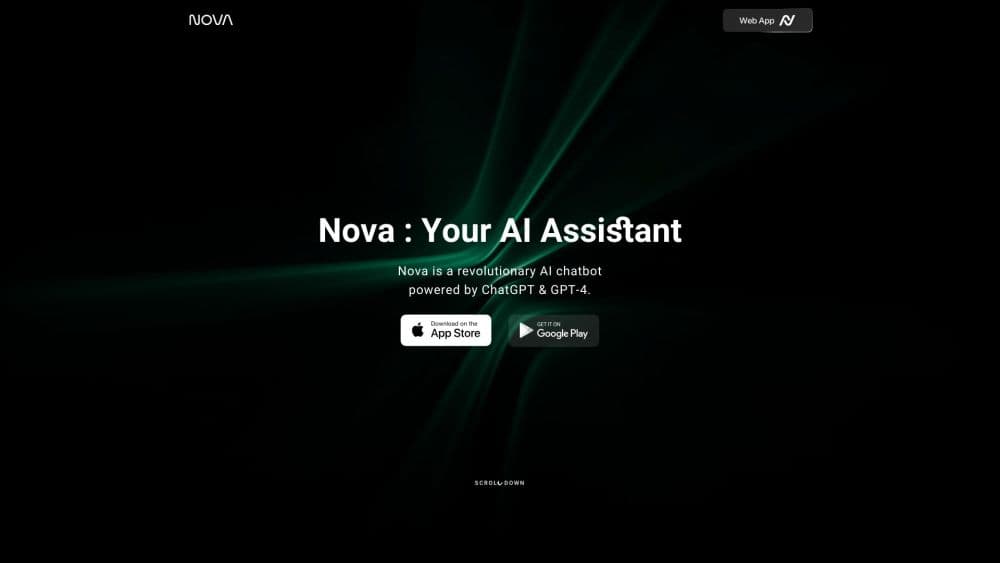
About AI Chatbot - Nova
What Is Nova
AI Chatbot - Nova is an AI chat app built by ScaleUp, a software company based in Turkey. It gives you one place to talk to several big-name AI models instead of opening a separate app for each one. The current listing names OpenAI GPT-5.6, Google Gemini 3.6 Flash, Anthropic Claude Opus 5, Kimi K3, xAI Grok 4.5, and DeepSeek V4 Pro, with the app routing your request to a model that fits the task.
The app targets everyday use. You can ask a question, draft or rewrite text, generate an image, search the web for fresh information, translate between 140+ languages, get help with code, or scan a document and ask about it. Voice mode keeps your hands free, and chat history syncs across devices so you can pick up a conversation on a phone, tablet, or the web.
The catch is the paywall. Nova is free to install, but the useful parts sit behind a weekly or yearly subscription, and reviews on Google Play average 3.8 out of 5. Some users report trouble canceling subscriptions and slow support, so read the fine print on billing before you commit.
Getting Started
- Install the app from the App Store or Google Play, or open the web app at novaapp.ai.
- Sign in and pick a starting goal such as write, learn, or create to set the tone of the first chat.
- Type or speak your question. The app routes it to one of the supported models and returns an answer.
- Try the side tools: image generation, web search, file uploads, and code help sit beside the chat box.
- Choose a free or paid plan. The free tier has limits, and Pro or Premium unlocks higher usage across the app.
Product Information
A quick look at AI Chatbot - Nova's pricing, supported platforms, and performance.
Best for
The users, tasks, and scenarios where this tool fits best.
Users
- Casual users who want one AI app for many jobs
- Students and self-learners
- People who write for a living
Tasks
- Drafting and editing text
- Generating images from a prompt
- Getting code help
- Translation and communication
- Quick research
Scenarios
- A commuter asking quick questions by voice
- A student scanning a worksheet for help
- A freelancer drafting client emails on the go
Key features
Multi-model chat in one app
Nova is a multi-model chatbot, and its selling point is choice. The app lists OpenAI GPT-5.6, Google Gemini 3.6 Flash, Anthropic Claude Opus 5, Kimi K3, xAI Grok 4.5, and DeepSeek V4 Pro, and it routes each request to a model suited to the job. Rather than pick a winner, it lets you lean on different engines for different questions. That means less app switching and one chat history to keep track of.
AI writing and proofreading
The AI writer drafts and rewrites text, from emails and essays to social posts and poems. A separate proofreader checks grammar, clarity, and tone and suggests fixes, which is the part most people use first. If you write a lot of short text for work, this is the feature that earns its keep.
Image generation
Nova works as an AI image generator that turns a text prompt into a picture inside the same chat. That covers quick visuals for social media, mockups, or slides without opening a design tool. The results are meant for everyday use, so treat them as fast drafts rather than finished artwork.
Voice mode and cross-device sync
Voice mode lets you talk to the assistant instead of typing, which suits commutes and hands-busy moments. Chat history syncs across iPhone, iPad, Apple Watch, macOS, Android, and the web, so a conversation started on one device continues on another. That combination is what makes it feel like an assistant rather than a single-screen tool.
Web search and deep research
Web search pulls in real-time information, and deep research explores a topic and compares sources. This is the answer to the biggest complaint about older chatbots: stale answers. For quick facts or a first pass on a subject, keeping the search inside the chat saves a step.
Coding help and file handling
The coding assistant generates, explains, and debugs code, which helps with small tasks and learning. You can also upload files like Word and Excel documents and ask questions about them, and the scan tool reads paperwork or homework straight from a camera. Together, these push Nova past plain chatting into light daily work.
Pros and cons
Pros
- Several leading models sit behind one interface, so you can match the model to the task without switching apps.
- Support for 140+ languages and voice mode makes it usable for travel, translation, and hands-free use.
- Cross-device sync across phone, tablet, watch, Mac, and the web keeps one chat history everywhere.
- The writing, proofreading, image, and coding tools cover a wide range of everyday jobs in one app.
Cons
- Google Play reviews average 3.8 out of 5, and a common complaint is trouble canceling subscriptions and reaching support.
- The free tier is limited, so the features people actually want mostly require a weekly or yearly subscription.
- The app bundles many models and tools, which can feel busy, and beginners may not know which mode to pick.
- No public API or pricing page means you cannot wire Nova into your own tools or check costs without the app.
Frequently asked questions
Nova is used as a general AI assistant for writing, answering questions, generating images, searching the web, translating text, and getting coding help. It runs on phones, tablets, the Apple Watch, Mac, and the web, and it picks among several AI models to handle each request.
Related content
Explore related tools, skills, and articles for AI Chatbot - Nova.
AI Chatbot - Nova Alternatives

Knocket
Knocket (Tencent RTC team) · Productivity · Business · ChatbotKnocket is a free live chat and contact page tool that lets visitors message you from your website, app, or a shareable link, with every reply handled from Telegram or one inbox.
Agibot
Agibot · Productivity · AI Assistant · ChatbotAgibot is a personal AI agent for Mac that keeps running after you close the window, runs routines on a schedule, and works from Telegram or Slack with your own API keys.

Melete
Melete · Productivity · AI Assistant · ChatbotMelete is an AI workspace for teams where agents research, draft, and act in Slack, Notion, Linear, and GitHub. Shared memory and approval gates keep people in control.