

Omni Video
Omni Video · Video
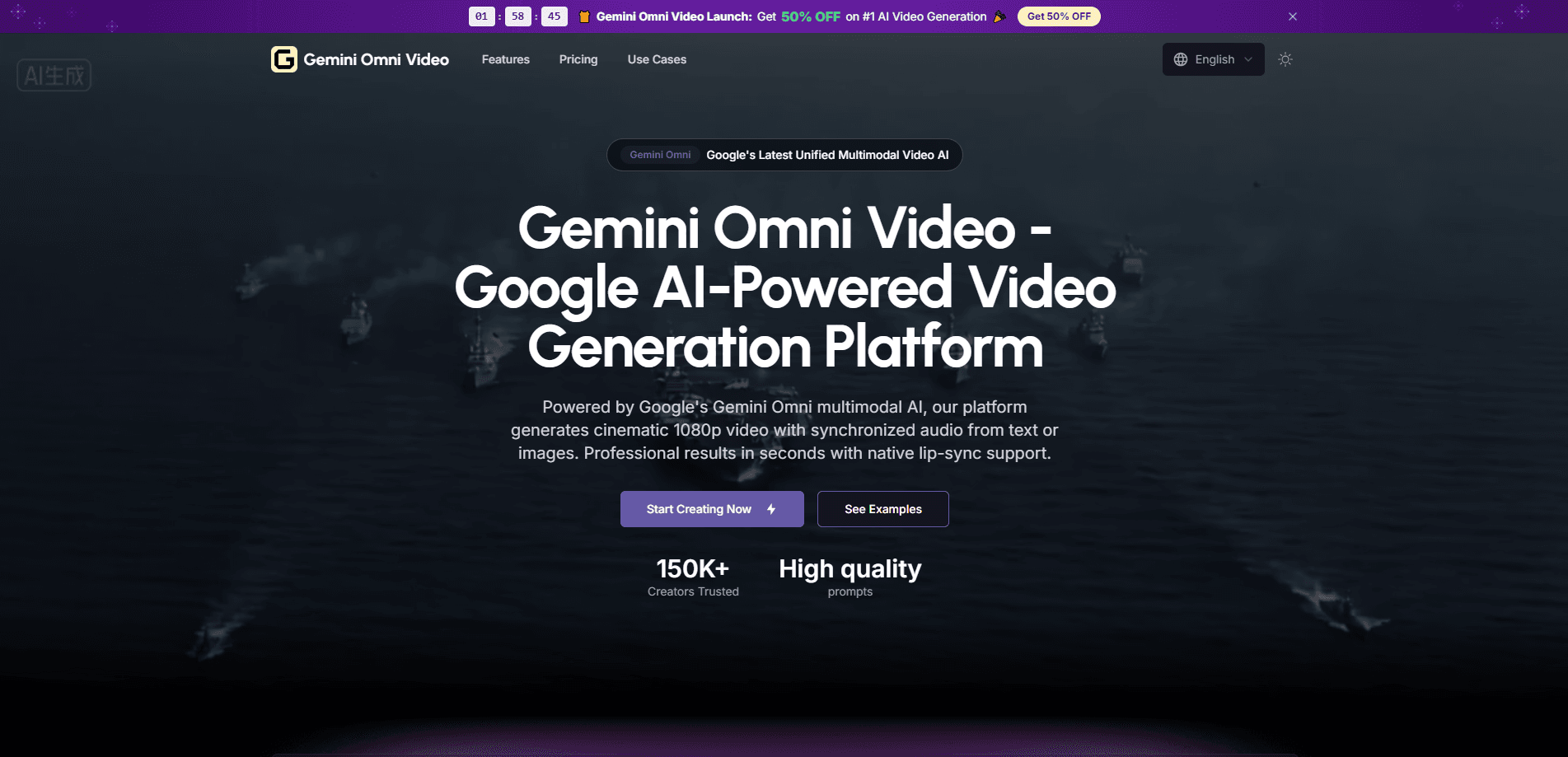
Omni Video is a browser-based AI video generator built on Google's Gemini multimodal model. It turns text prompts and reference images into cinematic 1080p clips with dialogue, ambient sound, and lip-sync in six languages, all produced in one pass instead of stitching a separate audio step onto the video. You describe a scene or upload a still, and the platform returns a short clip you can download in the aspect ratio your channel needs. Simple as that.
About Omni Video
What Is Omni Video
Omni Video is an online video generation platform at omnivideo.me. It uses Google's Gemini multimodal model to produce short clips, usually 5 to 15 seconds, from a written prompt or a reference image. The pitch is simple. No camera. No cast. No editing software. Type what you want, hit generate, and download the file. That's it.
The thing that sets it apart from a plain text-to-video tool is audio. Most generators give you silent footage, then you add music or a voiceover elsewhere. Omni Video renders the video and the sound together, so dialogue, background noise, and Foley effects line up with the frames without a second tool. That saves real time on talking-head clips and product spots. It's the whole point of an AI video with audio.
The limits are worth naming. Output tops out at 1080p and short durations, so it won't replace a full production for a long-form film. Generation runs on credits, and heavier clips eat more of them. That adds up. If your idea needs a 10-minute narrative with dozens of shots, this isn't the tool for that job.
Getting Started
- Open omnivideo.me in any modern browser. No install or download is needed.
- Write a text prompt describing the scene, characters, dialogue, and visual style. Or upload a reference image (JPG, PNG, or WebP under 35MB) to animate a still.
- Set your options: model, duration, resolution, aspect ratio, and whether to generate audio.
- Click generate and wait for the clip to render, then preview the result.
- Download the finished file if it looks right, or tweak the prompt and run it again.
Product Information
A quick look at Omni Video's pricing, supported platforms, and performance.
Best for
The users, tasks, and scenarios where this tool fits best.
Users
- Solo content creators
- Social media managers
- Marketers making ads
Tasks
- Text-to-video drafts
- Image-to-video animation
- Multilingual clips
Scenarios
- Quick social ads
- Concept pitches
- Localized marketing
Key features
One-Pass Video and Audio
Omni Video renders picture and sound together in a single denoising pass, so dialogue, ambient noise, and Foley effects arrive already aligned with the frames. There's no dubbing step and no separate audio editor. For anyone used to exporting silent video and layering sound in a second app, that's the biggest shift.
Text-to-Video Generation
Type a scene description and the model renders a coherent 1080p clip with natural motion and lighting. It handles complex prompts, so a paragraph about a character walking through a rainy street at night can come back as something watchable rather than a jumble of shapes. No reshoots. No lighting rig.
Image-to-Video Animation
Upload a still, and the platform keeps the original details while adding movement, facial performance, and body motion. This is useful when you already have a strong product photo or illustration and just want it to move for a short ad or intro. It works well here.
Multilingual Lip-Sync
Spoken lines sync to mouth movements across six languages: Chinese, English, Japanese, Korean, German, and French. You can produce the same clip for different markets rather than dubbing after the fact. Just check how it handles brand names and fast speech before you commit.
Aspect Ratio and Audio Controls
You choose duration, resolution, aspect ratio, and whether to generate audio before rendering. That flexibility matters when the same idea has to fit a vertical phone screen and a widescreen channel without a re-edit. Set it once. Reuse it everywhere.
Prompt Templates and Web Search
The studio offers prompt templates you can apply with a click, plus an optional web search toggle for grounding a scene in current references. It lowers the barrier if you're new to writing video prompts.
Pros and cons
Pros
- Video and synced audio come out in one pass, cutting the usual dubbing and editing step.
- Runs entirely in a browser, so there's nothing to install and it works across platforms.
- Image-to-video keeps the source look while adding motion, useful for product and fashion shots.
- Six-language lip-sync makes it easier to reuse one concept across markets.
- Multiple aspect ratios let you match a clip to different social channels from the same prompt.
Cons
- Output tops out at 1080p and short durations, so it's a poor fit for long-form or high-resolution film work.
- Generation runs on credits, and heavier clips burn through them faster, which adds up if you iterate a lot. Not ideal.
- Pricing isn't published on the site, so you have to sign up to see what a plan actually costs.
Frequently asked questions
It's an AI video generator for making short clips from text or images, complete with synced sound. People use it for social ads, product spots, concept pitches, and localized marketing where a full shoot is too slow or too costly.
Related content
Explore related tools, skills, and articles for Omni Video.
Omni Video Alternatives

ngram 2.0
ngram · Video · Marketingngram 2.0 is an AI video generator for teams. It turns a prompt, a screen recording, or a product URL into a narrated explainer, product demo, or AI avatar video, and every scene stays editable.

OpenScreen 2
OpenScreen (open-source project) · Video · ProductivityOpenScreen 2 is a free, open-source screen recorder and demo video editor for Windows, macOS, and Linux, with automatic zooms, styled frames, local captions, and agent edits.

Skreno
Skreno · Video · ProductivitySkreno is a browser screen recorder that captures a tab, a window or your whole display, then attaches AI transcripts, summaries and console logs to one share link.