

AI Music Video Generator - 1MS
KRNL · Video
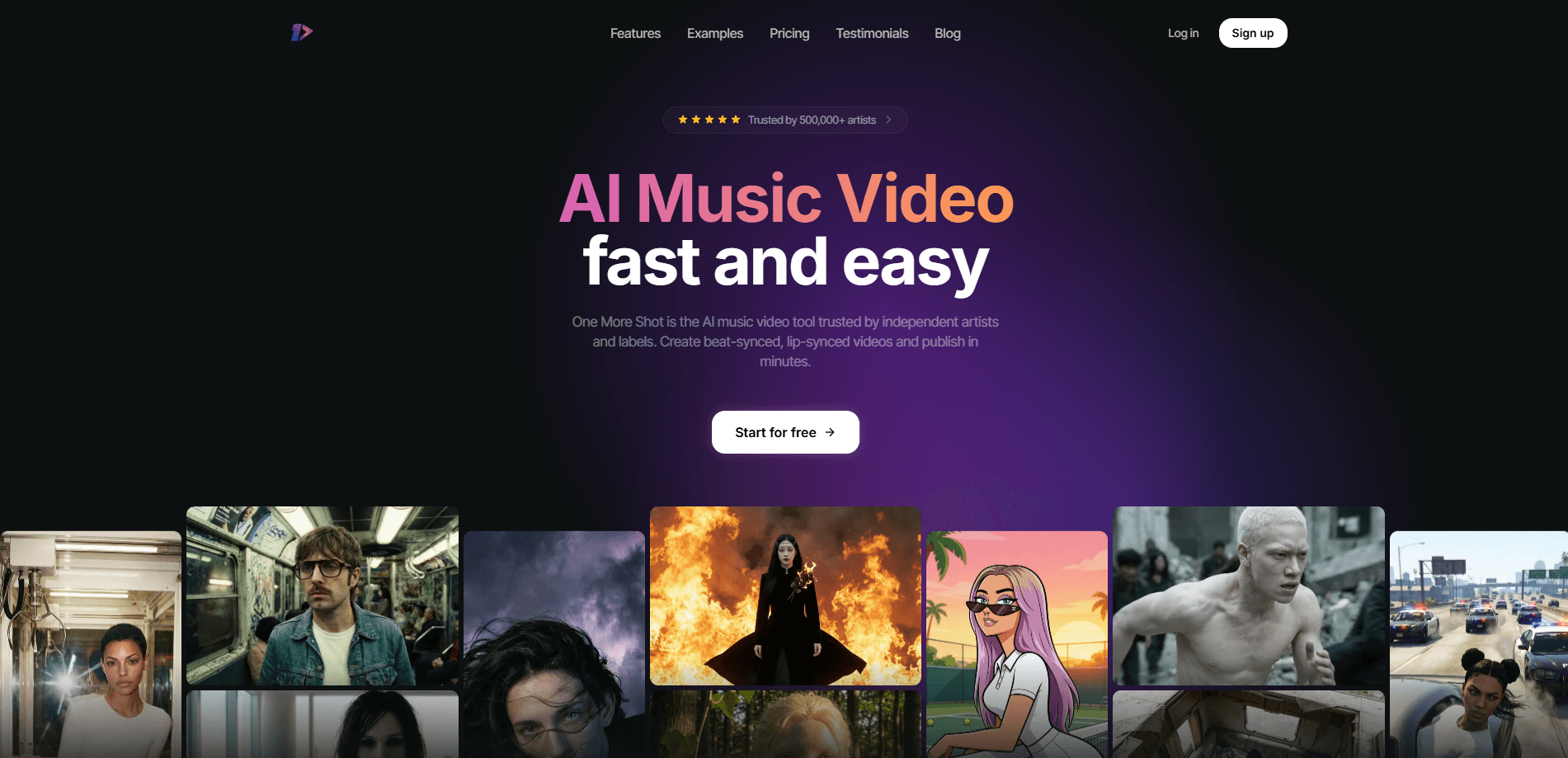
AI Music Video Generator - 1MS, also known as One More Shot AI, turns an uploaded song into a finished music video without you touching an editor. You give it a track and a photo, and its AI agents produce beat-synced visuals, lip-synced singing scenes, and export-ready clips for YouTube, TikTok, and Instagram. It's a serious music video maker for independent artists and small labels who need promo content fast, and pricing runs on a token system rather than flat monthly subscriptions.
About AI Music Video Generator - 1MS
What Is AI Music Video Generator - 1MS
One More Shot AI is an AI music video generator from the team at KRNL. It targets a specific headache: getting a professional-looking visual out of a track you just finished, without hiring a production crew or learning video editing software. You upload audio, pick a style, and the tool handles the rest.
The core workflow leans on AI agents that act like a small production crew. One handles the overall cut. Another handles lip-sync. The auto-video mode stitches everything into a complete piece. If you want control instead of a black box, Project Mode lets you build a video scene by scene.
Think of it as a command-line for music video making. Type in the track, hit go, and wait.
The biggest limitation is the cost model. No free tier exists for full videos, and the token system means longer tracks and heavier effects burn through credits faster. A three-minute song can add up. Budget-conscious creators should test with short clips first. The tool also depends on your source photo or artwork for consistent identity, so quality in means quality out.
Getting Started
- Create an account on the One More Shot AI website, or grab the mobile app for iOS or Android.
- Upload your track as MP3, WAV, FLAC, AAC, or OGG, or paste a link from Suno, Udio, or YouTube. That's how most people test it first, by dropping in a Suno music video source and seeing what comes back.
- Choose a mode: Auto Video for a fully automatic cut, or Project Mode to build scene by scene.
- Add a photo or artwork if you want a consistent AI artist identity across shots.
- Pick your export format, then render and download the finished music video.
Product Information
A quick look at AI Music Video Generator - 1MS's pricing, supported platforms, and performance.
Best for
The users, tasks, and scenarios where this tool fits best.
Users
- Independent musicians
- Small labels and distributors
- Content creators on TikTok and Reels
Tasks
- Making a beat-synced music video from a finished song
- Building a lip-synced performance clip
- Generating release assets like covers and banners
Scenarios
- Promoting a new release on a tight deadline
- Running a label's monthly content calendar
- Testing a visual concept before committing budget
Key features
Automatic Music Video Generation
Upload a song and the AI produces a complete video on its own, matching cuts to the rhythm and mood of the track. It's the fastest path from audio to shareable visual. No editing experience needed. Most renders finish in two to five minutes depending on length and visual complexity.
Beat-Synced Visuals
The generator analyzes your song and lines the visuals up with the beat rather than guessing at random timings. Why does sync matter? A drifting cut is instantly noticeable on dance tracks and anything with a strong rhythmic pulse.
Lip-Sync Technology
One More Shot AI licenses a dedicated lip-syncing model for singing scenes, so a virtual performer's mouth tracks the vocal instead of just looping generic motion. The company says it picked the best available model for this job, which shows how much weight it puts on this feature.
AI Artist and Consistent Identity
You can create a virtual artist from a single photo or a text description, then reuse that identity across videos and social posts. Consistency is the point here. A recognizable face across a release cycle does more for a small artist than random visuals.
Project Mode for Manual Control
Auto Video is fast. Project Mode gives granular control over each shot, transition, and effect. It suits creators who want a specific look and are willing to spend more time and tokens to get it. Average cost per second is lower here. The total still depends on clip count.
Content Studio Asset Generation
Beyond the video itself, Content Studio produces covers, Spotify canvases, banners, and pre-save frames from your track and artwork. It's aimed at artists who want every asset for a launch to match instead of sourcing each one separately.
Multi-Format Export
Output covers HD 1080p for YouTube, vertical for TikTok and Instagram Reels, and square for social posts. That range means one project can feed several platforms without a separate render each time.
Team and Label Tools
Record labels, distributors, and agencies can produce videos across an entire roster or client list. It's a volume play, and the token system scales with output rather than forcing a per-seat subscription.
Pros and cons
Pros
- No editing skills required; the auto mode goes from song to finished video with minimal input.
- Strong lip-sync model makes singing scenes look convincing rather than uncanny.
- Token pricing lets you pay for what you render instead of a locked monthly fee.
- Multi-format export covers YouTube, TikTok, and Instagram from one project.
- Content Studio adds covers, banners, and canvases that match your video's style.
Cons
- No free plan, so you can't test the full workflow without spending.
- Per-second token costs stack up on longer tracks, which can surprise budget artists.
- Auto mode trades creative control for speed, and some creators will want finer direction.
- Quality depends heavily on your source photo and audio, so weak inputs show in the output.
Frequently asked questions
Pricing runs on a token system, not a flat subscription. Automatic generation uses around 33 tokens per second of video, starting around $0.20 per second with the Hyper model, while scene-by-scene editing averages around 10 tokens per second. Custom plans are available through the company.
Related content
Explore related tools, skills, and articles for AI Music Video Generator - 1MS.
AI Music Video Generator - 1MS Alternatives

ngram 2.0
ngram · Video · Marketingngram 2.0 is an AI video generator for teams. It turns a prompt, a screen recording, or a product URL into a narrated explainer, product demo, or AI avatar video, and every scene stays editable.

OpenScreen 2
OpenScreen (open-source project) · Video · ProductivityOpenScreen 2 is a free, open-source screen recorder and demo video editor for Windows, macOS, and Linux, with automatic zooms, styled frames, local captions, and agent edits.

Skreno
Skreno · Video · ProductivitySkreno is a browser screen recorder that captures a tab, a window or your whole display, then attaches AI transcripts, summaries and console logs to one share link.