

Onform.work
Founding.dev · Coding · Productivity
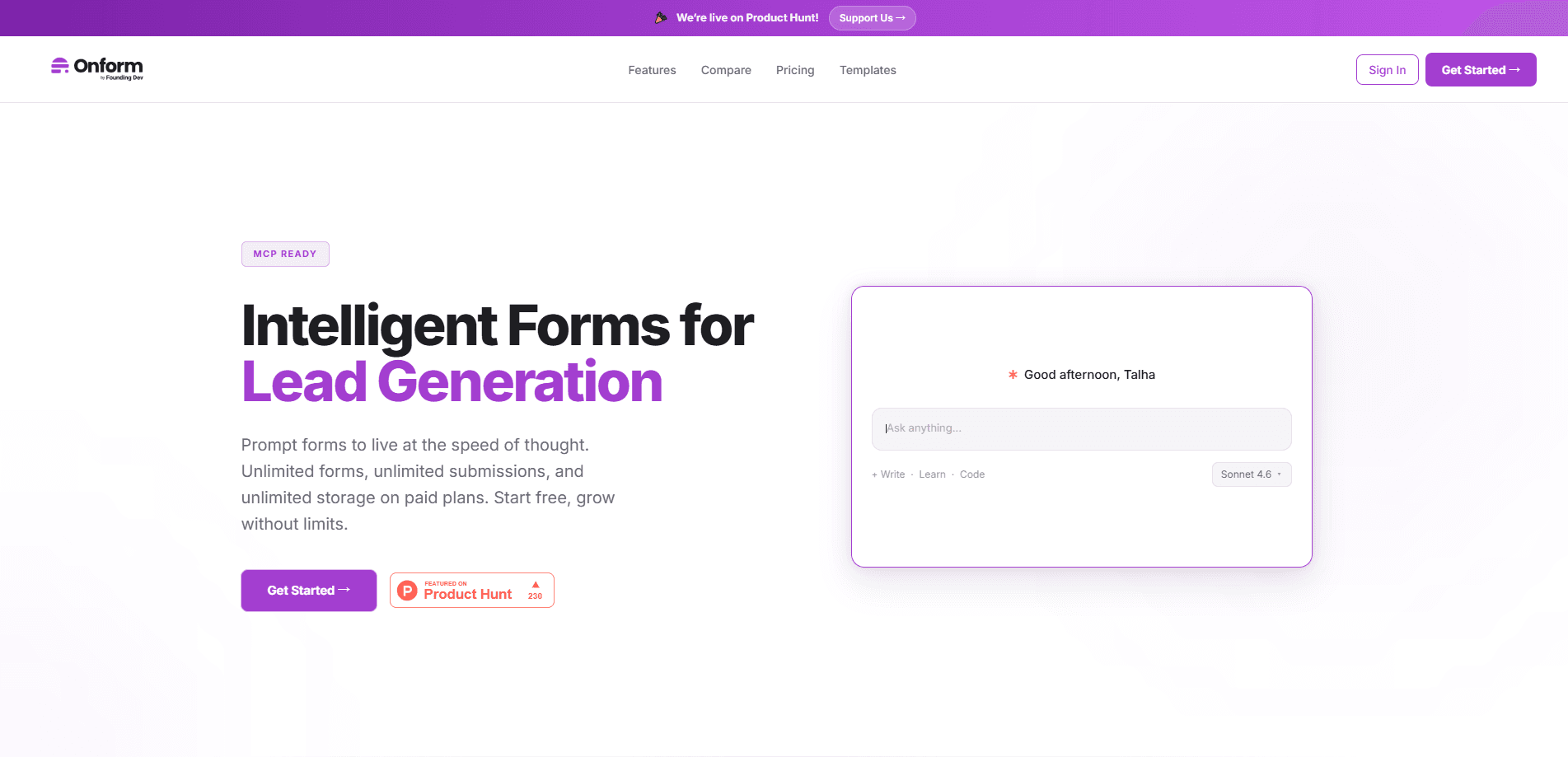
Onform.work is an AI-native online form builder built by Founding.dev. It's a form builder with MCP built in, so you create forms by describing what you need and AI assistants do the assembly. It also strips out the per-response limits that most form tools charge for. Paid plans offer unlimited forms, unlimited submissions, and unlimited storage. The top tier is a genuinely self-hosted form builder, running on your own servers. Sound useful? For plenty of teams, yes.
About Onform.work
What Is Onform.work
Onform.work is a form building service that treats AI as a first-class editor instead of a bolt-on. You describe the form you need in plain language, and the platform drafts it for you. Under the hood it exposes its full toolset through MCP, so assistants like Claude and Cursor can build, edit, and query your forms directly.
The pitch is simple. Most form tools meter you by response count, seat, or feature. Onform.work sells unlimited forms and submissions on paid plans and shows the math against tools like Typeform and Jotform. The comparison table on its homepage puts its starting price at free versus $39/mo for Typeform. So it's pitched as a Typeform alternative on cost.
The biggest limit is that it's a newer product. It doesn't have the integration catalog or template depth of a decade-old competitor, and advanced automation, team roles, and white-labeling sit behind the higher tiers.
So who is this actually for? Mostly teams that feel the per-response meter running.
Getting Started
- Sign up with an email address at onform.work to reach the dashboard.
- Describe the form you want in plain language, or start from one of the 167 ready-made templates.
- Choose between conversational and classic layouts, then add conditional logic to show or hide questions.
- Connect a webhook, Google Sheets, or your AI assistant through MCP to push responses where you need them.
- Share the form with a link, iframe, JavaScript snippet, or popup, and track responses in the dashboard.
Product Information
A quick look at Onform.work's pricing, supported platforms, and performance.
Best for
The users, tasks, and scenarios where this tool fits best.
Users
- Solo founders and indie makers
- Marketing and growth teams
- Privacy-conscious organizations
Tasks
- Building lead capture forms from a short written prompt instead of clicking through a visual builder.
- Generating survey forms through an AI assistant using MCP, so the form lives in the same chat where you plan the campaign.
- Migrating off a metered form tool where per-response pricing keeps climbing.
Scenarios
- Launching a quick feedback poll for a product update
- Running a webinar signup that needs to sync to Google Sheets automatically, which the $120/year tier handles.
- Deploying a branded application form on a company's own domain with zero Onform branding, available on the self-hosted Deploy tier.
Key features
AI and MCP form creation
You can build forms by describing what you need, and the platform's full toolset (all 10 tools) is reachable through MCP from clients like Claude and Cursor. That means an assistant can create fields, adjust logic, and pull responses without you opening the builder, which matters most when you're already deep inside an AI chat and don't want to break focus to click through a separate visual editor one field at a time. No switching tabs. For teams already working inside an AI chat, this cuts the back-and-forth of copying structures by hand. Less clicking.
Unlimited forms and responses
Paid plans drop the caps that define most competitors. The $120/year tier gives you unlimited forms, unlimited submissions, and no per-response fee. If your traffic spikes, the bill doesn't. That's the core reason someone switches from a tool that charges per response. No surprise overages here.
Self-hosting and source access
The Deploy tier runs Onform.work on your own servers with your own database and storage, plus full source code access and a Docker production setup. That means your form submissions never touch Onform's infrastructure, which matters if internal policy forbids sending customer data to a third-party SaaS that your security team can't audit or inspect at the source level. You get a custom domain and complete white-labeling. For anyone bound by GDPR or CCPA requirements, keeping data on your own infrastructure is often the deciding factor.
Conversational and classic modes
Forms can run in a conversational, one-question-at-a-time style or a traditional stacked layout. Conversational forms tend to lift completion on mobile, while classic forms suit dense questionnaires. You pick per form, no separate product to buy. Handy.
Conditional logic and analytics
Free includes show/hide logic, and the paid tiers add skip-to logic plus full analytics covering completion rate, views, and average time. Drop-off funnel analytics arrive on the $290/year tier, showing exactly where respondents quit. That's the data you need to fix a form that converts poorly. Watch the drop-off point.
Integrations and webhooks
The $120/year tier adds unlimited webhooks for Zapier, n8n, and custom endpoints, plus automatic Google Sheets sync and email alerts to three recipients. The $290/year tier raises the email limit and adds multiple API keys for separate integrations. Responses don't sit trapped in the dashboard.
Pros and cons
Pros
- Unlimited forms, submissions, and storage on paid plans, so response volume doesn't drive cost.
- Native MCP support lets AI assistants build and query forms directly.
- Self-hosting with source code access on the Deploy tier keeps sensitive form data in-house.
- Free plan is genuinely usable: three forms, 100 responses a month, all 17 question types.
- Flat annual pricing ($120 or $290/year) is easier to budget than per-response billing.
Cons
- Newer product, so the integration list and template count trail established competitors.
- Team collaboration caps at 10 members on the $290/year tier; more requires the custom Deploy tier.
- Custom CSS, funnel analytics, and multi-key API access sit behind the $290/year tier, not the entry paid tier.
- No published mobile app, so building happens in the browser.
Frequently asked questions
Yes. The free plan includes up to three forms, 100 responses per month, all 17 question types, conditional logic, CSV export, and full MCP access. You pay only when you need unlimited forms and responses or extra storage. No card needed to start.
Related content
Explore related tools, skills, and articles for Onform.work.
Onform.work Alternatives
Forefront
Forefront · CodingForefront is a web platform for building with open-source AI. It lets you fine-tune leading open-source language models on your own data, evaluate how they perform, and run them through an API or export them to host yourself. Developers who want the convenience of a closed-source platform but insist on owning their models and data are the target audience here.

Startkit
StartKit.AI · CodingStartkit is a boilerplate for building AI SaaS and AI wrapper products. Think of it as an AI startup boilerplate with the boring parts already wired up: authentication, Stripe and Lemon Squeezy payments, usage limits, transactional email, and an AI API starter that talks to OpenAI, Anthropic, Groq, or Llama. You clone the repo, set your price, and start on the part of your product that people actually pay for. It's Next.js under React and Tailwind, so most of the boilerplate code already feels familiar.
Testim
Tricentis · CodingTestim is an AI-powered test automation platform for building and running end-to-end tests across web, mobile, and Salesforce applications. It leans on machine learning to keep tests stable when an interface changes, so teams spend less time fixing broken selectors. Not bad for an automated testing tool you can start using today. You create tests by recording actions in a browser, then optionally add JavaScript when you need more control. It's a solid pick for busy QA teams.