

Open Agents
Vercel Labs · Coding
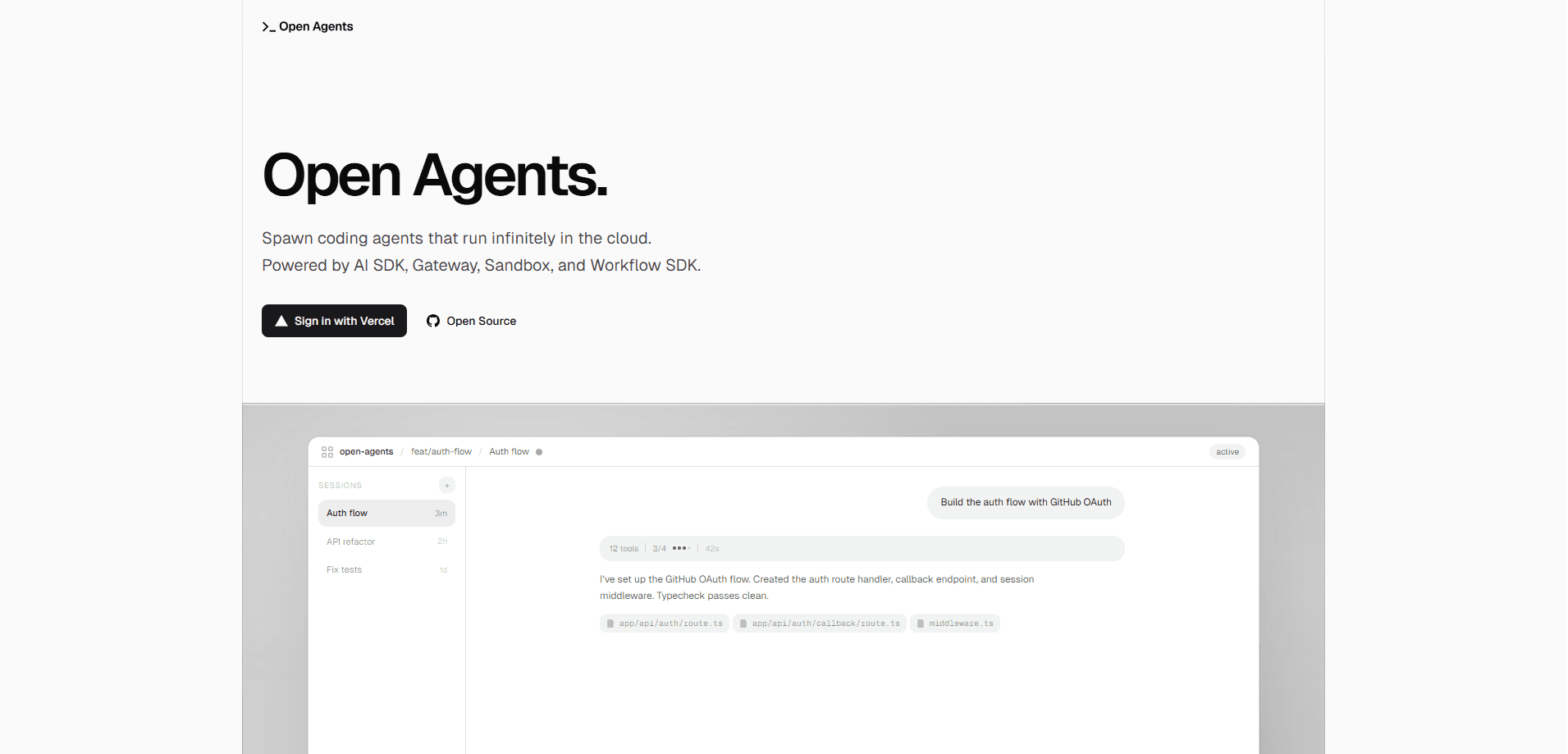
Open Agents is an open-source platform for spawning autonomous coding agents that run in the cloud instead of on your laptop. It pairs a chat-style web app with a durable agent workflow and an isolated sandbox VM, so a coding agent can clone your repo, edit files, run shell commands, and open a pull request while you walk away. The whole thing is a reference app you're meant to fork and adapt, not a black box you rent.
About Open Agents
What Is Open Agents
Open Agents is an open-source reference app for building and running background coding agents on Vercel. It ships the full stack: a web UI for auth, sessions, chat, and streaming; an agent runtime that executes as a durable workflow; and a sandbox VM for filesystem, shell, git, and dev server work. The idea is that you get a working agent platform you can read, fork, and reshape, rather than a hosted product you have to trust blindly.
What separates it from a plain coding assistant is where the agent actually lives. It doesn't run inside the VM. It runs outside the sandbox and talks to it through tools like file reads, edits, search, and shell commands. That separation is deliberate. Agent execution stops being tied to a single request lifecycle, sandbox lifecycle can hibernate and resume on its own, and you're free to swap models or sandbox implementations without rewriting the control plane.
The catch? This is infrastructure, not a finished consumer product. You'll wire up Vercel, Postgres, and GitHub App credentials before an agent does anything useful, and hosting costs land on your own Vercel account. Want a one-click SaaS tool? This isn't it. Want to own the stack? It's a strong starting point.
Getting Started
- Visit the official site and connect your GitHub account, then authorize the Open Agents GitHub App on the repos you want agents to touch.
- Fork or deploy the repository to your own Vercel project, supplying a Postgres connection string, an auth secret, and your Vercel and GitHub OAuth credentials.
- Open the web app and start a new agent session by picking a repository and describing the task in the chat box.
- Let the workflow run in its sandbox; watch streamed output and cancel or resume the run as needed.
- Review the changes, then approve the optional auto-commit, push, and pull request so the work lands back on GitHub.
Product Information
A quick look at Open Agents's pricing, supported platforms, and performance.
Best for
The users, tasks, and scenarios where this tool fits best.
Users
- Developers who want their own cloud coding agent setup
- Startup and platform teams building agent features
- Engineers comfortable with Vercel and Postgres
Tasks
- Background bug fixes and small features
- Repo-wide code search and refactors
- Prototyping agent workflows
Scenarios
- Kicking off a coding task before a meeting and reviewing the diff afterward
- Handing off repetitive cleanups like dependency bumps or formatting passes to an agent that opens the PR for you.
- Sharing a session with a teammate through a read-only link so they can follow what the agent did.
Key features
Three-Layer Architecture
Open Agents splits into a web app, an agent workflow, and a sandbox VM. The web app runs auth, sessions, chat, and streaming. The agent workflow runs durably on Vercel. The sandbox handles the filesystem, shell, git, dev servers, and preview ports. Because the agent sits outside the VM and drives it through tools, the pieces can evolve separately instead of being fused into one process.
Durable, Resumable Runs
Agent turns execute as Workflow SDK-backed steps, not a single inline request. That means a long task can span many persisted steps, survive a restart, and pick up where it stopped. Restarts don't kill the run. You can reconnect to the stream of an active run, and you can cancel a run that's clearly heading the wrong way.
Isolated Sandboxes with Snapshot Resume
Every session gets its own Vercel sandbox with a real filesystem, network, and runtime. The environment exposes ports 3000, 5173, 4321, and 8000 for whatever dev server you're running. Idle sandboxes hibernate. A snapshot-based resume brings the same environment back without starting from scratch, which keeps idle costs down.
GitHub Integration End to End
The agent clones your repo and works on a branch inside the sandbox. When a run finishes, optional auto-commit, push, and pull request creation push the changes back to GitHub, so the output lands where reviewers already work. You can also connect multiple repositories and pick one per session.
Built on Vercel Primitives
The stack leans on four production primitives: AI SDK for one interface across models, AI Gateway for routing with fallbacks and limits, Sandbox for isolation, and Workflow SDK for durable runs. You're not locked into one model provider. Swapping a piece doesn't force a rewrite of the others.
Session Sharing and Voice Input
Any session can be shared with a read-only link, which is handy when you want a teammate to see the reasoning behind a change without giving them write access. There's also optional voice input through ElevenLabs transcription if typing a long prompt isn't your thing. Prefer talking it through? Now you can.
Pros and cons
Pros
- Fully open source, so you can read the agent runtime, fork it, and adapt it to your own workflow.
- Clear separation between the agent, the control plane, and the sandbox keeps the architecture readable.
- Durable workflows plus snapshot resume mean long runs survive interruptions and idle sandboxes stop costing you money.
- GitHub integration goes the last mile with branches, commits, and pull request creation built in.
- Not tied to a single model provider, thanks to the AI Gateway layer.
Cons
- It's a reference app, not a hosted product. Expect to wire up Postgres, OAuth, and a GitHub App before anything runs.
- Rough edges will land on you to fix, since the repo is meant to be edited rather than supported.
- Hosting runs on your Vercel account, so a heavy agent workload translates into real infrastructure costs, and the docs don't spell out a fixed pricing model.
Frequently asked questions
It's an open-source platform for running background coding agents in the cloud. You describe a task in a chat window, and the agent works on your repository inside a sandbox and can open a pull request when it's done.
Related content
Explore related tools, skills, and articles for Open Agents.
Open Agents Alternatives
Forefront
Forefront · CodingForefront is a web platform for building with open-source AI. It lets you fine-tune leading open-source language models on your own data, evaluate how they perform, and run them through an API or export them to host yourself. Developers who want the convenience of a closed-source platform but insist on owning their models and data are the target audience here.

Startkit
StartKit.AI · CodingStartkit is a boilerplate for building AI SaaS and AI wrapper products. Think of it as an AI startup boilerplate with the boring parts already wired up: authentication, Stripe and Lemon Squeezy payments, usage limits, transactional email, and an AI API starter that talks to OpenAI, Anthropic, Groq, or Llama. You clone the repo, set your price, and start on the part of your product that people actually pay for. It's Next.js under React and Tailwind, so most of the boilerplate code already feels familiar.
Testim
Tricentis · CodingTestim is an AI-powered test automation platform for building and running end-to-end tests across web, mobile, and Salesforce applications. It leans on machine learning to keep tests stable when an interface changes, so teams spend less time fixing broken selectors. Not bad for an automated testing tool you can start using today. You create tests by recording actions in a browser, then optionally add JavaScript when you need more control. It's a solid pick for busy QA teams.