

Open Browser Use
iFurySt · Coding
Open Browser Use is a free, open-source browser automation layer that lets AI agents drive real Chrome instead of a headless clone. It pairs a Chrome extension with a CLI, plus JavaScript, Python, and Go SDKs, so you can script tabs, navigation, and DOM-level actions from whichever agent runtime you already use. It's aimed at developers who want their assistants to actually click, read, and fill things in on live pages.
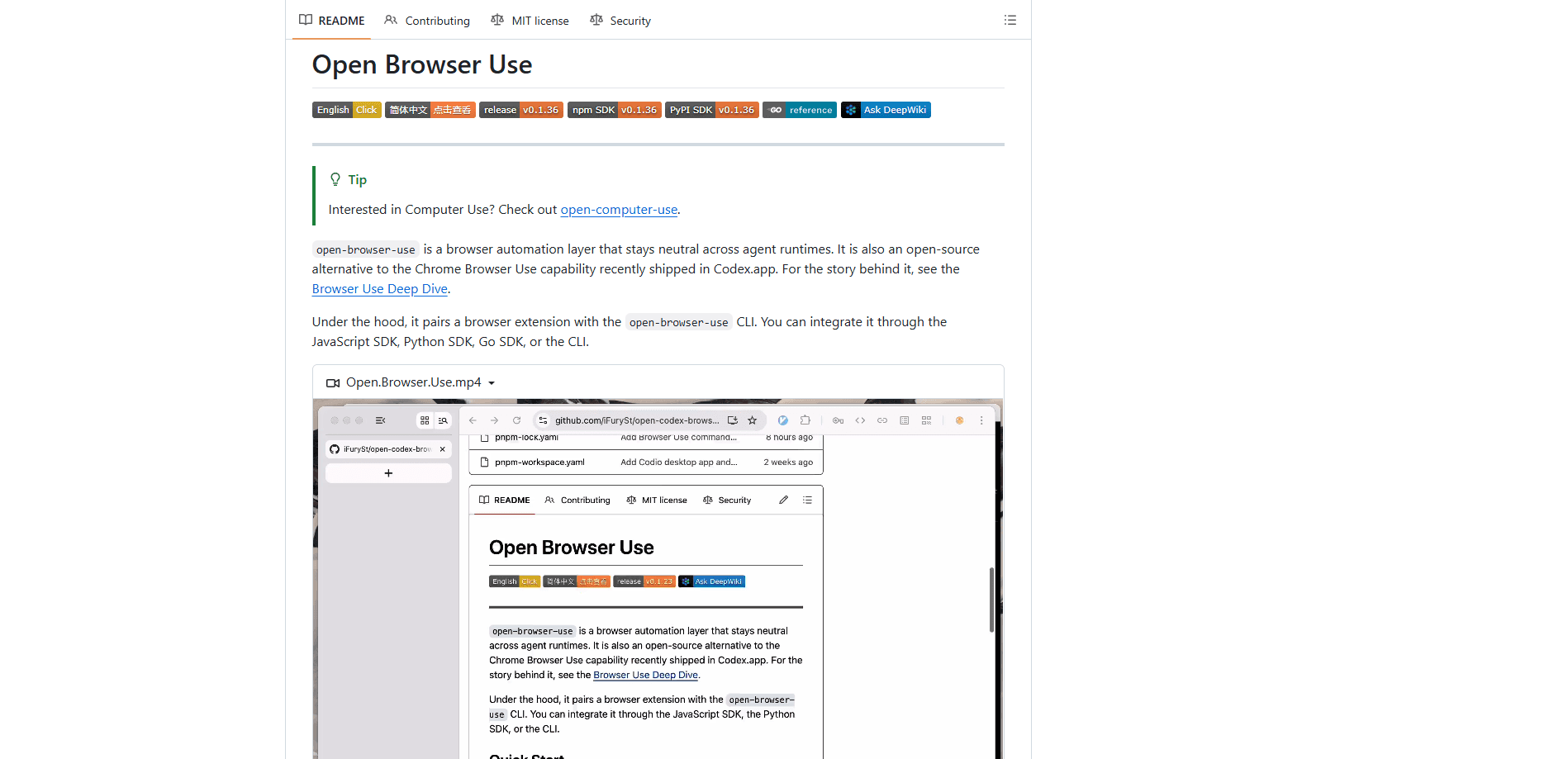
About Open Browser Use
What Is Open Browser Use
Open Browser Use is browser automation for AI agents that stays neutral across runtimes. That mouthful means something simple. It doesn't care which agent tool you run, from Codex to Claude Code to your own stack. You point it at a real Chrome window, and your agent gets tab control, navigation, and page actions.
It's billed as an open-source alternative to the Chrome Browser Use capability that shipped inside Codex.app. Under the hood, a browser extension talks to the open-browser-use CLI through a native messaging host that stays registered on your machine. From there, you can integrate through the JavaScript SDK, the Python SDK, the Go SDK, or the CLI directly.
The biggest limitation is the setup. You need Chrome and Node installed, and you register a native host before anything works. If you'd rather not run real Chrome, this isn't the tool for you. That's the whole gate. No Chrome, no deal.
Getting Started
- Install the CLI with
npm i -g open-browser-use(or via Homebrew on macOS and Linux). - Run
open-browser-use setupto register the native host. This also opens the Chrome Web Store page for the matching extension. - Install or enable the extension in Chrome, then restart the browser if the setup asks you to.
- Add the SDK for your language, or wire the MCP server in with
npx add-mcp "obu mcp", then start issuing tab and navigation actions.
Product Information
A quick look at Open Browser Use's pricing, supported platforms, and performance.
Best for
The users, tasks, and scenarios where this tool fits best.
Users
- Developers building AI agents that need to touch real web pages, provided they're comfortable installing a CLI and a Chrome extension.
- Teams standardizing on an open-source browser use layer who want to avoid tying agents to one vendor's runtime.
Tasks
- Letting an agent list open tabs, claim one, and navigate it to a URL on command.
- Driving DOM-aware actions through the Chrome DevTools Protocol, like reading page structure or running step-by-step action plans.
- Wiring browser control into an existing coding agent through the MCP stdio server.
Scenarios
- A Codex or Claude Code session that needs to check a live site and summarize what it finds.
- Automating repetitive web chores, such as pulling a daily digest from a news page.
- Prototyping multi-step web workflows before handing them to a larger agent pipeline.
Key features
Runtime-neutral by design
The whole point is that Open Browser Use doesn't lock you into one agent framework. The same layer works whether your agent runs in Codex, Claude Code, or a custom setup, because the browser side is decoupled from the agent side. That decoupling is the selling point. If you switch runtimes later, your browser automation doesn't need a rewrite. Swap the driver, keep the wheels.
Real Chrome, not a headless clone
It automates an actual Chrome window through a browser extension, so AI agent Chrome control works against pages that behave the way they do for a normal user, cookies and logins included. Sites that block or break under headless browsers are far less of a headache here. The trade-off is that Chrome has to be running and the extension has to be installed.
SDKs in three languages
You have real client libraries rather than a thin wrapper. There's open-browser-use-sdk on both npm and PyPI, plus a Go package. Python code imports it as open_browser_use; Go imports it as obu. That covers most of the backend and scripting languages agents get built in. Pick your language and go.
MCP server for agent tools
Installing the MCP server is a one-liner: npx add-mcp "obu mcp". It exposes browser tools for tab listing, opening, claiming, navigation, CDP access, action plans, and cleanup. If your agent already speaks MCP, the browser just becomes another toolset it can call. Nothing exotic required.
CLI-first control
Everything is reachable through a browser automation CLI, the open-browser-use command. Setup, host registration, and day-to-day actions run from the terminal, so a browser automation CLI makes it easy to script or debug without writing a line of SDK code first. The CLI and the extension are the two moving parts that make the rest work.
DOM-aware actions and CDP
Actions are DOM-aware and powered by the Chrome DevTools Protocol, so an agent can reason about page structure instead of blindly clicking coordinates. That matters for forms, lists, and anything where element identity changes between loads. It's a step up from screenshot-and-guess approaches. Does that always work? No. But it beats guessing where the button moved to.
Pros and cons
Pros
- Free and MIT-licensed, with the full source on GitHub. No catch.
- Works across agent runtimes, so you're not locked into one vendor.
- SDKs for JavaScript, Python, and Go, plus a CLI and an MCP server.
- Drives real Chrome, which sidesteps many headless-browser blocking issues.
- Installable as a skill directly into Codex or Claude Code.
Cons
- Setup is nontrivial: you need Node, Chrome, a native host registration, and the extension before it runs. Not ideal.
- It only works with Chrome, so Firefox and Safari users are out of luck.
- Being a young project, expect occasional rough edges and manual fixes when the Chrome Web Store listing is unavailable.
Frequently asked questions
Yes. It's open-source under the MIT license, so there's no paid tier and no pricing at all. You can read and modify the source on GitHub.
Related content
Explore related tools, skills, and articles for Open Browser Use.
Open Browser Use Alternatives
Forefront
Forefront · CodingForefront is a web platform for building with open-source AI. It lets you fine-tune leading open-source language models on your own data, evaluate how they perform, and run them through an API or export them to host yourself. Developers who want the convenience of a closed-source platform but insist on owning their models and data are the target audience here.

Startkit
StartKit.AI · CodingStartkit is a boilerplate for building AI SaaS and AI wrapper products. Think of it as an AI startup boilerplate with the boring parts already wired up: authentication, Stripe and Lemon Squeezy payments, usage limits, transactional email, and an AI API starter that talks to OpenAI, Anthropic, Groq, or Llama. You clone the repo, set your price, and start on the part of your product that people actually pay for. It's Next.js under React and Tailwind, so most of the boilerplate code already feels familiar.
Testim
Tricentis · CodingTestim is an AI-powered test automation platform for building and running end-to-end tests across web, mobile, and Salesforce applications. It leans on machine learning to keep tests stable when an interface changes, so teams spend less time fixing broken selectors. Not bad for an automated testing tool you can start using today. You create tests by recording actions in a browser, then optionally add JavaScript when you need more control. It's a solid pick for busy QA teams.