

OpenFang
RightNow-AI · Coding
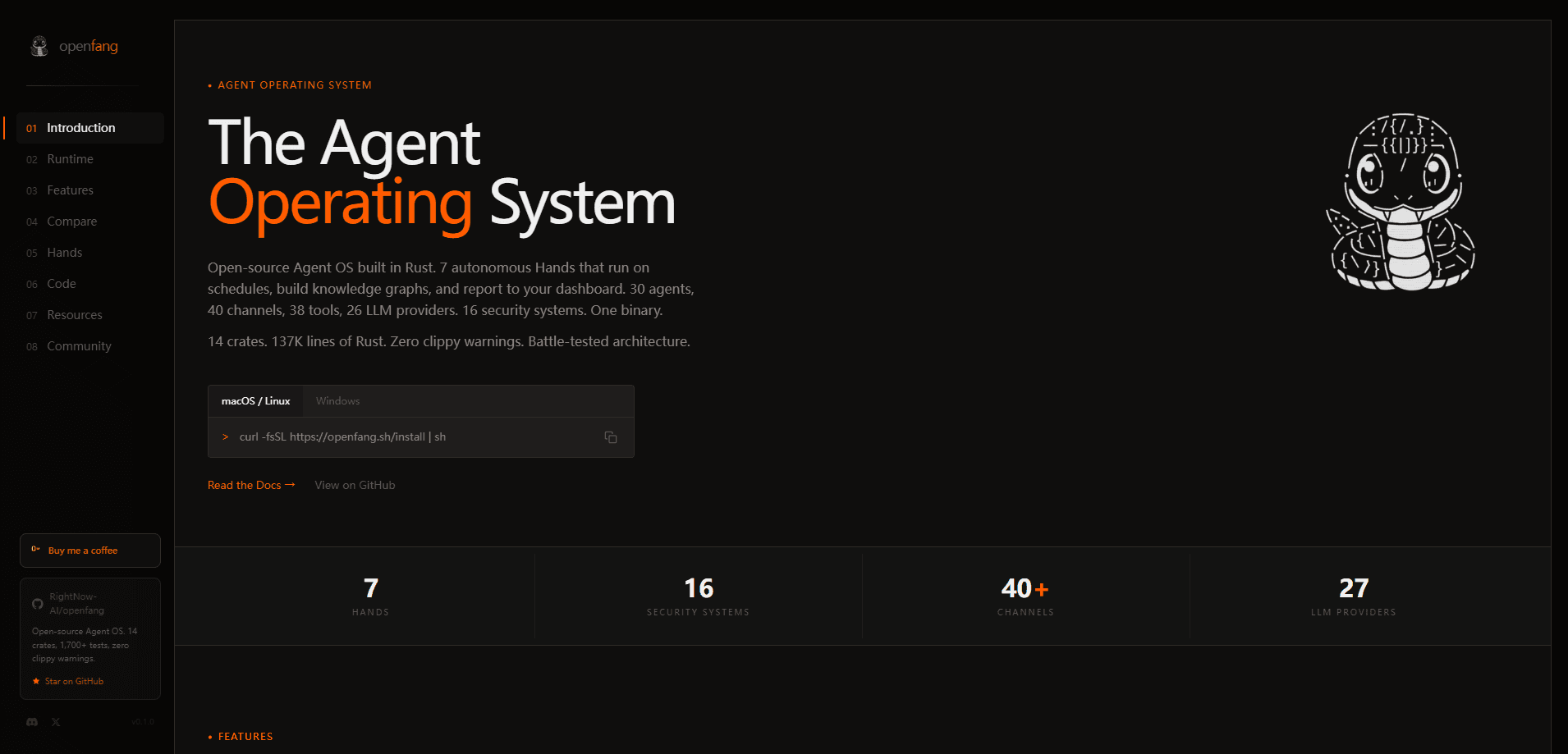
OpenFang is an open-source agent operating system written in Rust that runs autonomous AI agents on schedules instead of waiting for you to type a prompt. It's an open-source agent platform as much as a runtime. It ships with 7 pre-built Hands, 30 ready-made agents, 38 built-in tools, memory that persists across chats, and around 40 channel adapters. One binary. One install. Then your agents are live. It's built for people who want agents working 24/7 under real security controls, not another chatbot wrapper.
About OpenFang
What Is OpenFang
OpenFang is an agent OS, and the wording matters. A framework hands you building blocks and leaves the wiring to you. An operating system gives agents a runtime to live in: memory, security, scheduling, and channels are part of the platform, not something you bolt on. In that sense it's less a Rust agent framework and more the ground those frameworks sit on. RightNow-AI built the whole thing in Rust and compiled it into a single small binary, so there's no Python environment to manage and no heavy container image to pull.
The problem it targets is the passive nature of most agent tools. You open a terminal, ask a question, get an answer. Then you close the window, and the agent stops with you. OpenFang flips that. Its "Hands" are autonomous capability packs that wake on a schedule, do their job, and report back to a dashboard, with or without you watching.
The main catch is maturity. OpenFang is feature-complete but still pre-1.0, and the project says to expect rough edges and breaking changes between minor versions. For production, they suggest pinning to a specific commit until v1.0 lands. Also, the software is free, but the models you connect aren't, unless you point it at a local model.
Getting Started
- Install the binary with the one-line script for your platform, or grab a release build.
- Run
openfang initand connect at least one LLM provider, such as Anthropic, Gemini, Groq, DeepSeek, or a local option. - Start the service with
openfang startand open the dashboard at http://localhost:4200. - Activate a Hand, for example the researcher or lead Hand, and set its schedule.
- Point a channel like Telegram or Slack at your agent so results land where you already work.
Product Information
A quick look at OpenFang's pricing, supported platforms, and performance.
Best for
The users, tasks, and scenarios where this tool fits best.
Users
- Developers who want a production-grade runtime for autonomous agents and don't mind following a CLI setup.
- Small teams that need agents watching competitors, leads, or social accounts around the clock without a babysitter.
- Security-minded builders who care about sandboxing and audit trails before they let an agent touch real systems.
Tasks
- Running scheduled research that cross-checks sources and produces cited reports.
- Monitoring targets for changes and building a knowledge graph from what it finds.
- Managing a social account with drafted, scheduled posts that wait for approval.
Scenarios
- Outbound lead generation that runs daily and hands you a deduplicated list each morning.
- Competitive intelligence where an agent tracks pricing and news and alerts you when something moves.
- Turning long videos into short vertical clips with subtitles, end to end.
Key features
Hands: Autonomous Capability Packs
Hands are the core idea. Each one is a pre-built worker with its own job description, tools, and schedule, so it runs without you prompting it. Seven ship in the box. Clip handles video. Lead hunts prospects. Collector watches targets. Predictor forecasts. Researcher digs deep. Twitter runs social. Browser drives the web. You activate one, set the schedule, and check the dashboard.
A 16-Layer Security Model
OpenFang runs tool code inside a WebAssembly sandbox with dual metering, so a runaway loop gets interrupted and a memory hog gets killed. On top of that sit Ed25519 manifest signing, a Merkle audit trail, taint tracking, and SSRF protection. Why care? If you're letting an agent act on its own, you want limits that hold when something goes wrong. This is the part that separates it from lighter frameworks.
40 Channel Adapters
One agent can reach Telegram, Discord, Slack, WhatsApp, Teams, IRC, Matrix, and dozens more. You can set per-channel models and DM or group policies, so the same agent behaves differently depending on where the message arrives. Big difference for teams juggling platforms. And you don't rebuild your workflow for each one your team already uses.
Persistent Memory
Storage runs on SQLite with vector embeddings, plus session mirroring and automatic compaction. Agents remember context across conversations and across channels, so a follow-up on Slack connects to what happened yesterday on Telegram.
Tools, MCP, and Protocols
There are 38 native tools plus support for the Model Context Protocol as both a client and a server, along with Google's A2A and the OpenFang Protocol for peer-to-peer networking. The bundled tools cover web search, browser automation, image generation, text to speech, Docker, and knowledge graphs.
A Native Desktop App
The dashboard ships as a Tauri 2.0 desktop app, so you get a real window with a system tray, notifications, and auto-start on login. Not everyone wants to live in a terminal. If you'd rather click than type, this is how you watch your agents work.
Pros and cons
Pros
- Single Rust binary, so install is light and startup is fast compared to Python stacks.
- Real sandboxing and audit trails, which matter once agents act on their own.
- Hands run on schedules, so the platform works while you don't.
- Broad channel and model support keeps you from locking into one vendor.
Cons
- Still pre-1.0, so expect breaking changes between minor versions and pin a commit for production.
- Setup assumes comfort with a command line and provider keys, which rules out casual users.
- The software is free but model calls aren't, unless you run a local model and have the hardware for it.
Frequently asked questions
Yes. The software is open source under Apache-2.0 and MIT, so you can run it, modify it, and even ship commercial work built on it. Your real cost is whatever you spend on model API calls, and that drops to zero if you connect a local model through something like Ollama or LM Studio.
Related content
Explore related tools, skills, and articles for OpenFang.
OpenFang Alternatives
Forefront
Forefront · CodingForefront is a web platform for building with open-source AI. It lets you fine-tune leading open-source language models on your own data, evaluate how they perform, and run them through an API or export them to host yourself. Developers who want the convenience of a closed-source platform but insist on owning their models and data are the target audience here.

Startkit
StartKit.AI · CodingStartkit is a boilerplate for building AI SaaS and AI wrapper products. Think of it as an AI startup boilerplate with the boring parts already wired up: authentication, Stripe and Lemon Squeezy payments, usage limits, transactional email, and an AI API starter that talks to OpenAI, Anthropic, Groq, or Llama. You clone the repo, set your price, and start on the part of your product that people actually pay for. It's Next.js under React and Tailwind, so most of the boilerplate code already feels familiar.
Testim
Tricentis · CodingTestim is an AI-powered test automation platform for building and running end-to-end tests across web, mobile, and Salesforce applications. It leans on machine learning to keep tests stable when an interface changes, so teams spend less time fixing broken selectors. Not bad for an automated testing tool you can start using today. You create tests by recording actions in a browser, then optionally add JavaScript when you need more control. It's a solid pick for busy QA teams.