

OptimizeGEO.ai
OptimizeGEO.ai · Coding · Marketing
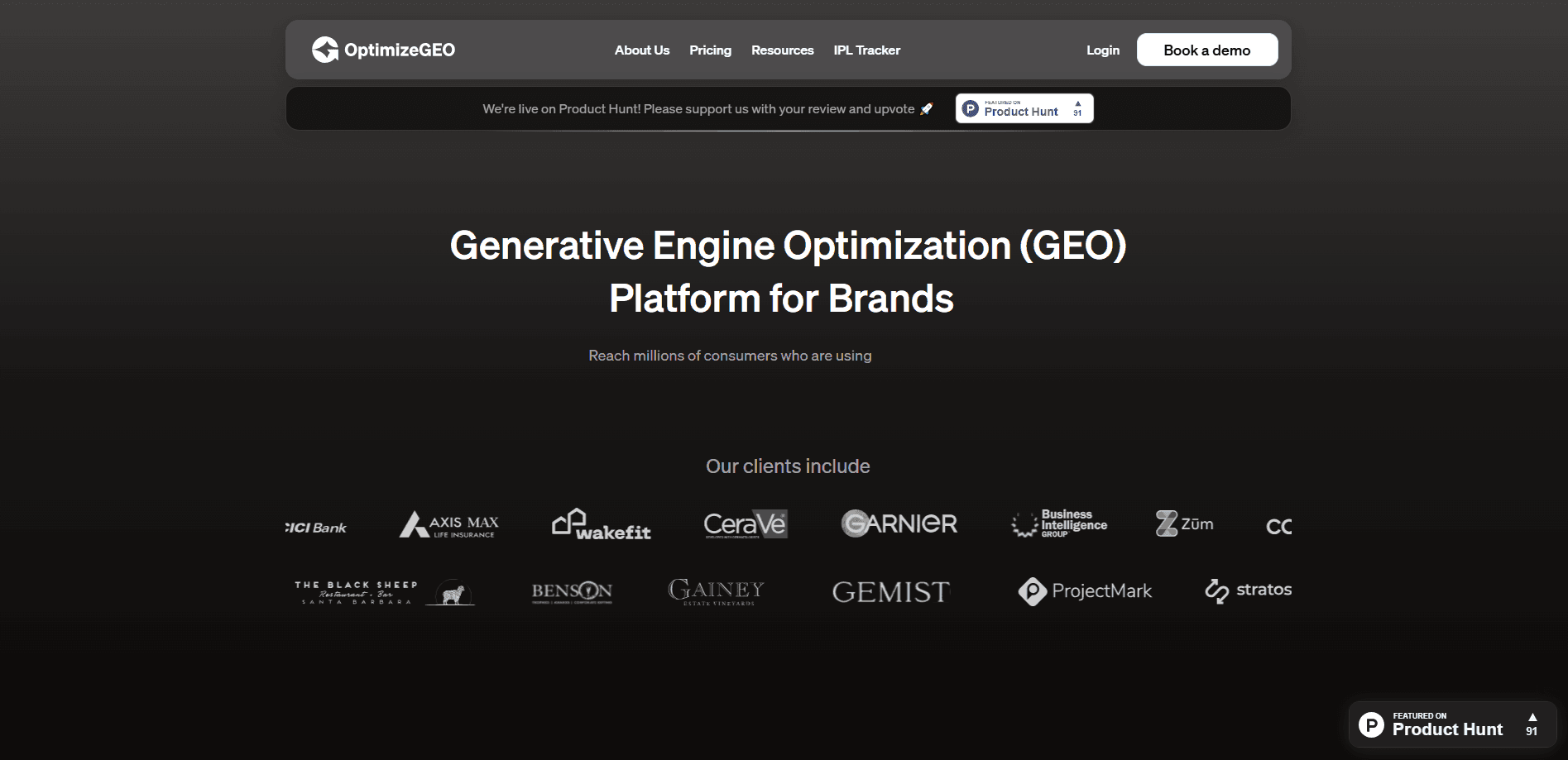
OptimizeGEO.ai is a Generative Engine Optimization (GEO) platform that measures how your brand shows up inside AI answers. It runs prompts across ChatGPT, Gemini, Perplexity, Claude, Microsoft Copilot, and Google AI Overviews, then reports visibility scores, share of voice against competitors, citation sources, and sentiment. The point isn't a dashboard for its own sake. So what do you do with the numbers? Every signal turns into a prioritized action, and on higher tiers the system can push content out for you. Think of it as AI search visibility with a to-do list attached.
About OptimizeGEO.ai
What Is OptimizeGEO.ai
OptimizeGEO.ai is a marketing intelligence platform built for one job: showing you where your brand appears in AI-generated answers and what to do about the places it doesn't. Traditional SEO tools watch search result pages. This one watches the response text that ChatGPT, Perplexity, and similar engines produce when someone asks about your category.
The platform centers on a measure-then-act loop. It runs your tracked prompts, records how often and how favorably you get mentioned, then compares that against your competitors. Teams use this GEO software to catch a positioning problem before it spreads, and to see which sources the AI engines actually cite when they describe them.
The main limitation is access. There's no free plan. No self-serve tier either, and both published plans carry a 12-month minimum commitment. It's aimed at agencies, enterprise brands, and funded marketing teams rather than individuals testing the waters.
Getting Started
- Contact the OptimizeGEO.ai team at [email protected] to scope a plan and pick your tracked prompt set.
- Connect your brand once your account is set up, then tell the platform which competitors you want mapped.
- Choose the AI engines to monitor, keeping in mind that Gemini sits on the Pro tier and above.
- Review the baseline visibility scan to see where you currently stand in AI answers.
- Work through the recommendations dashboard, or wire the REST API into your BI tools if you're on Pro or Custom.
Product Information
A quick look at OptimizeGEO.ai's pricing, supported platforms, and performance.
Best for
The users, tasks, and scenarios where this tool fits best.
Users
- Brand and growth marketers
- SEO teams moving into AI search
- Agencies managing several clients
- PR and communications leads
Tasks
- Tracking brand visibility in AI answers
- Mapping citation sources
- Monitoring sentiment around your brand
- Catching AI misinformation
- Prioritizing GEO fixes
Scenarios
- A category leader notices ChatGPT has stopped naming them in "best of" answers and wants to know why.
- A marketing team launches a product and needs to know how quickly AI engines pick up the new positioning.
- An agency prepares a client report and needs competitor share of voice numbers, not just its own.
- A comms team sees a hallucinated price quoted in Gemini and needs to trace where it came from.
Key features
Cross-Engine Prompt Tracking
The platform runs a set of tracked prompts across ChatGPT, Perplexity, Google AI Overviews, and other monitored engines, then records whether your brand appears in each response. The Standard tier covers 75 prompts and Pro covers 200, with extra prompts available at $10 per month for every 10. Because the same prompt is checked repeatedly, you get trend data rather than a one-off snapshot. Big difference.
AI Share of Voice
Share of voice measures how prominently you appear relative to competitors for the same prompts. This is the number marketing teams actually report upward, since it reframes AI visibility as a competitive race instead of a single score. Call it LLM brand monitoring with a scoreboard. Standard supports 25 tracked competitors and Pro supports 50, and those allocations run separately from your prompt quota.
Citation Source Mapping
An AI mention is any reference to your brand in a response. A citation is a specific source the engine credits for a claim. The platform tracks both, because they measure different things. That's AI citation tracking in plain terms. Citations carry more weight, and seeing which sources get credited tells you where to earn more of them.
Accuracy Score and Misinformation Detection
Accuracy Score fact-checks what AI engines say about your brand against your own source material. When an engine misstates your pricing, features, or other details, the platform flags it. Sentiment analysis is a separate tool that classifies the tone of mentions as positive, neutral, or negative. The two catch different problems, and you'll want both.
llms.txt Guidance
The LLM.txt Guidance feature walks you through implementing an llms.txt file on your own site, so AI platforms can better interpret what content is meant for model consumption. It doesn't auto-generate or write the file for you. You or your developer make the change, and the recommendations dashboard shows what to fix next.
Site Audit and DNS Check
Two technical tools round out the platform. The Site Audit Tool surfaces crawlability problems, content gaps, broken links, and other technical barriers that affect how any automated system, whether a traditional search crawler or an AI platform, reads and indexes your site. The DNS Check Tool verifies domain settings and flags misconfigurations that could affect AI indexing and verification. Neither is glamorous. Both matter.
REST API Integration
Pro and Custom plans include API integration, so you can pull visibility data into your own dashboards and BI tools. This matters if you already report marketing numbers somewhere else and don't want a second place to check. Standard doesn't list API access, so Pro is the entry point if programmatic access is a requirement. Worth knowing before you sign.
Pros and cons
Pros
- Covers six major AI surfaces in one place, including both chat assistants and AI-powered search.
- Separates mentions from citations, which mirrors how AI trust actually works.
- Dedicated hallucination detection catches wrong facts about your brand before they spread.
- Certifications (ISO 27001, SOC2, GDPR) make it easier to clear enterprise security review.
- Practical prompt and competitor quotas on each tier, so you can size the plan to your category.
Cons
- No free plan or trial, so there's no way to run a baseline scan before paying.
- The 12-month minimum commitment is a real barrier if you just want to test whether GEO reporting fits.
- Standard and Pro prices aren't published, which slows down budgeting and comparison.
Frequently asked questions
It measures how your brand appears in AI-generated answers across ChatGPT, Gemini, Perplexity, Claude, Microsoft Copilot, and Google AI Overviews. It then reports visibility, share of voice, citations, and sentiment, and turns the gaps into prioritized actions.
Related content
Explore related tools, skills, and articles for OptimizeGEO.ai.
OptimizeGEO.ai Alternatives
Forefront
Forefront · CodingForefront is a web platform for building with open-source AI. It lets you fine-tune leading open-source language models on your own data, evaluate how they perform, and run them through an API or export them to host yourself. Developers who want the convenience of a closed-source platform but insist on owning their models and data are the target audience here.

Startkit
StartKit.AI · CodingStartkit is a boilerplate for building AI SaaS and AI wrapper products. Think of it as an AI startup boilerplate with the boring parts already wired up: authentication, Stripe and Lemon Squeezy payments, usage limits, transactional email, and an AI API starter that talks to OpenAI, Anthropic, Groq, or Llama. You clone the repo, set your price, and start on the part of your product that people actually pay for. It's Next.js under React and Tailwind, so most of the boilerplate code already feels familiar.
Testim
Tricentis · CodingTestim is an AI-powered test automation platform for building and running end-to-end tests across web, mobile, and Salesforce applications. It leans on machine learning to keep tests stable when an interface changes, so teams spend less time fixing broken selectors. Not bad for an automated testing tool you can start using today. You create tests by recording actions in a browser, then optionally add JavaScript when you need more control. It's a solid pick for busy QA teams.