

OrcaSheets
OrcaSheets · Coding · Productivity
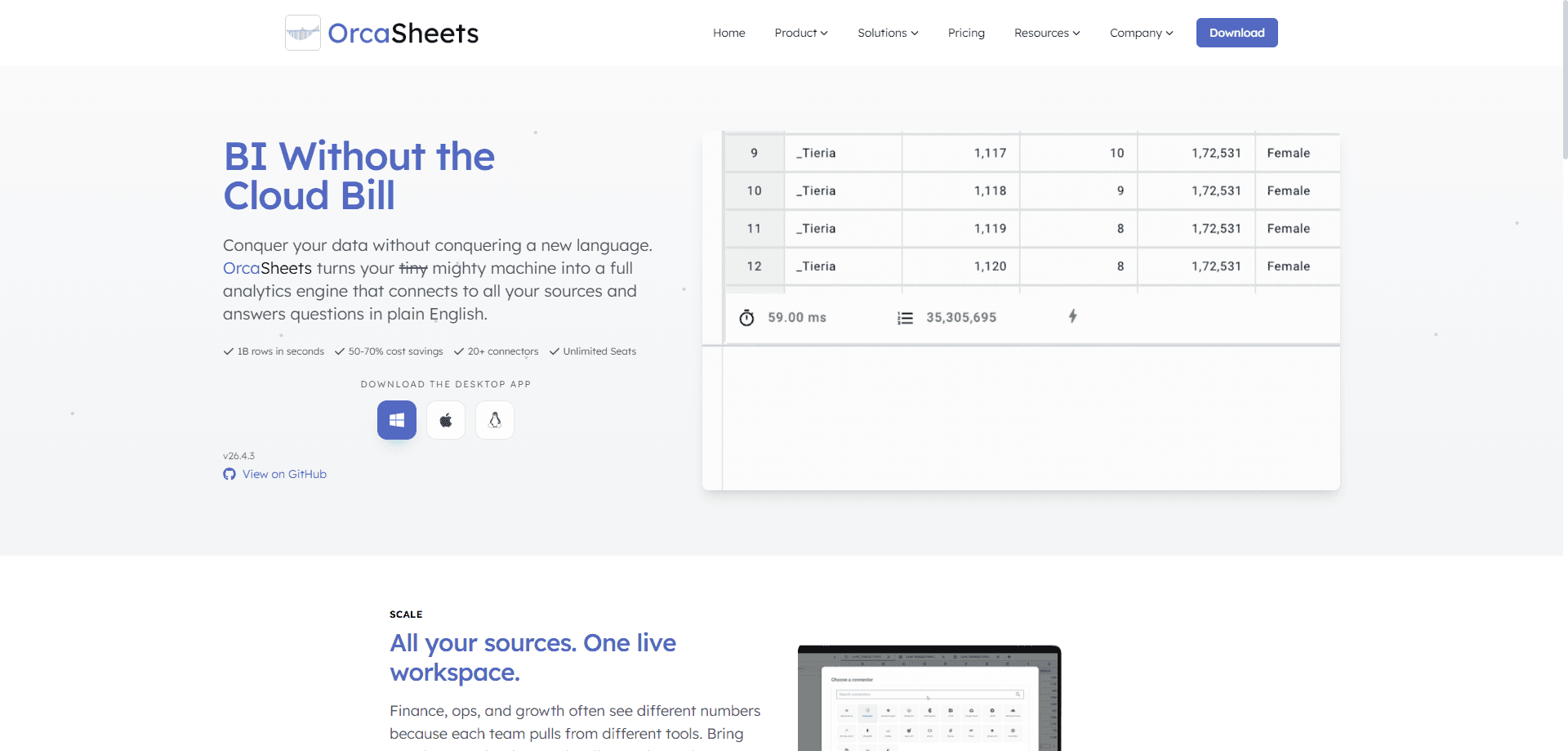
OrcaSheets is a local-first data analytics tool that turns a regular laptop or desktop into a full analytics engine. It scans billions of rows in seconds and connects to 20+ data sources. Plain English data queries replace SQL for most day-to-day work. Everything runs on your own hardware, so raw data stays on your machine by default.
About OrcaSheets
What Is OrcaSheets
OrcaSheets is AI analytics engine software that pairs spreadsheet comfort with database speed. So what does it actually do? You import data from warehouses, databases, flat files, or APIs, then explore it in a sheet-like workspace. When you want an answer, you type a question in plain English and the built-in AI chat writes the query, builds the columns, or draws the chart for you without any syntax to memorize.
The product targets a real gap, because spreadsheets break down past a few hundred thousand rows while SQL tools punish anyone without a data background. OrcaSheets sits between the two, so a finance lead and a data analyst can work in the same workbook without stepping on each other. That's the whole pitch.
The main limit is hardware. Because processing happens locally, huge datasets need a machine with enough RAM and storage to hold them. The company also notes that the AI model reads your column headers and sheet structure first, so messy or missing headers during import can weaken its output.
Getting Started
- Download the desktop app for Windows, macOS, or Linux from the official site, then open it and create a workspace.
- Connect a data source, whether that's a warehouse, a database, a flat file, or an API, using the built-in connectors.
- Import a table or sheet, then explore it with filters and pivots the way you would in a normal spreadsheet.
- Ask a question in plain English through the AI chat, or drop into the SQL editor if you want full control.
- Save the finished workflow as a recipe or template so your team can rerun it without touching a query.
Product Information
A quick look at OrcaSheets's pricing, supported platforms, and performance.
Best for
The users, tasks, and scenarios where this tool fits best.
Users
- Finance and operations teams
- Analysts who know some SQL
- Founders and small teams
- Privacy-conscious organizations
Tasks
- Scanning billion-row datasets
- Generating transformations in plain English
- Building recurring reports
- Answering ad-hoc questions
Scenarios
- Monday morning reporting
- Ad-hoc data exploration
- Private client work
- Cross-team alignment
Key features
Local-First Processing at Billion-Row Scale
OrcaSheets runs on your own hardware, so every machine becomes a compute unit. It scans up to a billion rows in seconds. Filters, pivots, and statistical analysis run without the lag you get when a dashboard has to fetch from a remote server. The trade-off is real. The machine has to be strong enough to hold the data.
Plain English Data Transformations
The Connector + OrcAI layer lets you describe what you want in everyday language. Instead of writing SQL, Python, or heavy macros, you type something like "add a column for monthly churn" and OrcaSheets builds the transformation for you. That saves real time on wide tables where a single hand-written formula would take an hour to get right. It's aimed at people who understand their data but don't want to learn a query language to work with it.
Chat With Your Data
Built-in AI chat treats your spreadsheet like a live knowledge base. You ask questions, validate trends, or request summaries, and the tool responds with context-aware insights. According to the developer, the model reads your column headers and sheet structure first, so clean, descriptive headers give noticeably better results. Messy headers are the common cause of wrong sums. Bad input, bad output.
20+ Data Source Connectors
OrcaSheets connects to warehouses, databases, flat files, and APIs through more than 20 connectors, which means you can pull payments, inventory, sales, and marketing data into a single workspace without exporting CSVs and stitching them together by hand. Finance, ops, and growth teams often see different numbers because each pulls from different tools. Plugging them into one workspace fixes that, and you can reuse models and joins across every workbook.
Prebuilt Analytics Recipes
Recurring work gets a head start with ready-made recipes for customer cohort analysis, sales performance dashboards, and marketing attribution models. You customize a recipe to fit your own data instead of rebuilding the same structure from scratch every month. Setup drops to minutes. Public recipes are listed as coming soon on the free tier.
SQL Editor and Template Saving
For analysts who want full control, there's a SQL editor alongside the plain English mode. The flow the company describes is simple. Explore in plain English. Drop to SQL when you need precision. Then save the whole thing as a template so the team can rerun the workflow without touching a query.
Offline Privacy and Compliance
Data never leaves your device in the default setup. OrcaSheets keeps raw data on your infrastructure, runs queries on your servers and desktops, and encrypts data in transit. Optional cloud features have defined boundaries, and the company says it has completed a SOC 2 Type II examination. That last point matters if procurement is reviewing the tool.
Pros and cons
Pros
- Runs locally, so you can analyze sensitive data offline without uploading it anywhere.
- Handles up to a billion rows in seconds, which is far past what a normal spreadsheet can open.
- Plain English queries remove the SQL barrier for non-technical users, and the SQL editor covers the rest.
- Flat-rate pricing means Small Teams covers up to 10 seats for $100 per org, with no per-seat math.
- Prebuilt recipes for cohort analysis, sales dashboards, and attribution save setup time on recurring reports.
Cons
- Local processing depends on your hardware, so very large datasets need a well-specced machine and enough storage.
- The AI leans on column headers and sheet structure, so poor imports with missing or unclear headers can produce wrong aggregations.
- The free tier caps AI questions at 150 per month and keeps only 7 days of dashboard history, which limits heavy exploration.
- Cloud storage starts at 5GB on the Professional plan, so shared or synced work fills that quota quickly.
Frequently asked questions
Yes, there's a free plan at $0 with unlimited local data processing, 150 AI questions per month, and basic visualisations, all aimed at individuals who want to try the tool before paying anything. Paid tiers start at $10 per month for the Professional plan.
Related content
Explore related tools, skills, and articles for OrcaSheets.
OrcaSheets Alternatives
Forefront
Forefront · CodingForefront is a web platform for building with open-source AI. It lets you fine-tune leading open-source language models on your own data, evaluate how they perform, and run them through an API or export them to host yourself. Developers who want the convenience of a closed-source platform but insist on owning their models and data are the target audience here.

Startkit
StartKit.AI · CodingStartkit is a boilerplate for building AI SaaS and AI wrapper products. Think of it as an AI startup boilerplate with the boring parts already wired up: authentication, Stripe and Lemon Squeezy payments, usage limits, transactional email, and an AI API starter that talks to OpenAI, Anthropic, Groq, or Llama. You clone the repo, set your price, and start on the part of your product that people actually pay for. It's Next.js under React and Tailwind, so most of the boilerplate code already feels familiar.
Testim
Tricentis · CodingTestim is an AI-powered test automation platform for building and running end-to-end tests across web, mobile, and Salesforce applications. It leans on machine learning to keep tests stable when an interface changes, so teams spend less time fixing broken selectors. Not bad for an automated testing tool you can start using today. You create tests by recording actions in a browser, then optionally add JavaScript when you need more control. It's a solid pick for busy QA teams.