

Osaurus
Osaurus · Chatbot
Osaurus is a native macOS AI agent platform for Apple Silicon that sits between you and any model, local or cloud, and gives your agents memory, tools, code execution, and a private identity that stays on your Mac. It runs open models offline with no usage charges, or connects to providers like OpenAI, Anthropic, and Gemini using your own keys. The app is free and MIT licensed, while a paid Workspaces tier adds shared team agents.
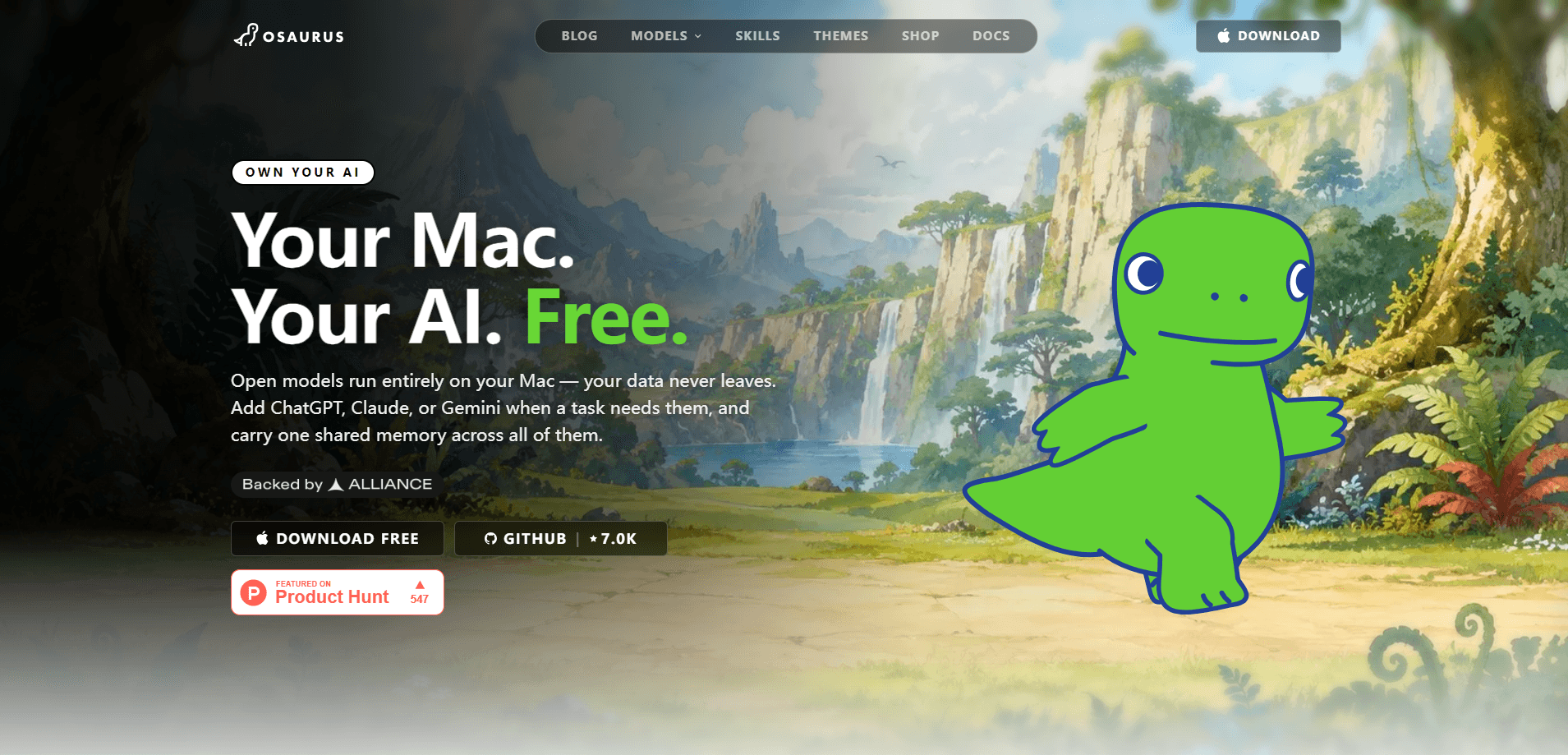
About Osaurus
What Is Osaurus
Osaurus is a free, open source AI agent platform built in Swift for Apple Silicon Macs. It's not another chatbot window. It's the layer around the model: your context, memory, tools, and cryptographic identity, all stored and signed on your own machine. You can run a local LLM on Mac with no cloud account at all, which is the whole point. Models are getting cheaper and more interchangeable. The layer that remembers your context isn't. That part is worth owning.
The main problem it solves is that most AI apps keep your context on their servers. Osaurus keeps it in plain sight on your Mac, in the open, under your control. You point it at a folder and agents can read, search, and edit files. They run shell, Python, and Node in an isolated sandbox, browse the web, and work on a schedule while you're away. Run a local model and nothing leaves the device. Opt into a cloud provider and only the prompt you send for that turn leaves, while your memory and chat history stay encrypted on disk. Simple as that.
The biggest limit is platform. Osaurus is macOS on Apple Silicon only, with no Linux or Intel Mac build. Windows is listed as coming soon. No Intel Mac. No Linux. Workspaces, the team tier, needs every member to run a Mac too, so mixed Windows shops can't use the shared agent network. If you're outside the Apple Silicon world, this isn't the tool for you yet, and I'd rather say that up front than bury it.
Getting Started
- Download Osaurus from the official site or the GitHub release page and move it to your Applications folder.
- Complete the three-screen onboarding, which walks you through naming your first agent and picking a brain. Osaurus selects the best local model for your Mac automatically.
- Choose a model source: run an open model locally, use Apple's on-device Foundation model, or connect a cloud provider with your own API key.
- Start chatting with the ⌘; shortcut, then add memory, skills, or scheduled tasks to your agent as you go.
- To share agents with a team, subscribe to a Workspace and invite members from the billing portal inside the app.
Product Information
A quick look at Osaurus's pricing, supported platforms, and performance.
Best for
The users, tasks, and scenarios where this tool fits best.
Users
- Mac users who care about privacy
- Developers and power users
- Small teams that already live on Macs
Tasks
- Asking questions against your own files
- Automating routine work
- Browsing and form-filling
Scenarios
- Working on a plane or offline
- Handling sensitive data like contracts or pricing
- Keeping a persistent assistant
Key features
Local-first privacy
Osaurus stores chat history, memory, and plugin data in a local folder, protected at rest by macOS FileVault. Since version 0.21.0 it's plaintext SQLite by default, with an opt-in whole-database encryption option in the privacy settings. The makers say even they couldn't read your data if they wanted to, and since the whole codebase is open and auditable by anyone with a browser, that's a claim you can actually verify rather than take on faith.
A Privacy Filter for cloud prompts
When you do send a prompt to a cloud model, the Privacy Filter scrubs names, emails, and secrets from it first, shows you the redactions, and blocks the send rather than leak. That's a real difference from apps that either send everything or make you choose blindly.
One agent per job
Each agent gets its own model, memory, and skills, so you can build specialists instead of one catch-all assistant. You can create them yourself or let Osaurus build and coordinate them. It keeps a coding agent, a research agent, and a writing agent from stepping on each other's work or memory.
Files, code, and tools
Point an agent at a folder and it can read, search, and edit the files inside. Shell, Python, and Node run in an isolated sandbox, and agents can call MCP tools, the open standard for connecting AI apps to external tools. Every agent has its own persistent browser for web tasks. Osaurus also doubles as an MCP client you can point at outside servers.
Scheduled and triggered agents
Agents run on a schedule or when a watched folder changes. Users set them up for daily journals, inbox summaries, and end-of-day git commits. This is the part that turns Osaurus from a chat window into something that works while you're not at the desk.
Cryptographic identity
Your master identity is a secp256k1 keypair generated on first launch, stored in iCloud Keychain, and gated by Face ID or Touch ID. Every agent gets its own key derived from yours, and external tools authenticate with revocable access keys you mint and scope yourself. Verification is local and works offline.
Workspaces for teams
The paid tier adds shared agents and a team credit pool. The person who understands the codebase, contracts, or pricing builds an agent once, and the whole team asks it questions. Shared agents run on your team's Macs over an encrypted network you host, so nobody stands up a server.
Pros and cons
Pros
- Free and MIT licensed, with local models carrying no usage charges.
- Keeps memory, tools, and identity on your Mac instead of a vendor server.
- Runs 24/7-style scheduled agents that read files and execute real code.
- Works offline with local models or connects to OpenAI, Anthropic, Gemini, and more.
- Privacy Filter redacts sensitive data before any cloud prompt leaves the device.
Cons
- macOS on Apple Silicon only, so Intel Macs, Linux, and Windows users are locked out for now.
- Workspaces requires every team member to run a Mac, which rules out mixed-OS teams.
- Workspace cloud credits don't roll over month to month, so unused allowances are lost.
Frequently asked questions
Yes. The Osaurus app is free and MIT licensed with no subscription or account required. You only pay for a Workspaces plan if you want shared team agents, and cloud model usage is billed separately by whichever provider you connect.
Related content
Explore related tools, skills, and articles for Osaurus.
Osaurus Alternatives

Knocket
Knocket (Tencent RTC team) · Productivity · Business · ChatbotKnocket is a free live chat and contact page tool that lets visitors message you from your website, app, or a shareable link, with every reply handled from Telegram or one inbox.
Agibot
Agibot · Productivity · AI Assistant · ChatbotAgibot is a personal AI agent for Mac that keeps running after you close the window, runs routines on a schedule, and works from Telegram or Slack with your own API keys.

Melete
Melete · Productivity · AI Assistant · ChatbotMelete is an AI workspace for teams where agents research, draft, and act in Slack, Notion, Linear, and GitHub. Shared memory and approval gates keep people in control.