

Packback
Packback · Leaning
Packback is an instructional AI platform for college courses, combining AI-moderated class discussions with writing feedback and originality checks.
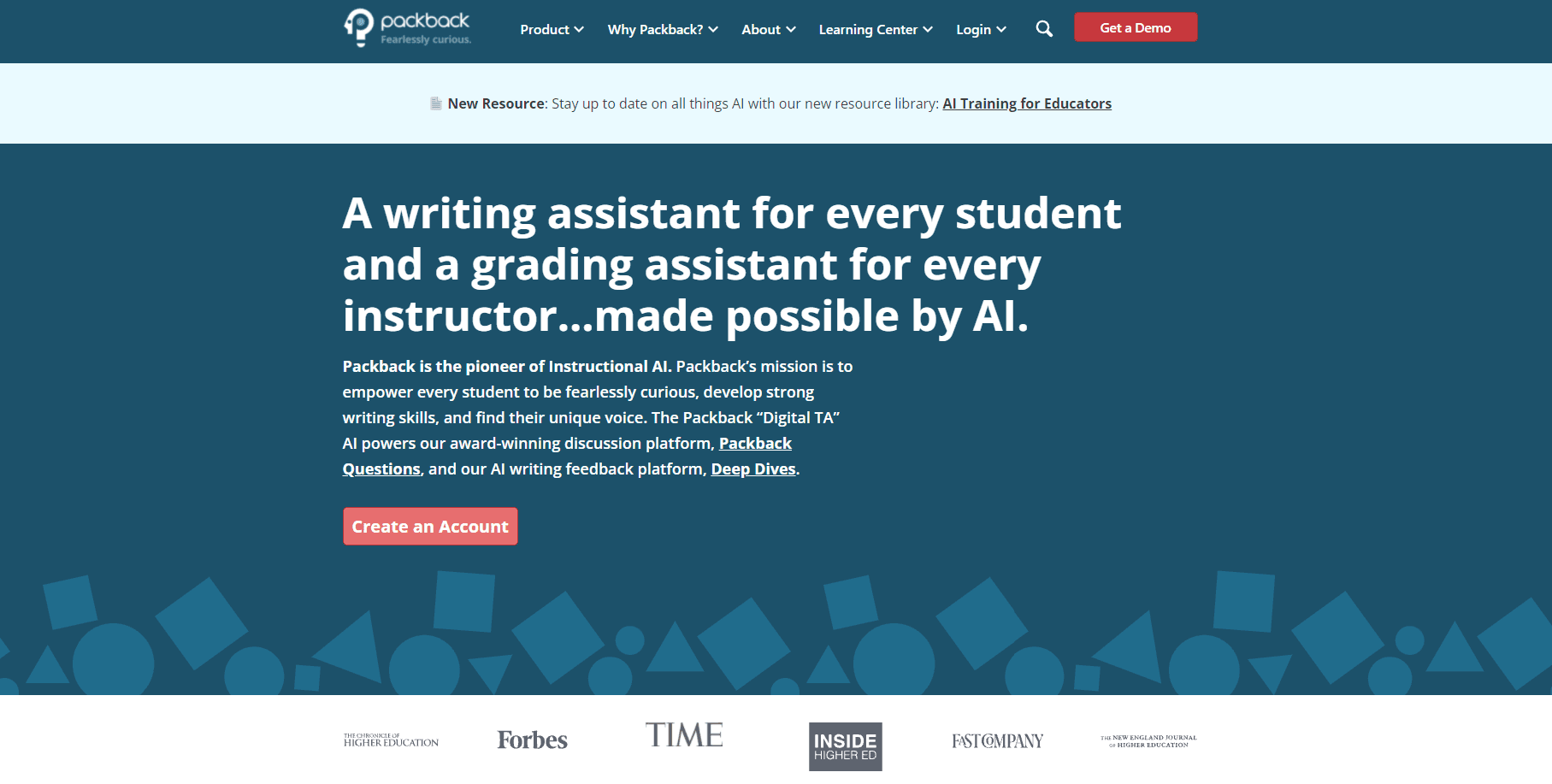
About Packback
What Is Packback
Packback is a course platform built for classrooms rather than for general chat. Its tools sit inside a learning management system and handle three jobs: class discussion, long-form writing, and plagiarism detection plus AI-text screening before submission.
The company is one of the older names in higher education AI. It started as a textbook rental business in 2013, pitched on Shark Tank in 2014, and shipped its first discussion product in 2016.
The engine behind it combines more than 50 models and rules trained over six years, according to Packback. It runs on minimal generative AI, and administrators can switch generative features off at the institution level. That matters if your school is nervous about students pasting machine text into graded work.
The limits are just as concrete. This is a classroom tool, so a solo learner can't sign up and use it on their own. Access runs through an enrolled course, which usually means the school holds a license and the fee shows up in your course materials cost.
Getting Started
- Open the Packback link your instructor posts in the LMS and confirm your name and section.
- Pick the assignment type on your dashboard: a discussion question, a discussion response, or a long-form writing task.
- Draft your post in the editor. Add a source, an image, or a formula if the prompt calls for evidence.
- Submit for instant feedback, then revise before the final deadline. You can republish a moderated post for credit.
- Check your feedback score and read the coaching notes your instructor leaves on the thread.
Product Information
A quick look at Packback's pricing, supported platforms, and performance.
Best for
The users, tasks, and scenarios where this tool fits best.
Users
- College instructors running large sections
- Students in writing-intensive courses
- Teaching assistants and graders
- Instructional designers at institutions
Tasks
- Weekly discussion assignments
- Draft review in first-year composition
- Originality screening before submission
- Concept checks with an AI learner
Scenarios
- A survey course with 300 students and one instructor
- Online sections where discussion replaces lecture time
- Academic integrity reviews
- Course redesign around AI policy
Key features
AI-Moderated Discussions
Packback Discussions is course discussion software with a reviewer built in. It reads each post as it's written and returns a score plus a short note on what's missing. A post that states an opinion without a source gets nudged to add evidence. Moderation runs in real time, so the thread stays readable instead of filling with one-line replies that nobody answers.
Instant Writing Feedback
Packback Writing gives students feedback on a draft before a human reads it, scoring elements like curiosity, explanation, and source use. The goal is to move the revision work to where it's cheap. Students rewrite a weak paragraph while the assignment is still open, and instructors spend their time on the arguments that need a person.
Originality and AI-Text Checks
Submissions are compared against an index of more than 100 million web documents and more than 50 million student papers, according to Packback. The AI-text detector is tuned to a 0.005 percent false positive rate rather than chasing a headline accuracy number. Students see the warning before they submit, which turns detection into a teaching moment instead of a disciplinary one.
AI Integrated Assignments
The newest assignment type has students explain a course concept to a curious AI that asks follow-up questions and reflects misunderstandings back at them. Instructors get a map of how the class planned, corrected, and reflected, plus a rubric report. It's the most demanding format on the platform, and the least useful if students treat it as a chat window.
Counterpoints and Supporting Points
Replies come in two labeled forms, and the platform prompts students on how to frame each one. This gives a debate thread a visible structure. It also makes low-effort agreement easy to spot, since a bare "I agree" doesn't fit either format.
Instructor Insight and Grading Support
Instructors see participation quality, flagged posts, and grading suggestions in one place. Packback reports that faculty spend about 30 percent less time grading. Treat that figure as a vendor claim. What's observable in the product is the workflow: you review the flagged exceptions and sample the rest.
Pros and cons
Pros
- Moderation happens before submission, so students fix weak posts instead of losing points after the fact.
- The discussion and writing tools share one gradebook view, which cuts the number of tabs an instructor keeps open.
- Originality checks cover both the open web and a large archive of prior student papers.
- Generative features can be disabled at the institution level, a real advantage for schools with strict AI rules.
- The editor handles images, video embeds, code blocks, and LaTeX, so science and media courses aren't second-class users.
Cons
- There's no individual plan. If your course isn't enrolled, you can't use it at all, and pricing comes through an institutional quote.
- The feedback scores reward a specific kind of academic writing. Students who write well in a different register can get marked down for style rather than substance.
- Instructors report a setup curve in the first two weeks, since prompts and rubrics need rewriting for the format.
- The AI-text detector, like every tool in this category, still produces occasional false positives, and a flagged student has to argue their case with an instructor who may trust the number.
Frequently asked questions
It's used for graded class discussion, long-form writing assignments, and originality checks inside a college or K-12 course. The platform sits in the learning management system, so students reach it through a course link rather than a standalone account.
Related content
Explore related tools, skills, and articles for Packback.
Packback Alternatives
Coddy
Coddy · Coding · LeaningCoddy is a gamified platform to learn to code through short interactive lessons in 20+ languages, with a browser editor, an AI tutor and free certificates.

Marv
Cameron (independent developer) · Coding · Productivity · LeaningMarv is an AI cursor companion for Windows and Mac. It sees your screen, answers out loud, and draws arrows and highlights that show you the next click.

Teachoo
iAsk AI · Leaning · ChatbotTeachoo is a free AI homework helper that walks students through math, science, writing and coding problems one step at a time, with photo input, hints and flashcards.