

Papr.ai
Papr · Productivity · Leaning
Papr Work is a local AI workflow app that turns plain-English requests into go-to-market workflows for sales and marketing teams, connecting your tools and running the work after you close the chat.
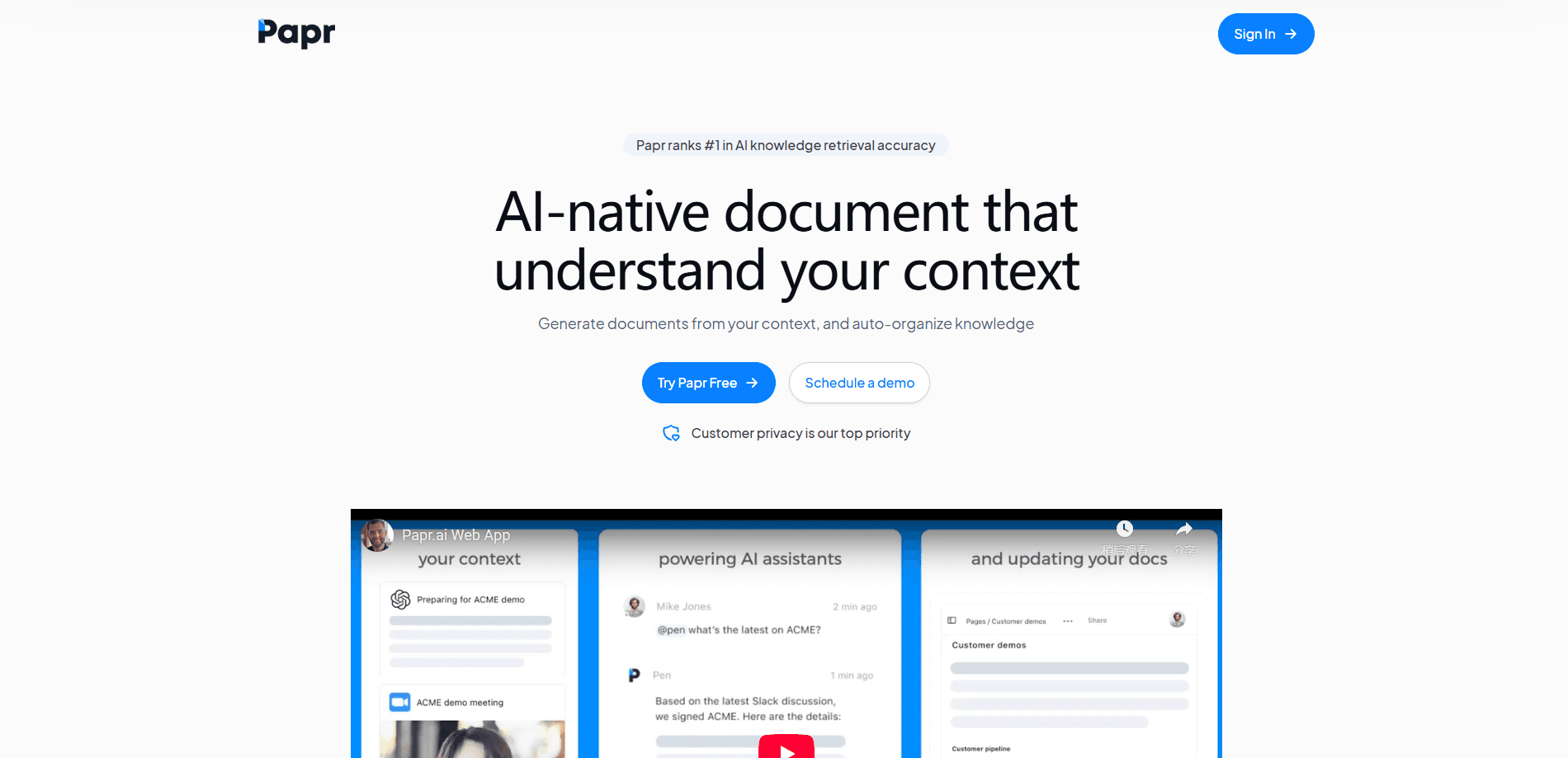
About Papr.ai
What Is Papr Work
Papr Work is a desktop application from Papr that builds small AI-powered apps for go-to-market work. You describe a task in plain English, and the app connects the tools you already use, schedules the job, and runs it on repeat. It's the same chat pattern you know from ChatGPT or Claude, except the output is a working automation rather than a wall of text.
The product targets teams buried under a stack of separate tools. Instead of paying for a meeting assistant, a CRM updater, an outreach writer, and a reporting tool, you run those jobs from one place. Community apps cover common workflows like prospect research, CRM updates, outbound drafting, meeting prep, customer check-ins, and pipeline reporting.
The main constraint is platform support. Papr Work runs on macOS today, and the Windows build is listed as coming soon, so Windows users can't run it yet. It also leans on the AI accounts and API keys you bring, which means your experience depends on the model you connect.
Getting Started
- Download the app for macOS and sign in with an existing AI chat account or an API key.
- Pick a community app that matches your workflow, or describe what you want in plain English.
- Connect the tools the job needs, such as Google Calendar, Gmail, or HubSpot.
- Review the generated app, adjust it in chat, and set a schedule.
- Let it run and check the dashboard or the email digest it sends you.
Product Information
A quick look at Papr.ai's pricing, supported platforms, and performance.
Best for
The users, tasks, and scenarios where this tool fits best.
Users
- Sales teams
- Marketing and growth staff
- Solo founders and small agencies
- Customer success managers
Tasks
- Daily meeting prep
- CRM updates
- Prospect research
- Pipeline reporting
Scenarios
- Running the same Monday research request every week
- Kicking off outreach on accounts that have gone quiet
- Preparing for a stretch of back-to-back calls
- Reviewing a quarter of pipeline activity
Key features
Chat That Builds Apps
You type what you want the way you would ask a chatbot, and Papr Work turns the request into a small app with its own steps and schedule. The app stays useful after the conversation ends, which is the part a plain chat window can't do.
End-to-End Execution
The apps don't just advise, they act. They connect the tools involved and run the steps between them, such as pulling from Gmail, updating a HubSpot record, and sending the result. You get finished work rather than suggestions.
Persistent Business Context
Apps remember decisions and preferences across runs, so the output improves as you correct it. A meeting brief that missed a field gets sharper the next time because the app keeps that context.
Community App Library
A set of pre-built apps covers common go-to-market jobs like research, outreach, and reporting, and you can start from one instead of a blank page. You customize any of them in chat rather than through a drag-and-drop builder.
Works With Your Existing Models
Papr Work connects to ChatGPT, Claude, Gemini, Grok, local models through Ollama, and any OpenAI-compatible endpoint. You sign in with an account or key you already have, so there's no new model subscription to manage.
Local-First Design
The app runs on your device, and your data stays with you rather than on a shared server. That matters for teams handling customer records they'd rather not scatter across more cloud tools.
Pros and cons
Pros
- Builds working automations from one sentence, so there's no workflow builder or prompt engineering to learn.
- Runs on macOS locally, which keeps your data on your machine instead of another cloud account.
- Connects to the AI models and tools you already pay for, from ChatGPT and Claude to Ollama.
- Community apps give you a starting point for research, outreach, CRM, and reporting jobs.
- Replaces several separate SaaS subscriptions with one system.
Cons
- There's no Windows build yet, so Windows teams can't use it until that release lands.
- The free plan covers the app itself, but you still need your own AI account or API key, and model costs are on you.
- Quality depends on the model you connect, so results vary between a frontier model and a local one.
- Automations depend on integrations, so a workflow stalls when a tool it relies on isn't supported.
Frequently asked questions
It runs go-to-market workflows as small AI apps. You describe a job like meeting prep or CRM updates, and it connects your tools and runs that job on a schedule.
Related content
Explore related tools, skills, and articles for Papr.ai.
Papr.ai Alternatives

Swms
Swms AI · Writing · Productivity · BusinessSwms is an AI safety compliance tool that turns a plain description of a job into ready-to-use safety documents. Describe your project, trade, and known hazards, and it writes a safe work method statement, job hazard analysis, safe work procedure, RAMS, or safety data sheet in seconds. It also ships with Oscar, a chat assistant that answers workplace safety questions in any language. Teams in construction, mining, transport, and warehousing use it to cut the paperwork that usually eats into a workday.

Wordly AI Translation
Wordly · Voice & Language · ProductivityWordly AI Translation is a real-time AI translation and captioning platform built for meetings, conferences, and events. It delivers live translation, captions, transcripts, and summaries in more than 60 languages, and attendees join by scanning a QR code or opening a link instead of using dedicated headsets. The platform works with Zoom, Microsoft Teams, Google Meet, and Webex, and it's designed for organizations that want multilingual access without hiring human interpreters for every session. Simple as that.

Rows
Rows (Superhuman) · Productivity · BusinessRows is an AI spreadsheet and data analysis tool that imports live data from more than 50 sources, then lets you work with it using plain language instead of SQL queries or nested formulas. You can pull numbers out of PDFs, connect ad platforms, databases, and bank accounts, and ask the AI to build reports, merge datasets, or set up models that recalculate themselves. It runs in the browser, works like a spreadsheet, and now sits under the Superhuman umbrella.